
Image workflow · private face swap
Cara Melakukan Tukar Wajah AI dengan Foto Berizin
A private AI face swap only works as a trustworthy workflow when the base photo and the face reference are both authorized adults, the blend preset matches the job, and you finish the edit in Studio—not on a marketing page that only explains the rules.
The public face-swap URL teaches planning and boundaries. Generation runs through the image suite tool handoff. This guide walks that full path without promising celebrity swaps or perfect geometry on every pair.
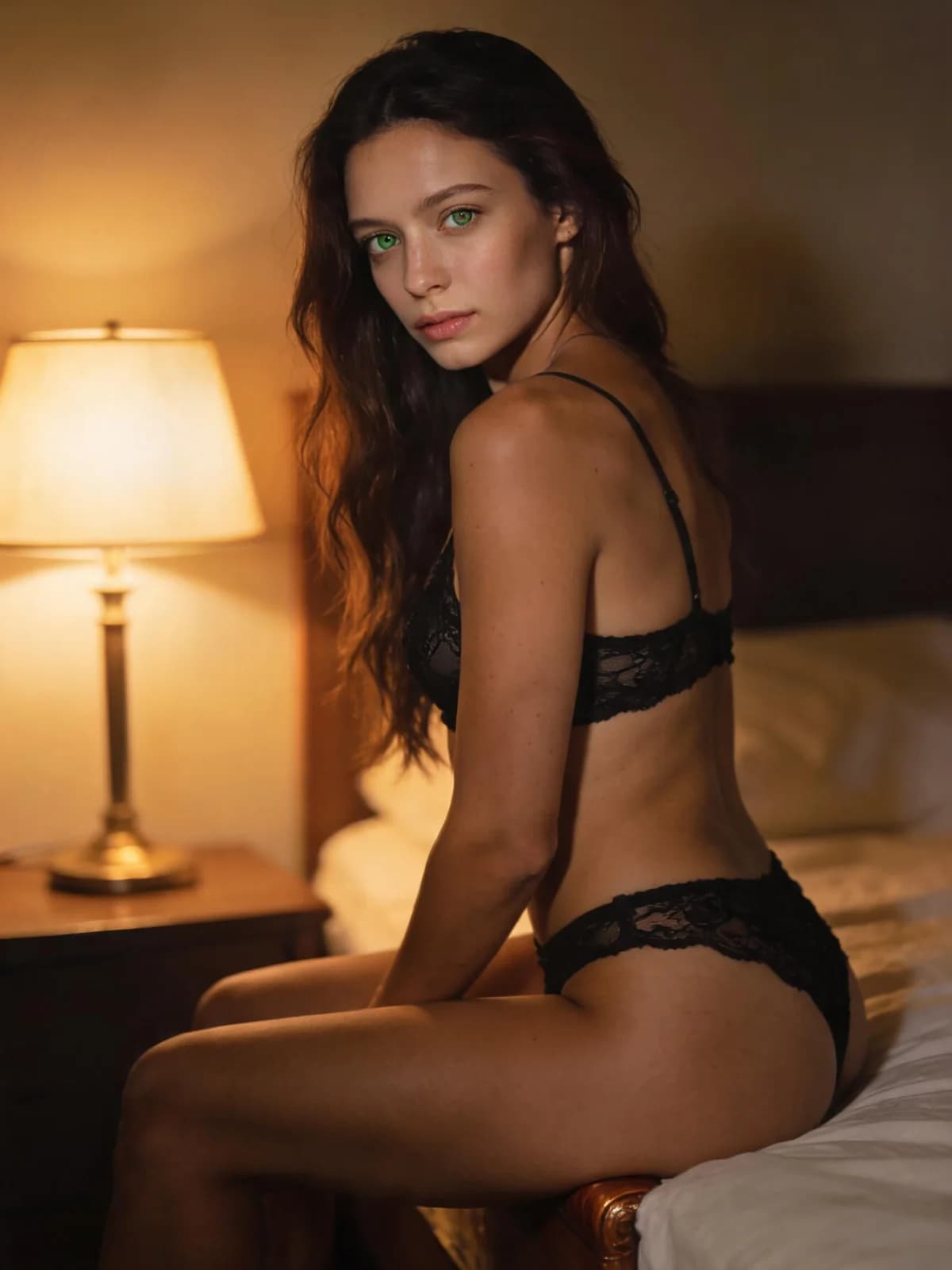
Quick answer: source photo + face reference
Two inputs, one blend intent, one private result.
- 01Confirm both adults authorized the use of their likeness.
- 02Upload the scene/base photo to the source slot.
- 03Upload the face to apply in the face slot.
- 04Choose Seamless blend, Favour the face, or Favour the photo.
- 05Generate in the suite workflow, then inspect edges and expression.
What you need
Rights first—technique second.
The scene or body you keep.
The authorized adult face to apply.
Seamless blend, Favour the face, or Favour the photo.
Image suite / workbench handoff—not a passive explainer page alone.
Step 1: Pass the rights check before you upload
If either likeness is a real person, you need rights and explicit adult consent. No ex-partner revenge edits, no celebrity intimate swaps, no minors.
Fictional adult characters you created are fine when they read clearly adult.
Step 2: Slot source and face correctly
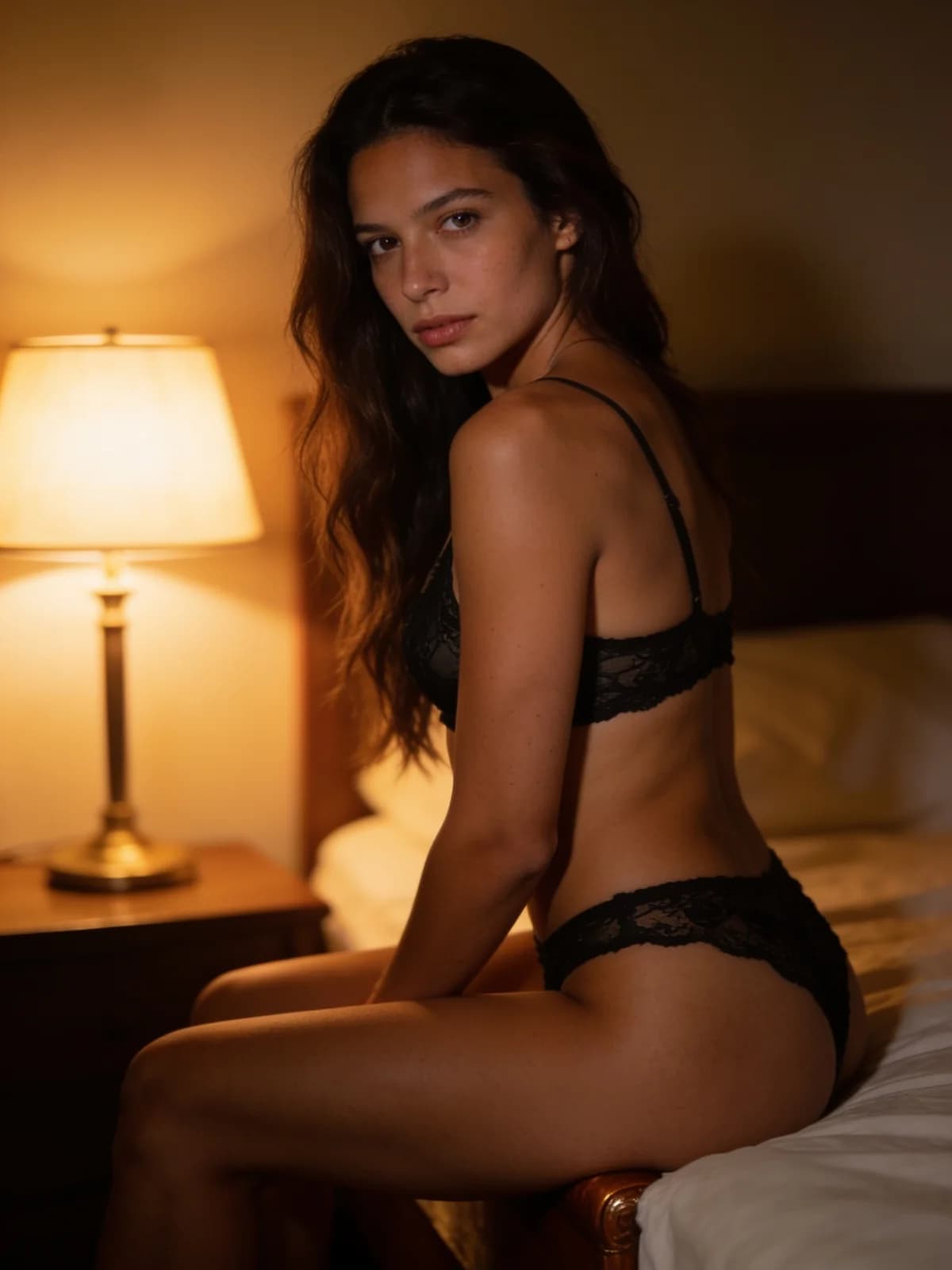
Source keeps pose, light, and body. Face supplies identity. Mixing them up is the most common user error.
Matched head angle helps. A full-frontal face onto a sharp profile base will always fight the blend.
Step 3: Pick the blend preset and run in Suite
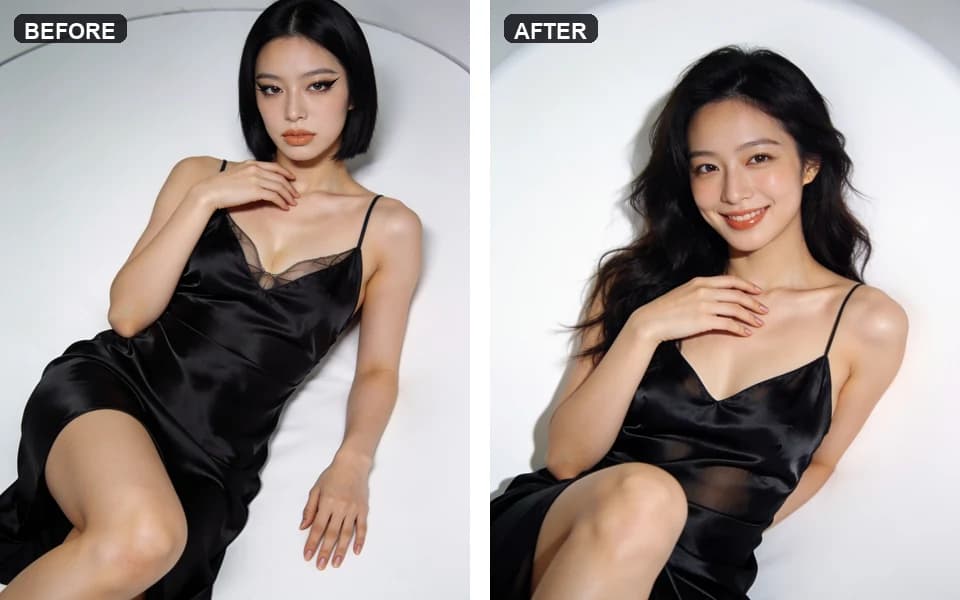
Seamless blend balances both. Favour the face pushes identity. Favour the photo preserves more base lighting and skin finish.
From the tool page, continue into the image suite when prompted so credits, history, and download paths are real. The planning page alone does not spend a run.
Step 4: Review edges, then chain carefully
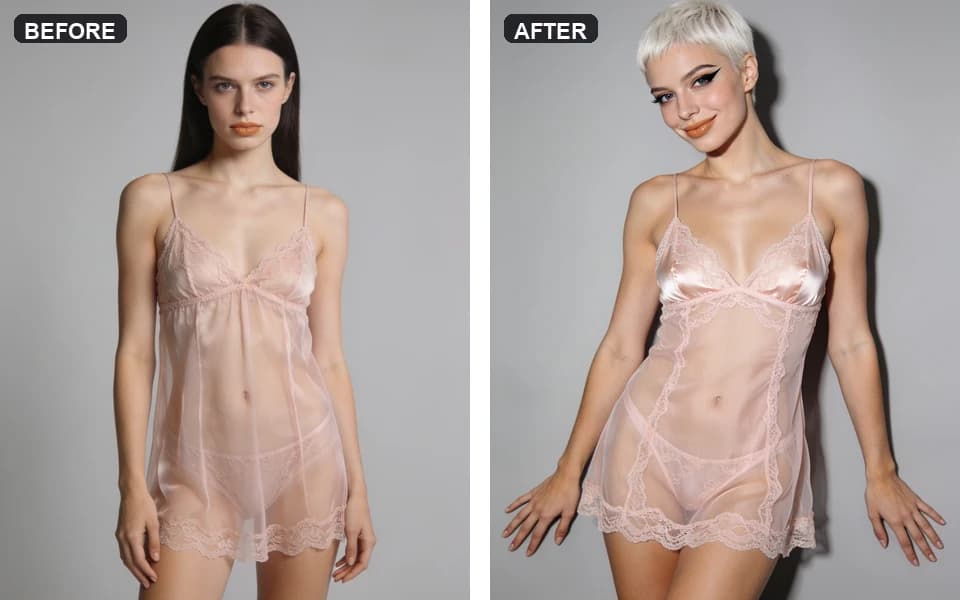
Check hairline, jaw, and neck seams. If the face is right but wardrobe is wrong, move to clothes changer—do not stack five face swaps.
For motion after a clean still, prefer hug/kiss tools with two authorized full portraits rather than animating a broken seam.
Face swap blend presets
Choose which input wins the argument.
| Preset | Gunakan saat |
|---|---|
| Seamless blend | Default balanced identity and base photo lighting. |
| Favour the face | Identity must win even if base grade shifts. |
| Favour the photo | Keep base skin/light; lighter identity push. |
Review checklist
Seams tell the truth.
- 01Jaw and hairline integrate without a cut-out halo.
- 02Expression does not fight the base head angle.
- 03Skin tone transition across the neck is plausible.
- 04Eyes stay aligned; no double iris artifacts.
- 05Subject remains a clearly adult authorized likeness.
Limits and policy
This workflow does not authorize non-consensual sexual deepfakes or celebrity misuse. See Acceptable Use.
Geometry mismatches cannot be fully solved by stronger adjectives. Replace the weaker photo.
Planning copy on the public page is intentional: it slows down disallowed use before suite execution.
FAQ: private AI face swap
It explains the job and boundaries. The run happens after you continue into the image suite/workbench with credits visible.
Source is the scene you keep. Face is the identity you apply.
Prefer a clean still first. Video paths are stricter about identity drift.
Authorized adults only. No minors.
Seamless blend, then Favour the face only if identity is still weak.
Base and face lighting differed too much—retake or recolor is better than ten blind reruns.
Yes. Results land in private history, not a public feed.
Langkah berikutnya
Open the private face swap path
Confirm rights, load source and face, then continue into the suite with the estimate visible.