
A character idea, but no source image
Text to image
Face, hair, wardrobe, age, and overall silhouette read as one clear design.
FIELD GUIDE 02 · IMAGE
AI anime art review · adult characters
Before you rewrite this rainy tram-stop still, write down the adult character facts you plan to compare: face shape, black bob, rust-red jacket, and charcoal top. Save the candidates and visible settings, then change only the line tied to the first clear failure.
This method makes revisions easier to compare. It cannot lock a character identity, and the inputs and controls available in Image Studio vary by model.
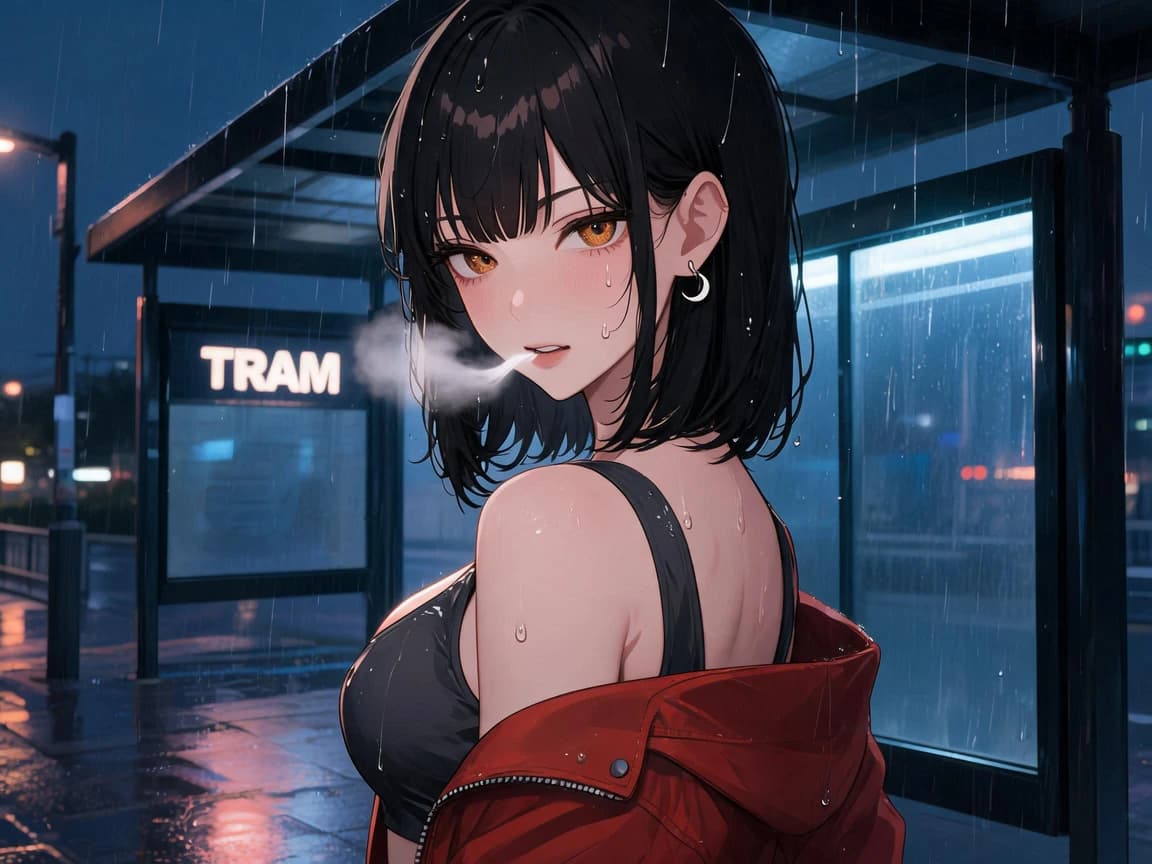
Choose one image job and write down what would make the result pass.
02Save candidates and settingsKeep every unedited candidate with the prompt and visible settings used.
03Test one targeted changeChange the prompt line tied to the first failure you can point to.
01
Choose one image job
A portrait, full-body design, and environment study need different checks. Choose one job before you write the prompt, then state what would make the result pass.
A character idea, but no source image
Text to image
Face, hair, wardrobe, age, and overall silhouette read as one clear design.
A sketch or character reference you may use
A model that exposes image input
The few source details you named are still visible in the generated image.
A chosen character design that needs a new scene
The same character wording and authorized source
The new pose and setting work without rewriting the character.
A need for an exact copy
Do not treat generation as reproduction
Use a manual editor or drawing workflow when you need pixel-level control.
02
Separate stable facts from the shot
Put face, hair, age, and wardrobe in stable blocks. Put pose, crop, and setting in the shot block. If the result fails, edit the block that contains the failed requirement.
This is a structure example, not a tested preset. The optional AVOID block is not copied; use it only when the selected model exposes a negative-prompt field.
[CHARACTER]
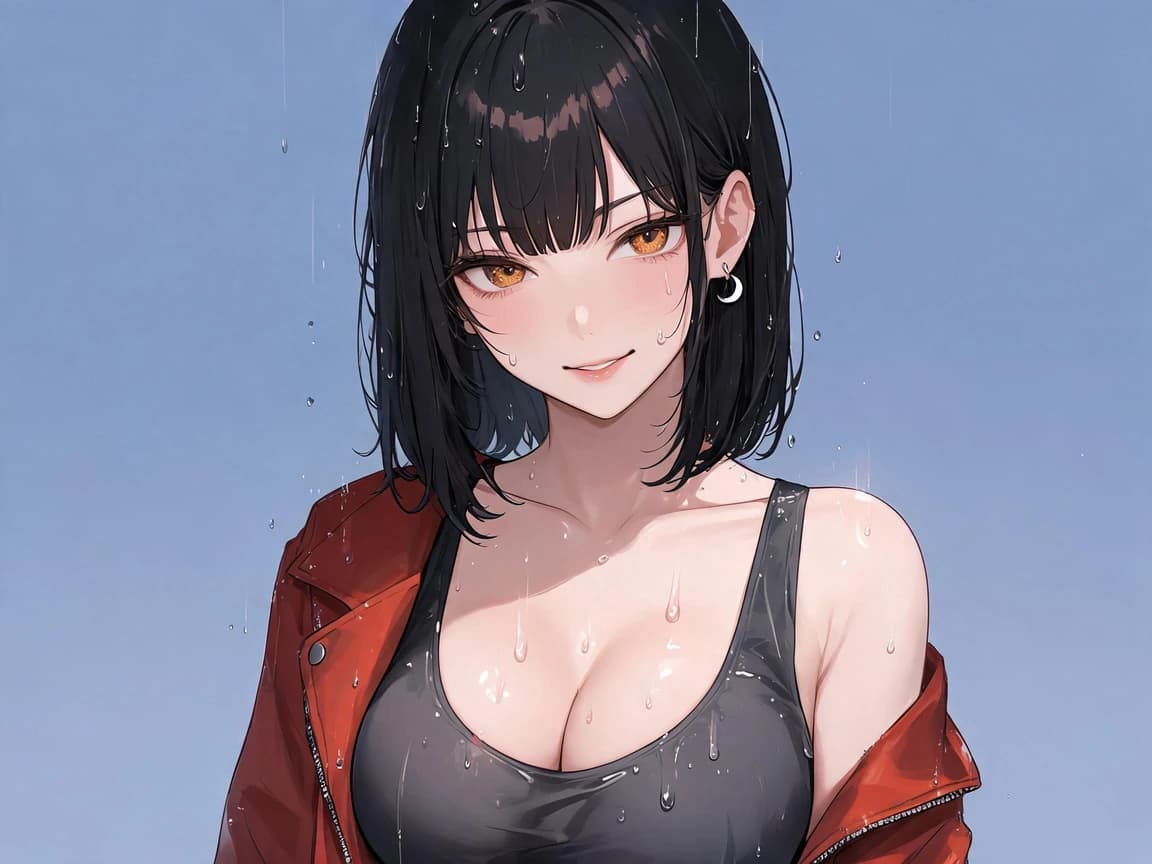
A fictional 27-year-old woman with clean fair skin, a blunt chin-length black bob, amber eyes, and a small crescent earring.[WARDROBE]
Rust-red cropped jacket over a charcoal top.[SHOT]
Waist-up at a late-night tram stop, looking over her shoulder. Rain runs down the glass behind her.[ART DIRECTION]
Clean ink lines, restrained cel shading, cool blue street light, one warm reflection.[AVOID]
Lettering, logos, duplicate accessories, extra fingers, readable signage.03
Keep the unedited candidates
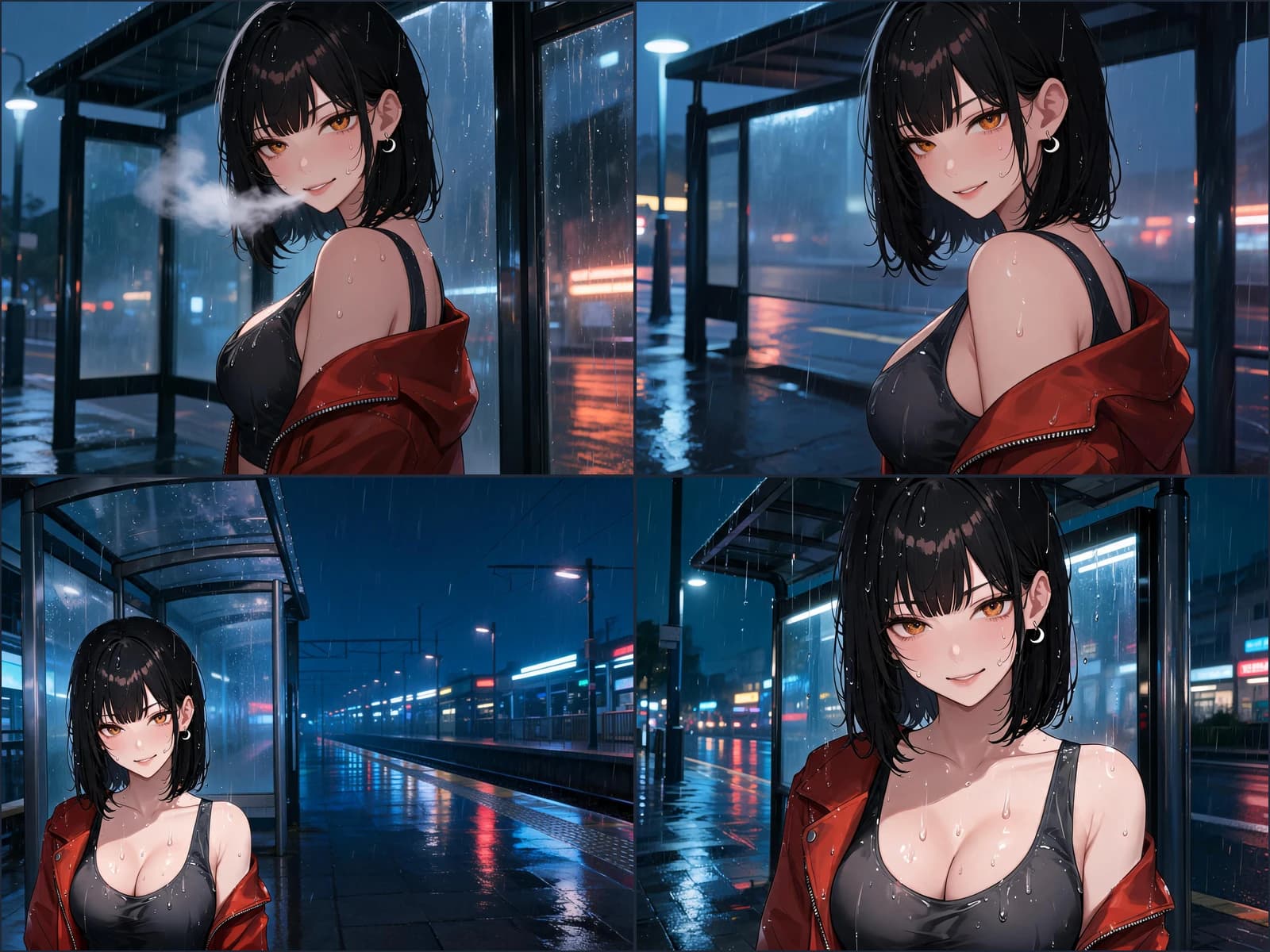
Save every unedited candidate, not only the one you plan to show. Put the prompt, visible settings, and task ID next to each result before you try another version.
Product record
Models and controls can change. Before submitting, copy the model or UI label exactly as shown, then record the input mode, visible controls, and credit estimate for that run.
Check the current Image Studio →
04
Review before rewriting
Check character, composition, pose, visual finish, and artifacts. Stop at the first issue that makes the image fail the test from Section 01. That issue decides which prompt line to change.
Compare the face shape, hair, adult age, earring, and jacket with the brief.
Confirm the character is the focal point and the background does not take over.
Inspect hands, limb connections, clothing edges, and any overlap with the environment.
Check whether the line work, shading, and color direction still belong together.
Check for unwanted text, logos, repeated accessories, and duplicated objects.
Instruction example
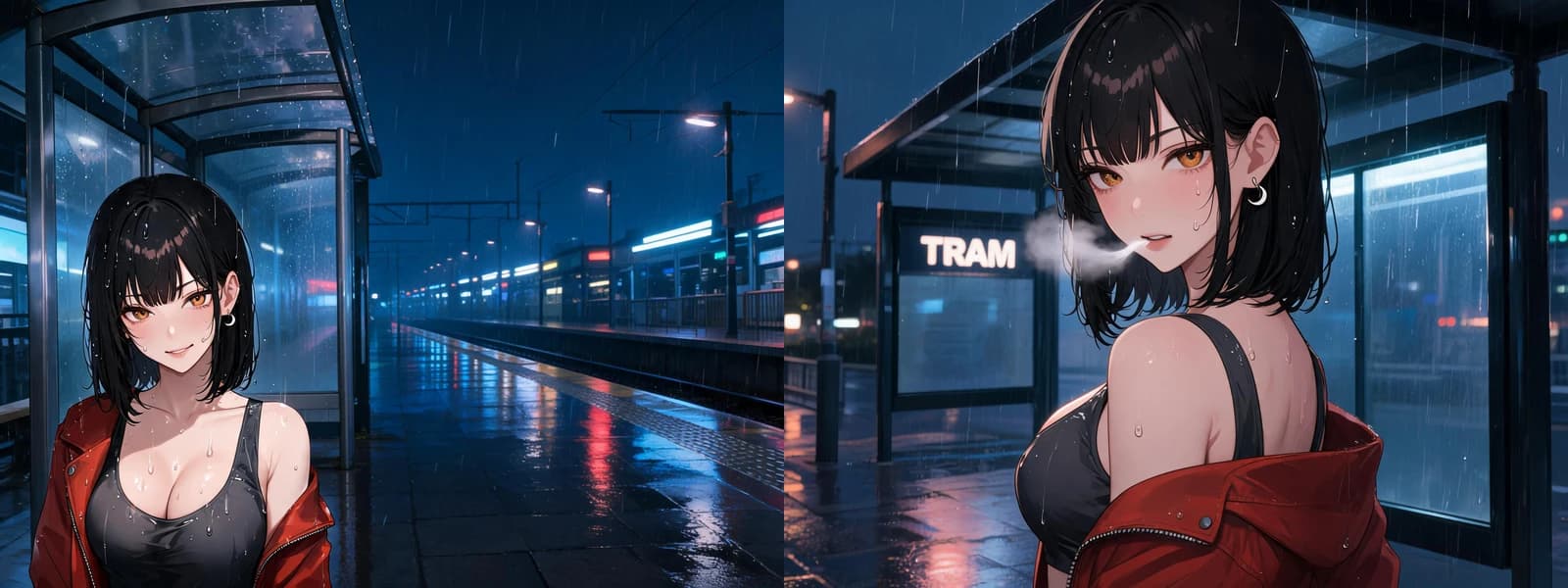
Keep the character, wardrobe, art direction, and recorded settings steady. This example changes only the framing instruction.
Wide rainy tram platform; she is small in the lower third.
Tight waist-up frame; she fills two thirds of the image.
Framing improved: she fills more of the image. The TRAM sign is still readable, so lettering is the next single problem.
05
Close the review loop
When the rainy tram-stop still passes the test from Section 01, save it with the source, prompt version, model, visible settings, known limitation, and intended use.
06 · Before the next batch
Controls, input modes, and negative prompts differ by model. Read the live Studio before planning a run around a specific field.
Generate one batch from one prompt version, then stop and look. A single image cannot tell you whether a problem is the prompt or ordinary variation between runs; a small set from the same wording shows you which failures repeat. Repeating failures are prompt problems worth editing. One-off failures usually are not.
Review in a fixed order — character, composition, pose, line and shading, artifacts — and stop at the first check that fails. Edit only the prompt line tied to that failure. Changing several lines at once means the next batch cannot tell you which edit did the work.
Keep them in separate blocks. The character block holds the facts that must survive every image — age, face, hair, distinguishing details, wardrobe. The shot block holds what changes — pose, setting, camera distance, lighting. When you want a new scene you then rewrite one block instead of retyping the character and quietly drifting it.
Only when the model you selected exposes one. Negative prompts are model-dependent, not a universal control. Lettering, logos, duplicate accessories, and extra fingers are the items usually worth listing. If the selected model has no negative field, handle those in the review pass instead of assuming they were suppressed.
Because the comparison is the evidence. Kept side by side with the prompt version and visible settings that produced them, the rejects show which failure is systematic and which was chance. Deleted rejects leave you re-guessing the same edit on the next batch.
The prompt version, the model label exactly as the live Studio shows it, the input mode, every visible setting, the credit estimate you saw before submitting, the task ID after submitting, and the unedited original files. A result you cannot reproduce is a lucky image, not a workflow.
No. Generation is not reproduction. It works from a description and will re-interpret details on every run, which is why the review pass exists. When you need pixel-level control over a specific existing design, use a manual editor or drawing workflow instead.
Only when you hold the rights to the media and, for any real person, that person is an adult and has consented to this use. The worked example in this guide uses a fictional adult character with no third-party reference, which is the safest starting point when you are still learning the review method.