Image workflow · proportion editor

如何用强度阶梯使用 AI 丰胸编辑

The practical way to use an AI breast expansion editor is to climb an intensity ladder—Subtle, Fuller, Dramatic—on one authorized adult photo while checking that wardrobe response and identity still hold after each step.

Single-photo proportion edit. It aims to keep face and background stable while changing bust volume. It is not a clinical promise and not a clothes remover.

Open AI Breast Expansion跳到步骤 ↓
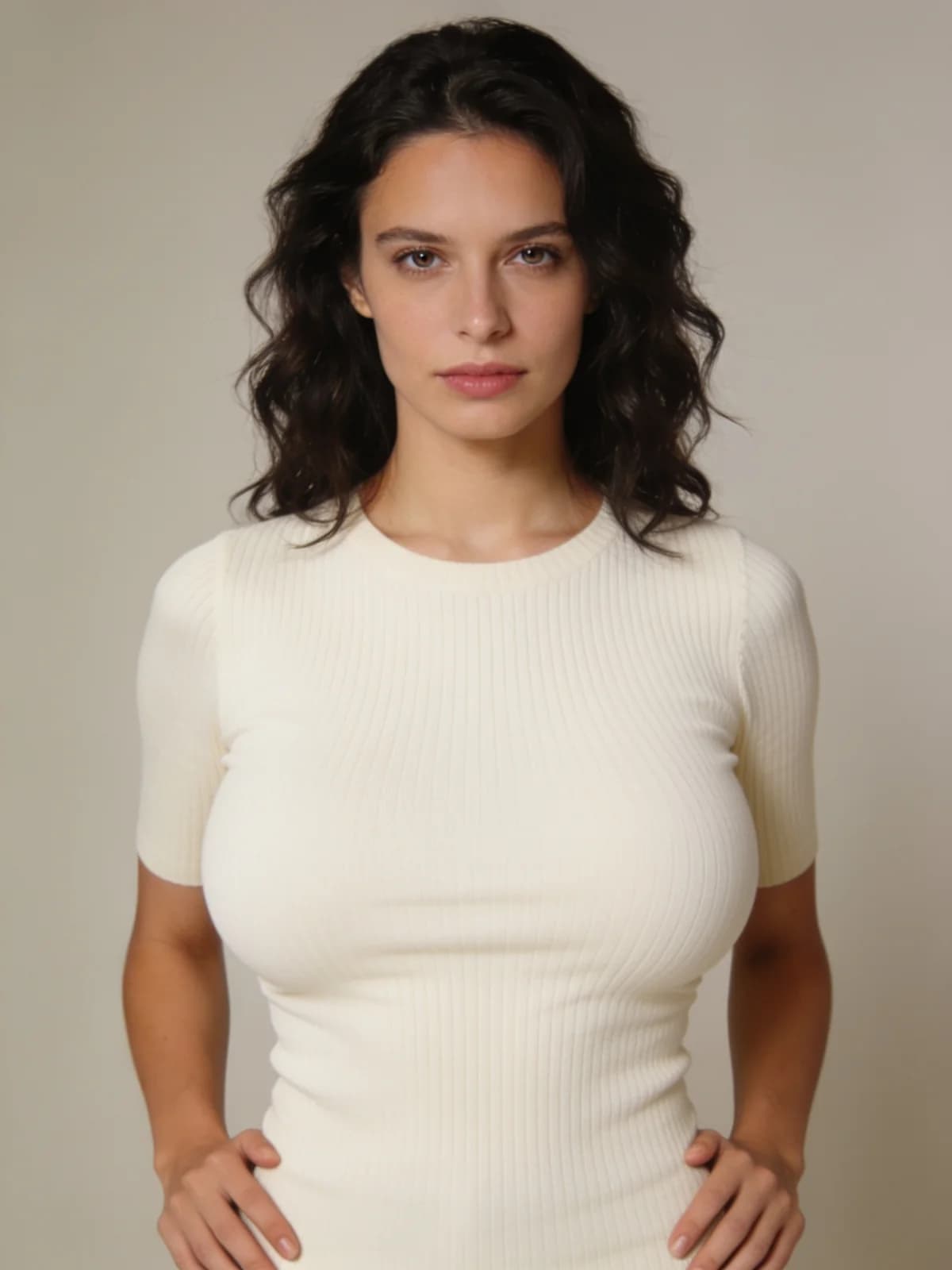
Product sample after AI breast expansion intensity edit on an adult photo
Product sample · intensity ladder edit on one photo.

Quick answer: ladder, do not leap

Dramatic first is how most lookbooks break.

  1. 01Upload one authorized adult photo with visible torso framing.
  2. 02Run Subtle first and save it.
  3. 03Compare Fuller only if Subtle is too small a change.
  4. 04Use Dramatic last for a deliberate large step.
  5. 05Stop when clothing strain or identity drift exceeds what you accept.

What you need

One photo and an intensity plan.

Adult photo

Authorized; torso visible enough for proportion read.

Intensity preset

Subtle, Fuller, or Dramatic.

Output

Image still; optional later motion elsewhere.

Review rule

Face stability and clothing response beat maximum size.

Step 1: Start from framing that can show the change

Upper-body or three-quarter shots communicate proportion better than extreme face crops.

Busy crossed arms can hide the edit—prefer a readable silhouette when you can.

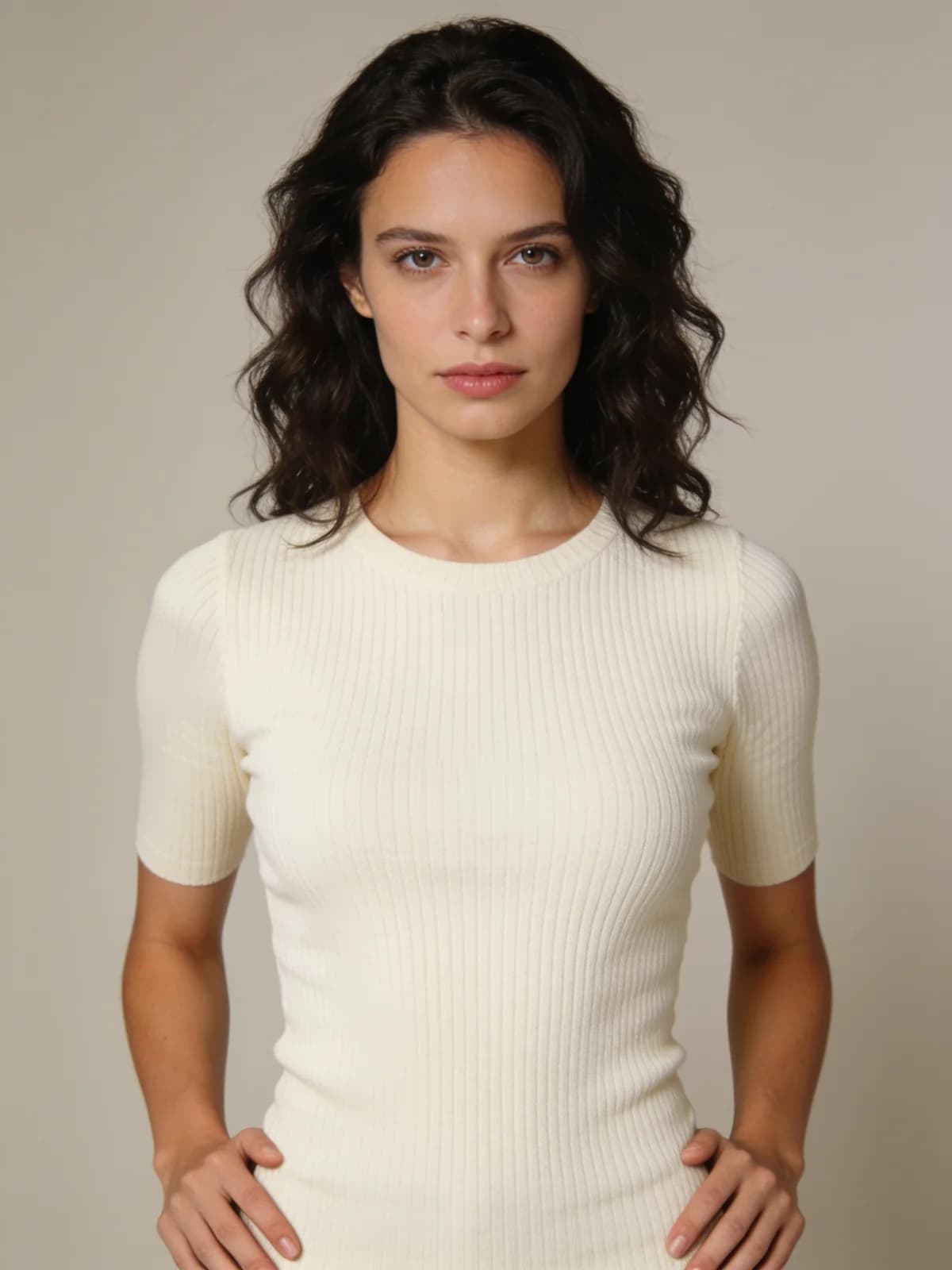
Before
Adult photo before AI breast expansion edit
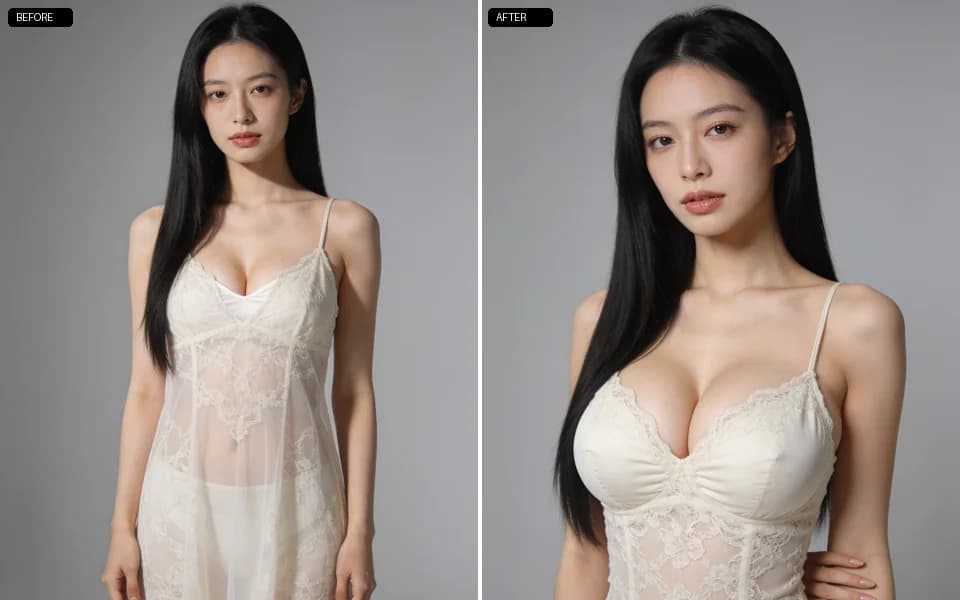
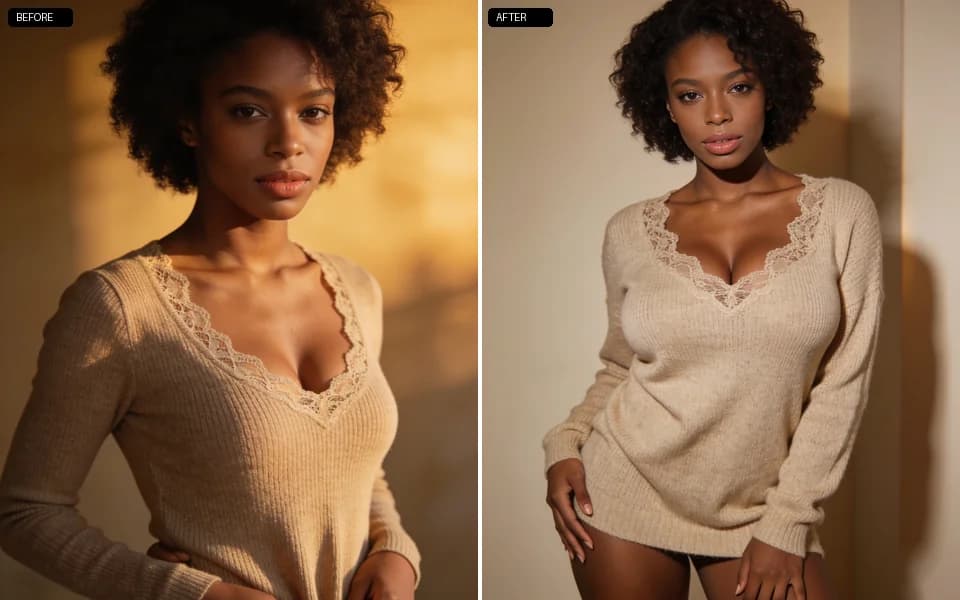
After · product sample
Product sample after breast expansion intensity change
Before/after product sample for the intensity ladder.

Step 2: Climb Subtle → Fuller → Dramatic

Subtle validates that identity holds. Fuller is the common production step. Dramatic is a deliberate exaggeration—expect harder clothing strain.

Keep the same source photo while changing only the preset so comparisons are honest.

AI breast expansion intensity ladder illustration
Ladder the intensity. Product illustration card.

Step 3: Judge clothing response, not just volume

A believable edit updates fabric tension and shadow. If the garment looks painted on without drape change, try another intensity or a different source pose.

When you need a new outfit entirely, switch to clothes changer after you lock proportion.

Clothing response review after AI breast expansion
Check fabric strain. Product illustration card.

Step 4: Define stop conditions before a long batch

Stop if the face drifts, if arms distort, or if the result no longer matches the adult source you authorized. More Dramatic is not always more useful.

Intensity presets

Name the step size you are willing to accept.

预设适用场景
SubtleSmall proportion nudge; best identity check.
FullerClear increase with balanced clothing response.
DramaticLarge deliberate change; review fabric strain carefully.

Review checklist

Volume without identity is a failed edit.

  • 01Face still matches the source adult.
  • 02Shoulders and arms did not collapse.
  • 03Garment shadows respond to the new volume.
  • 04Background remains stable.
  • 05Intensity matches the preset you meant to run.

Limits

Not a medical or body-dysmorphia treatment claim—creative adult editing only.

Authorized adult media only; private workspace results.

Live credit estimates on the button override any outdated third-party blog numbers.

FAQ: AI breast expansion editor

Bust proportion and related clothing response while aiming to keep face and background stable.

Increasing step sizes. Ladder them instead of jumping to Dramatic first.

No guarantee. Verify every run.

Prefer approving a still, then use video tools if you need motion.

Authorized consenting adults only.

Proportion edit vs wardrobe removal—different jobs and policy emphasis.

On the generate control and the pricing page.

下一步

Open the breast expansion editor

Start on Subtle with one authorized photo, then climb the ladder only while identity holds.

Open AI Breast ExpansionOpen in Image Suite
Product sample after AI breast expansion intensity edit on an adult photo

Related workflows

相关工作流与政策链接

Clothes remover (private)Different edit class with stricter rights framing.Lingerie presetsWardrobe restyle after proportion lock.Clothes changerNew outfit via garment reference.Unrestricted generateBuild a new scene from text instead.
如何使用 AI 丰胸编辑器