
Image workflow · private adult edit
अधिकृत तस्वीरों पर AI क्लोद्स रिमूवर कैसे इस्तेमाल करें
If you need to use an AI clothes remover privately, treat rights and consent as step zero, run only on authorized adult media, and finish in the suite where the estimate and history are real—not on a page that only explains why disallowed uploads are rejected.
This is an adult private-edit workflow with strict policy boundaries. It is not a celebrity undress toy, not a non-consensual deepfake guide, and not a promise of perfect anatomy on every photo.
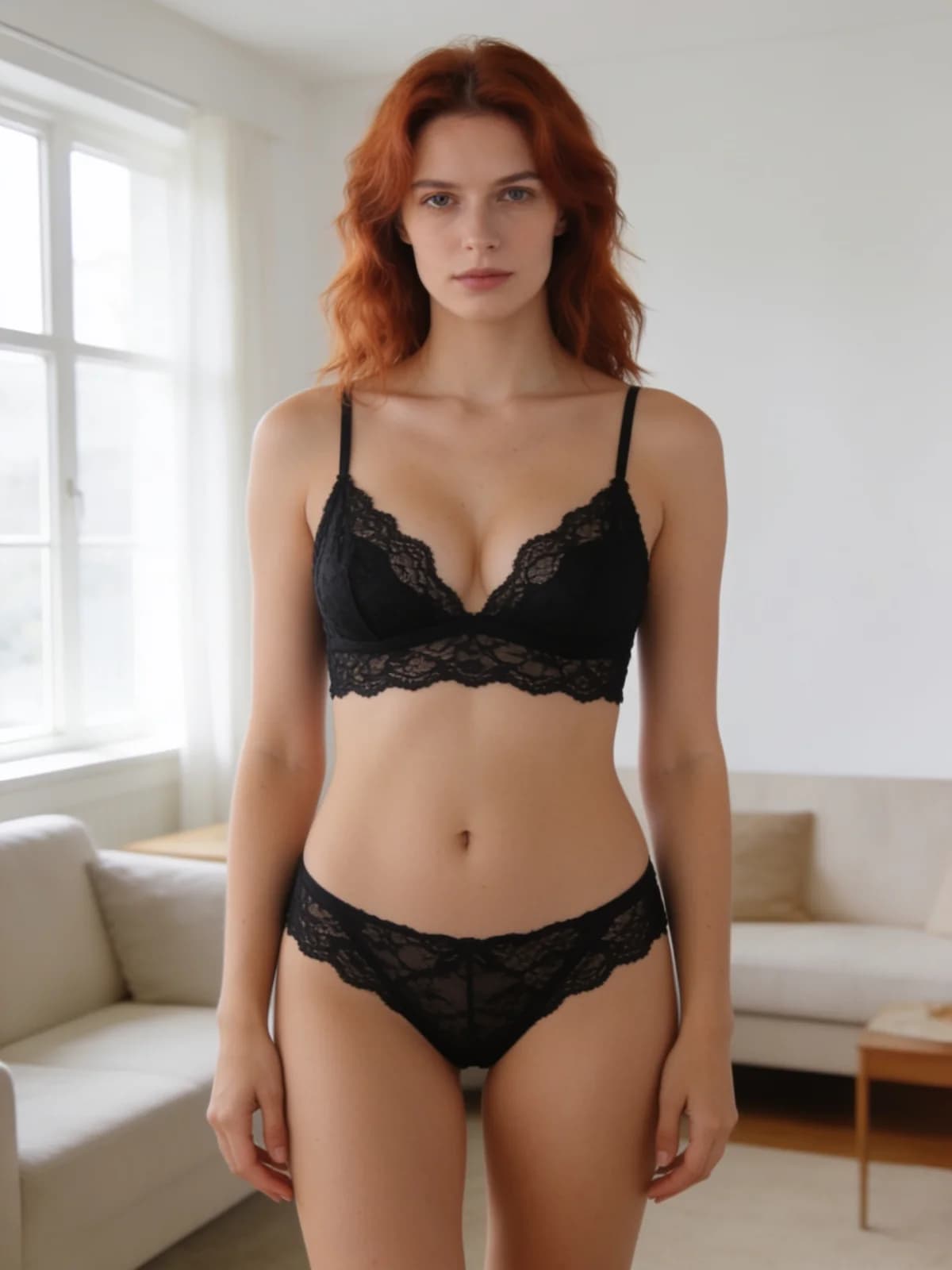
Quick answer: rights → photo → finish preset → private run
If the rights check fails, stop.
- 01Confirm the photo is an authorized consenting adult.
- 02Reject celebrity, ex-partner revenge, or any non-consensual case.
- 03Upload one clear photo to the tool path and continue into the suite.
- 04Choose Natural skin, Soft finish, or High detail.
- 05Generate privately, review anatomy edges, download only if it passes.
What you need
Policy fit is part of the input.
You own the rights or have explicit consent.
Natural skin, Soft finish, or High detail.
Suite/workbench handoff with visible estimate.
Minors, non-consent, disallowed real-person misuse.
Step 1: Clear the policy gate before technique
The public clothes-remover URL intentionally stresses planning and refusal cases. That is not incomplete product design—it is the boundary layer.
If you cannot document why the adult photo is authorized, do not upload it. Read Acceptable Use.
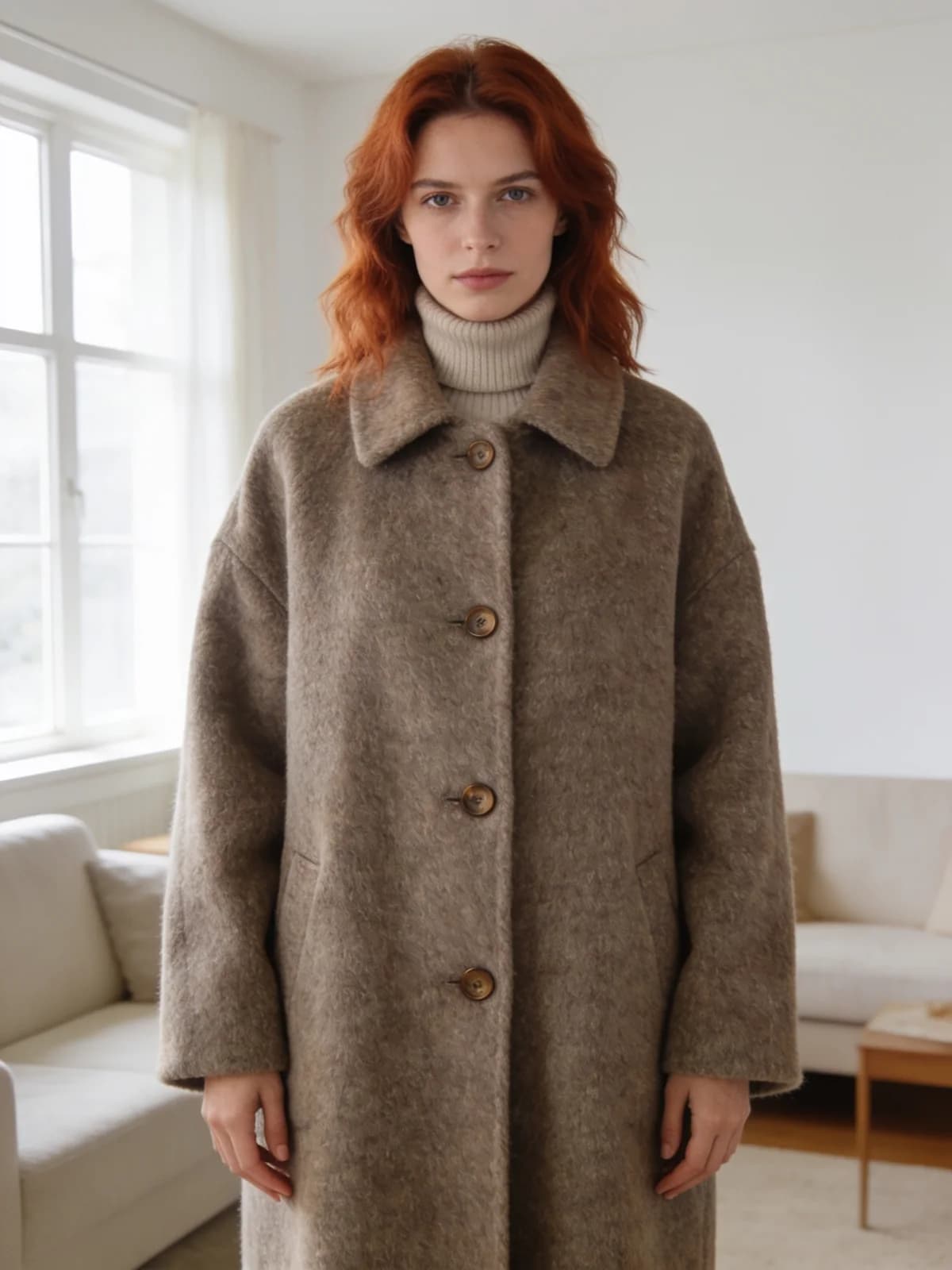
Step 2: Choose photo and finish preset
Even light and full subject visibility reduce edge scars. Heavy compression and tiny crops fail more.
Natural skin aims for neutral body finish, Soft finish smooths, High detail keeps more texture. Pick one intent per run.
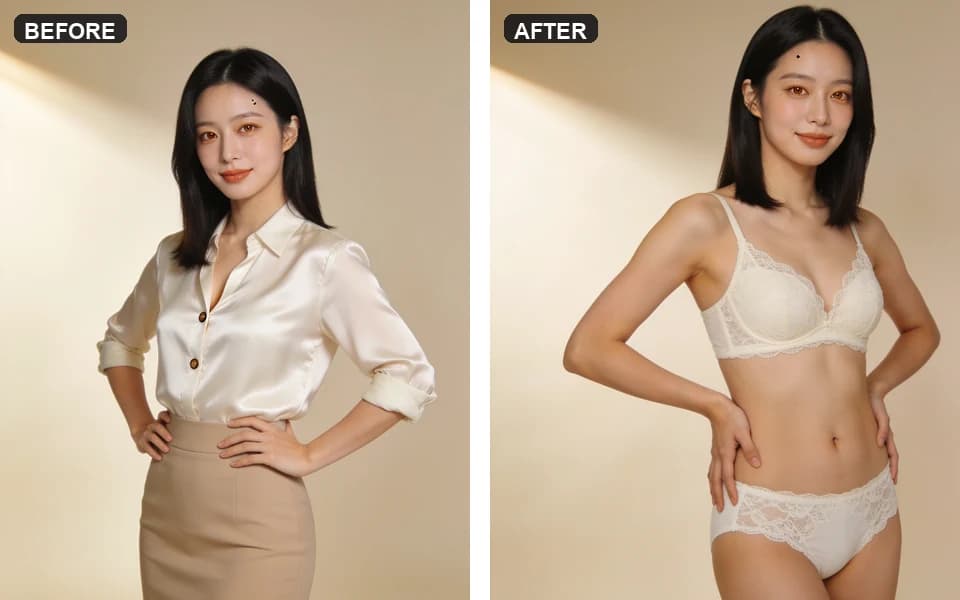
Step 3: Execute in Suite with the estimate visible
Continue from the tool into the image suite so billing, refusal messages, and history are authentic.
Generate once. If the run fails policy or infrastructure checks, follow the on-screen refund/result messaging—do not hammer retries on a refused class of content.
Step 4: Aftercare chains that stay policy-safe
For lingerie restyle on an authorized photo, prefer the lingerie workflow. For proportion edits, use breast expansion. Do not invent a celebrity pipeline.
Finish presets
Finish is skin rendering intent—not a bypass for policy.
| प्रीसेट | कब उपयोग करें |
|---|---|
| Natural skin | Neutral body finish without heavy glamour blur. |
| Soft finish | Smoother beauty-style body rendering. |
| High detail | Retain more texture and edge detail. |
Review checklist
If something looks wrong ethically, delete it—do not “fix it.”
- 01Subject still clearly adult.
- 02No accidental second person in the frame.
- 03Edges around arms and torso are coherent.
- 04Background did not collapse into smeared artifacts.
- 05You would still defend the rights basis if asked.
Limits and refusals
The product may refuse disallowed uploads. That is expected.
This article will not teach evasion, celebrity undress, or minor content.
Private storage is not immunity from law or policy enforcement.
FAQ: private AI clothes remover
It explains boundaries and planning. The edit runs after suite handoff with credits visible.
Authorized consenting adults only.
Minors, non-consensual intimate misuse, and other Acceptable Use violations.
Natural skin, then branch to Soft or High detail.
No public feed. Exports are your responsibility.
Not without rights—and intimate non-consent cases are prohibited.
Use the lingerie or clothes changer workflows instead.
अगला कदम
Open the private clothes remover path
Only continue if the adult photo is authorized. Confirm the estimate in Suite before you generate.