
Image workflow · lingerie presets
如何在一张照片上使用 AI 内衣预设
Use this AI lingerie generator workflow when you already have one authorized adult photo and you want controlled preset looks—Runway, Lace, Silk, Bodysuit, or Sporty—without rewriting a full scene prompt each time.
Single-photo restyle. It is not a dual-garment changer and not a clothes remover. Pose and body identity should mostly hold while lingerie finish changes.
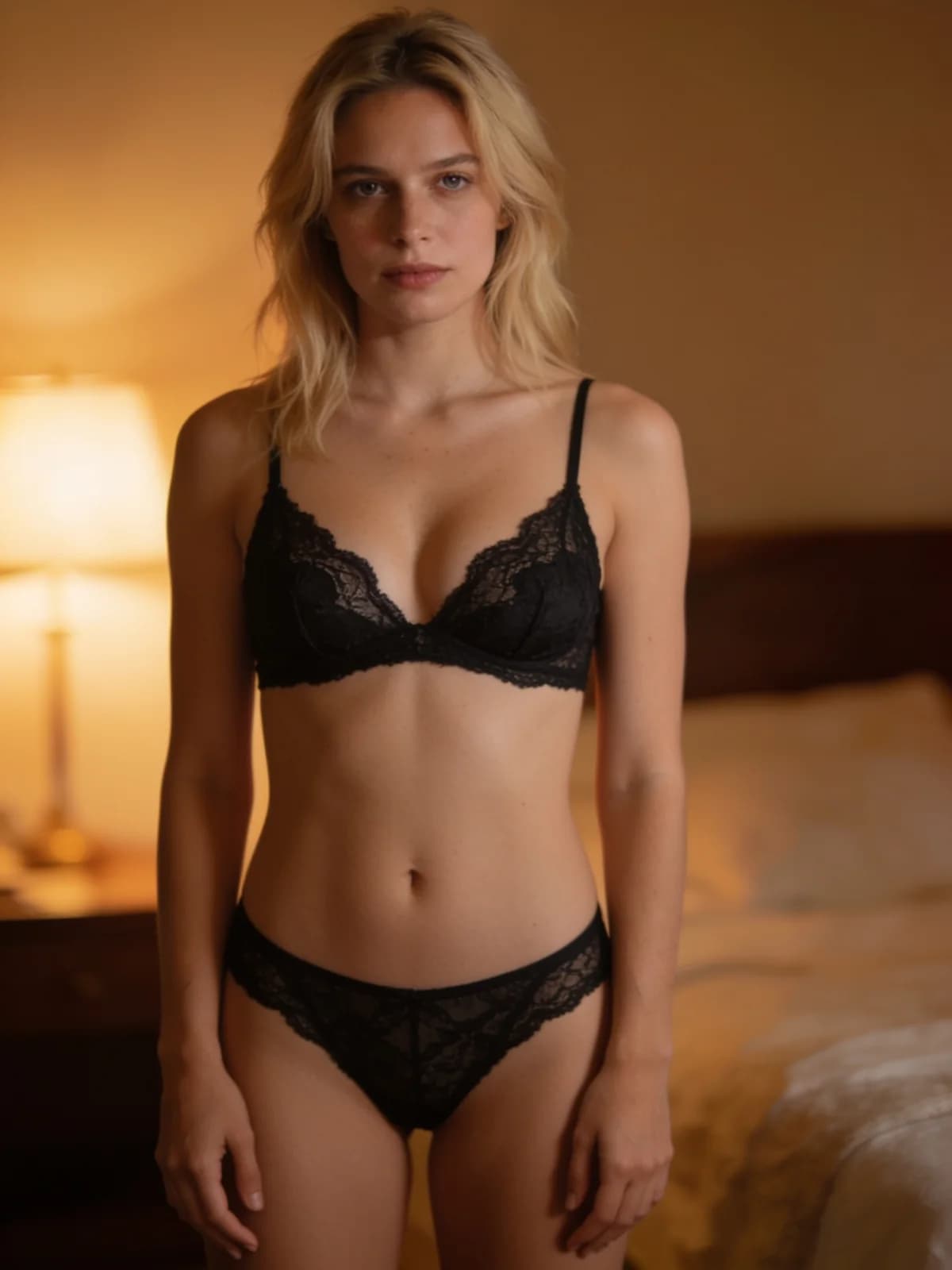
Quick answer: one photo, five looks
Preset first, custom text second.
- 01Upload one clear authorized adult photo.
- 02Pick Runway, Lace, Silk, Bodysuit, or Sporty.
- 03Add a short note only if you need color or strap detail the preset misses.
- 04Generate the still and compare fabric read against the source pose.
- 05Rerun with a different preset before you rewrite the whole brief.
What you need
Photo quality drives drape more than adjectives.
Adult subject, visible torso framing helps lingerie drape.
Five built-in lingerie directions.
Image by default; video only if you explicitly switch.
Authorized adult photo only.
Step 1: Choose a source photo with usable pose
Standing or seated poses with visible shoulders and torso restyle more cleanly than extreme crops that cut the garment area.
Busy logos on the original top can leave ghost edges—prefer cleaner wardrobe when you can.
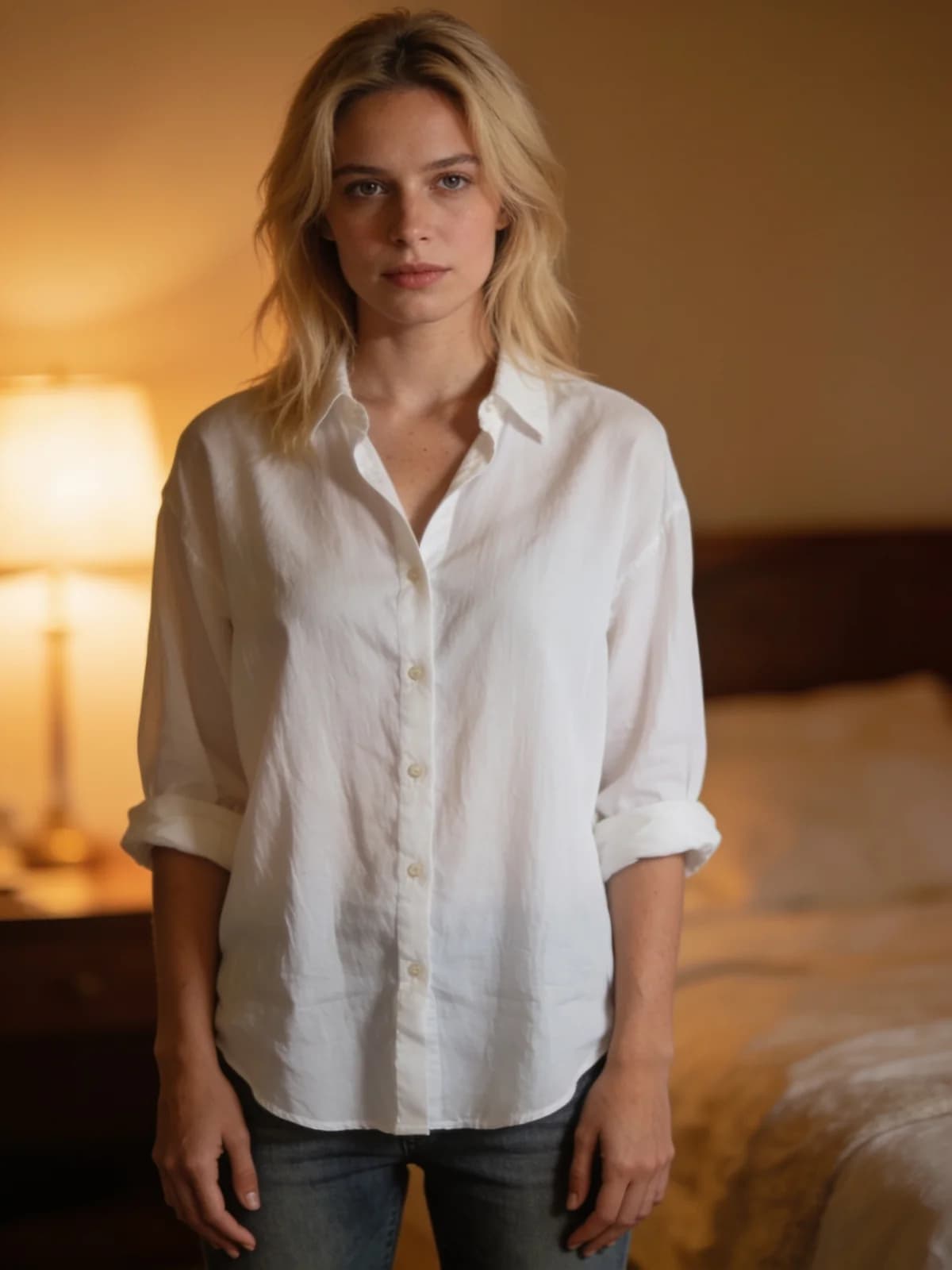
Step 2: Run a preset matrix instead of one vague prompt
If you need a lookbook, generate the same photo across two or three presets and keep the winners. That is faster than one overloaded custom paragraph.
Lace emphasizes openwork, Silk emphasizes sheen and slip drape, Bodysuit reads more continuous, Sporty pulls athletic cuts, Runway pushes staged fashion energy.
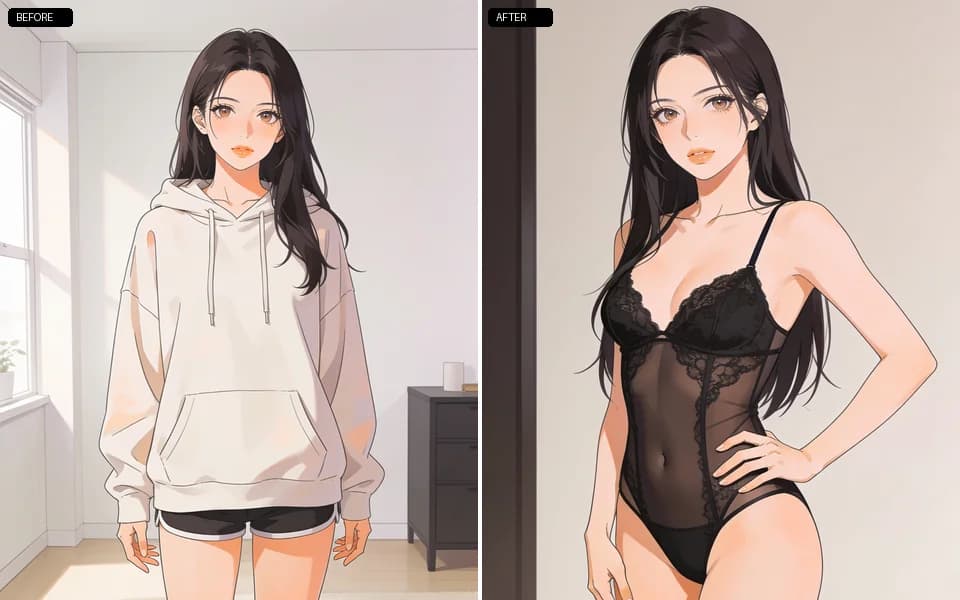
Step 3: Optional notes, then fabric review
Short notes can pin color or heel height. Long notes that restate the whole body often fight the preset.
Review strap placement, sheer balance, and whether the face still matches the source before you move to changer or face-swap tools.
Step 4: Chain to changer or motion only when needed
Need an everyday outfit instead of lingerie? Switch to the clothes changer workflow. Need a hug/kiss clip from the winning still? Export, then open the video tools with authorized dual inputs.
Lingerie presets
Use the matrix; do not invent five conflicting fabric stories in one run.
| 预设 | 适用场景 |
|---|---|
| Runway | Fashion-forward staged energy. |
| Lace | Openwork and softer ornamental detail. |
| Silk | Sheen, slip drape, smoother fabric read. |
| Bodysuit | Continuous one-piece silhouette. |
| Sporty | Athletic cuts and firmer structure. |
Review checklist
Fabric first, identity second, artifacts third.
- 01Lingerie type matches the preset you selected.
- 02Pose and face still read as the source adult.
- 03Straps and edges are coherent at full resolution.
- 04No leftover logo text from the original top.
- 05Sheer level stays inside what you intended.
Limits
This path restyles lingerie; it is not a medical body editor. For proportion edits see the breast expansion workflow.
Always authorized adult photos. Private results stay in workspace history.
Credit estimates appear on the generate control and can change.
FAQ: AI lingerie generator
One authorized photo plus a preset. The tool restyles lingerie while aiming to keep pose and identity stable.
Yes—add a short note. Keep it narrower than a full scene rewrite.
Lace or Silk for classic fabric reads; Runway when you want a fashion still.
No. Use the dedicated clothes remover workflow if that is the actual job—and only with authorized media.
Switch output only when you need motion; expect a different estimate.
No. Exports are under your control.
Extreme crops, heavy occlusion, and tiny low-light phone stills.
下一步
Open the lingerie preset workspace
Upload one authorized adult photo, run two presets, and keep the stronger fabric read.