Prompt craft · adult stills
NSFW AI Prompt Guide: Write Briefs That Survive Review
Most NSFW AI prompt posts dump adjective piles or fiction heat sliders. Image models fail differently: hands, wardrobe edges, age-ambiguous cues, and random logos. This guide teaches a review-first brief you can reuse in any adult image studio.
Format mirrors ranking SERP guides and Sudowrite-style prompt explainers: definition → why adult prompting differs → step workflow → templates → mistakes → FAQ. Focus is image briefs for private adult stills, not long-form erotic fiction engines.
Quick answer: the five-line adult brief
If the model can fail a line, you can fix a line.
- 01Name one adult subject with stable identity facts (hair, body read, age band as adult).
- 02Lock wardrobe and materials in their own line.
- 03Set camera: shot size, angle, lens feel.
- 04Set light and finish (soft boudoir vs hard studio).
- 05List rejects only: extra fingers, logos, underage cues, wrong laterality.
What is an NSFW image prompt — and what is not
An NSFW image prompt is a production brief for an adult visual: who is in frame, what they wear, how the camera sees them, and which failures are unacceptable. It is not a chat persona, not a jailbreak string, and not a request to depict minors or non-consensual real people.
Tools that market unrestricted generation still enforce hard blocks. Prompt craft cannot — and must not — aim to evade those blocks.
Why NSFW prompting fails differently from SFW art prompts
- 01Anatomy tax — hands, intersections, and fabric tension show every weak clause.
- 02Policy surface — age-ambiguous words and celebrity names trigger refusals or silent edits.
- 03Identity drift — multi-line rewrites that change hair, makeup, and wardrobe together reset the subject.
- 04Edit vs generate confusion — clothes and face jobs belong in suite tools, not megaprompts.
Step-by-step: build reusable brief blocks
Keep stable facts in one block and the current shot in another. That is the same discipline as our anime review-before-rewrite guide, applied to adult stills.
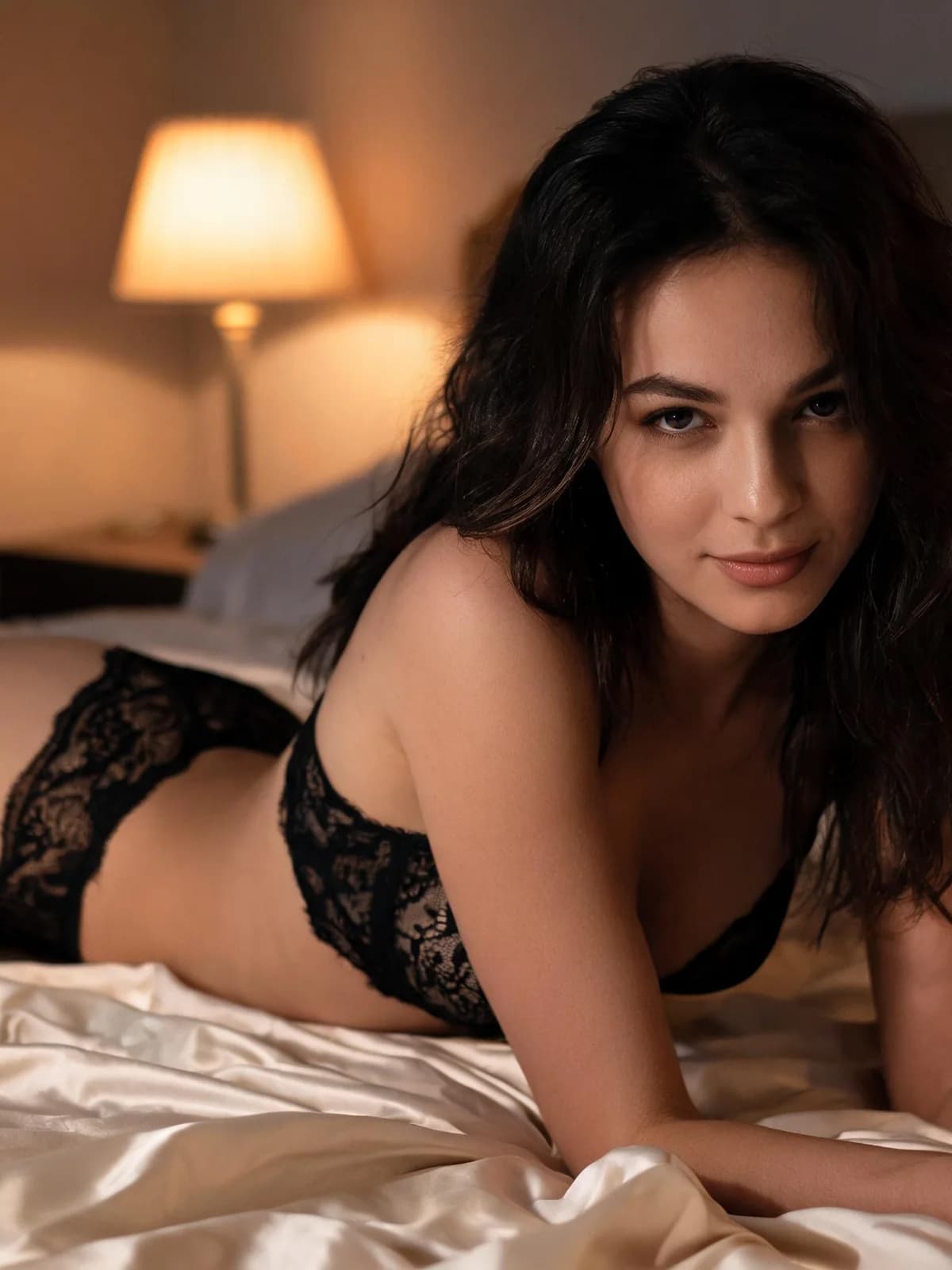
1. Subject block
One adult. Fixed hair, skin read, body notes you actually need. Do not rotate nicknames mid-series — comic and multi-still continuity dies there first.
2. Wardrobe block
Garment type, material, color, fit. If you only need lingerie variants on an existing photo, stop prompting and open the lingerie workflow.
3. Camera + light block
Shot size (portrait / three-quarter / full), angle, and light intent. Pair with a preset when the studio offers Portrait, Boudoir, Film, Studio, or Editorial — presets are finish priors, not a second language.
4. Rejects block
Only true rejects in negative or avoid lines. Do not hide the real brief inside negatives. Typical rejects: extra fingers, readable logos, childlike proportions, duplicate jewelry.
Copy-ready templates (adult, non-explicit skeletons)
Fill brackets; keep the structure. These are skeletons for private adult stills — not graphic scripts.
| Job | Skeleton |
|---|---|
| Portrait still | Adult [identity], [hair], wearing [wardrobe], [shot size], [light], clean background, avoid [rejects] |
| Boudoir still | Adult [identity], [fabric] lingerie, seated three-quarter, soft practical light, fabric tension honest, avoid logos and extra limbs |
| Editorial still | Adult [identity], [designer-read wardrobe], strong silhouette, studio key + rim, fashion crop, avoid text artifacts |
| Reference-guided | Same adult identity as reference sheet, new [pose/wardrobe], match hairline and eye spacing, change only [one variable] |
Common mistakes that burn credits
- 01Stacking five art styles and three cameras in one line.
- 02Rewriting the whole prompt when only hands failed.
- 03Using celebrity names as a free identity LoRA.
- 04Asking Generate to do face swap, clothes try-on, and a new scene together.
- 05Skipping the full-resolution pass before a second paid run.
- 01Subject reads clearly adult.
- 02Wardrobe matches the saved brief.
- 03Hands and garment edges hold at 100% zoom.
- 04No surprise text or logos.
- 05Light still matches the chosen preset.
Privacy, consent, and honest limits
Private workspaces mean no public feed of your runs — not that infrastructure never processes the request. Upload only photos you have rights to use.
Prompt guides that teach bypasses, deepnude celebrity pipelines, or minor content are not creative help; they are out of bounds. See Acceptable Use.
For the product path that consumes these briefs, use the Unrestricted tutorial.
FAQ: NSFW AI prompts for images
Long enough to pin subject, wardrobe, camera, light, and rejects — usually under a short paragraph plus optional negatives. Length is not quality.
Only for real rejects. Do not park the actual scene inside negatives.
Save settings, name the first failure, edit that one line, regenerate once.
No. Hard blocks stay hard. Change the brief to a lawful adult request or stop.
Prefer visual facts (pose, wardrobe, framing). Graphic prose helps fiction models more than diffusion stills and can increase refusals.
When the base photo is already right and you need clothes, face, lingerie, or proportion changes.
Start at /unrestricted-ai-generator and confirm the live estimate before generate.
Next step
Test the brief on a private still
Paste your five-line brief, pick one preset, generate once, and only then rewrite the failing line.