

Put two people in one moment
They do not need to have been photographed together.
Turn 2 photos into realistic kissing videos. Choose Tender, Passionate, or Forehead styles with cinematic motion.
*Photos of consenting adults only
*Photos of consenting adults only
Upload 2 photos to start
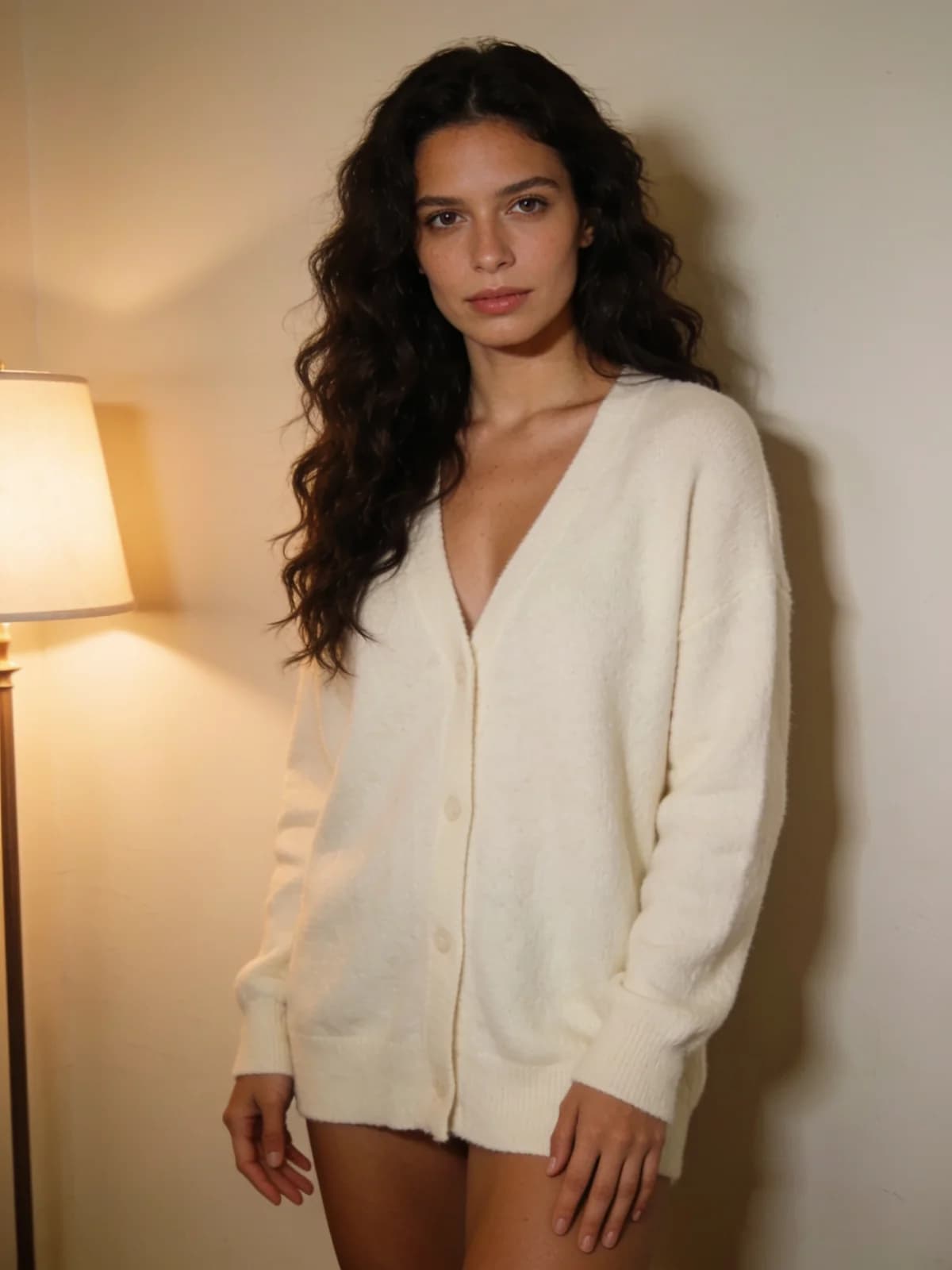 Before
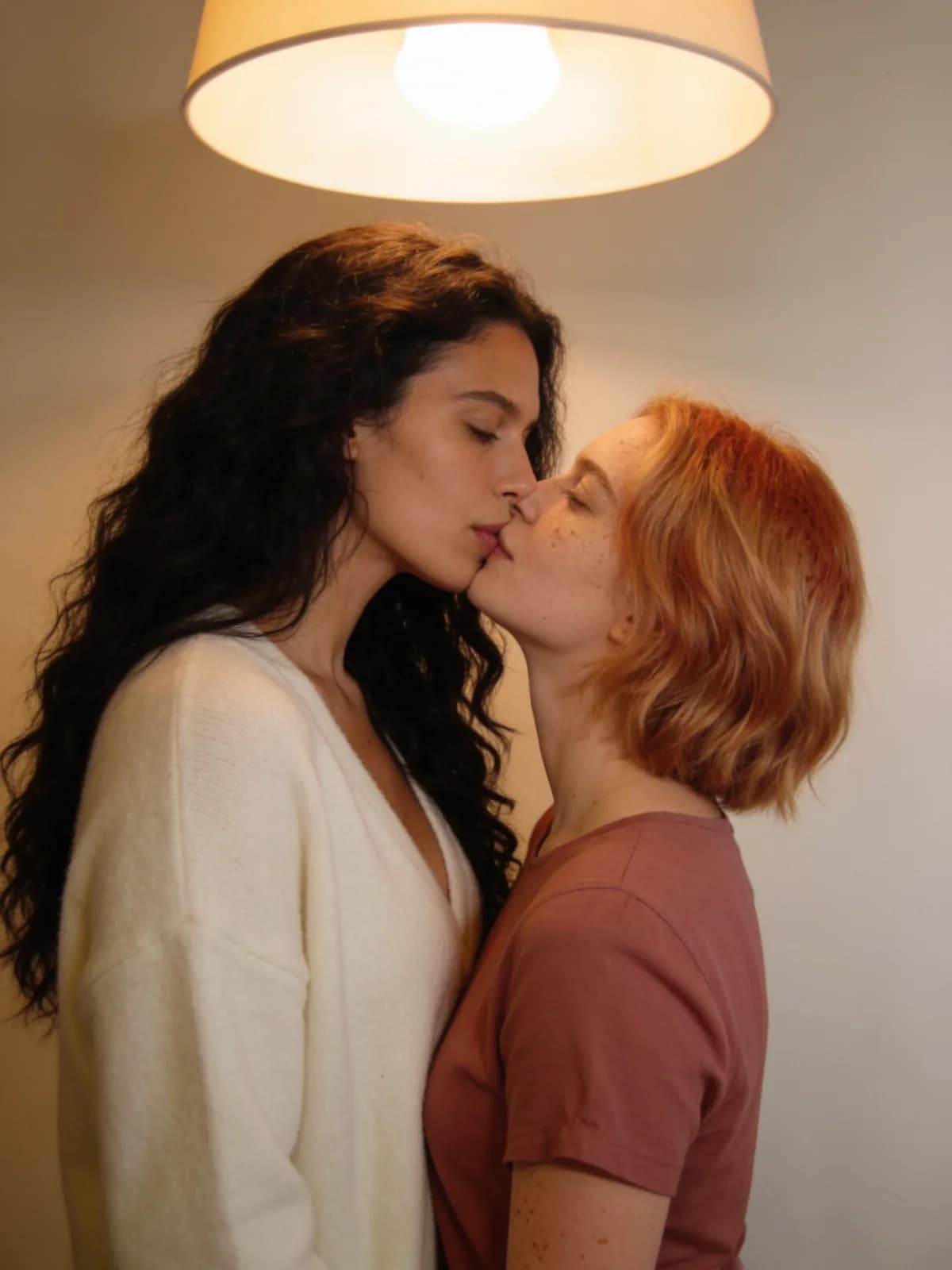 After
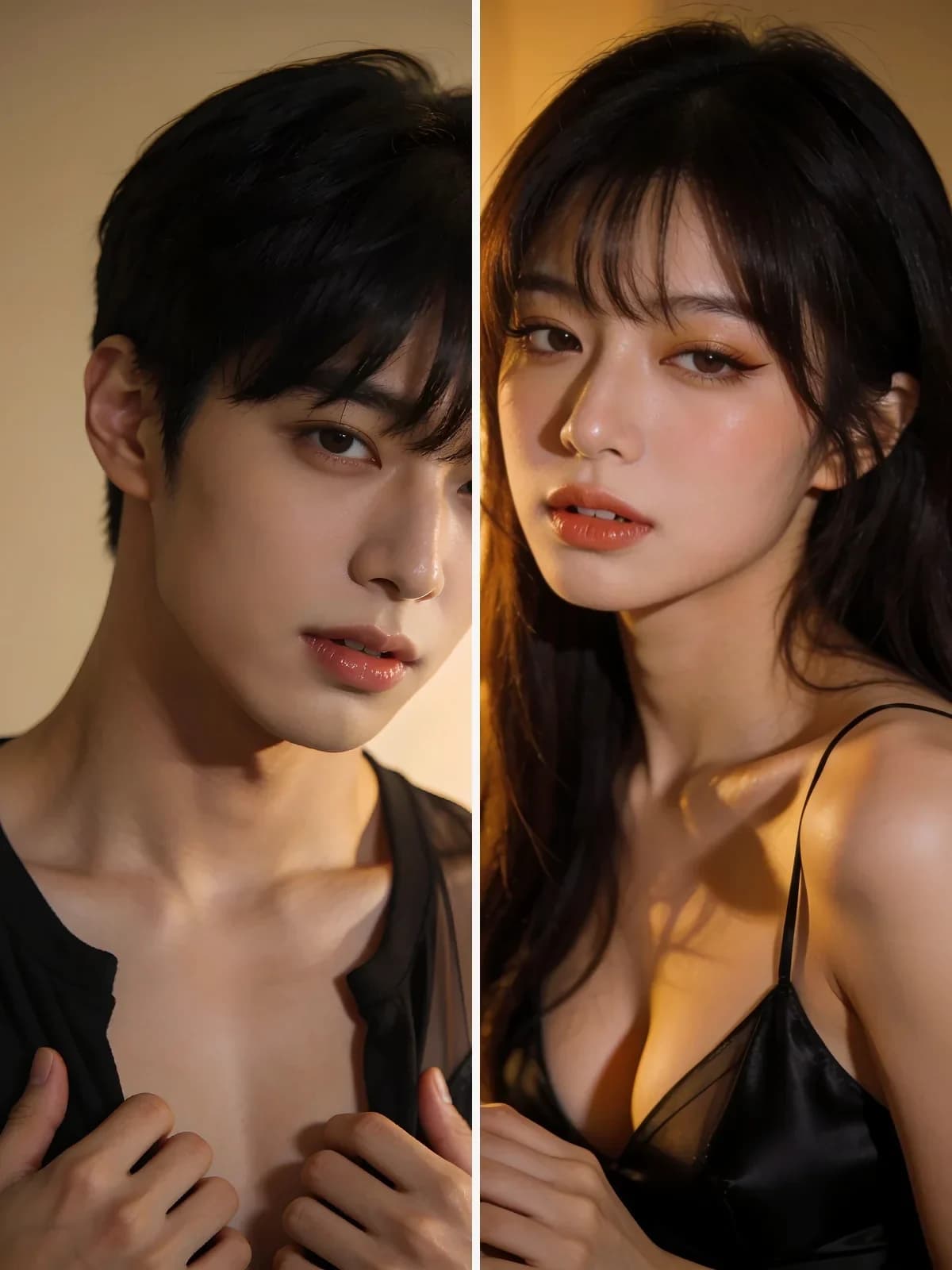 Before
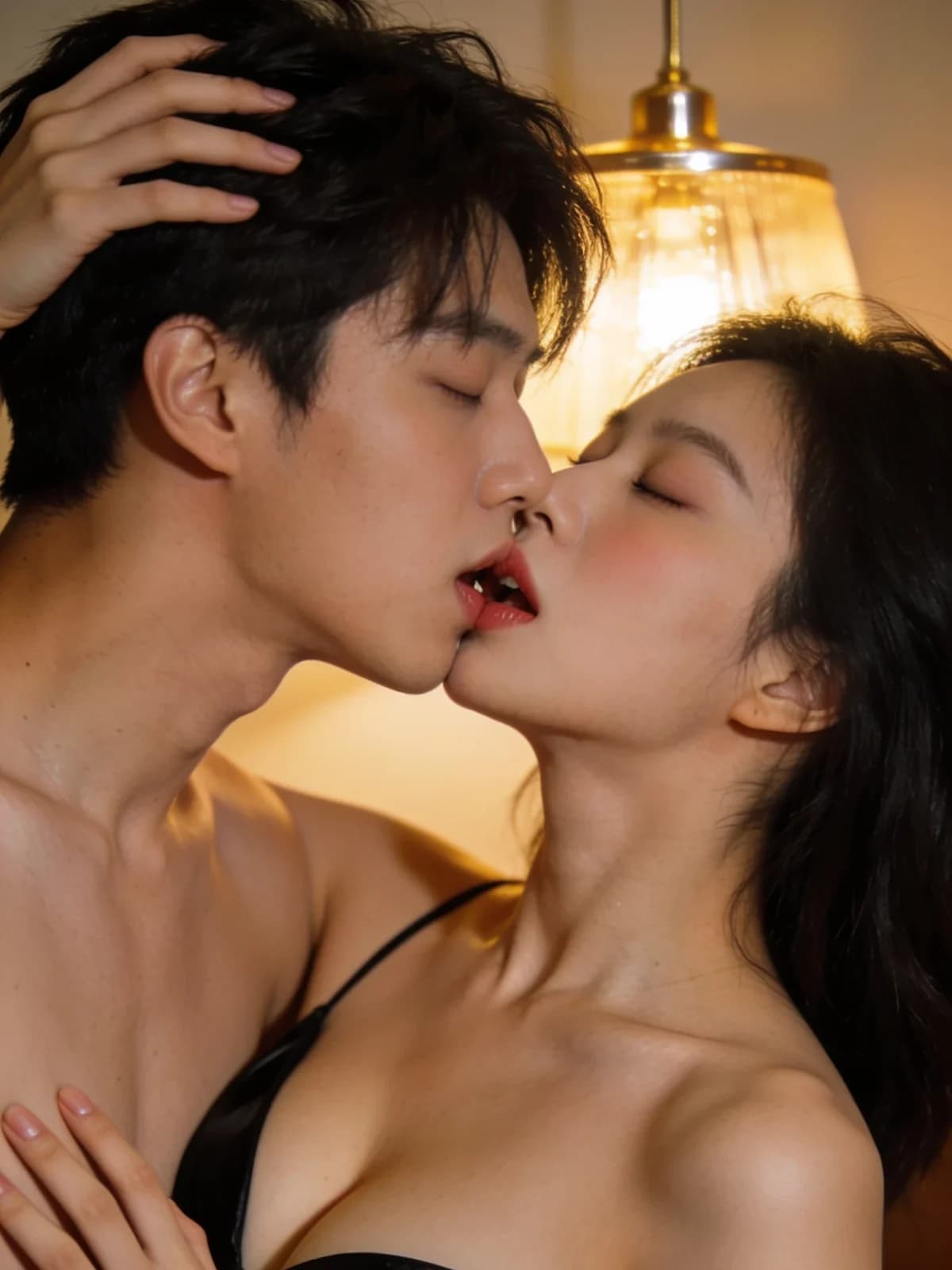 After
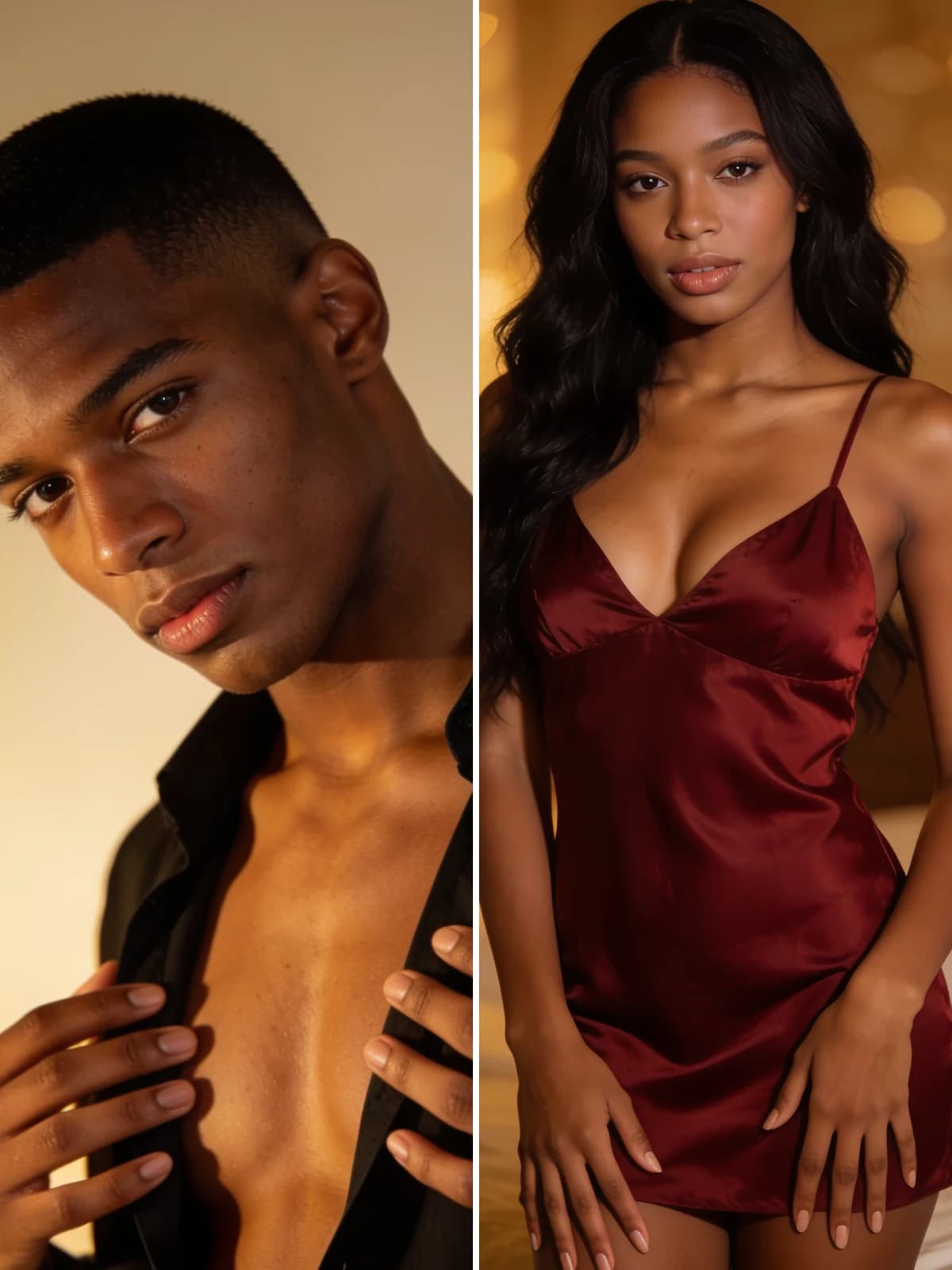 Before
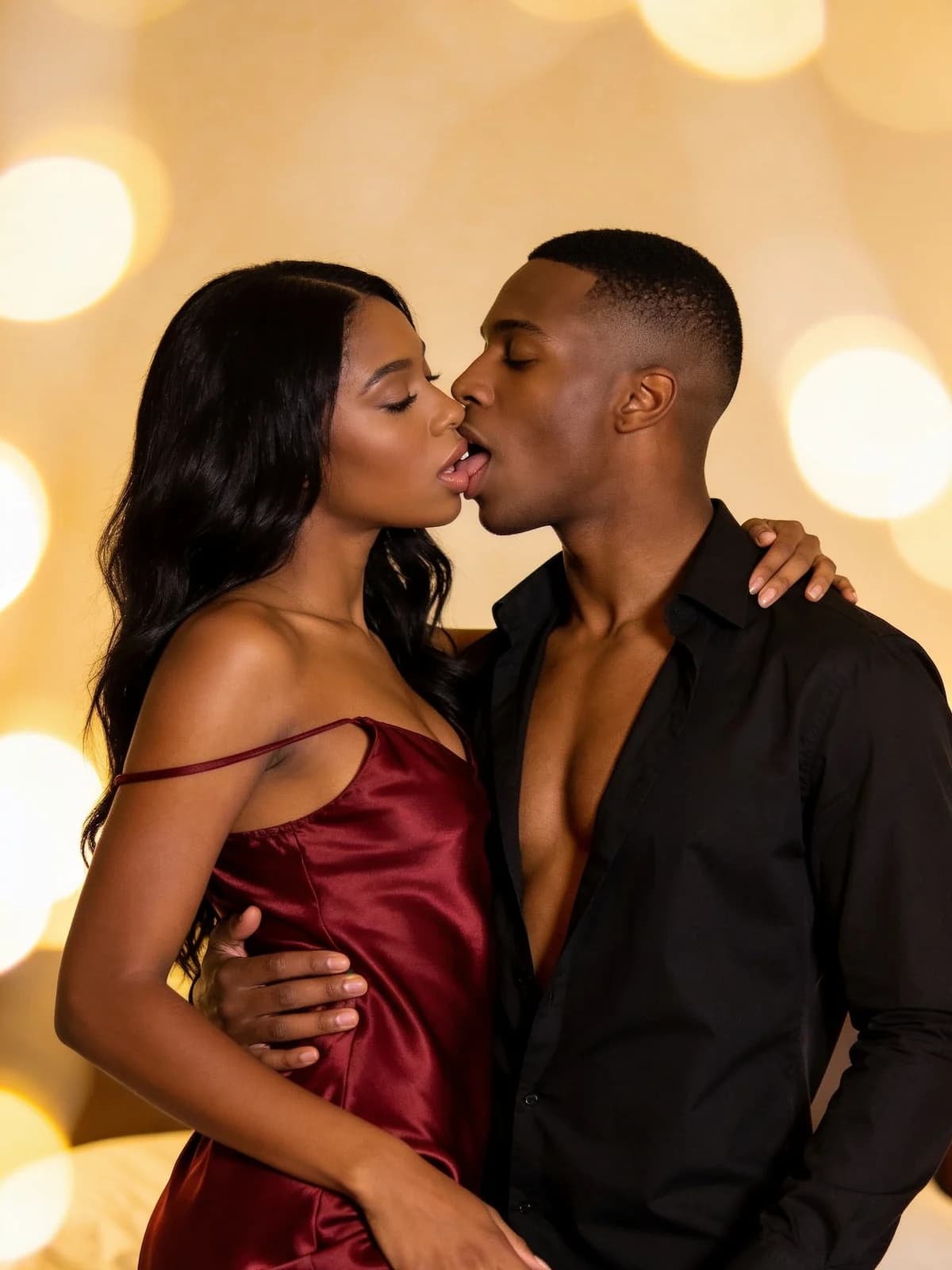 After
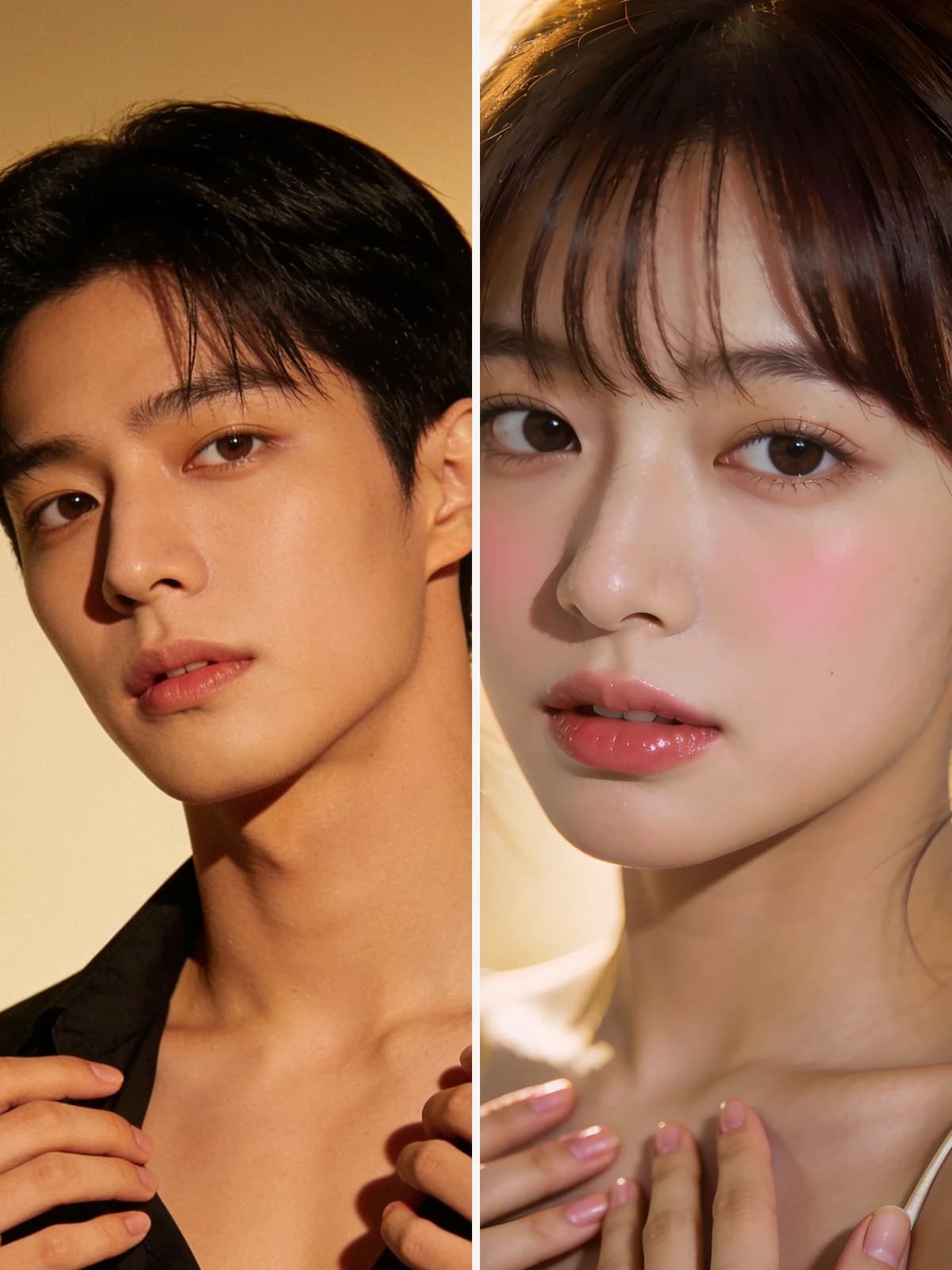 Before
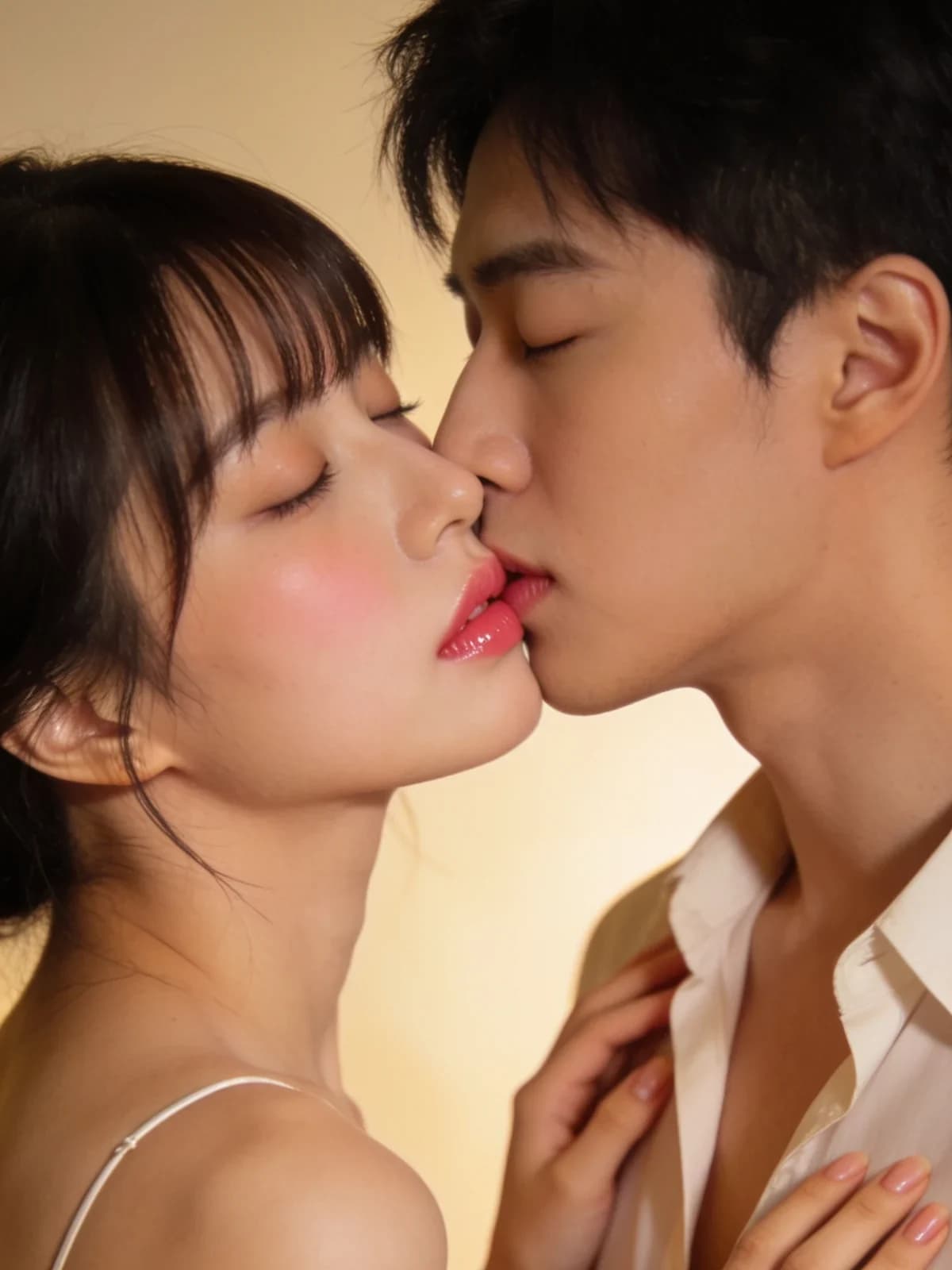 After
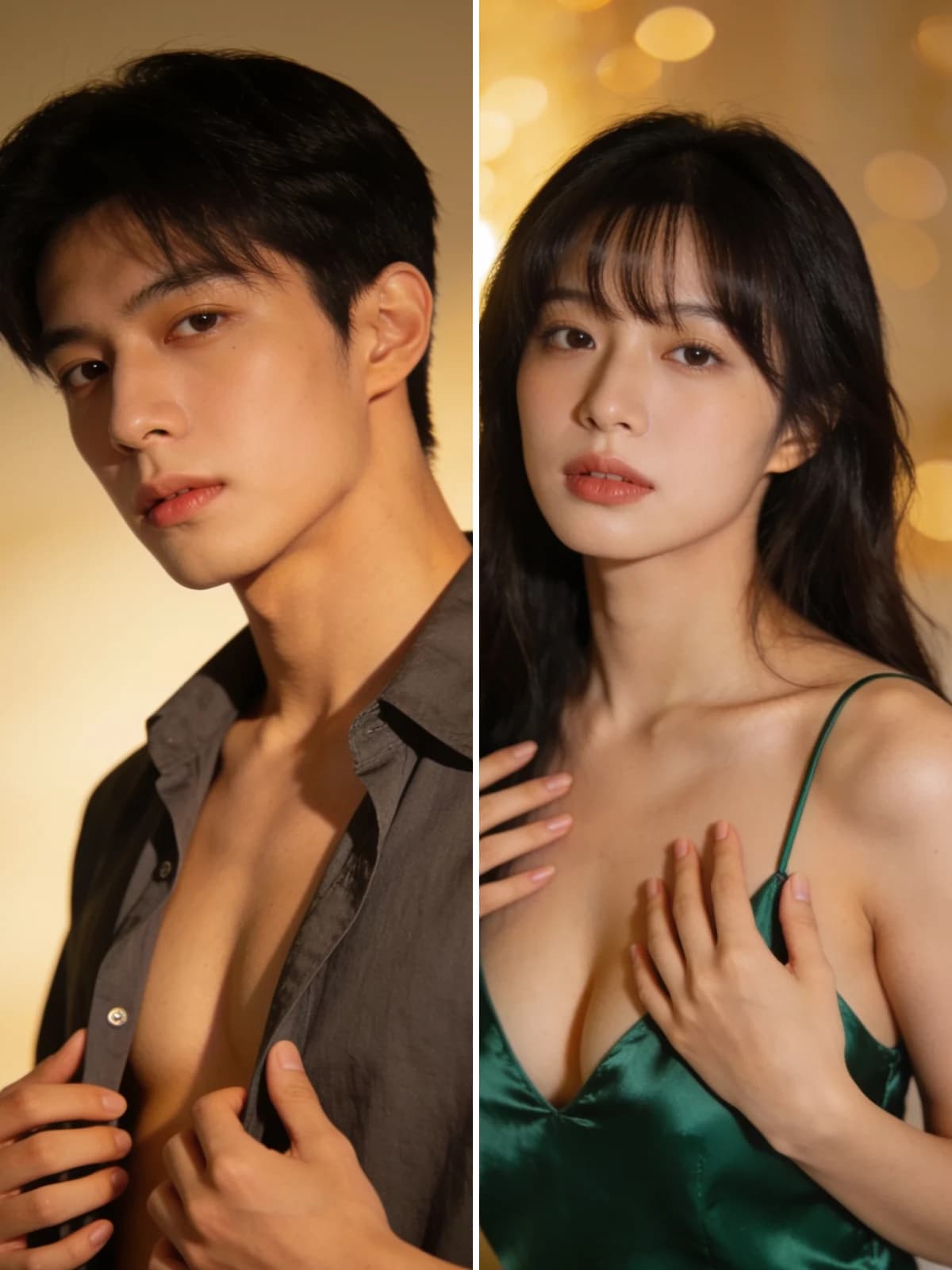 Before
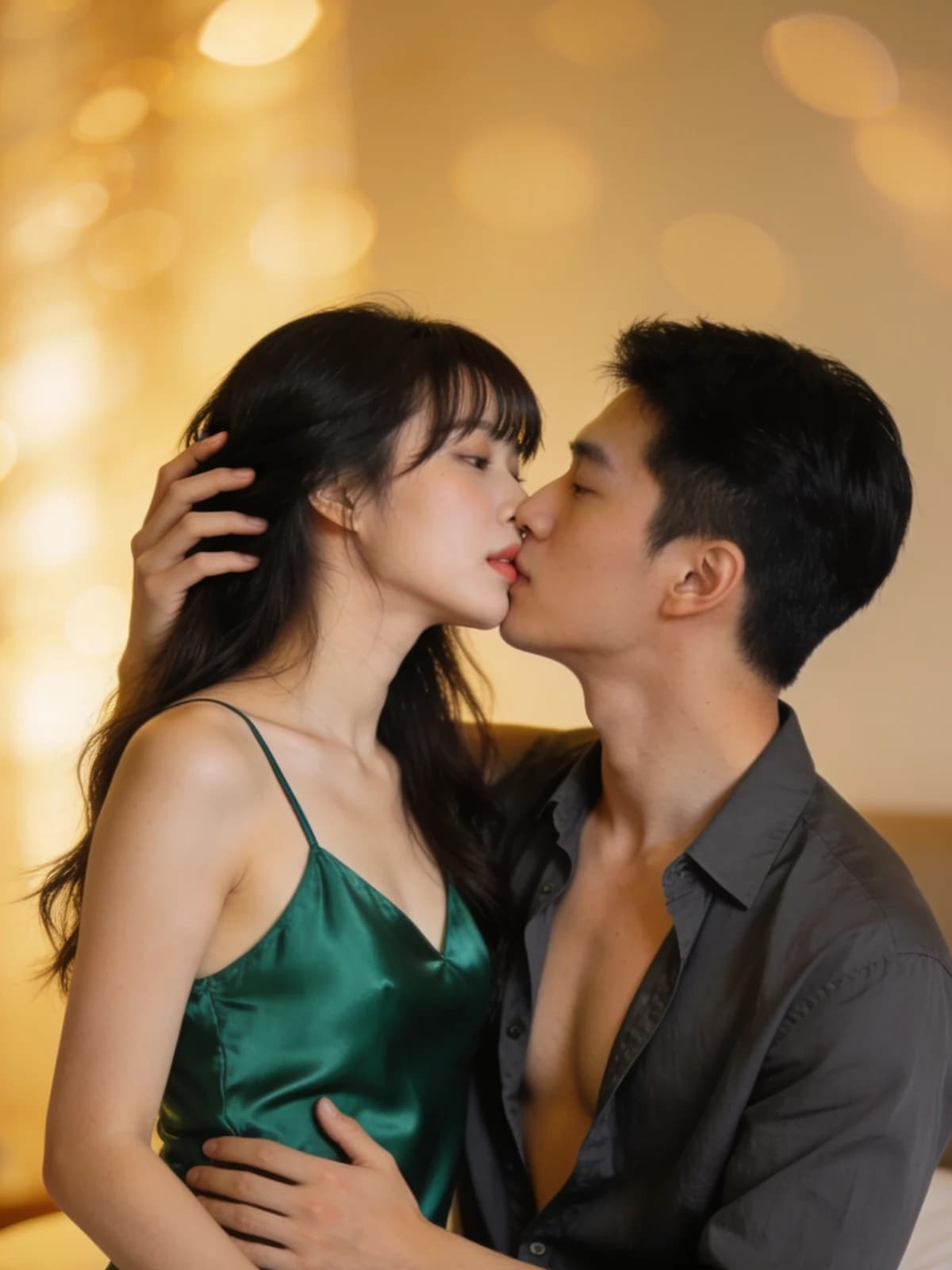 AfterBeforeAfterBeforeAfterBeforeAfterBeforeAfterBeforeAfter
Two photos, one scene. No prompt writing.
They do not need to have been photographed together.

Generate a single frame first, or switch to a short clip when you want movement.

Both photos guide the two characters. Review the finished result for face drift, especially as they move closer in video.

Tender, passionate and film each direct the pacing, framing and light differently.

Use image output to lock framing and faces, then switch to video when you want the kiss to move.

Results land in your own workspace. There is no gallery and no feed.
Upload one clear photo of each consenting adult. Keep both faces visible; avoid blur, sunglasses and extreme side angles.
Choose image or video, pick a style, check the displayed cost, then select Create kiss. Continue in Studio and sign in if asked; your photos and draft are carried with you.
If your credits are insufficient, top up in Studio to continue. Once the result finishes, check both faces and the contact framing before downloading from History.
The two photos guide the characters, but do not guarantee a perfect likeness. Check the finished still or the start, midpoint and contact frames for changes to faces, eyes or hair before sharing.
Leaning in, the pause, the kiss. Describing the sequence is what stops the model from producing aimless motion or a near-miss still.
A heads-only crop wastes the embrace. The prompt defaults to a waist-up half-body frame with soft warm light so shoulders, chests and waists stay visible — and fuller references can keep more of the bodies.
Both run on the same models and the same credits. The difference is how much of the decision you want to make yourself.
There is no public gallery, no feed, and no discovery page. Uploads and results are visible only to you, and you can delete either at any time.
Every run shows its exact credit cost on the button. No subscription is required — credits can be bought as a one-off pack.
The prompt, the model and the settings are chosen and maintained by us. You upload, pick a style if you want one, and go.
Results land in the same workspace as everything else you make, with your history, downloads and the full image and video studios one click away.
Upload one photo of each consenting adult and choose a style. The built-in prompt describes the kiss, so writing your own prompt is optional. Pick image or video, continue in Studio, sign in if needed, and review both faces in the finished result; likeness and motion can vary.
Image runs use the image model tier shown on the button. Video is five seconds at 768p and is billed per second by the model provider, so it costs more than an image — the exact price is on the generate button before you start.
Processing time varies with the model and queue. Check the task status in Studio; completed results are available in your workspace and History.
Sharp, evenly lit photos with each face clearly visible and roughly front-facing. Avoid heavy motion blur, sunglasses, or faces turned far from the camera.
Yourself, or adults who have consented. This is an adults-only product and images of minors are prohibited and blocked.
Yes. Switch the output to image on this page or in Studio. Video remains available when you want a short clip.
Video is five seconds at 768p, the tier that produces a watchable result at the lowest cost. Image quality is shown on the button. If you want longer or higher-resolution video, the Video Studio has the full range of models, durations and resolutions.
Prepare one clear photo per consenting adult. Choose image or video and a style here, then continue in Studio to sign in if needed and create your result.
Create kiss


