
Bring your own references
Use your own adult model photo and swimsuit image. The garment photo gives the edit a visible cut, color and pattern to follow; details can still vary.
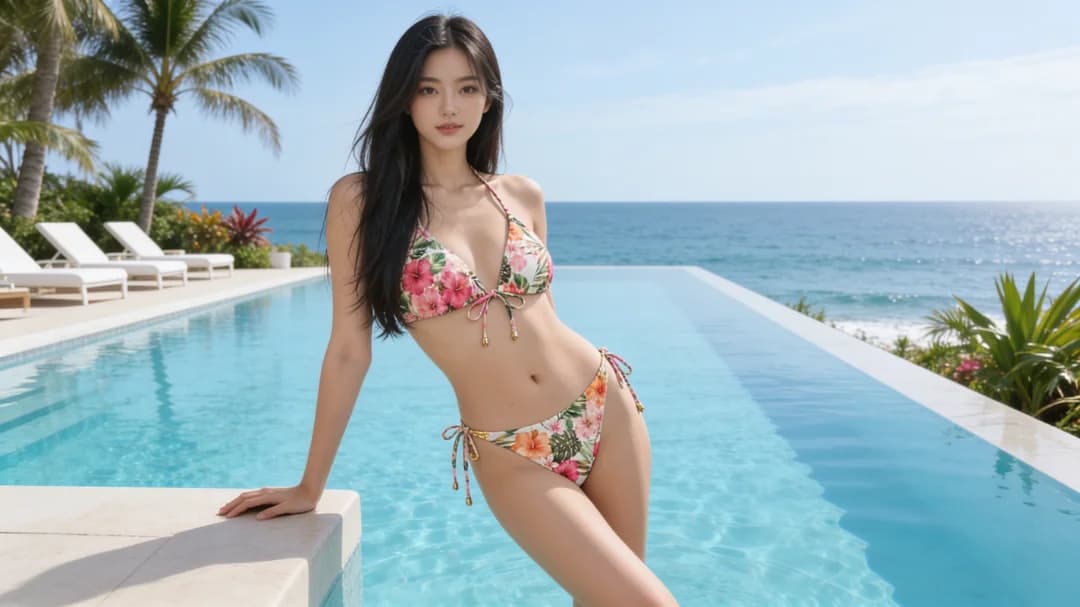
Customize your bikini try-on with your own adult model and swimsuit photos, or start with our samples. AI uses both images; no prompt or masking needed.
Choose a ready-made style or add your own garment photo. It guides the cut, straps, color and pattern; details may vary.
Set up your look free online · 7 models and 8 bikinis ready · credits shown before generation
Upload both photos for a custom look, or use samples for either input. The person and garment images guide the edit together.
Use your own adult model photo and swimsuit image. The garment photo gives the edit a visible cut, color and pattern to follow; details can still vary.
Mix your uploads with seven sample models and eight ready-made bikinis, or use two of your own images.
Your uploaded photo and result stay in your workspace by default. Review the live credit estimate before starting a job.
Choose a sample model or upload an authorized adult photo. One visible person, clear lighting, and a view of the shoulders and hips give the edit more to work with.
Pick one of eight ready-made bikinis or upload your own garment photo. The image guides the cut, straps, color and pattern; it is an input, not an instant result preview.
Review the estimate, then submit the try-on to Studio. Inspect the face, straps, fabric edges and background before saving or trying another style.
Upload an authorized adult model photo or choose a sample, then upload your swimsuit image or pick a ready-made one. Review the credit estimate and click Generate; no prompt or manual masking is required.
Yes. Choose Use my swimsuit in the second step, then upload a clear garment photo. You can also use one of eight ready-made bikini references.
Use an image you are allowed to use that shows the whole swimsuit clearly. A simple background and a visible top and bottom make the cut, color and pattern easier to follow.
This try-on uses a person photo and a garment photo. For a new adult swimwear scene from a written idea, use the AI Image Generator instead.
No. It creates a visual concept of the selected swimsuit on a person. Fabric placement and garment details may vary, so use a real fitting or size guide for purchase decisions.
Use a clear JPG / PNG / WebP / HEIC / HEIF photo of one consenting adult, up to 20 MB. Show the face, shoulders, waist and hips where possible; avoid heavy blur or overlapping people.
The Clothes Changer workflow aims to preserve the person and scene while changing the garment. AI results can vary, so check identity, pose, lighting and fabric edges in the finished image.
You can browse models and bikinis free online before signing in. Generating requires an account and credits; the current estimate is shown before you submit the job.
No. Uploads and results stay in your own workspace by default and are not automatically posted to a public gallery. You can delete them from your workspace.
Truly free and private-by-default cloud tools are rare. For practice, use disposable freemium carefully; for sensitive NSFW stills, prefer a private studio like Lumi Arts when you pay, or local stacks you control. Reject public-feed “free uncensored” sites for anything you care about.
Quick answer: free vs private-defaultUpload your model and swimsuit photos or use samples for either one. Review the credit estimate before starting the try-on.