

Put two people in the same frame
They never have to have been photographed together for the clip to work.
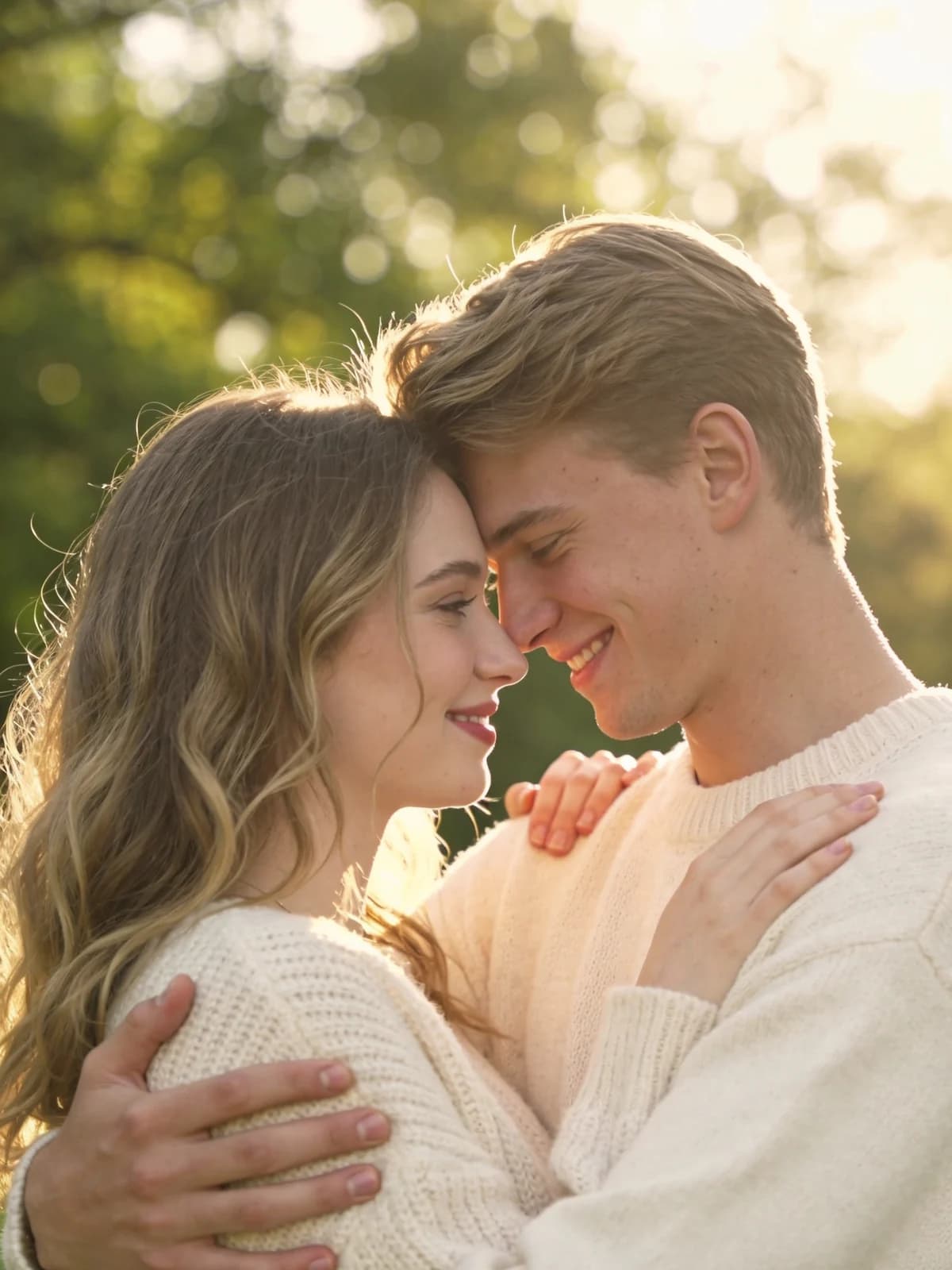
Turn 2 photos into heartwarming hugging videos. Choose Warm, Reunion, or Lift styles with realistic, touching motion.
*Photos of consenting adults only
*Photos of consenting adults only
Upload 2 photos to start
 Before
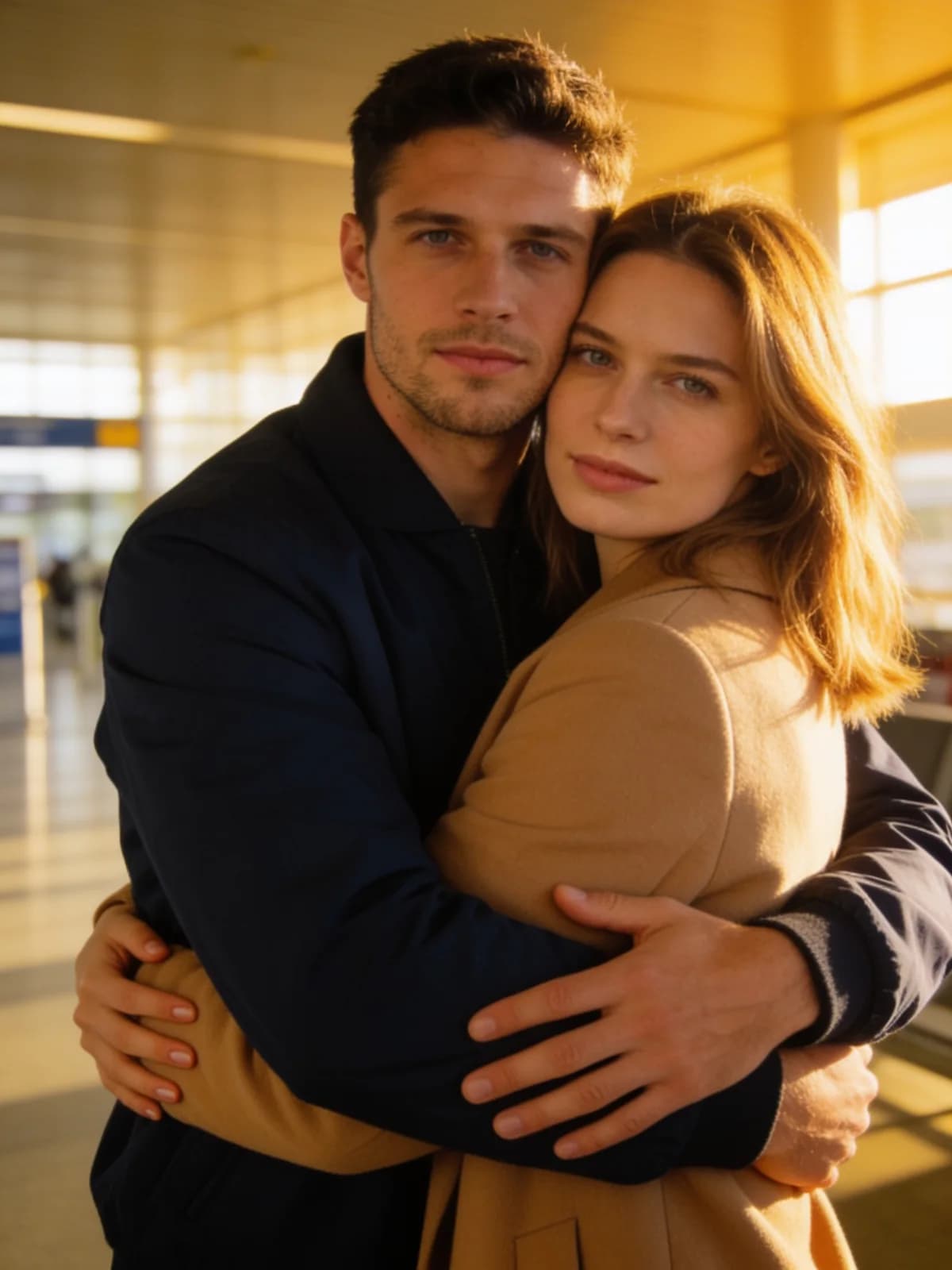 After
After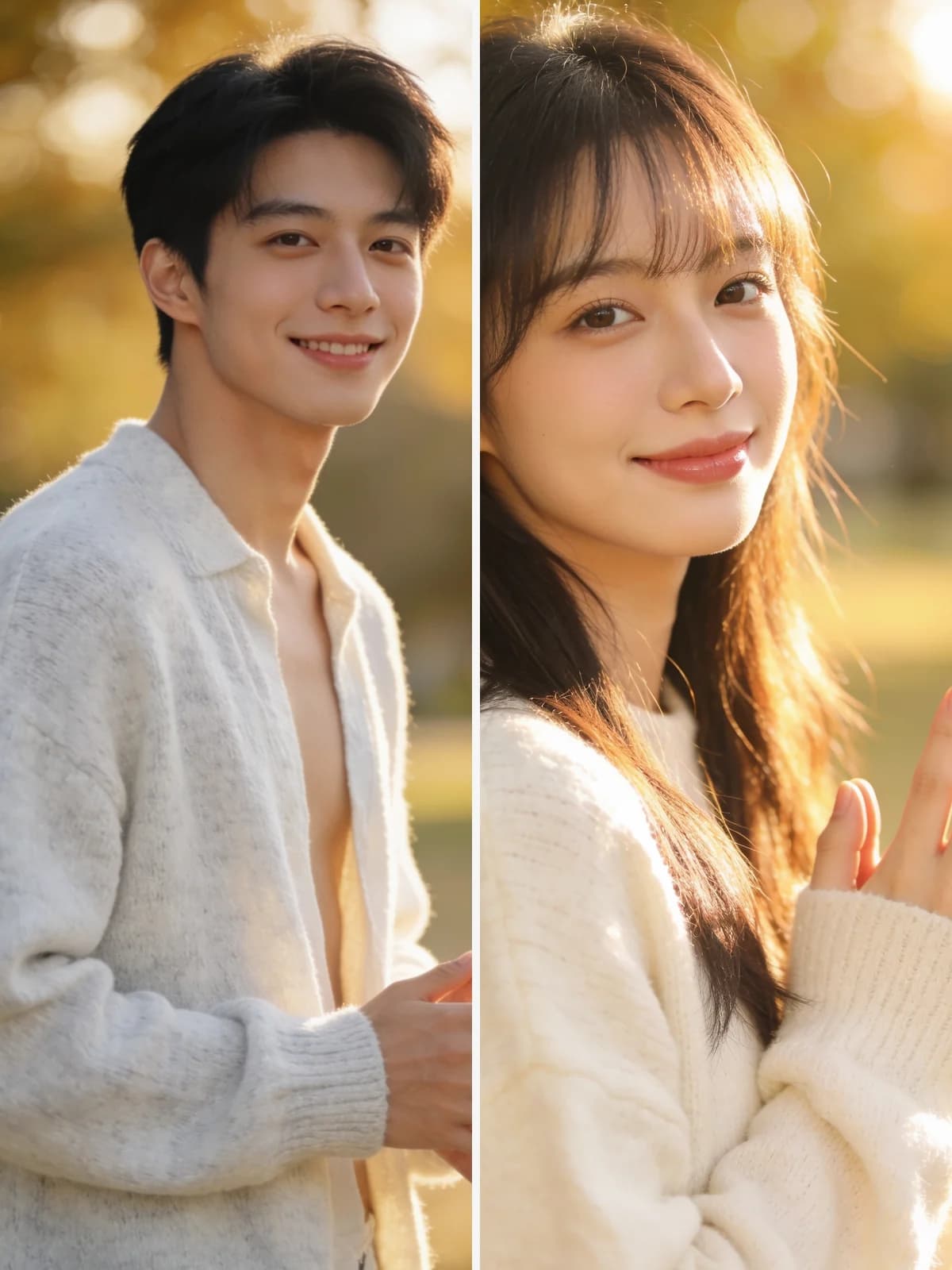 Before
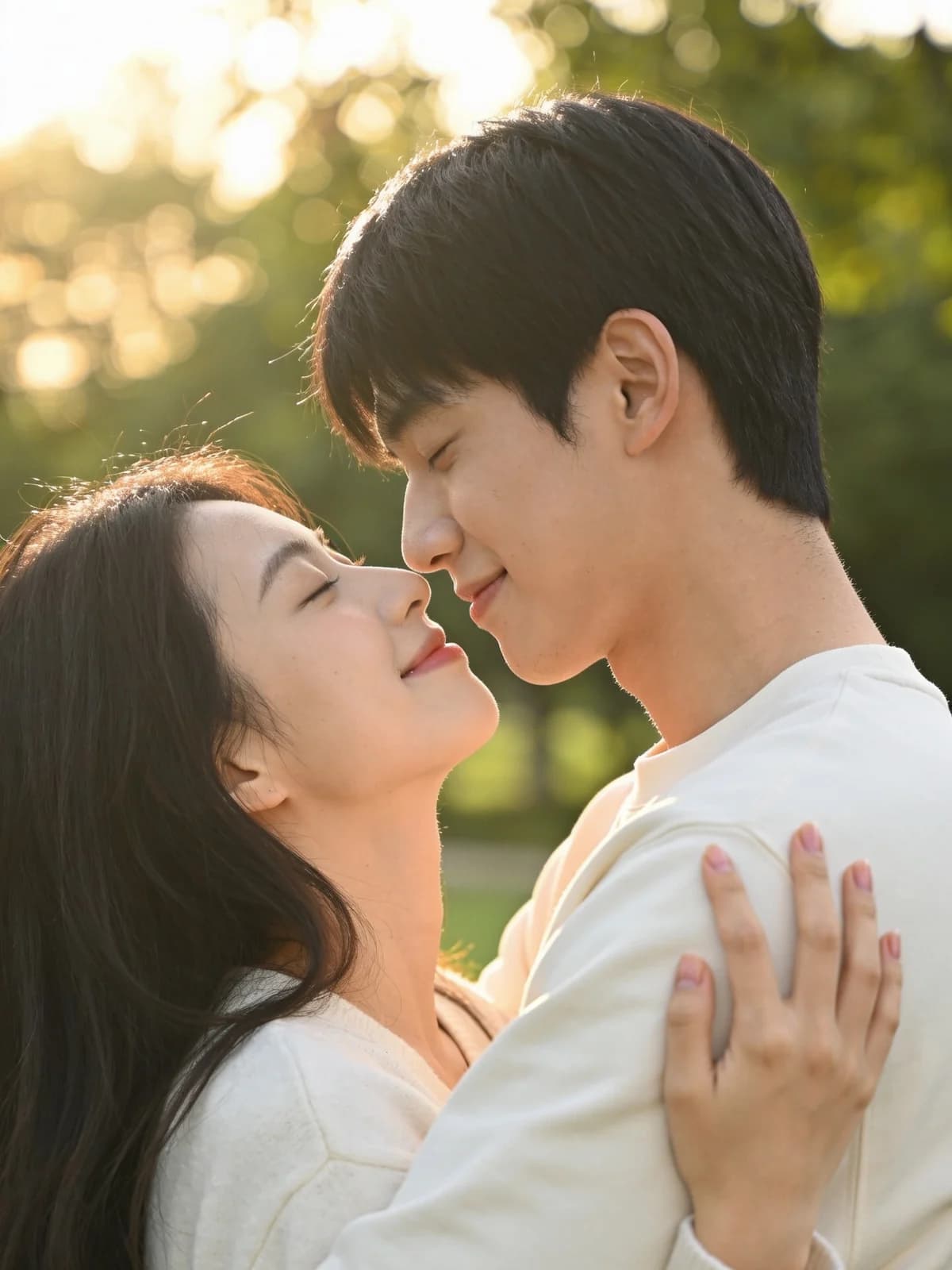 After
After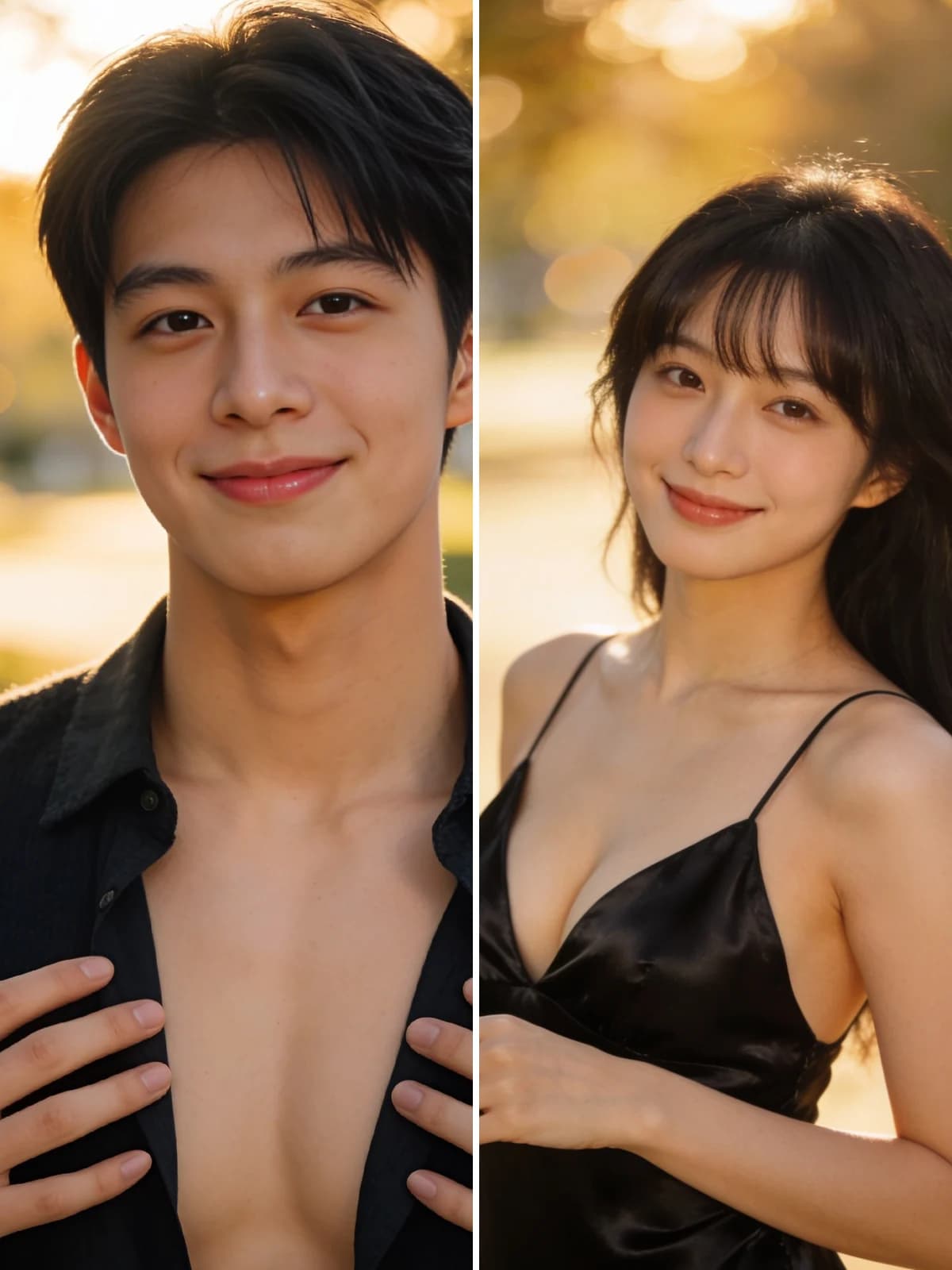 Before
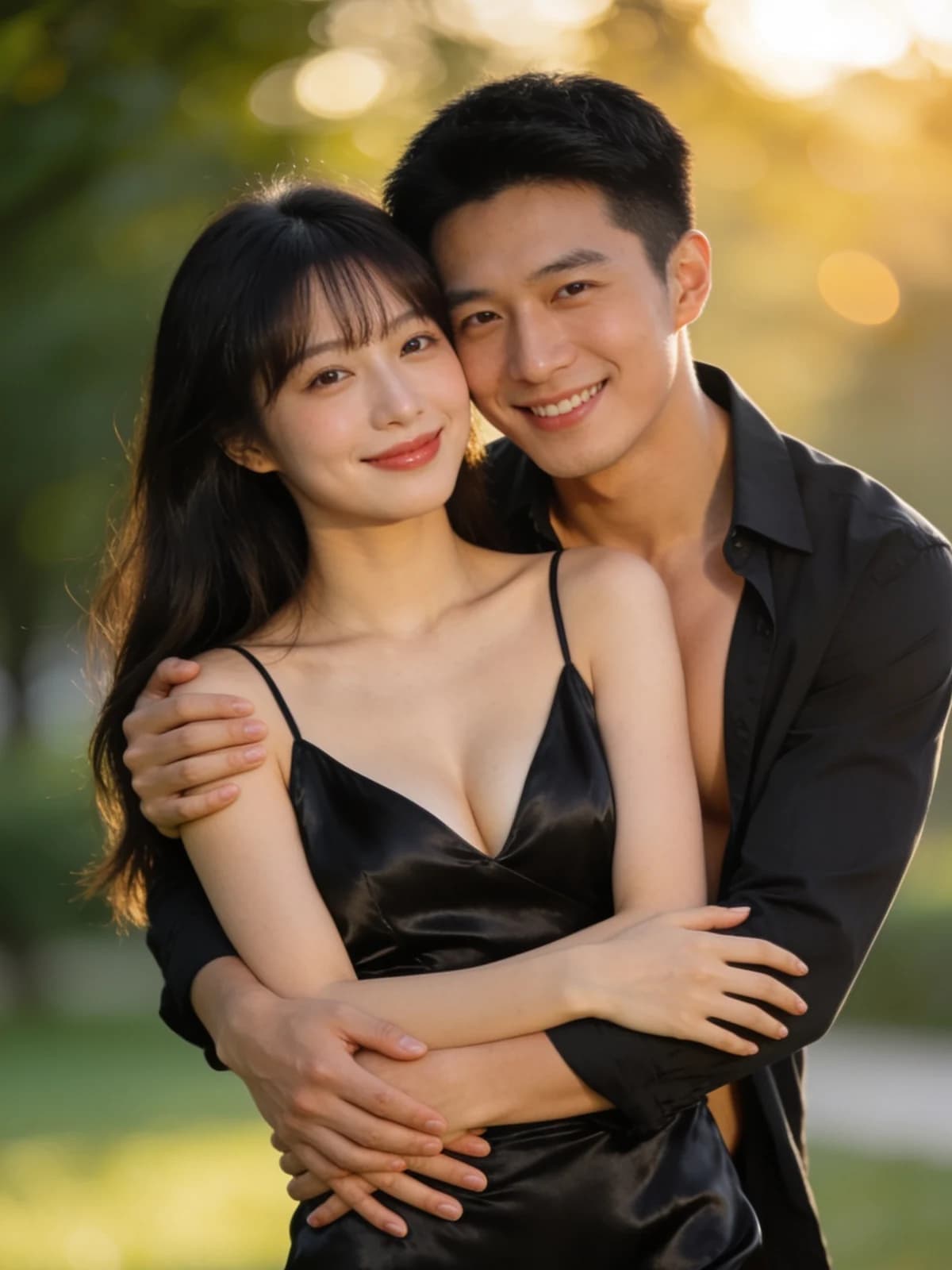 After
After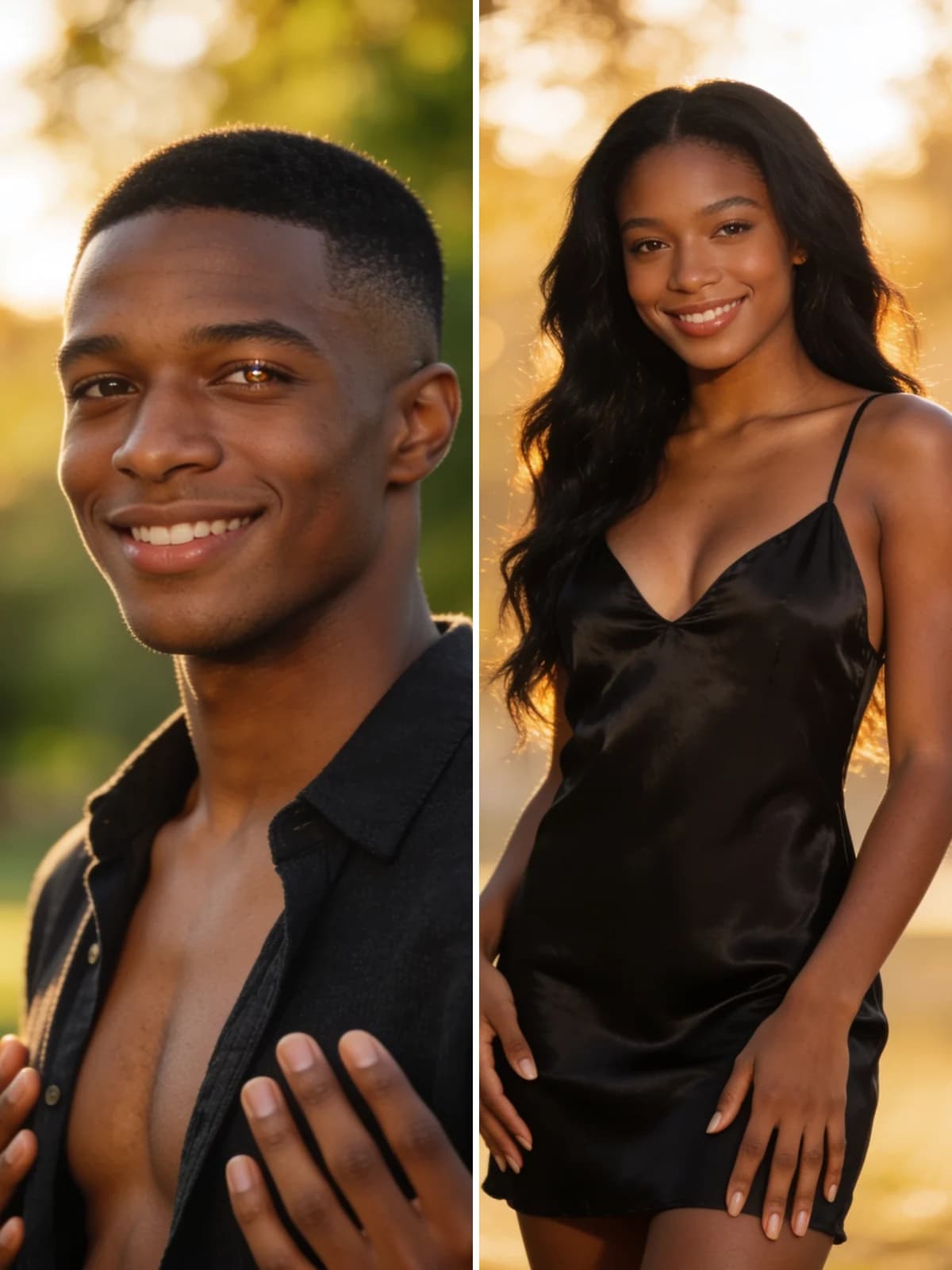 Before
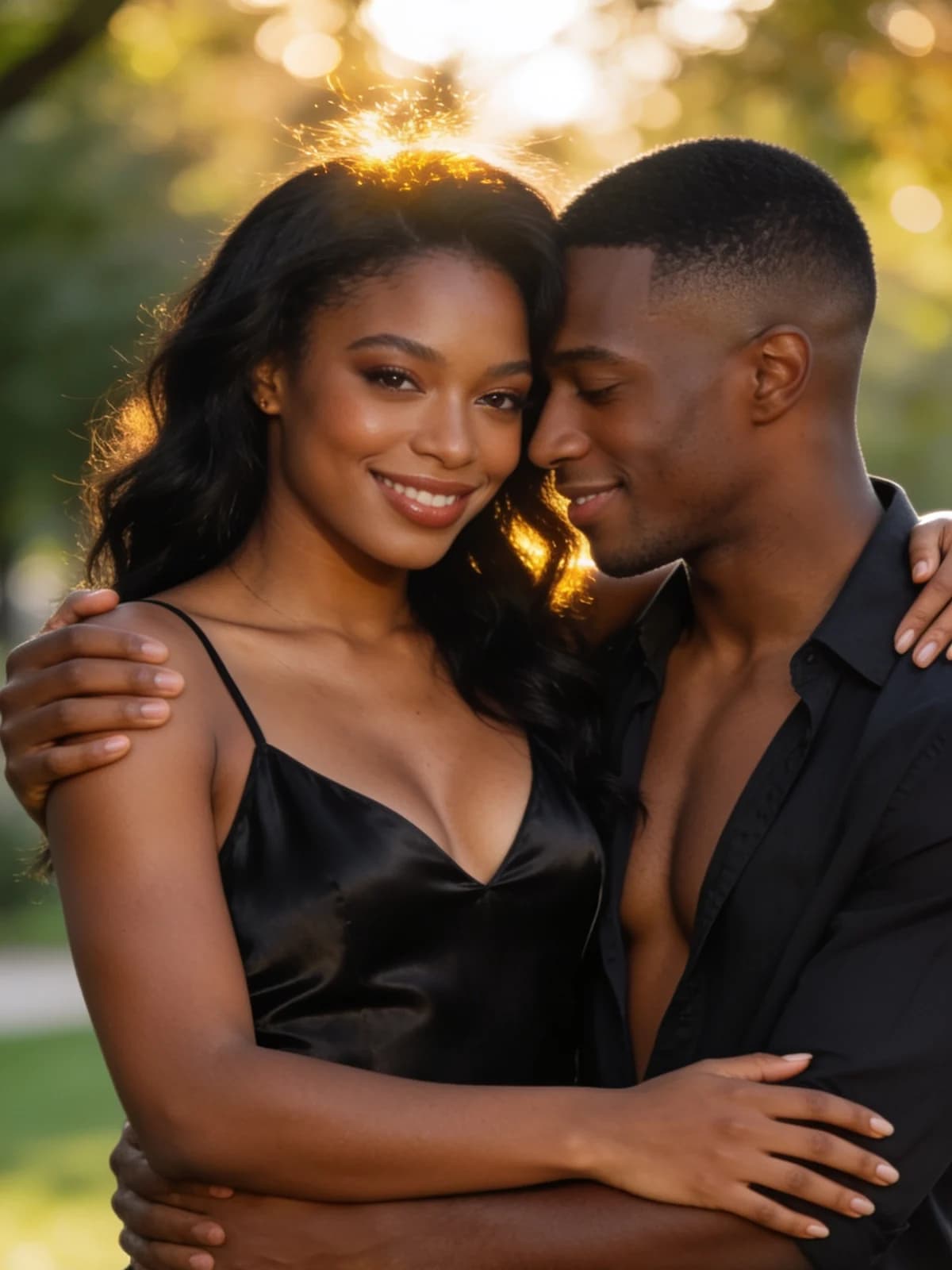 After
After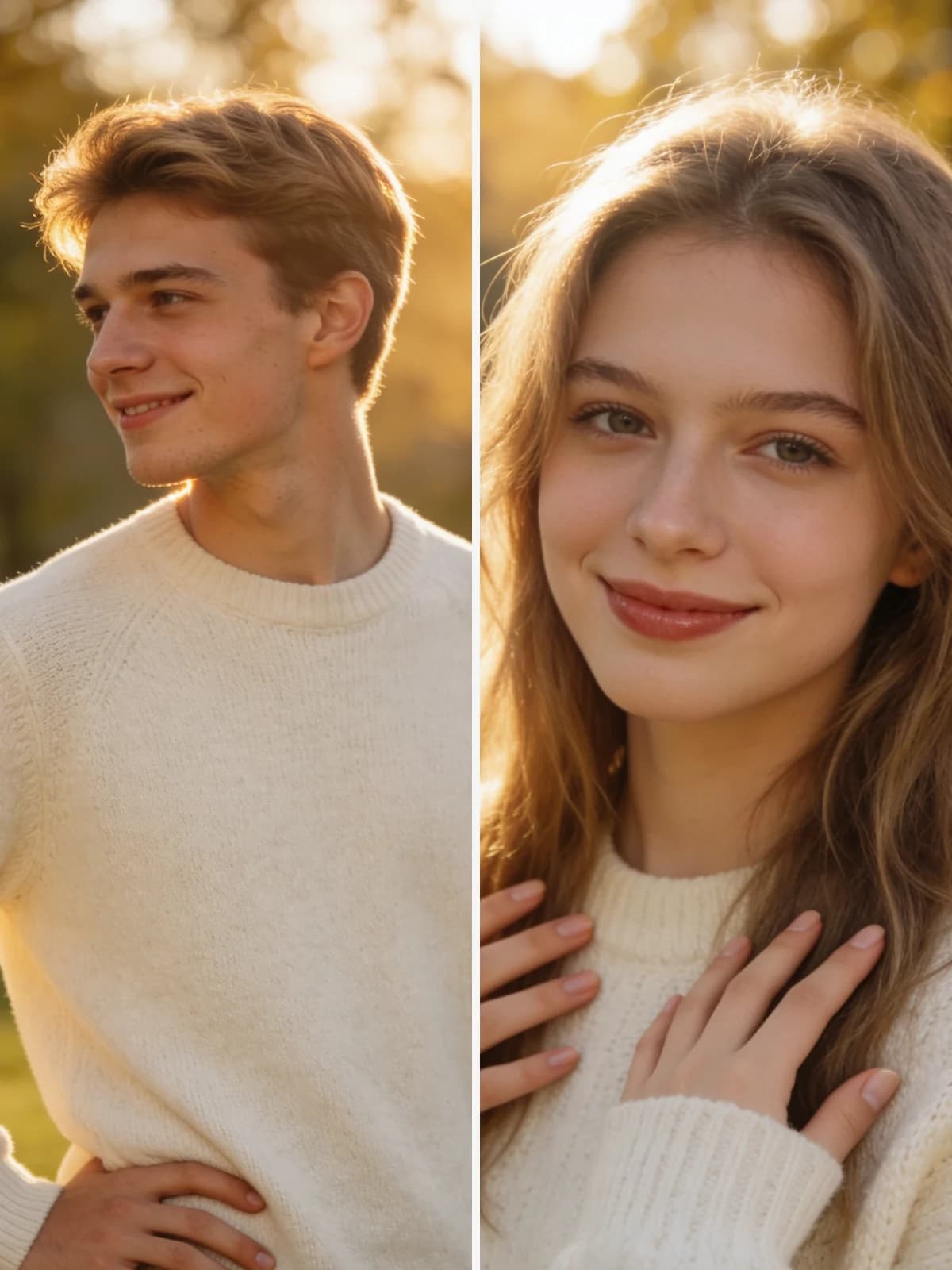 Before
 AfterBeforeAfterBeforeAfterBeforeAfterBeforeAfterBeforeAfter
Two photos, one scene. No prompt writing.
They never have to have been photographed together for the clip to work.

A short hug clip does more than a still for a birthday, an anniversary or a message.

Two separate photos become one moment of them meeting.

The references are held across every frame, so it stays the two people you uploaded.

Use image output to lock framing and faces, then switch to video when you want the hug to move.

Warm, reunion and film each direct the pacing and the light differently.
Upload a photo of each person.
Choose image or video, pick a style, check the displayed cost, then select Create hug. Continue in Studio and sign in if asked; your photos and draft are carried with you.
Watch and download your clip when it finishes.
Identity drift is what breaks two-person video: by the third second one face has become someone else. The prompt pins both references for the whole clip, which is the hardest part and the reason this is not just a text prompt.
Walking toward each other, the pause, the embrace — the beats are described so the clip has a shape instead of being five seconds of drift.
Camera movement, pacing and lighting come from a prompt we maintain. You choose a mood chip if you want one; there is nothing else to set.
Both run on the same models and the same credits. The difference is how much of the decision you want to make yourself.
There is no public gallery, no feed, and no discovery page. Uploads and results are visible only to you, and you can delete either at any time.
Every run shows its exact credit cost on the button. No subscription is required — credits can be bought as a one-off pack.
The prompt, the model and the settings are chosen and maintained by us. You upload, pick a style if you want one, and go.
Results land in the same workspace as everything else you make, with your history, downloads and the full image and video studios one click away.
You upload two photos, one per person. The model animates them moving toward each other and sharing a warm, natural hug, holding both faces consistent with your references across the whole clip. Camera movement, pacing and lighting are directed by a prompt we maintain.
Image runs use the image model tier shown on the button. Video is five seconds at 768p and is billed per second by the model provider, so it costs more than an image. The exact price is always shown before you start.
Usually one to three minutes. You can leave the page while it renders; the result appears in your workspace and in your task history when it's done.
Clear, well-lit photos where each person's face is unobstructed and roughly front-facing. Full-body or upper-body framing gives the model more to work with than a tight head crop.
Your own, or photos of adults who have agreed to it. Images of minors are prohibited and blocked.
Yes. Switch the output to image on this page or in Studio. Video remains available when you want a short clip.
The model provider bills video by the second, and a five-second clip is many times the work of a single frame. We pass that through rather than averaging it into the image price — the exact cost is always on the button before you start.
Prepare one clear photo per consenting adult. Choose image or video and a style here, then continue in Studio to sign in if needed and create your result.
Create hug


