

See an outfit on before buying
Put a garment from a product page onto a photo of yourself instead of guessing from a flat lay.
Swap outfits on any photo while keeping your exact pose, body shape, and lighting. Choose Fitted, Relaxed, or Formal styles in seconds.
Upload 2 photos to start
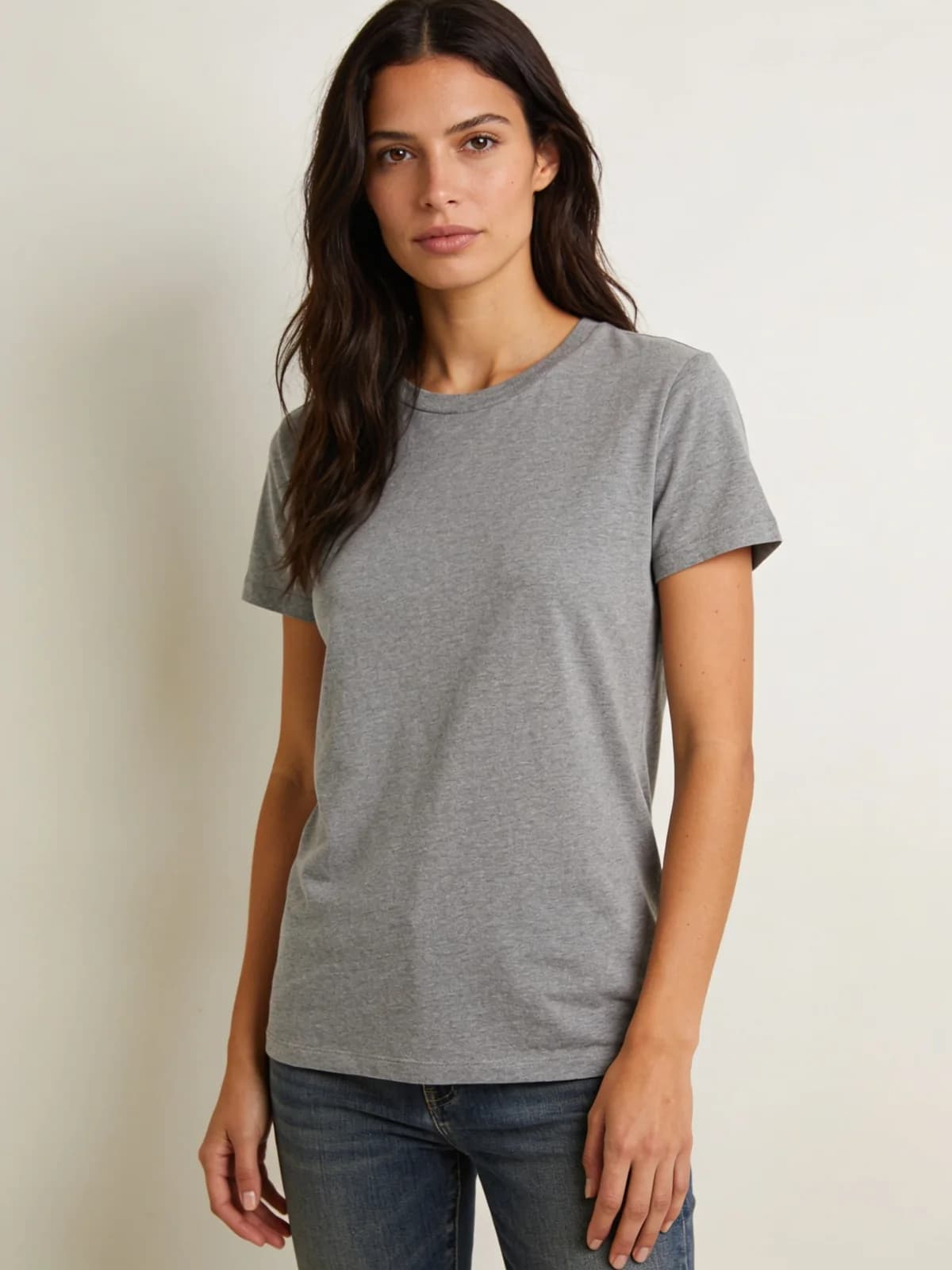 Before
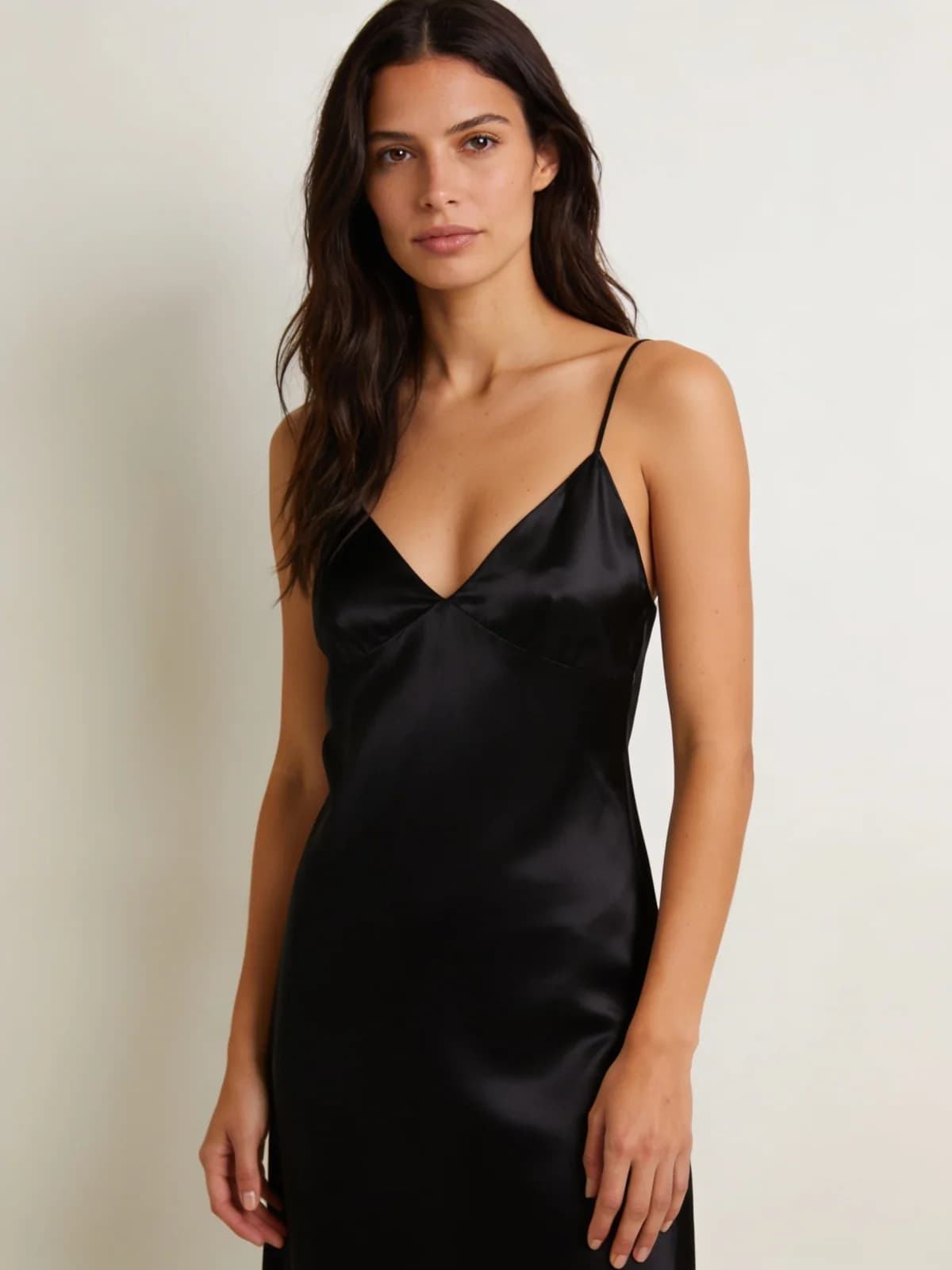 After
After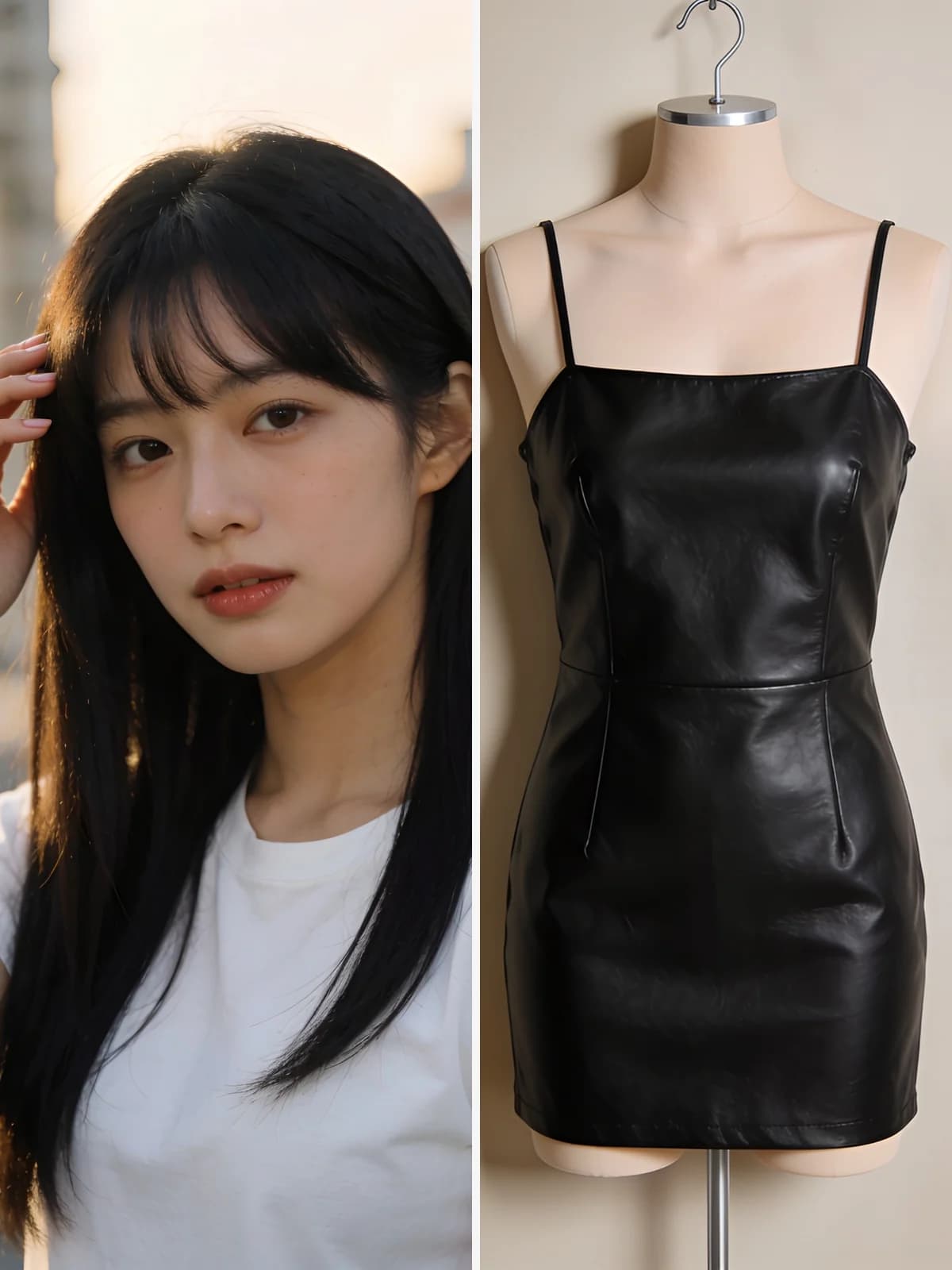 Before
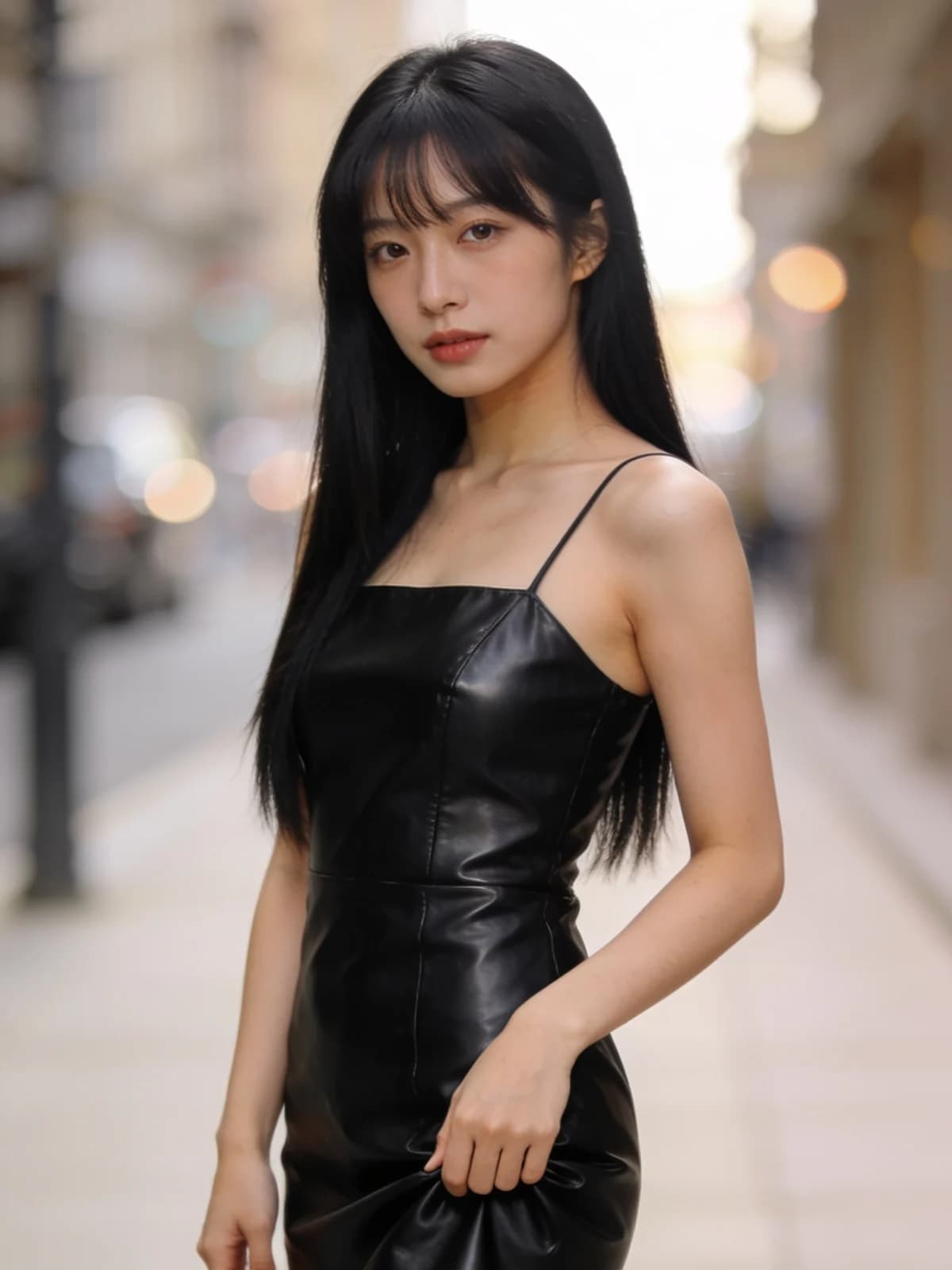 After
After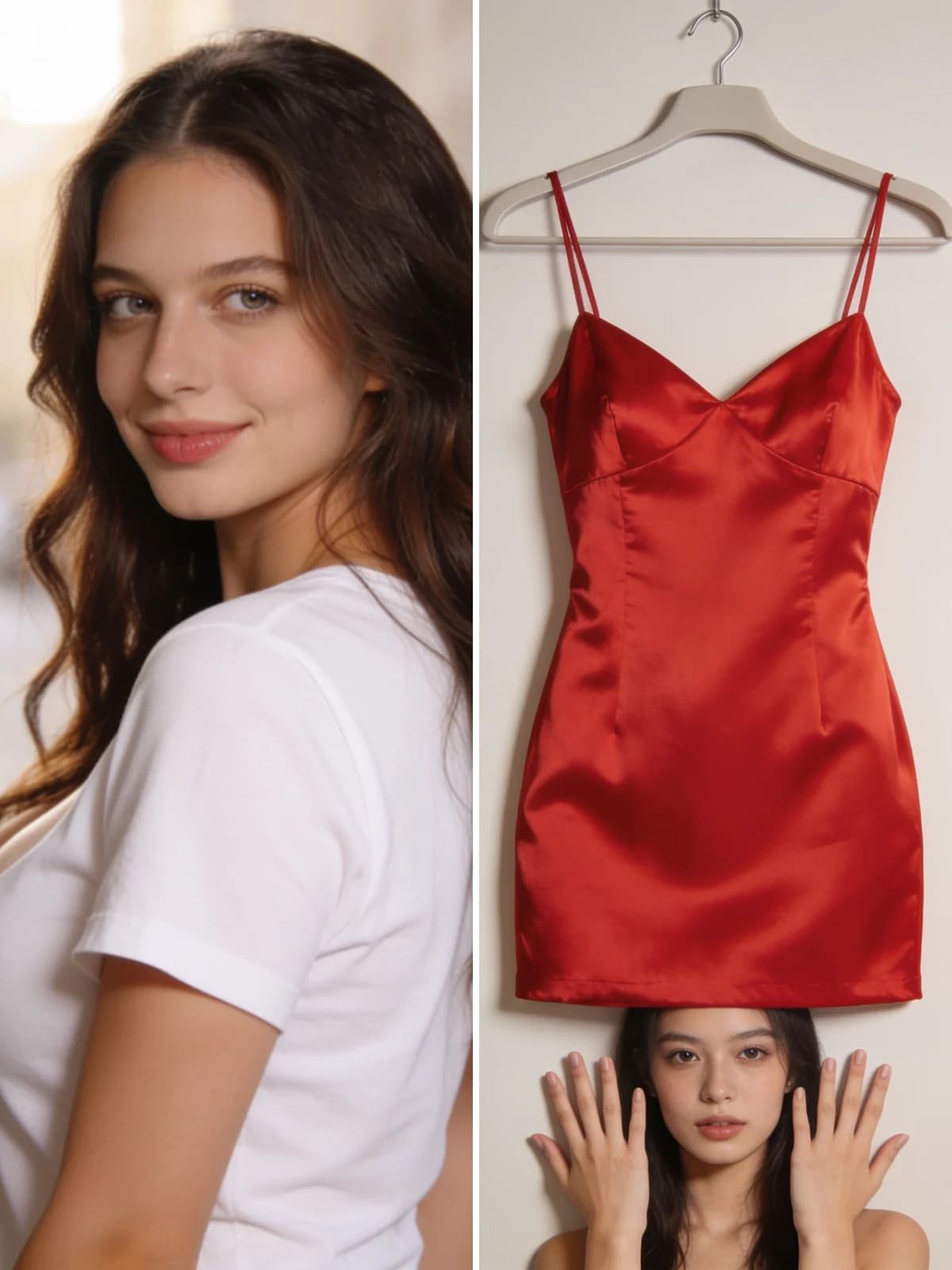 Before
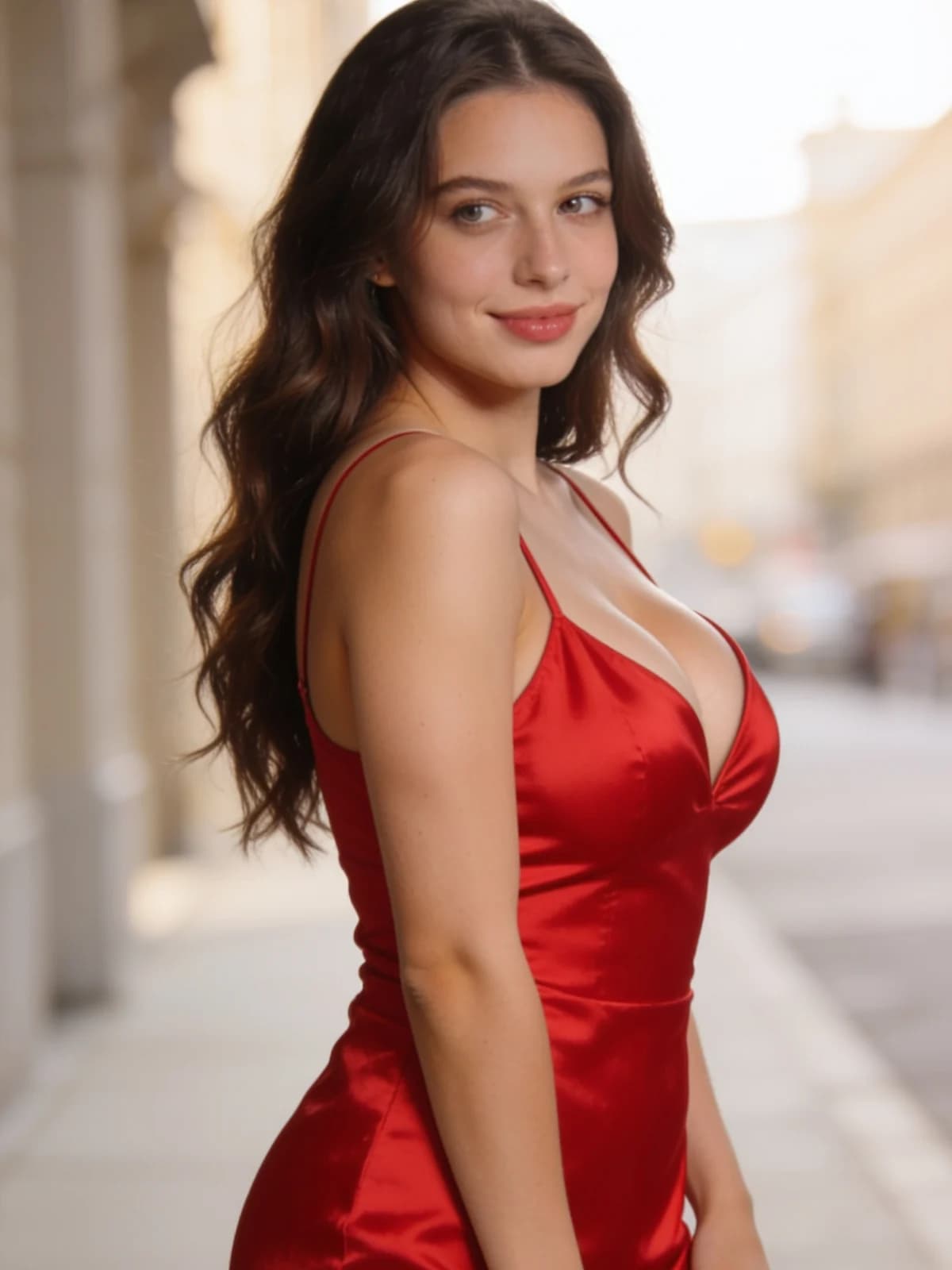 After
After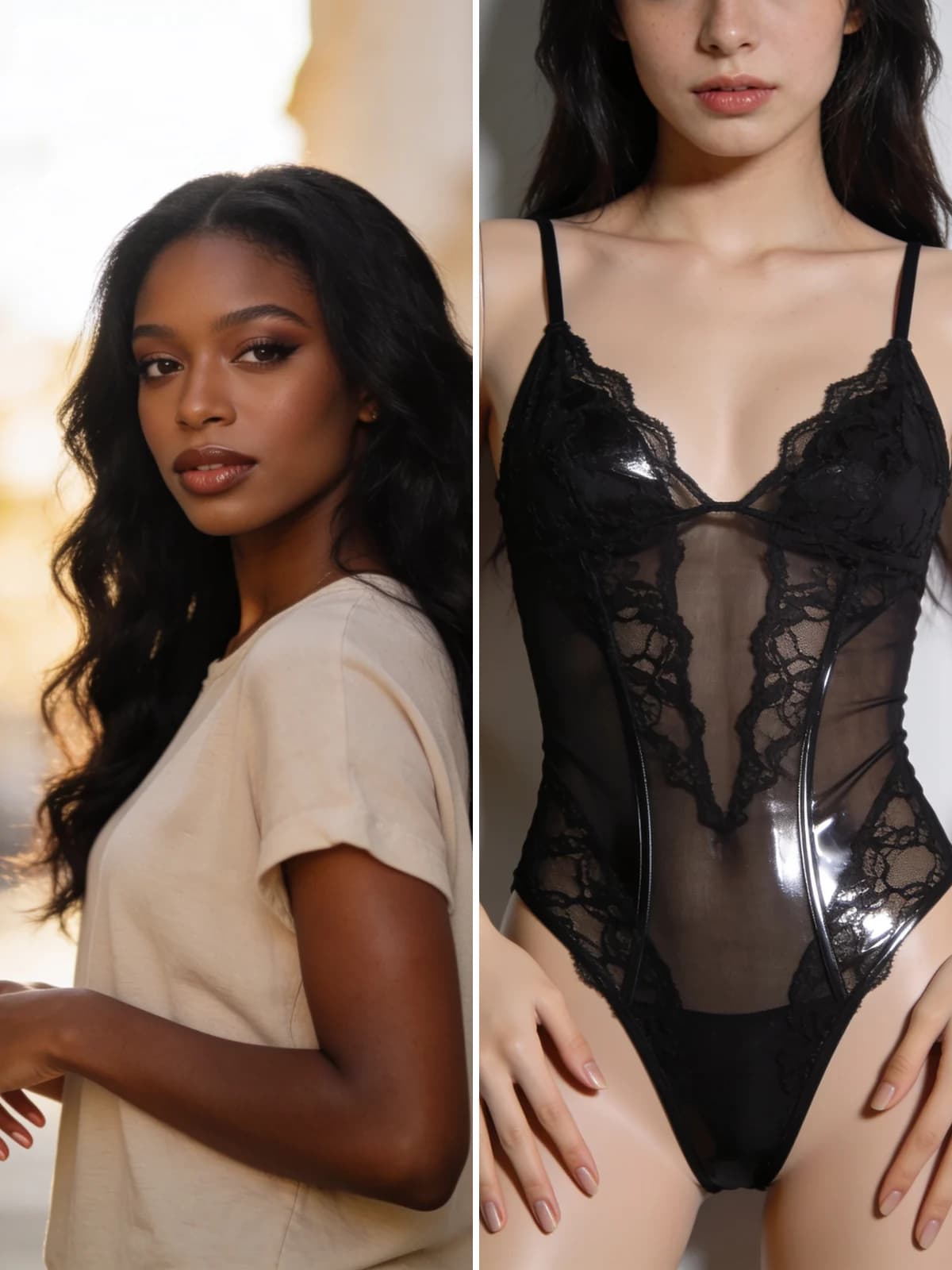 Before
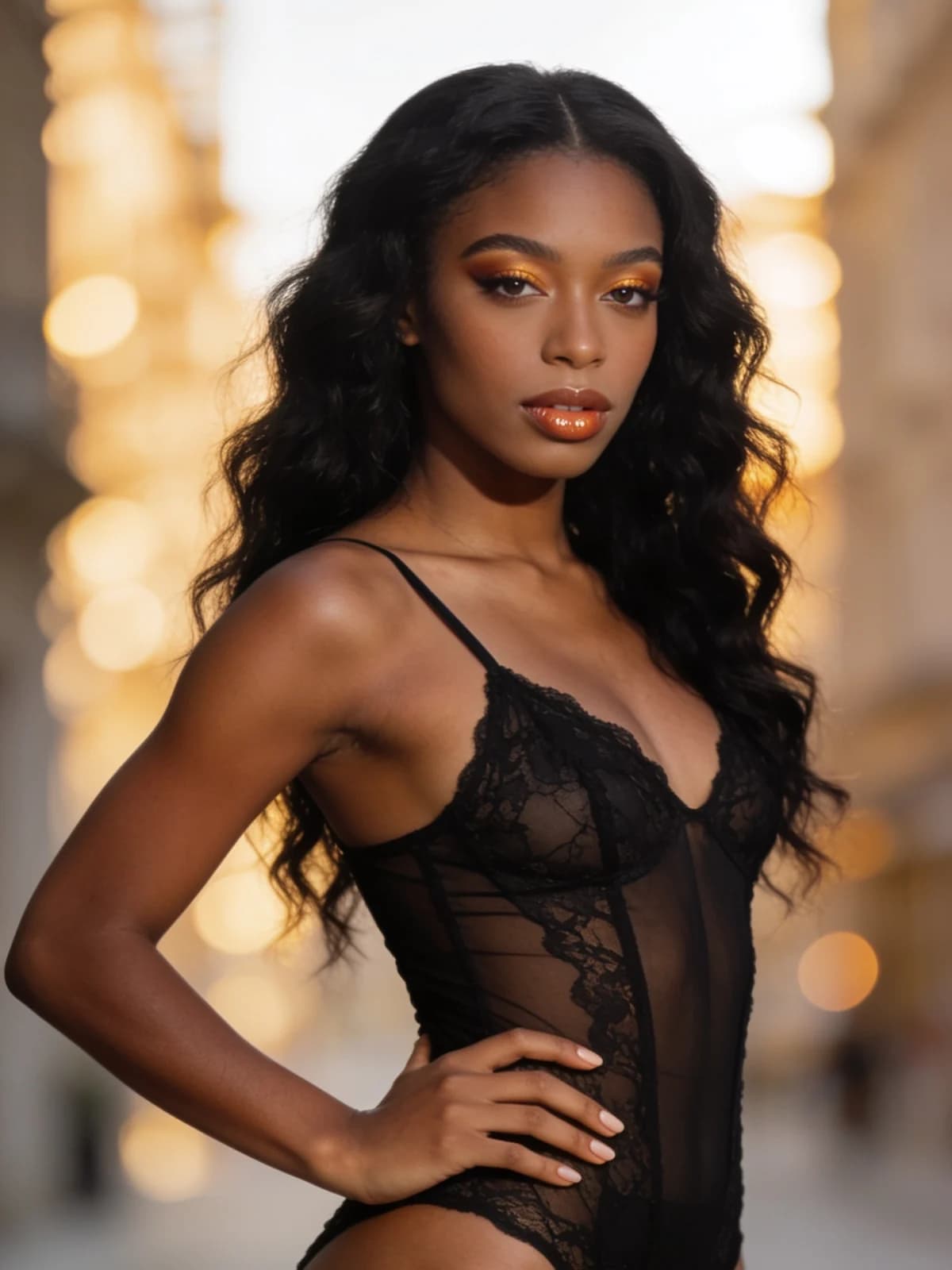 After
After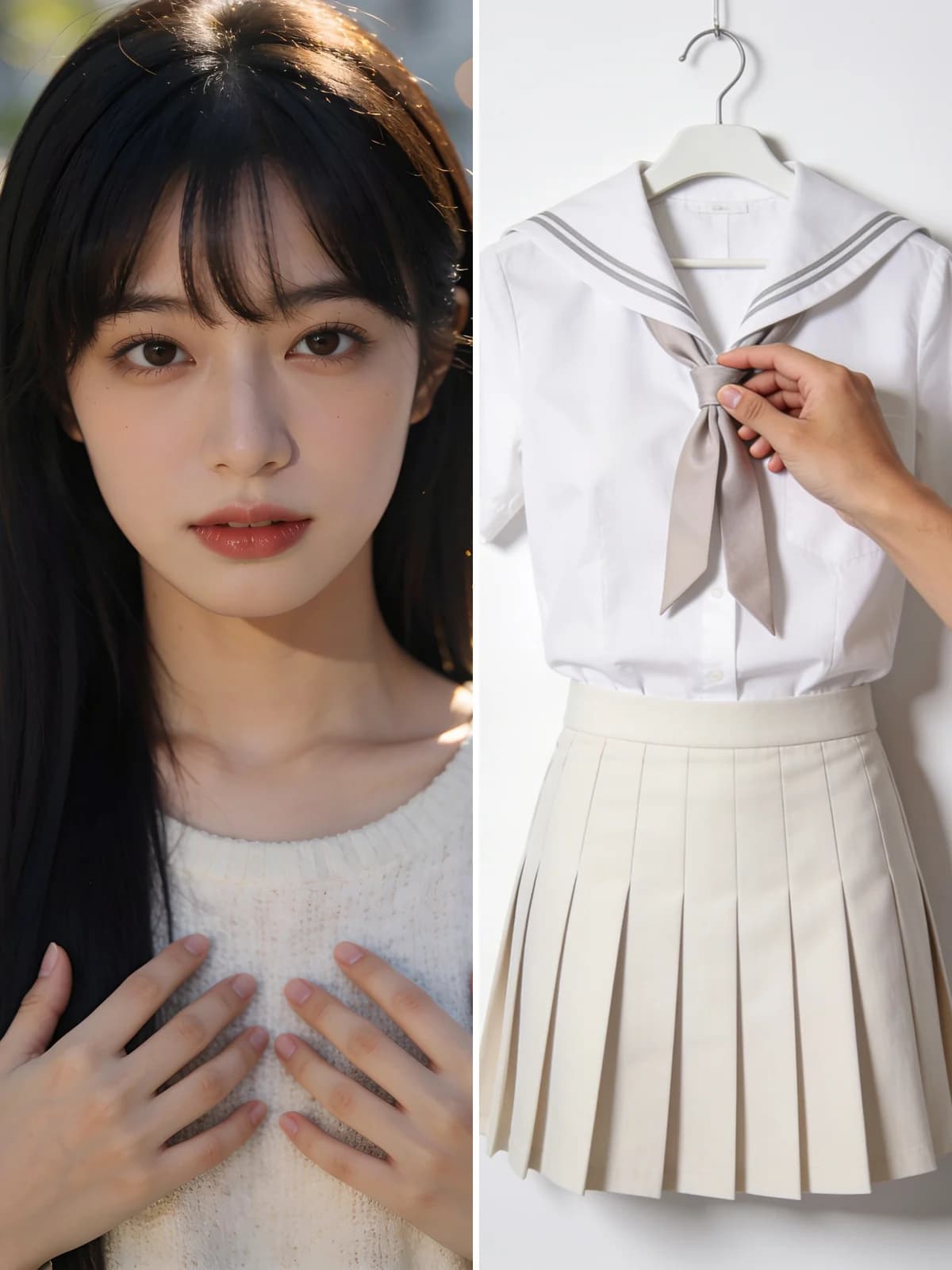 Before
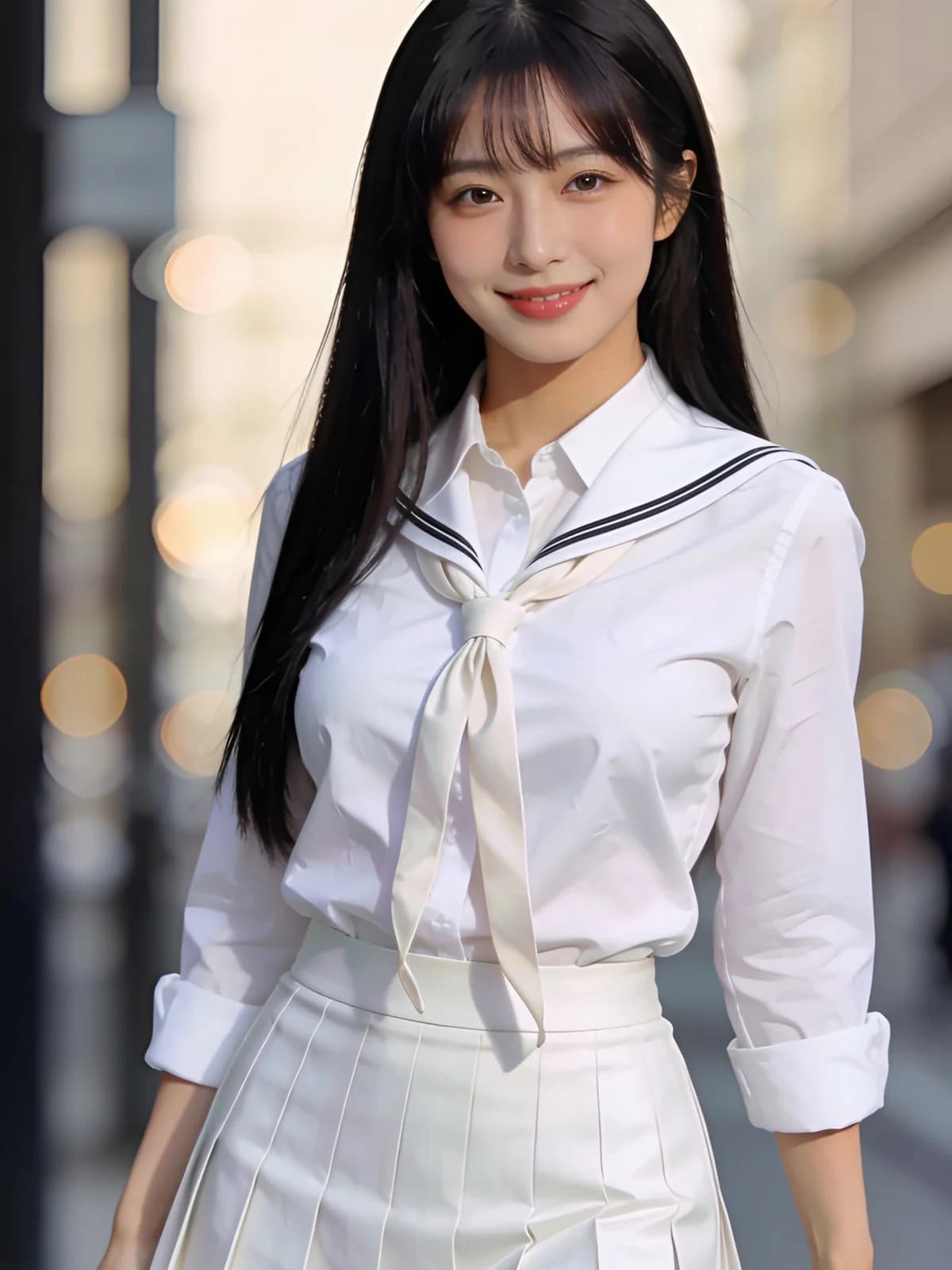 AfterBeforeAfterBeforeAfterBeforeAfterBeforeAfterBeforeAfter
A photo of the person, a photo of the garment, and the fit is worked out for you.
Put a garment from a product page onto a photo of yourself instead of guessing from a flat lay.

Keep the pose, light and location that worked and change only what the person is wearing.

Run the same garment against different model photos to see how it reads on different bodies.

Change outfits across a single set of photos instead of booking the studio again.

Swap in the same garment in another colour and compare the two side by side.

Switch to video and the fabric moves with the body instead of sitting there like a sticker.
Upload the person's photo, then a photo of the outfit.
The built-in prompt keeps the face, pose and background and re-drapes the garment onto the body.
Download the result, or swap in a different outfit and run it again.
Fabric follows the torso, gathers where a real garment would gather, and casts shadow into the folds. That is the difference between a try-on and a cut-out pasted on top.
Face, hairstyle, body proportions, pose and background are all explicitly preserved. Only the clothing changes, so you can compare two outfits without anything else drifting between the runs.
A garment lit from the wrong side is the first thing the eye catches. The built-in prompt matches the direction and softness of the light already in your photo.
Both run on the same models and the same credits. The difference is how much of the decision you want to make yourself.
There is no public gallery, no feed, and no discovery page. Uploads and results are visible only to you, and you can delete either at any time.
Every run shows its exact credit cost on the button. No subscription is required — credits can be bought as a one-off pack.
The prompt, the model and the settings are chosen and maintained by us. You upload, pick a style if you want one, and go.
Results land in the same workspace as everything else you make, with your history, downloads and the full image and video studios one click away.
It takes two photos — the person, and the garment you want them in. The model keeps the face, hairstyle, body proportions, pose and background untouched, and renders the new garment onto the body with fabric drape, folds and shadows that match the original lighting, so it reads as genuinely worn rather than pasted on.
The exact cost is always shown on the generate button before you spend anything. Credits come from a pack or a subscription — there is no plan you have to be on to run this tool.
A flat lay or a clean product shot on a plain background gives the model the clearest read on shape, colour and texture. Busy backgrounds or a garment worn by another person can work, but the result is less predictable.
Yes — the face, hairstyle and background are explicitly preserved. Only the clothing changes. If you want to change the face too, use the AI Face Swap tool instead.
Only you. Uploads and results stay in your workspace and never appear in any public gallery. Delete them whenever you like.
A flat lay or a clean product shot on a plain background gives the model the clearest read on shape, colour and texture. A garment worn by someone else also works, but the model then has to separate the clothing from that person first, and the result is less predictable.
Use the optional detail field to say so — for example asking to change only the top and keep the trousers. The built-in prompt handles the fit; your note steers what it touches.
Upload the person and the garment. Everything else in the frame stays exactly where it was.
Generate


