
Text to video
Turn a scene description into a short AI video with model-specific motion controls.
Create AI video from a text prompt, animate a photo, connect two keyframes, or guide a shot with references. Choose the inputs your model supports, then review settings and credits in Studio.
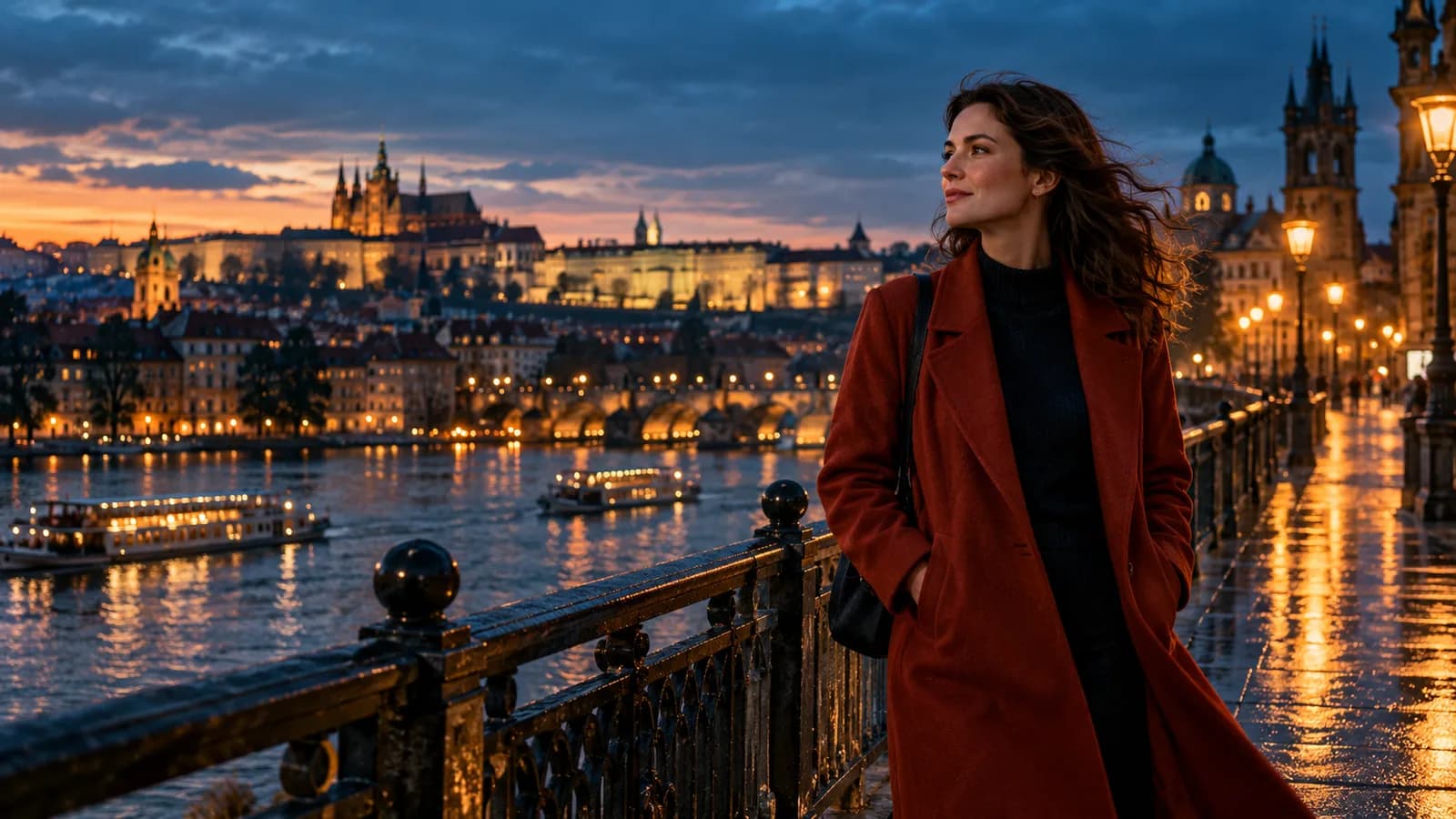
Turn a scene description into a short AI video with model-specific motion controls.
Use an approved still or reference to guide framing, subject direction, and movement.
Resolution, duration, audio, and model choice update the cost before you submit.
Start with a scene or an image, choose a supported workflow in Studio, then review the cost before rendering.
Write the scene, camera movement, subject action, lighting, and final mood.
Open the suite to set model, duration, resolution, aspect ratio, audio, and references.
Confirm credits and render the video in your own workspace.
Available inputs, duration, resolution and audio depend on the selected model. Compare the model groups below, then check the current options in Studio.
Cost-efficient motion drafts at 480p or 720p with all four creation workflows. The one to stay on while you are still checking whether a shot works.
Faster iteration at 480p and 720p; full Seedance 2.0 adds 1080p and 4K with text, frame and multimodal reference workflows.
Our own tier at 480p, 720p or 1080p, up to 30 seconds, driven by text, first and last frames or multimodal references.
Longer clips at 480p, 720p or 1080p, with first and last frames and multimodal references.
Advanced multimodal video at 480p, 720p or 1080p, driven by text, a still or a reference. MiniMax H3 adds a 768p and 2K path.
Choose an input method for your shot. The illustrations below explain the workflow; available inputs and controls depend on the selected model.
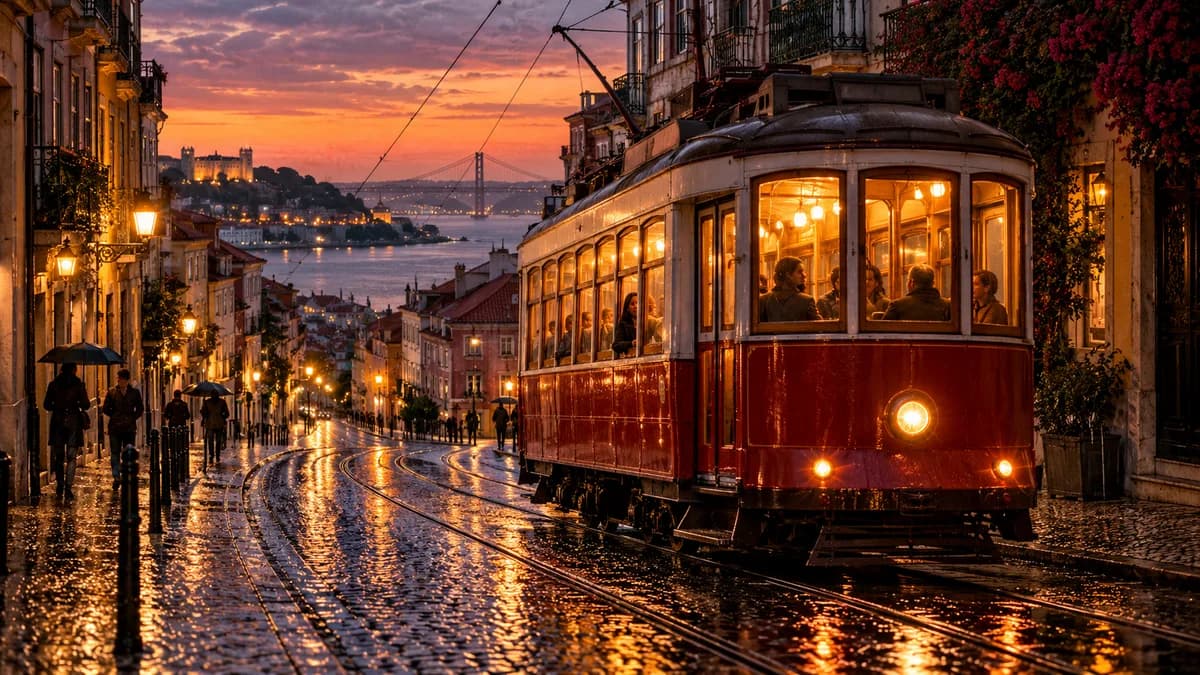
Start from a written scene when you do not have a source image. For example: a red tram crossing a rain-wet street at dusk, a slow tracking shot, warm window light. Name the subject, action, camera movement and lighting.
AI-generated static illustration; not a rendered video or a guaranteed result.
Upload a photo you have the right to use and describe what should move. For this coastal portrait concept, ask for a gentle breeze in the hair and curtain with a steady camera. Start with a clear subject and a short, specific motion.
AI-generated static illustration; not a rendered video or a guaranteed result.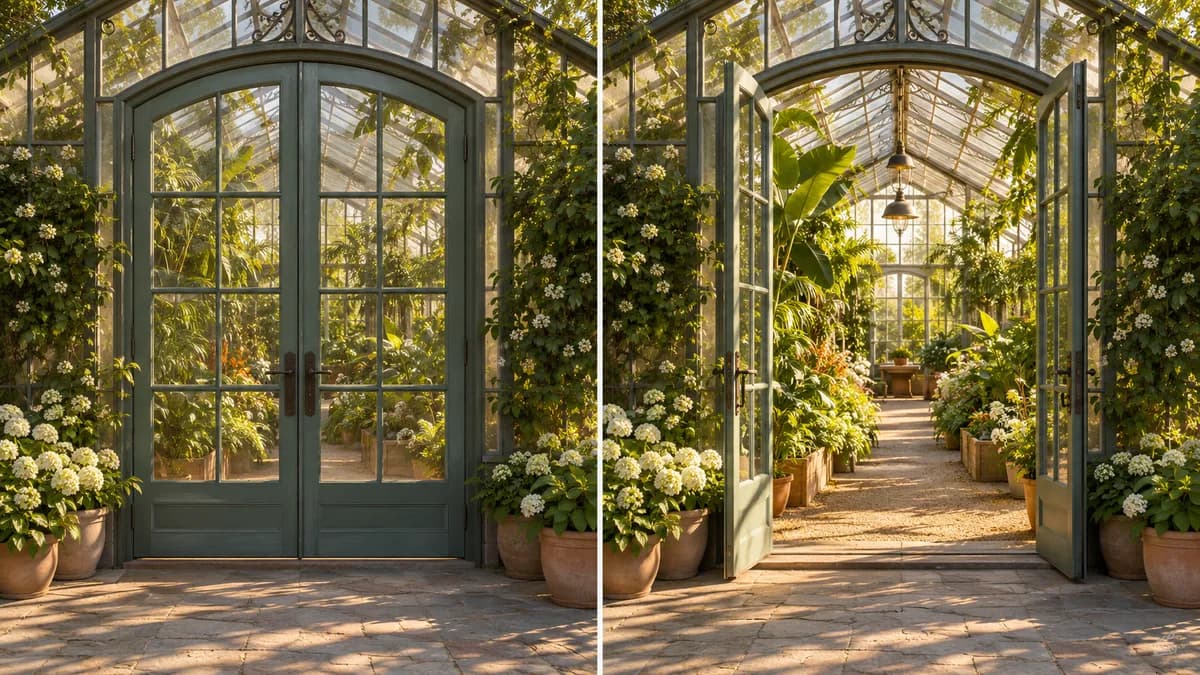
Use two stills to guide the beginning and end of a shot. The greenhouse concept shows closed doors in the first frame and open doors in the last. Choose a model with first/last-frame support; the generated transition may vary.
AI-generated static illustration; not a rendered video or a guaranteed result.
Use subject and visual references to guide a new shot. This concept pairs a blue bottle with foliage and warm light. Reference image, video and audio support differs by model; references guide the output rather than guarantee an exact match.
AI-generated static illustration; not a rendered video or a guaranteed result.A written scene becomes a short clip — subject action, camera movement, lighting and mood in one pass.
An image you already generated, or one you own, becomes the first frame of a moving shot.
First and last frames guide the beginning and end of a shot. Keep the subject and framing consistent when you want a coherent transition.
9:16 for phone-first output, 21:9 for wide scenes — set before rendering rather than cropping a 16:9 clip afterwards.
Seedance 2.5, Wan 3.0 Prime and Lumi Video 1.1 Pro run up to 30 seconds, so a shot does not have to end at five.
Uncensored models take on the adult scenes that general-purpose generators refuse, and treat them as ordinary work in your own workspace.
Lumi Arts bills in credits, not seats. Video is billed per second of output, so duration moves the price directly — and the per-second rate itself rises with the model and the resolution, which is why 1080p costs several times what 480p does on the same model.
That is why the suite quotes the whole clip — model, resolution, duration and quantity together — before you submit, instead of showing one price per model and leaving you to do the multiplication.
If a render fails, the credits go back automatically — you are never charged for a clip that never arrives.
Lumi Arts supports adult creative work, but minors, non-consensual content, sexual deepfakes, harassment, and misuse of real people are prohibited.
Choose a model that supports adult content in Studio. Model rules differ; general-audience models do not accept adult requests. Age confirmation is required for adult work.
Yes. In the suite, supported models can turn approved images or references into short videos.
No. The prompt area only sends you to the suite. It does not submit a generation job on this page.
The suite calculates credits from the selected model, resolution, duration, quantity, and audio settings before submission.
Fifteen public video models. Most carry their vendor's own name — Seedance 2.0 Mini, 2.0 Fast, 2.0 and 2.5, Wan 2.6, 2.6 Flash and 3.0 Prime, MiniMax H3, plus Grok and Gemini tiers. One model, Lumi Video 1.1 Pro, runs under our own name. The Grok, Gemini and promotional tiers are general-audience only and do not accept adult work.
From 4 seconds up. The Seedance 2.0 line runs to 15 seconds, and Seedance 2.5, Wan 3.0 Prime and Lumi Video 1.1 Pro run to 30. A new clip defaults to 5 seconds.
Yes. First and last frame mode takes two stills and generates the motion between them. It is available on the Seedance 2.0 line and on Seedance 2.5.
There is an audio toggle on the models that support it, and reference-driven runs can take an audio track as input. Audio is off by default.
Bring a prompt, a photo or your references into Studio. Choose a model and review the full credit estimate before you generate.
Generate AI Video