

Turn a scene into comic panels
Write what happens and who says what; the page comes back drawn, laid out and lettered.
Turn scripts, dialogues, or photos into complete comic pages. Choose from 1 to 4 panels or detail grids with authentic manga pacing.
Describe what you want to create
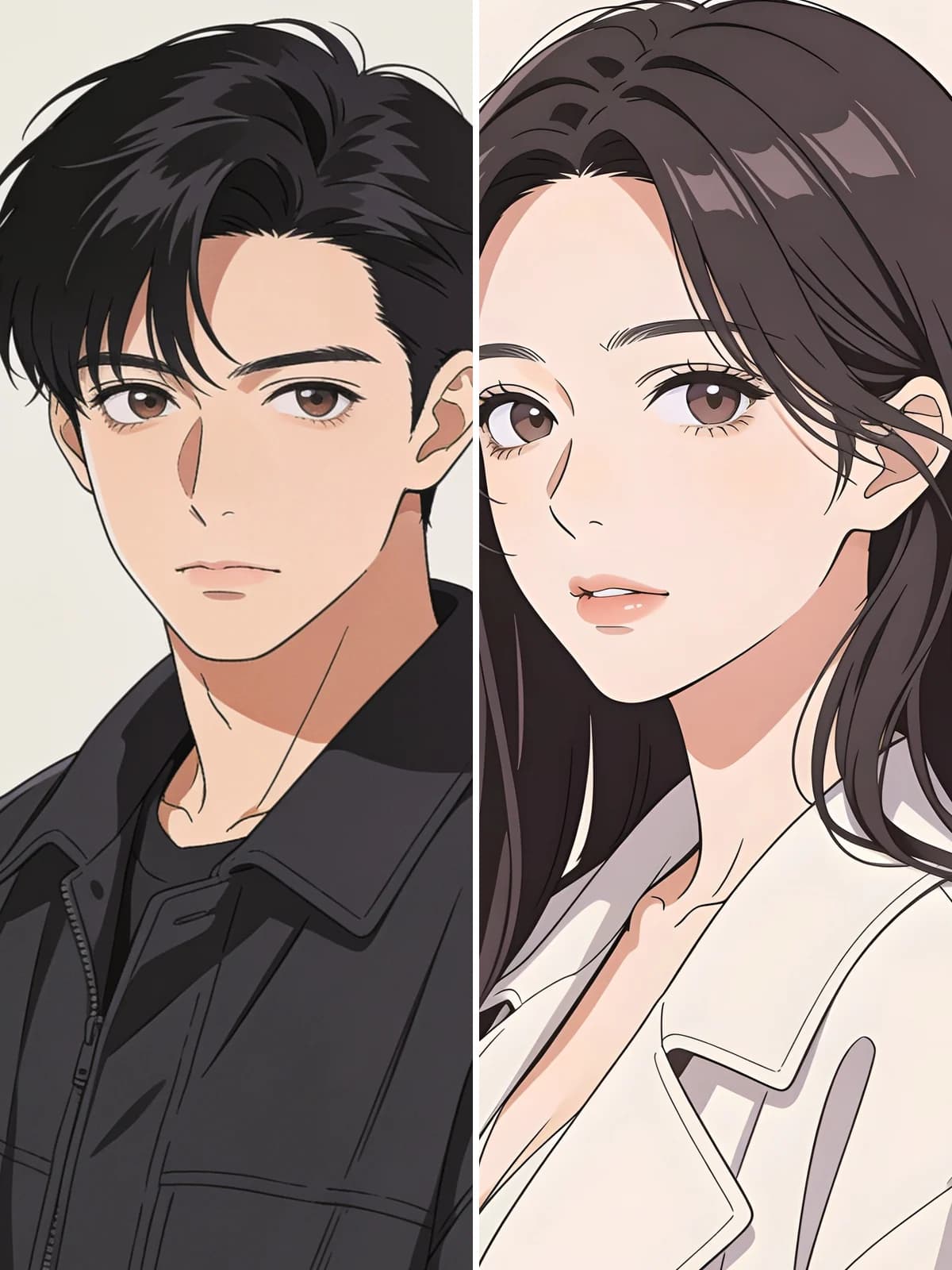 Before
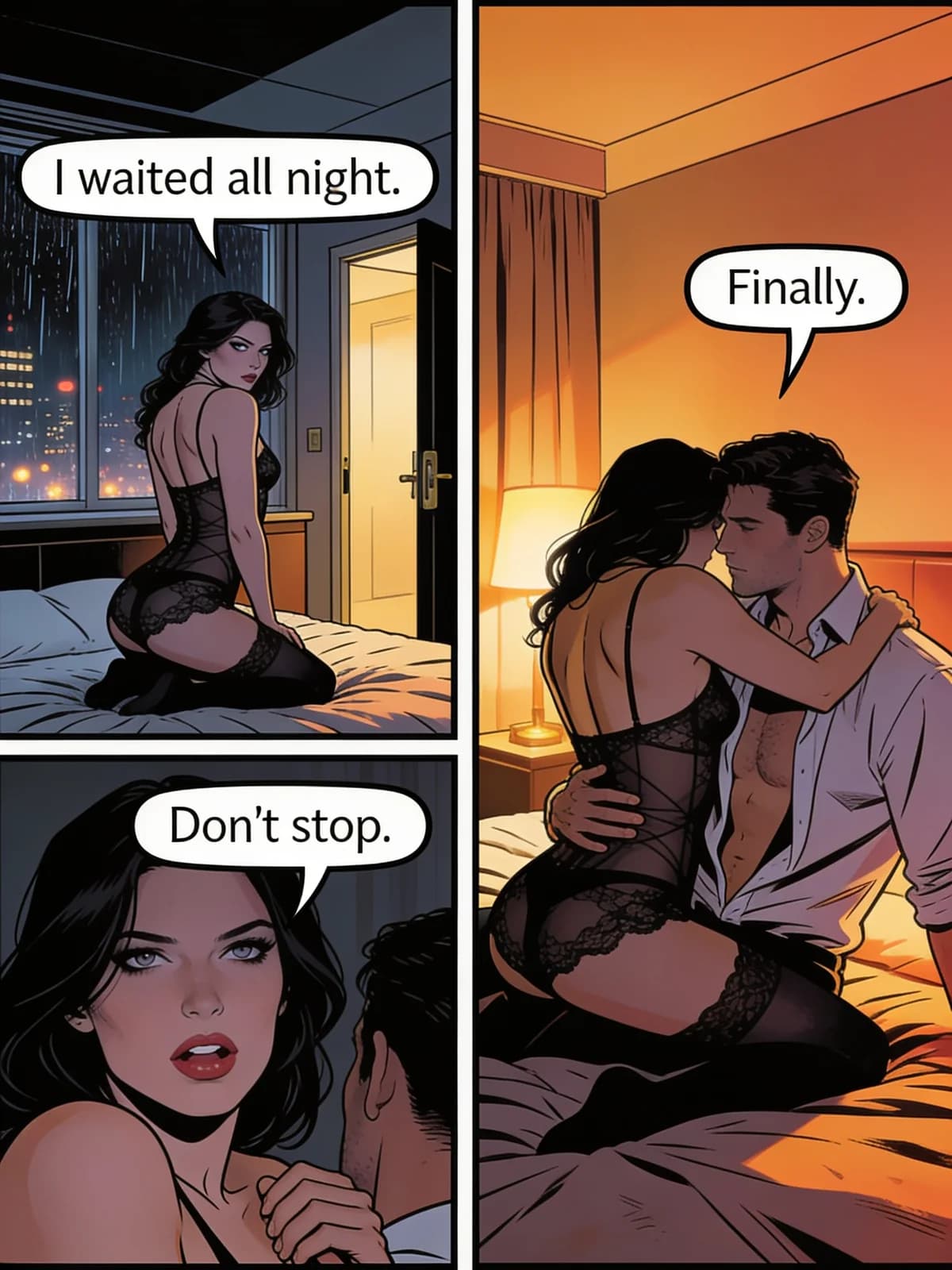 After
After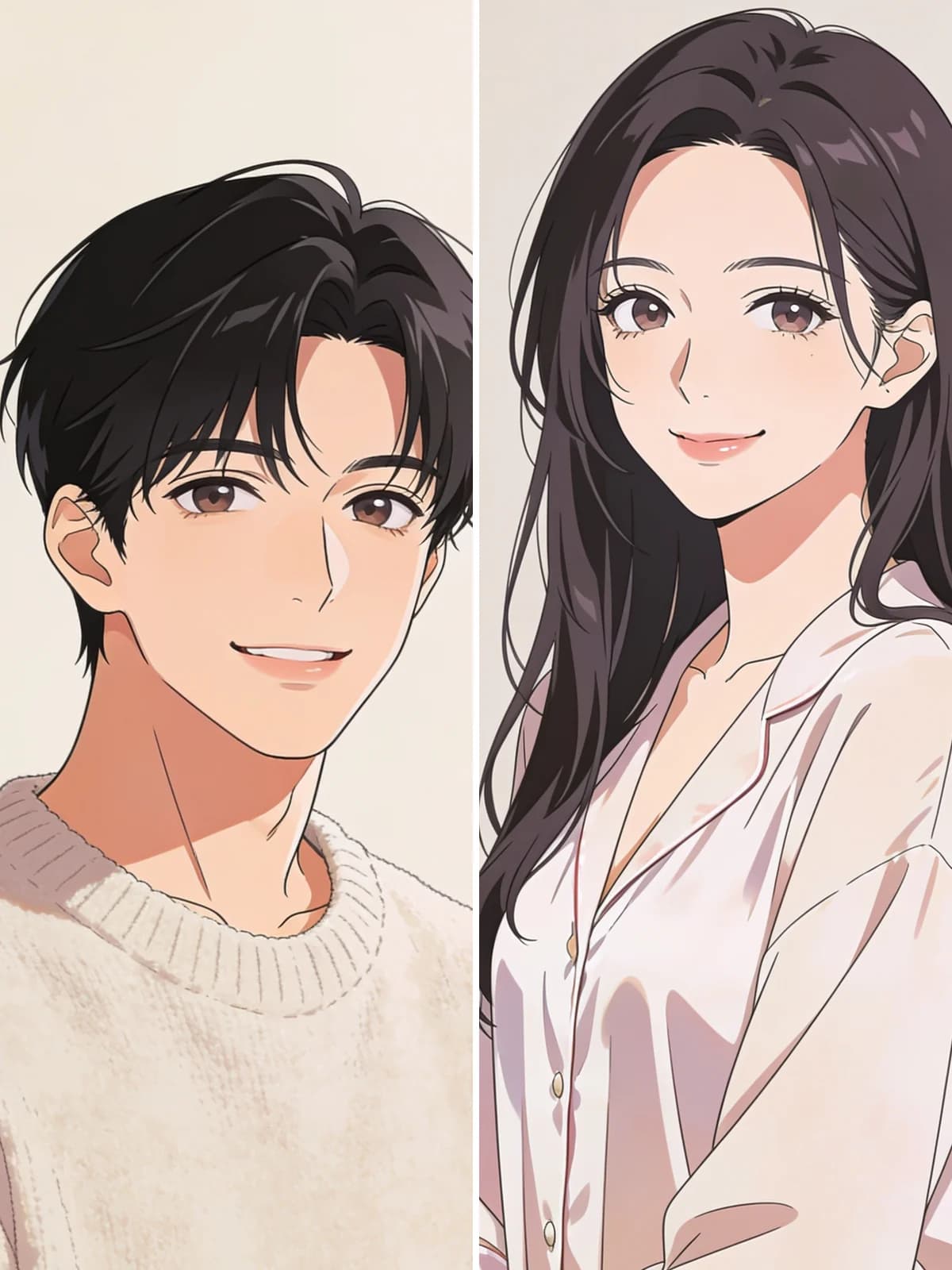 Before
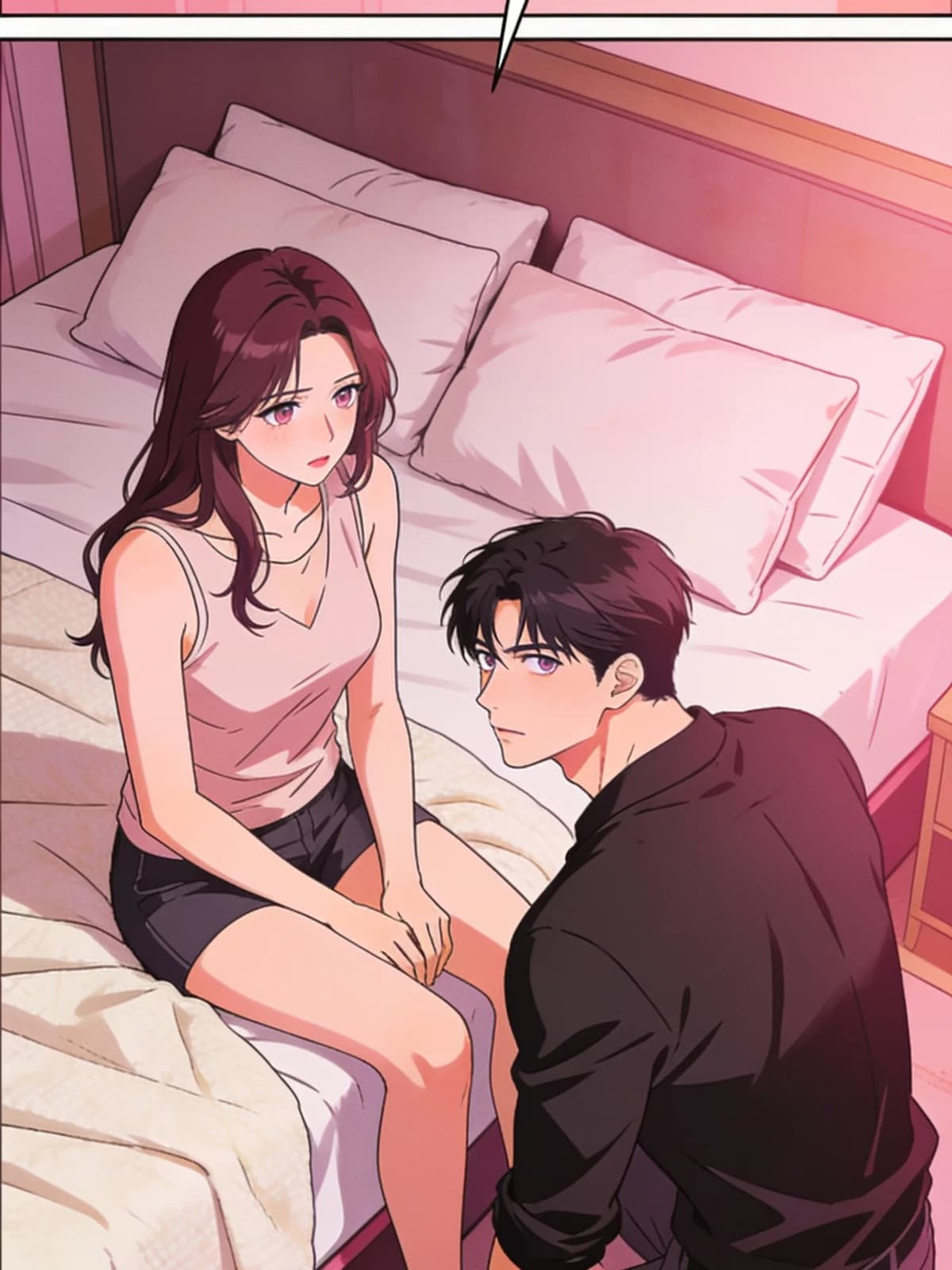 After
After Before
 After
After Before
 After
After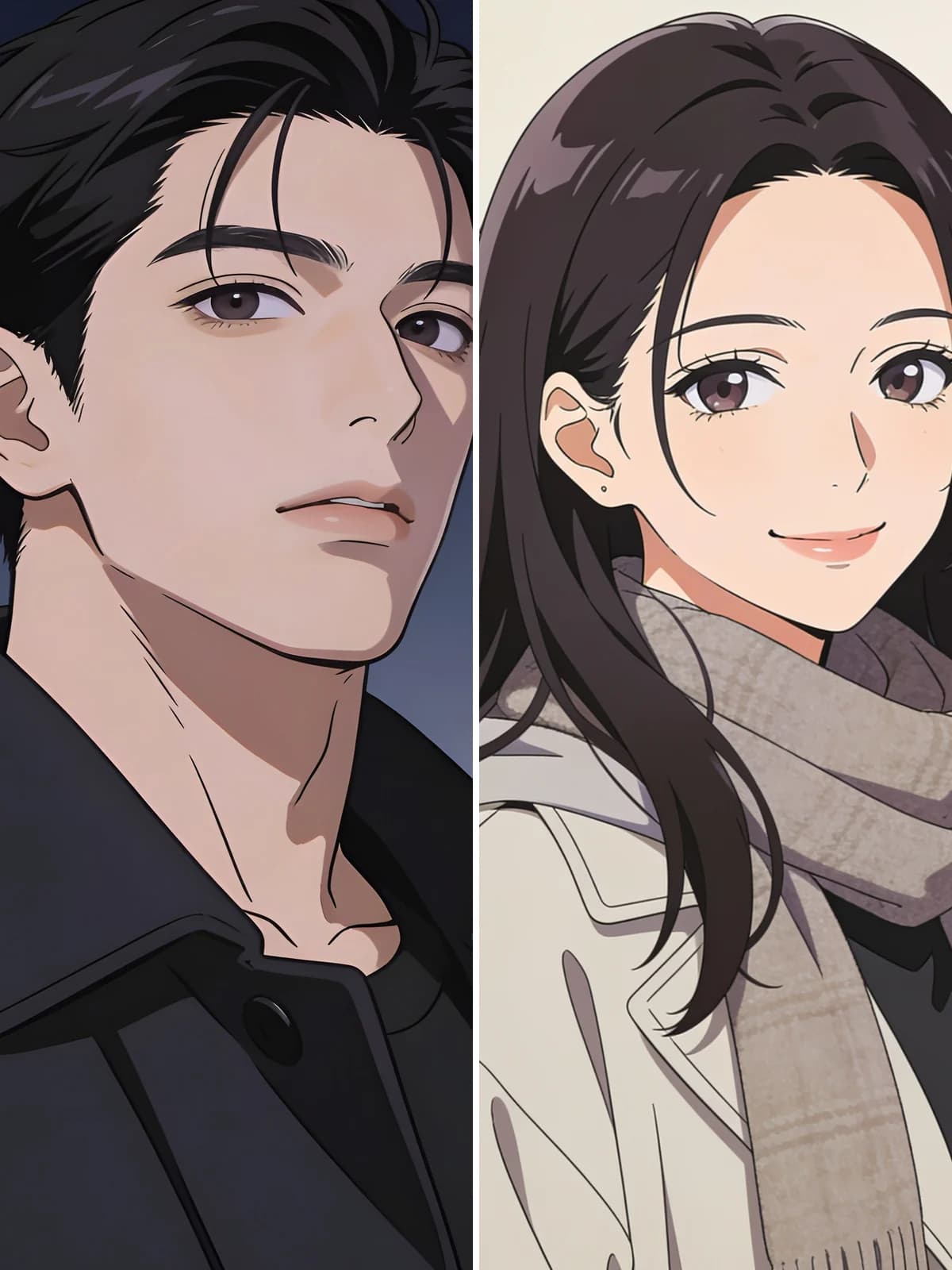 Before
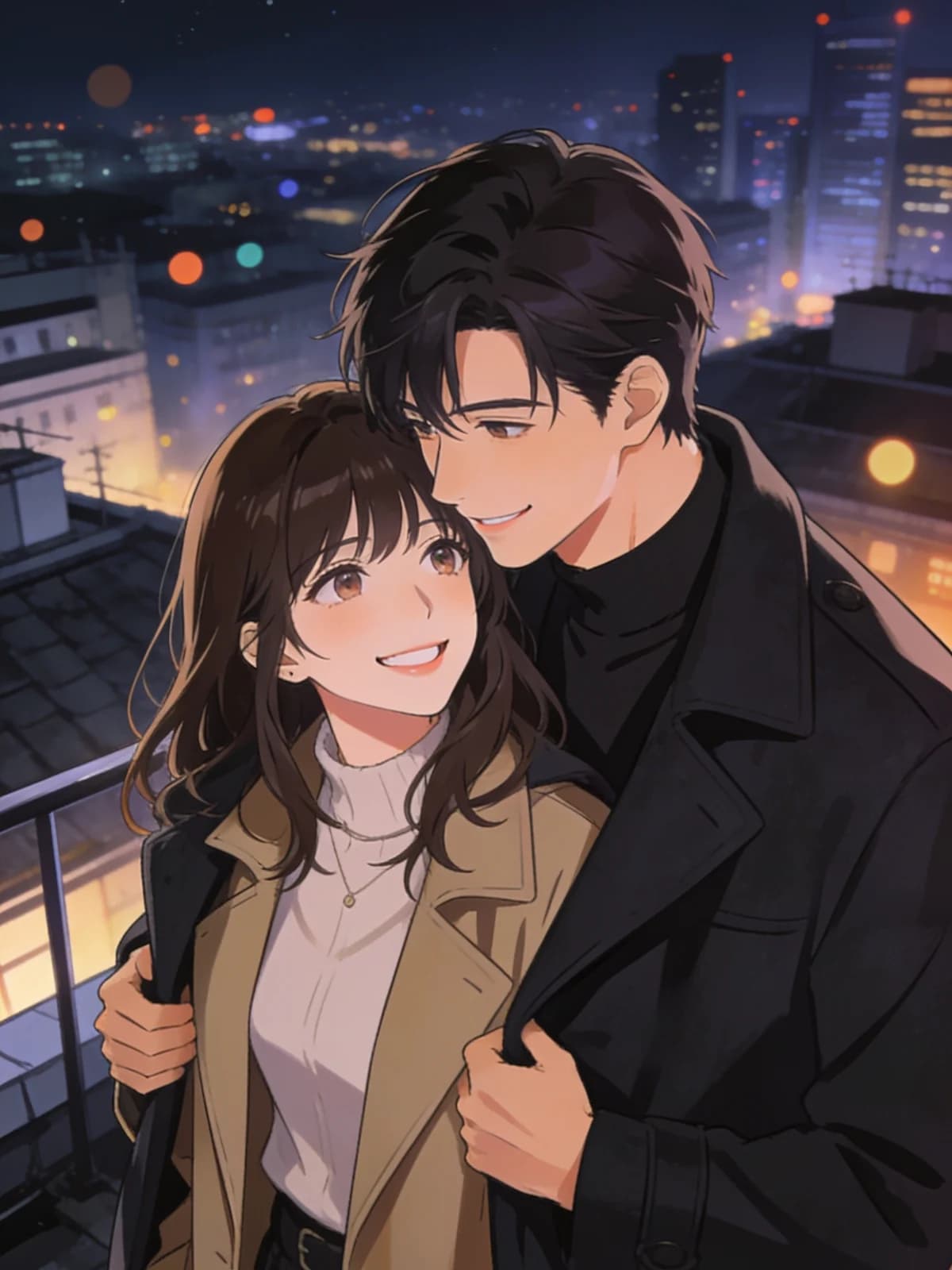 AfterBeforeAfterBeforeAfterBeforeAfterBeforeAfterBeforeAfter
One description in, a whole page out — comic panels, manga-style pacing or webtoon framing, with lettering included.
Write what happens and who says what; the page comes back drawn, laid out and lettered.

The same face, hair and outfit carry through every panel of the page.

Anything you put in quotation marks is lettered into the bubbles exactly as written.

One panel for a single moment, four for a full beat-by-beat manga-style or webtoon-paced scene.

Pages land in your own workspace. There is no public gallery and no feed.
Describe the scene and put each line of dialogue in quotation marks.
Pick a panel layout — one, two, three or four panels for comic, manga-style or webtoon pacing.
You get a finished page: art, panel borders and lettered bubbles.
Dialogue you write in quotes comes back correctly spelled and cleanly lettered inside the bubbles, with the tail pointing at whoever is speaking. That is the part most AI comic tools get wrong.
The whole page — art, gutters, borders and bubbles — is produced in a single pass, so comic panels share one lighting scheme, one palette and one drawing hand.
The prompt pins each character's face, hair and clothing across every panel, which is what stops a three-panel page from reading as three different people.
Both run on the same models and the same credits. The difference is how much of the decision you want to make yourself.
There is no public gallery, no feed, and no discovery page. Uploads and results are visible only to you, and you can delete either at any time.
Every run shows its exact credit cost on the button. No subscription is required — credits can be bought as a one-off pack.
The prompt, the model and the settings are chosen and maintained by us. You upload, pick a style if you want one, and go.
Results land in the same workspace as everything else you make, with your history, downloads and the full image and video studios one click away.
Put it in quotation marks inside your description — for example: she looks back and says "I waited all night." Anything in quotes is lettered into a bubble; everything else is treated as direction for the artwork.
One, two, three or four, chosen with the layout chips. One panel is a single decisive moment; four gives you a full scene with a beginning, a turn and a payoff — useful for manga-style beats or webtoon pacing.
A consistent adult comic look: bold ink linework, cel shading with hard shadow edges and saturated colour. Use it for single panels, multi-panel manga-style pages, or taller webtoon-like framing so pages sit together as a series.
One image run — a comic page is generated as a single image, so it costs the same as any other image. The cost is shown on the button before you commit.
Only you. Pages live only in your own workspace and are visible only to you. Nothing is published to a gallery or a feed, and you can delete any page at any time.
Lumi Arts supports compliant adult creative work. Content involving minors or non-consenting people is blocked server-side, and that boundary cannot be edited out by anything you write.
One description, one panel layout, one page back — drawn, laid out and lettered for comic, manga-style or webtoon framing.
Generate


