

Adjust one thing about a photo
Change the proportion without regenerating the scene, the outfit or the face.
Naturally adjust bust curves and body shapes while preserving original lighting and pose. Choose Subtle, Fuller, or Dramatic styles in seconds.
*Photos of consenting adults only
Upload 1 photo to start
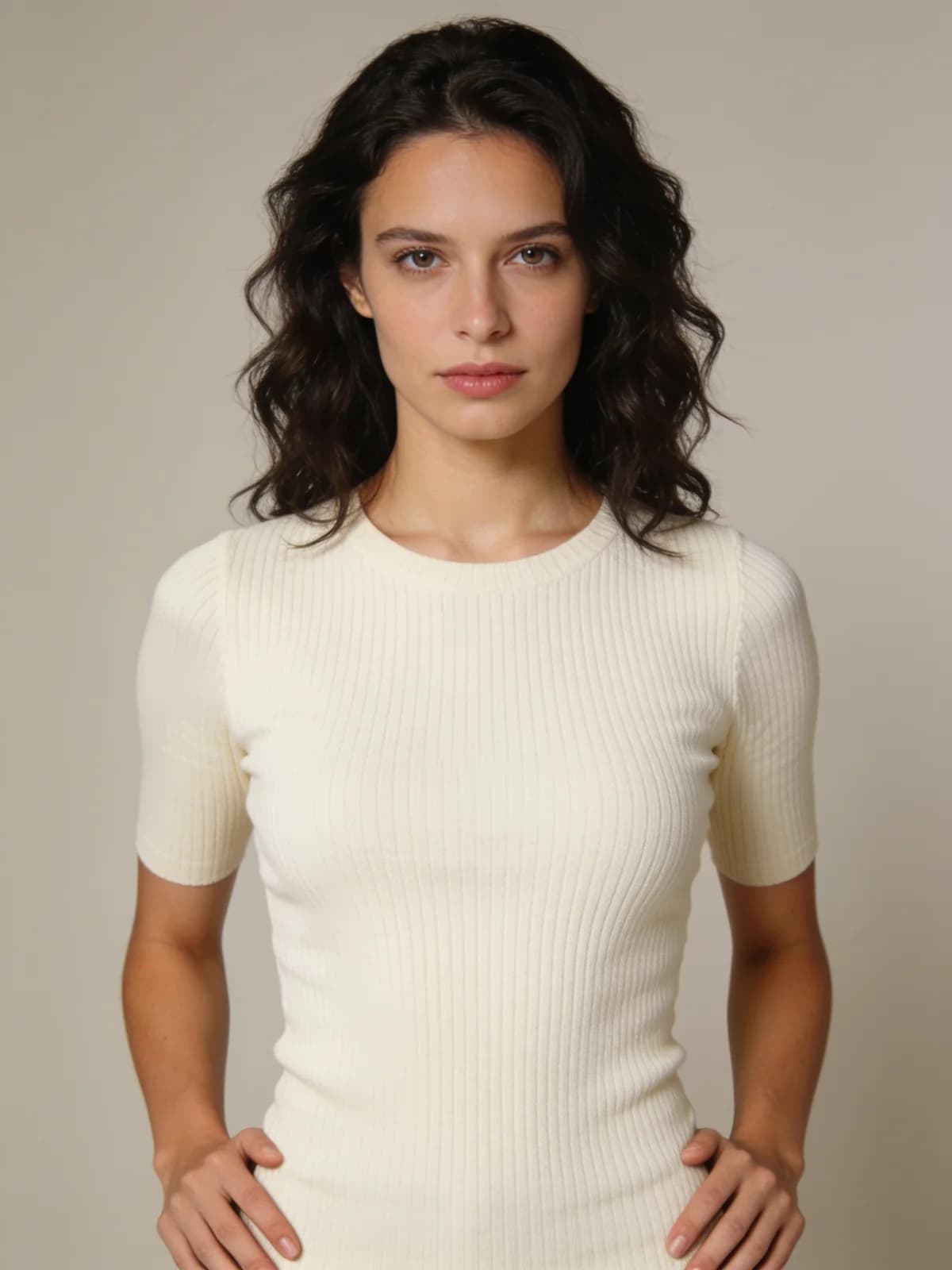 Before
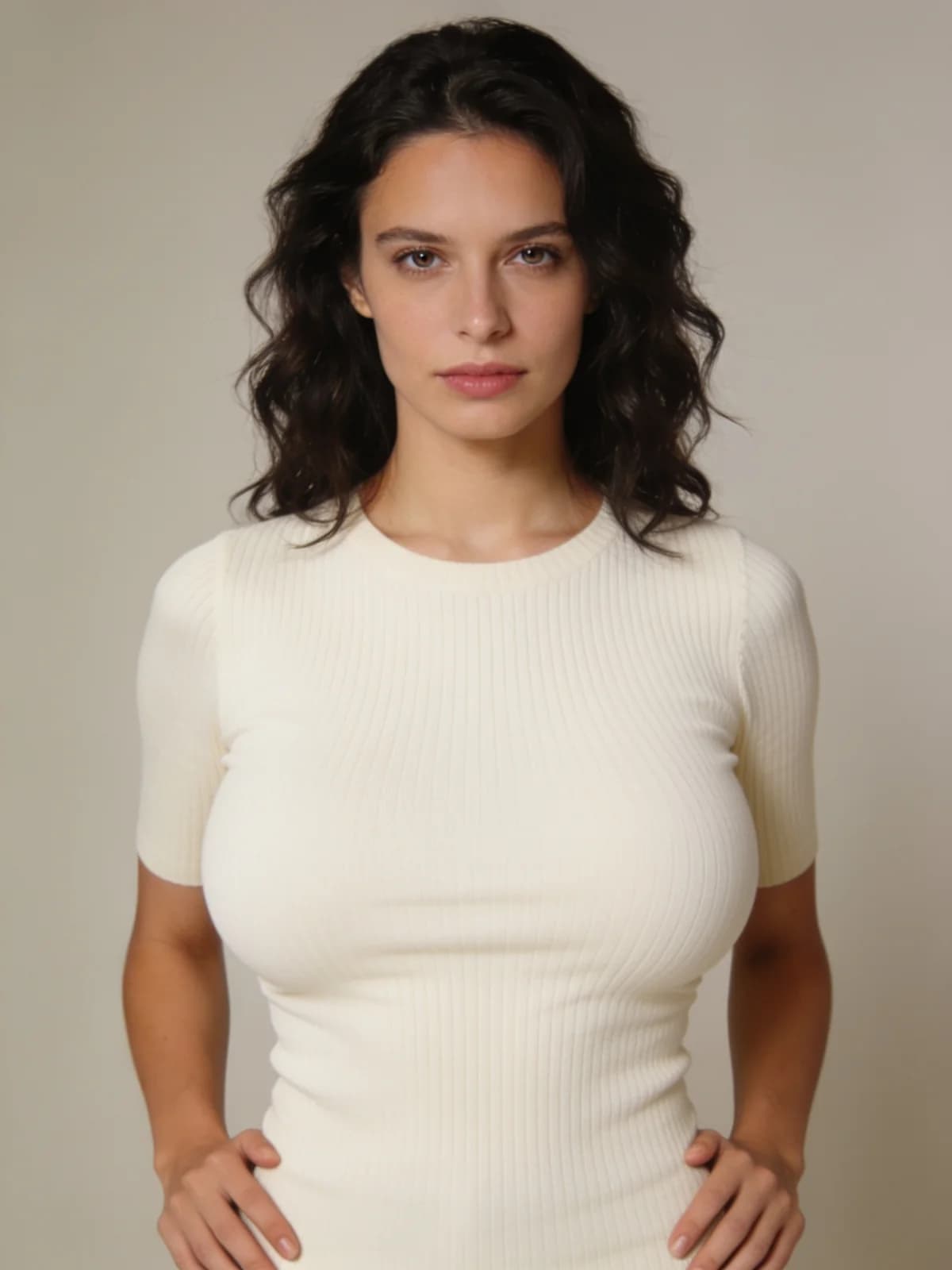 After
After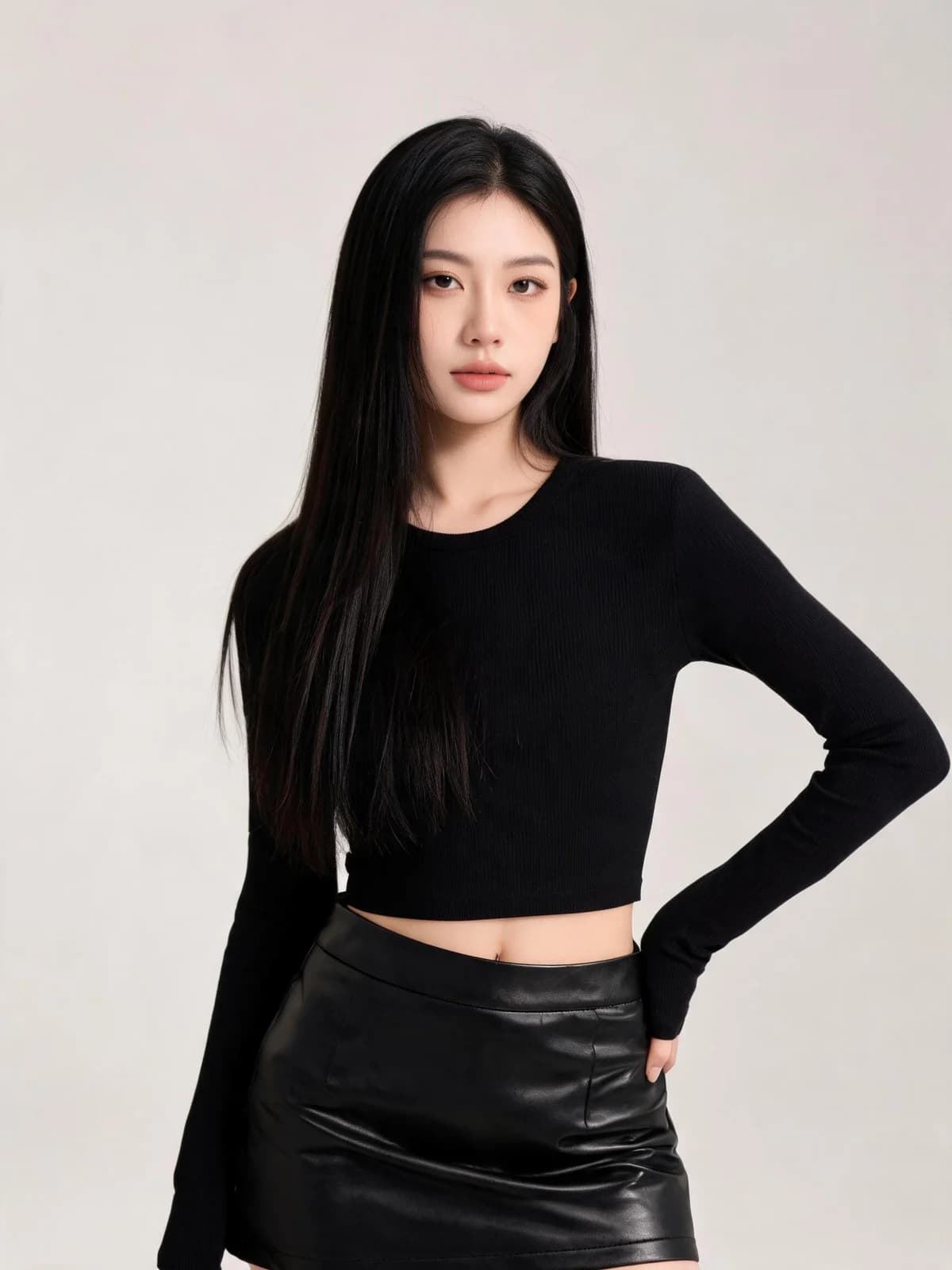 Before
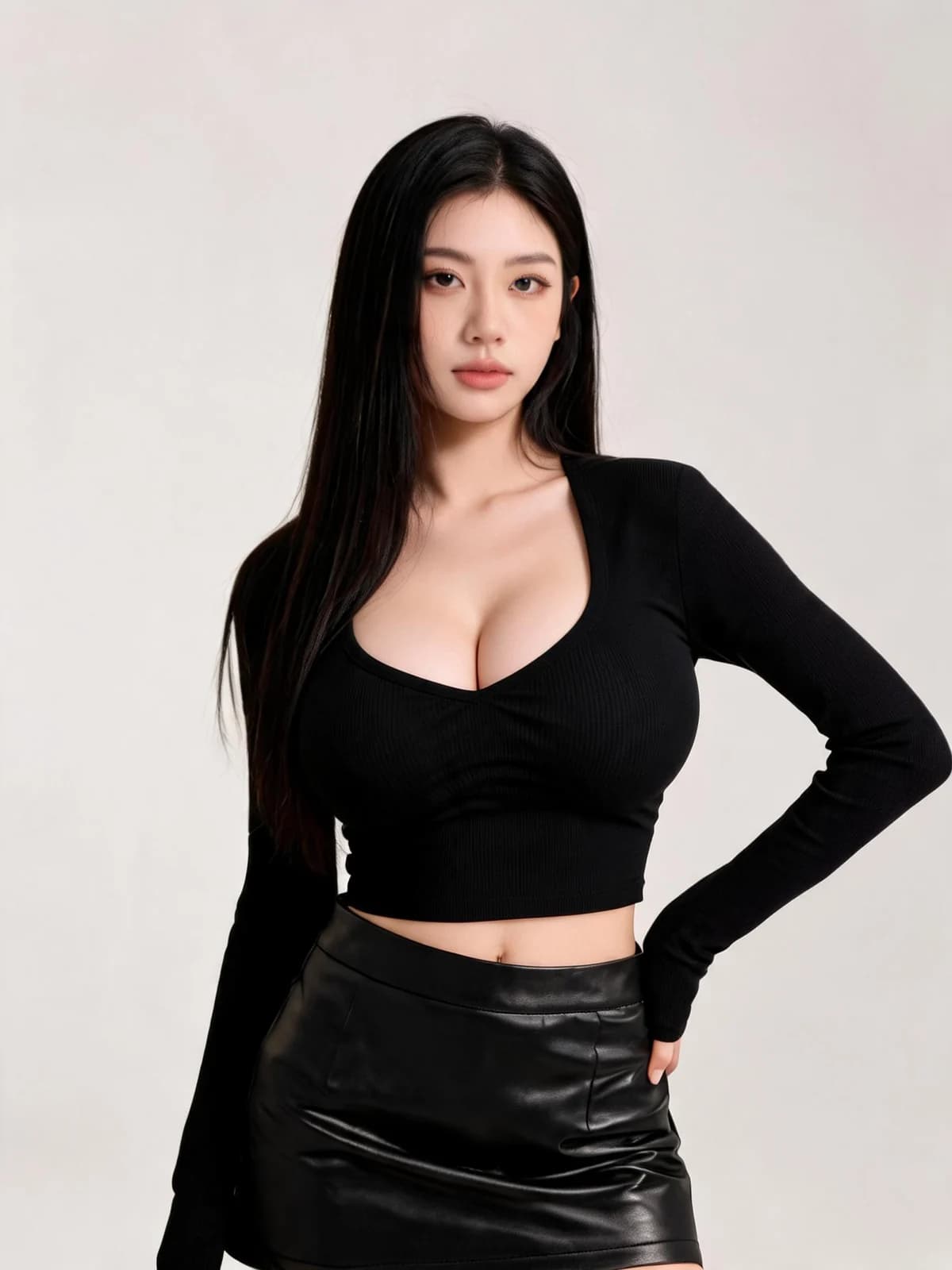 After
After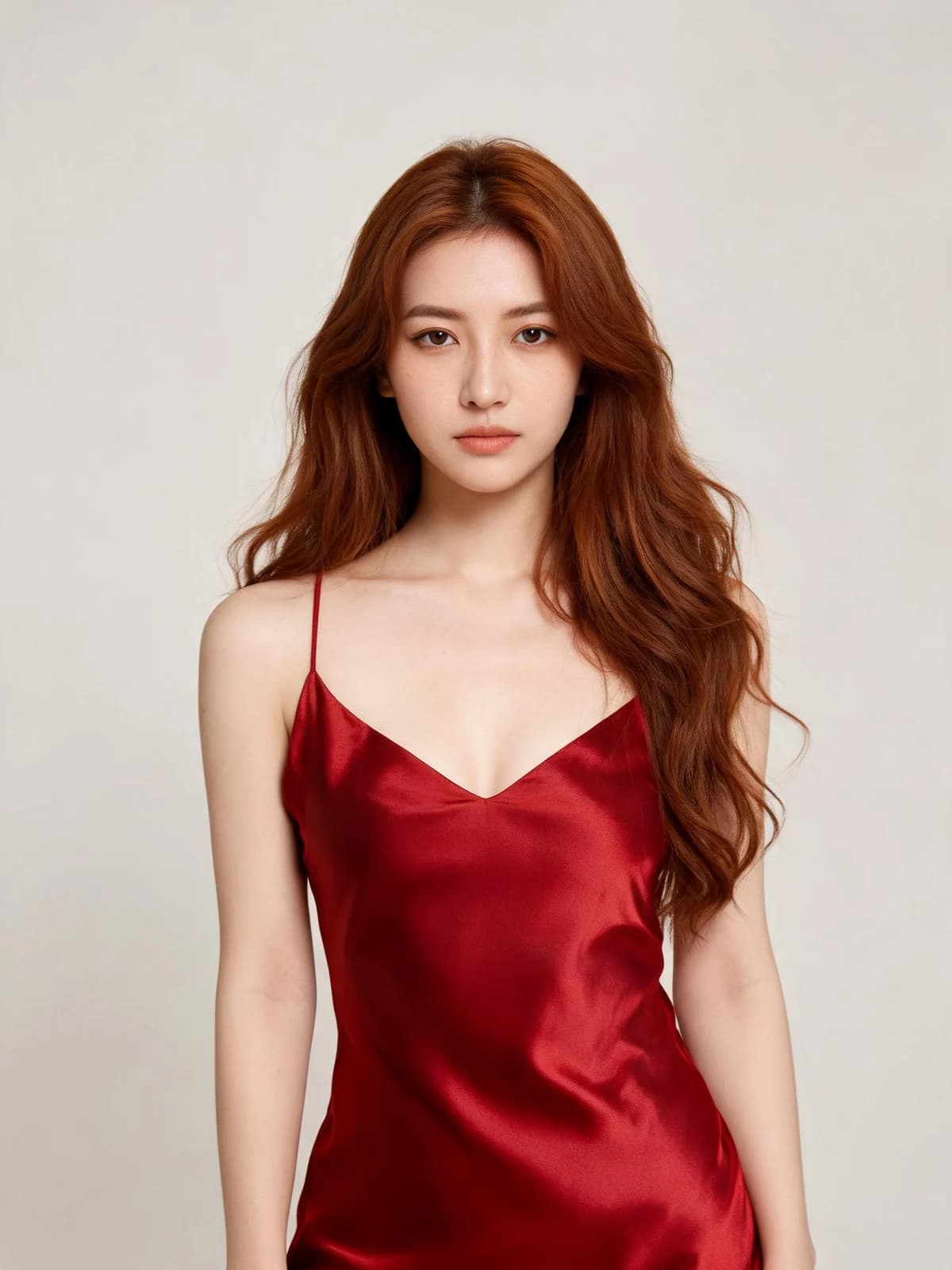 Before
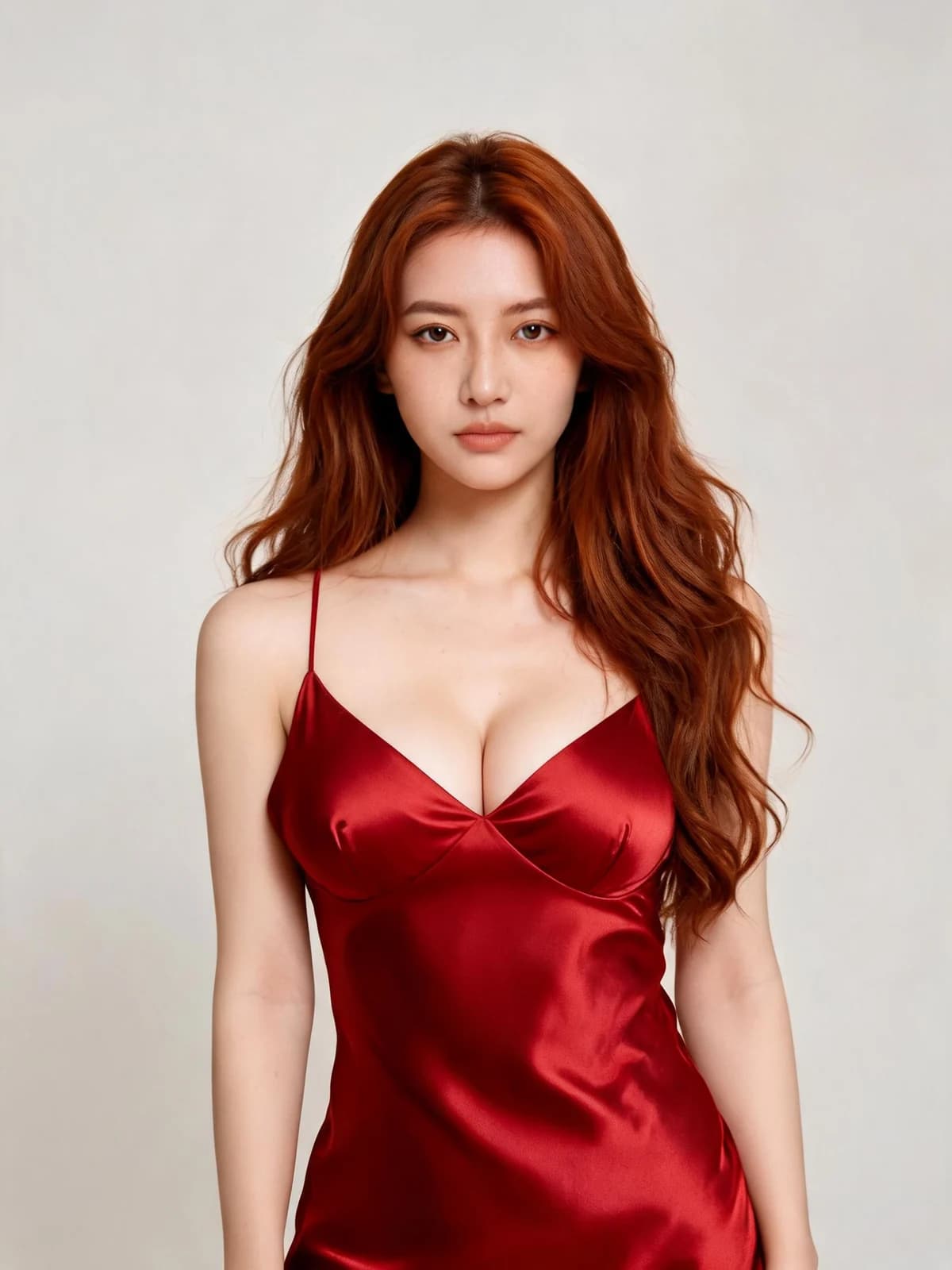 After
After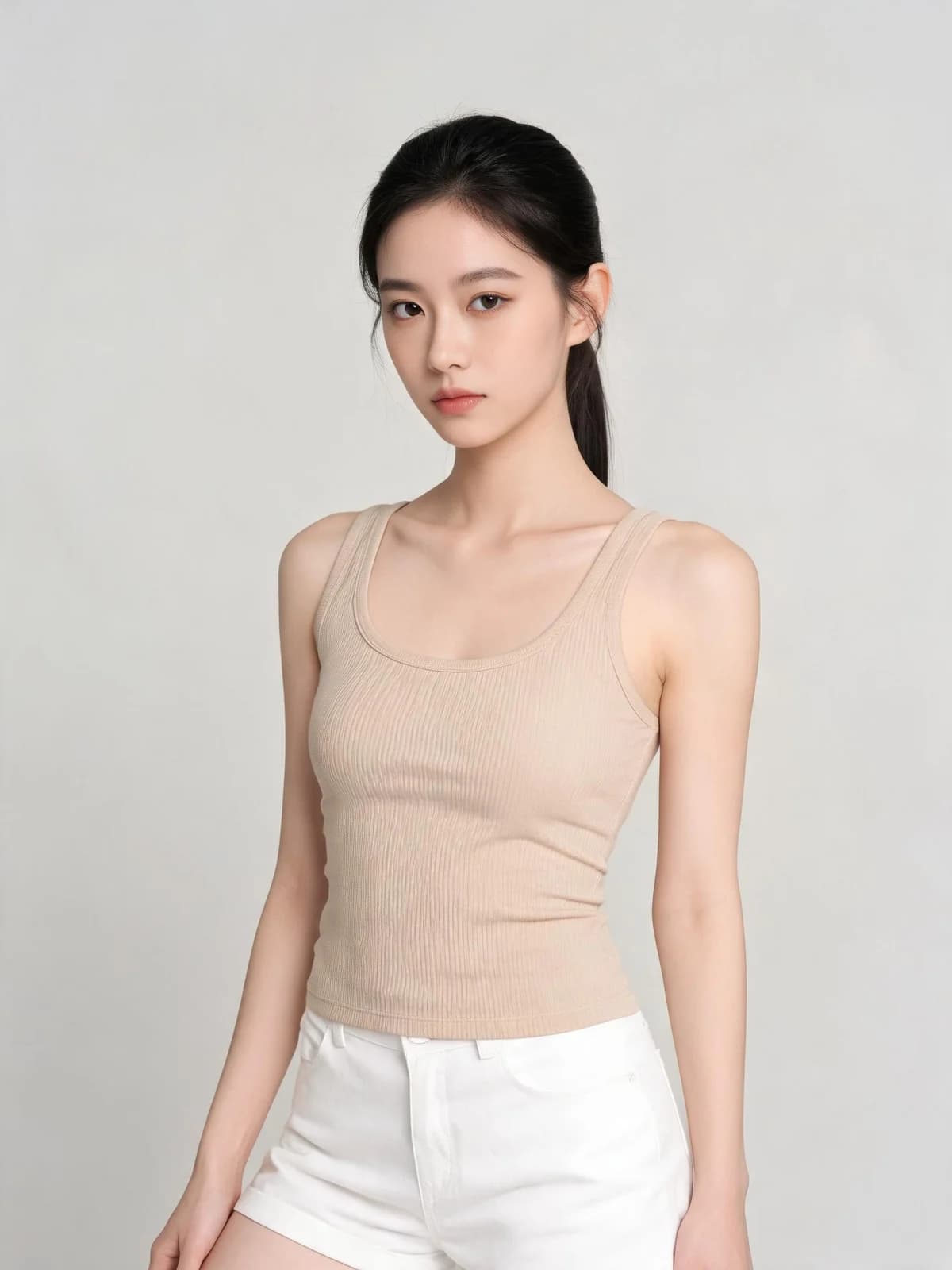 Before
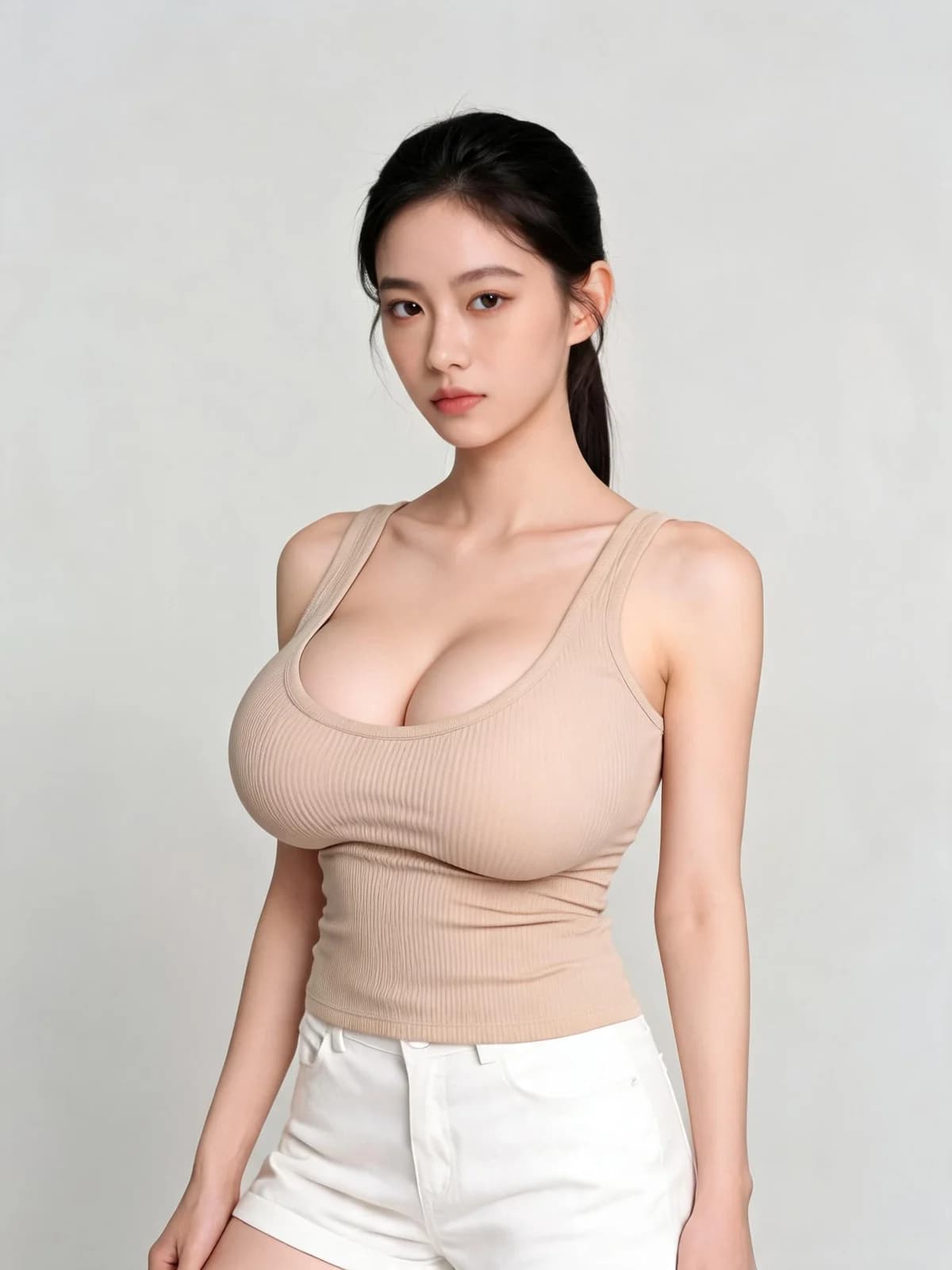 After
After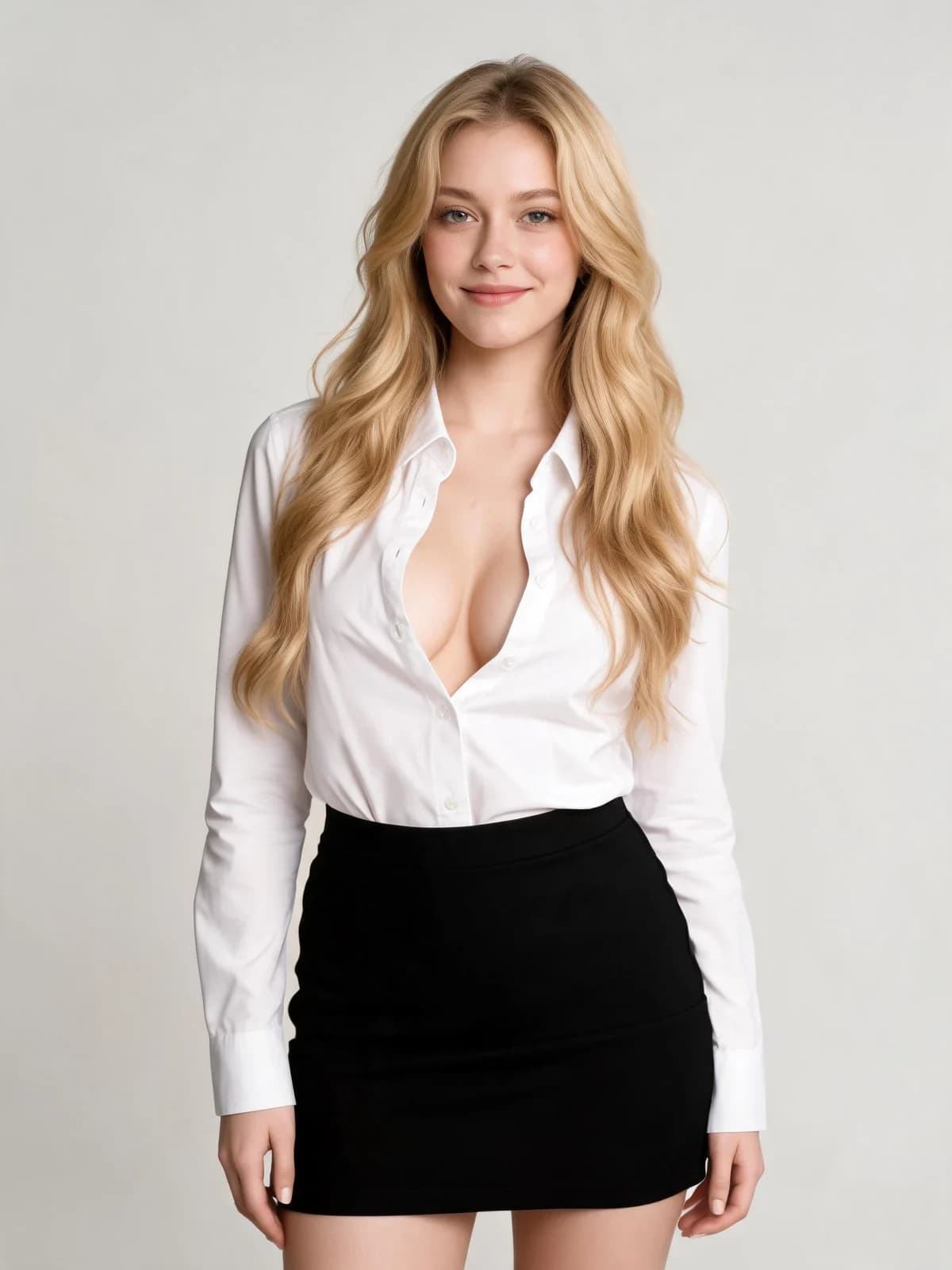 Before
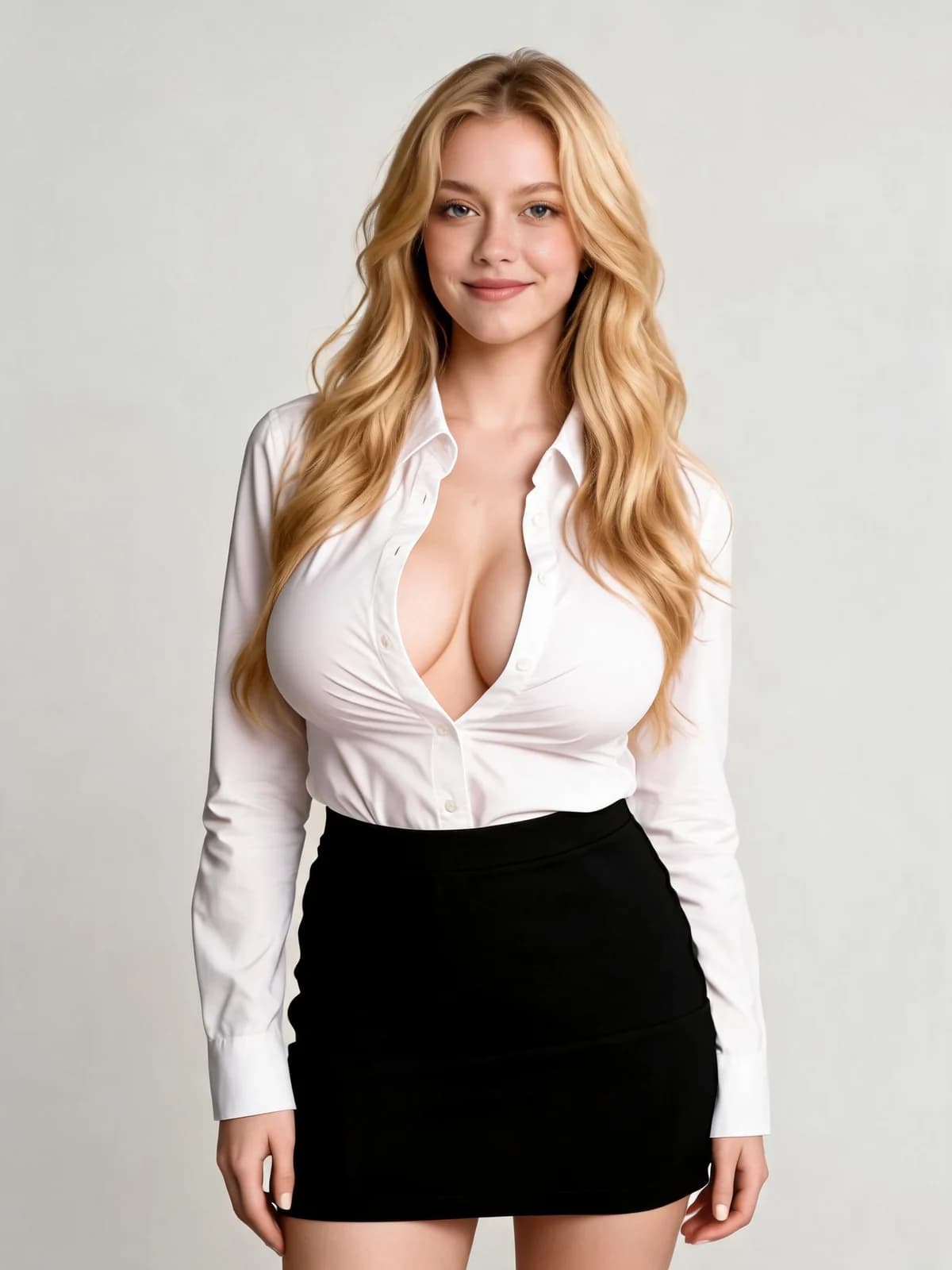 AfterBeforeAfterBeforeAfterBeforeAfterBeforeAfterBeforeAfter
One upload and three intensities. Everything except the proportion stays put.
Change the proportion without regenerating the scene, the outfit or the face.

Subtle, fuller and dramatic are one click apart, so you can see the range before choosing.

Apply the same adjustment across a set so the character reads the same in every image.

Clothing is re-rendered so tension and folds respond, rather than being stretched.

Switch to video for a short clip with the adjustment held across frames.

One image run, the cheapest kind of generation on the platform.
Upload one photo.
The built-in prompt adjusts proportion and makes the clothing respond correctly.
Download the result from your workspace.
A change that stretches the fabric like a rubber sheet is the giveaway. The prompt asks for the garment to be re-rendered with correct tension and fold behaviour, so the result reads as a different body rather than a warped image.
The instruction is a fuller result in natural proportion to the subject's build, not a fixed size. That is why the same style setting reads differently on different photos, which is the correct behaviour.
Face, hairstyle, pose, outfit style, background and lighting are all explicitly preserved, so a before-and-after comparison shows one change rather than a new picture.
Both run on the same models and the same credits. The difference is how much of the decision you want to make yourself.
There is no public gallery, no feed, and no discovery page. Uploads and results are visible only to you, and you can delete either at any time.
Every run shows its exact credit cost on the button. No subscription is required — credits can be bought as a one-off pack.
The prompt, the model and the settings are chosen and maintained by us. You upload, pick a style if you want one, and go.
Results land in the same workspace as everything else you make, with your history, downloads and the full image and video studios one click away.
Only the chest proportions of the subject, kept in natural proportion to their frame. The face, hairstyle, pose, outfit style, background and lighting are all explicitly held fixed, and the clothing is re-rendered so fabric tension and folds respond correctly instead of looking stretched.
An image run is the cheapest thing on the platform, and the price is always shown before you commit. A failed run is refunded automatically.
Use the optional detail field to steer it — for example asking for a subtle change or a more dramatic one. Left empty, the tool applies our default, which aims for a noticeable but natural result.
Only you. Uploads and results are visible only to you and never published. You can delete them at any point.
Yourself, or adults who have consented. This is an adults-only product; images of minors are prohibited and blocked.
Subtle stays close to the original silhouette, Fuller is a clearly visible change that still reads as natural for the subject's frame, and Dramatic is pronounced with the clothing tension adjusted to match. If none of the three is what you want, describe it in the optional detail field instead.
They shouldn't — both are explicitly preserved by the built-in prompt. Very fine background detail can shift slightly because the whole frame is re-rendered, and sharp, evenly lit source photos hold together best.
One upload, three intensities, and the face, pose and background left exactly where they were.
Generate


