
Video workflow · two-photo kiss
How to Make an AI Kissing Video from Two Photos
A reliable way to make an AI kissing video is to start with two authorized adult portraits, pick Tender or Passionate on purpose, and review the full close-up motion before you spend on a second clip.
Same dual-slot family as hug, different final beat and camera distance. Consent rules are stricter in practice because the faces occupy more of the frame.
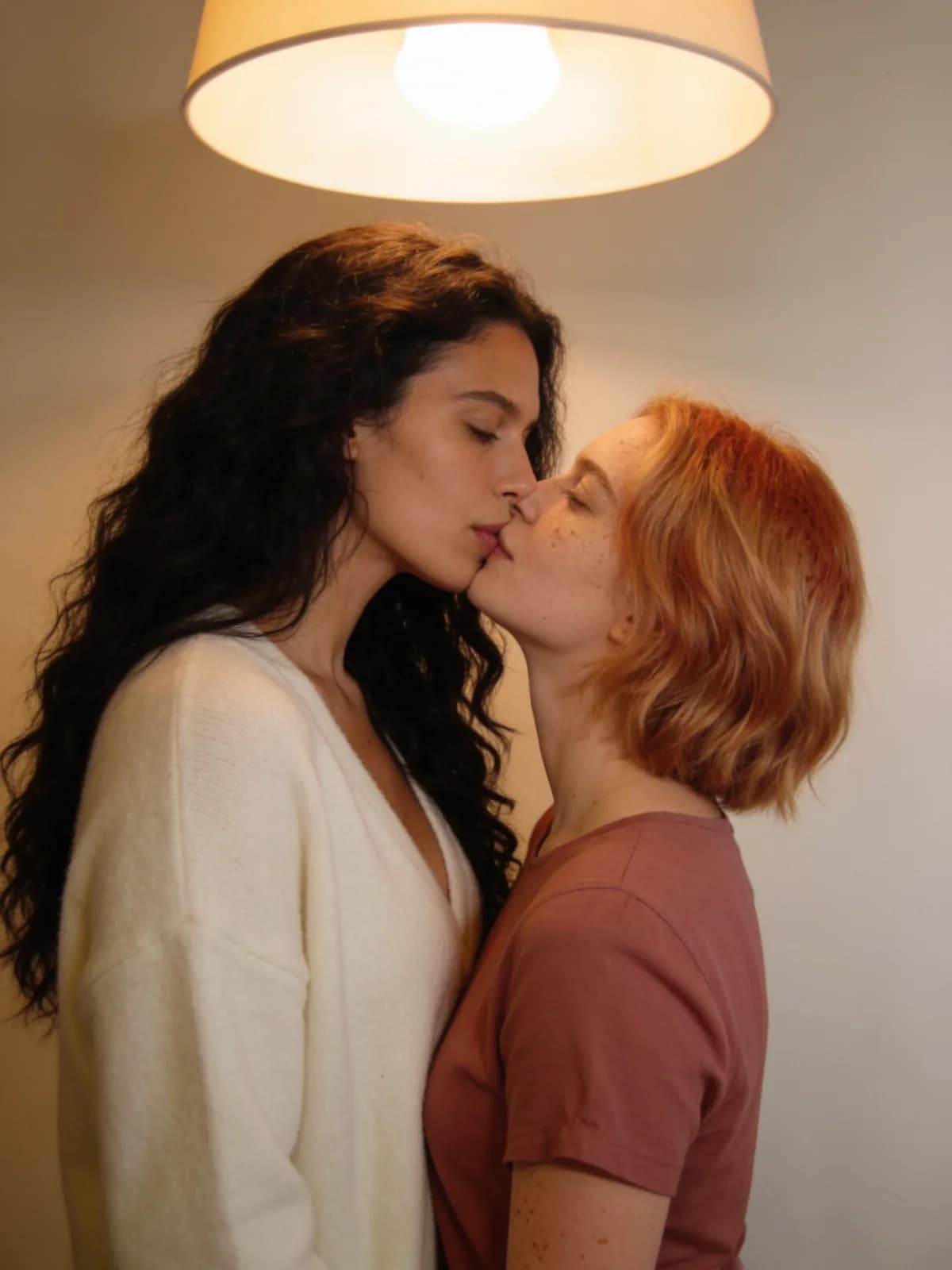
Quick answer: dual photos to kiss clip
Face clarity matters more here than in wide hug shots.
- 01Select two adult photos with unobstructed mouths and eyes.
- 02Load person A and person B into separate slots.
- 03Choose Tender, Passionate, or Forehead.
- 04Generate the short video and watch the entire approach.
- 05If identity slips, replace the weaker photo and match the crops before generating another video.
What you need
Close framing punishes weak inputs.
Authorized references; front-facing works best.
Tender, Passionate, or Forehead.
Image or short video; resolution and duration are shown in the tool.
Private workspace; no public feed.
Step 1: Choose photos that survive a close-up
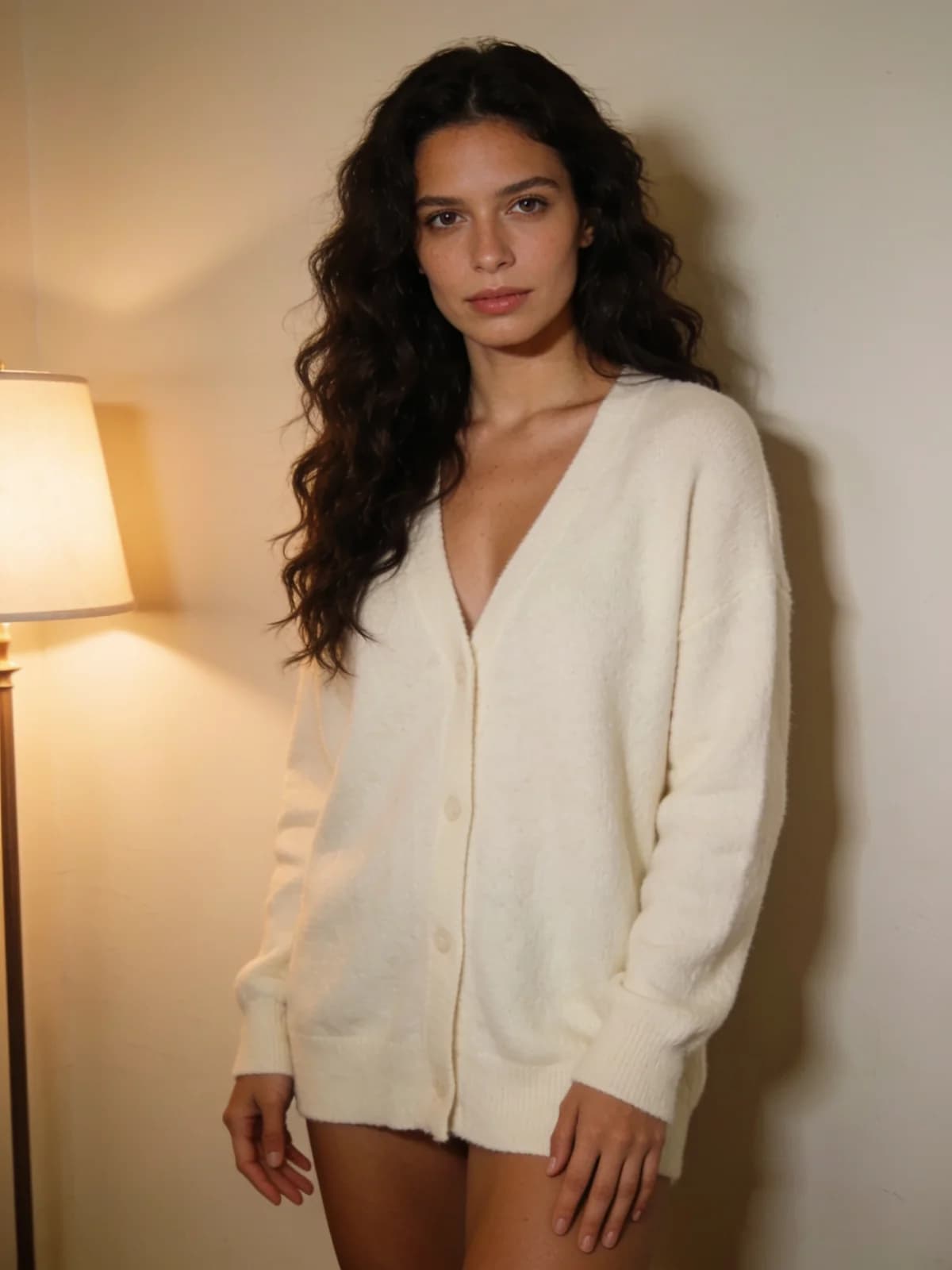
Lips, nose, and eyes should be visible. Heavy shadow under a hat brim or a microphone in front of the mouth is a common failure.
Keep both crops similar. A wide full-body shot paired with a tight beauty crop often collapses one identity.
Step 2: Set mood, add only useful text
Tender uses a gentle approach. Passionate adds closer contact. Forehead has one person kiss the other's forehead.
Optional text is for wardrobe or location hints the photos do not provide—not for rewriting the entire kiss choreography.
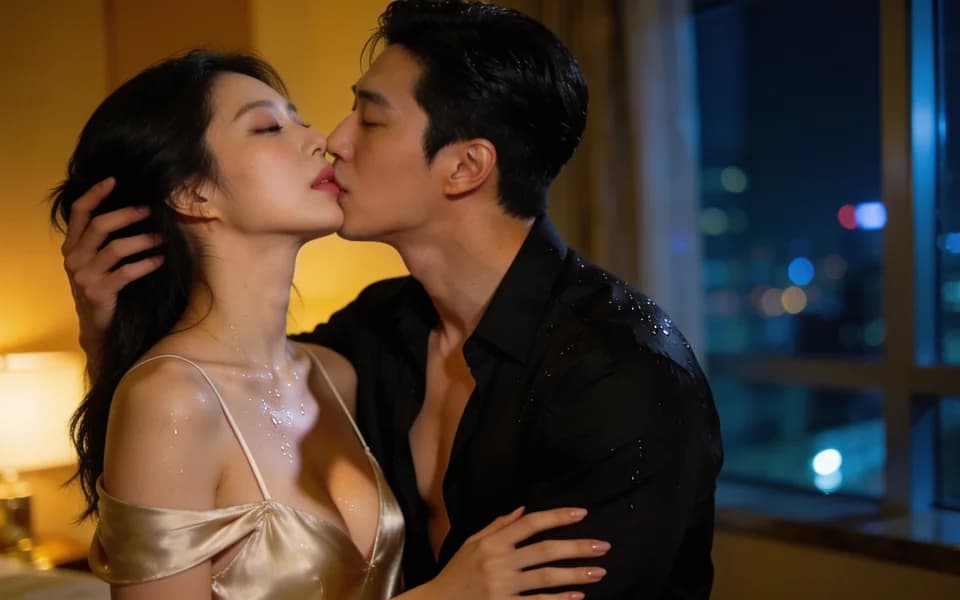
Step 3: Generate and review contact frames
Confirm cost on the button, run once, and open the clip from history when ready.
Scrub to first contact. Check teeth, nose collisions, and whether both faces still match the uploads.
Step 4: Know when hug is the better tool
Kissing is for closer face-forward contact.
Kissing presets
Pick intensity deliberately; do not stack conflicting adjectives in optional text.
| Preset | Use it when |
|---|---|
| Tender | Soft approach and gentle contact. |
| Passionate | Stronger contact energy and closer finish. |
| Forehead | A gentle kiss on the forehead. |
Review checklist
Close-ups show every identity mistake.
- 01Both faces remain attributable to the source photos.
- 02Mouth contact looks intentional, not melted.
- 03No third face or extra limb appears at contact.
- 04Lighting on both faces stays plausible.
- 05Subjects still read as consenting adults.
Limits and consent
Non-consensual intimate deepfakes are prohibited. Only authorized adult references.
Short preview clips will not replace a multi-shot edited scene.
Read live pricing on the control; this article does not freeze credit numbers.
Consent and privacy for AI kissing videos
A kiss is more intimate than a hug, so the consent bar is higher and the privacy questions come up more often.
Two people, two yeses
Each face belongs to someone. Both people must be adults who agreed to appear in a kissing clip—agreeing to share a photo is not agreeing to be kissed on video.
Keep it clearly fictional
Do not present an AI kiss as something that really happened, or use it to embarrass or pressure anyone. Deceptive and non-consensual intimate media are prohibited.
Private by default
Clips and photos stay in your workspace, with no public gallery or feed. Delete clips from History and photos from Library at any time.
FAQ: AI kissing video
Two adult photos fill separate slots; the tool animates a close approach and kiss while holding identity as well as the inputs allow.
Covered mouths, extreme profiles, heavy motion blur, and mismatched crops.
Yes. Switch output to image on the tool page or in Studio to lock framing and faces, then switch to video when you want the kiss to move.
Closer framing and contact focus. Hug keeps more body and approach distance.
No. Both people must be adults who each agreed to be in this kissing clip. Crushes, exes, coworkers, influencers, and celebrities without explicit consent are prohibited by our Acceptable Use Policy.
Only you—Lumi Arts is private by default, with no public gallery or feed. Both photos and the clip are processed by our systems and model providers to run the job, and automated safety checks may review them. Delete results from History and uploads from Library anytime; the Privacy Policy covers account deletion.
Rematch photo quality and crops; consider face-swap cleanup on stills first.
If a run fails for a platform, model, or safety reason, the reserved credits normally return automatically. A result you simply dislike is not a failed run.
Next step
Open the AI kissing workflow
Load both authorized photos, set Tender or Passionate on purpose, and confirm the estimate before you generate.