

Try a style before you buy it
See how a runway-style set, lace or silk reads on an actual photo instead of on a catalogue model.
Transform any photo with elegant lingerie styles while keeping your exact pose and lighting. Choose Lace, Silk, Bodysuit, Runway, or Sporty in seconds.
*Photos of consenting adults only
Upload 1 photo to start
 Before
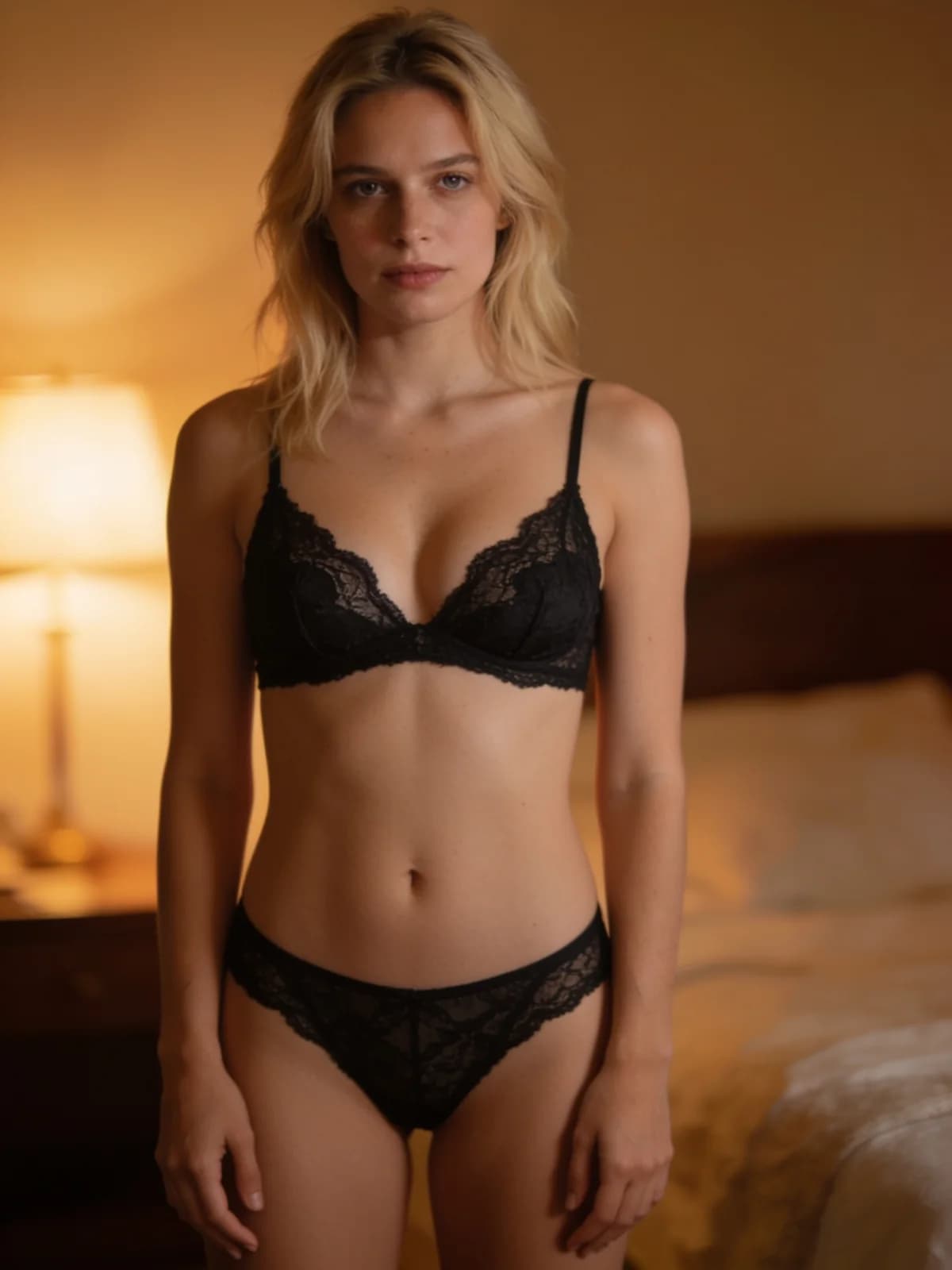 After
After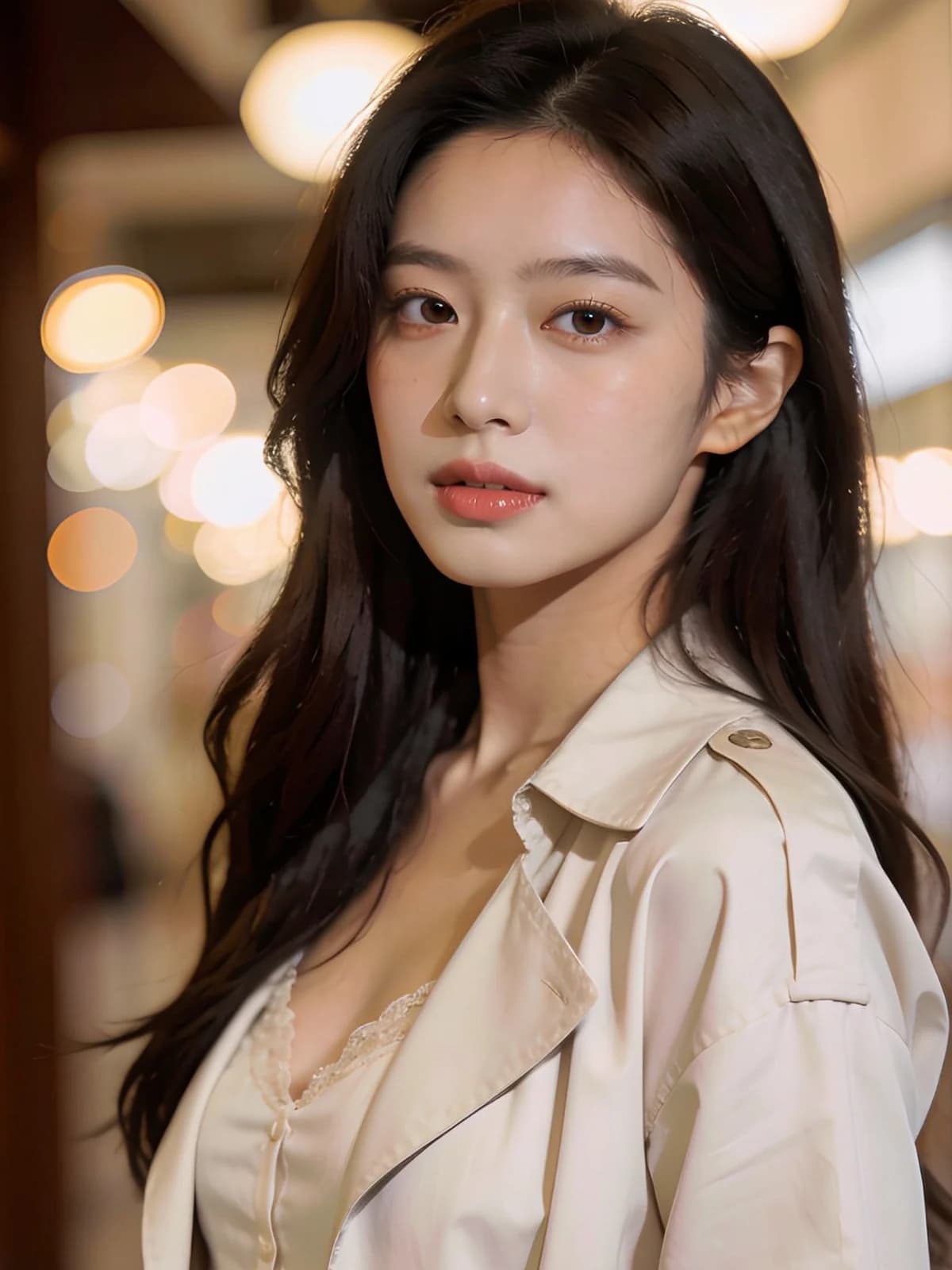 Before
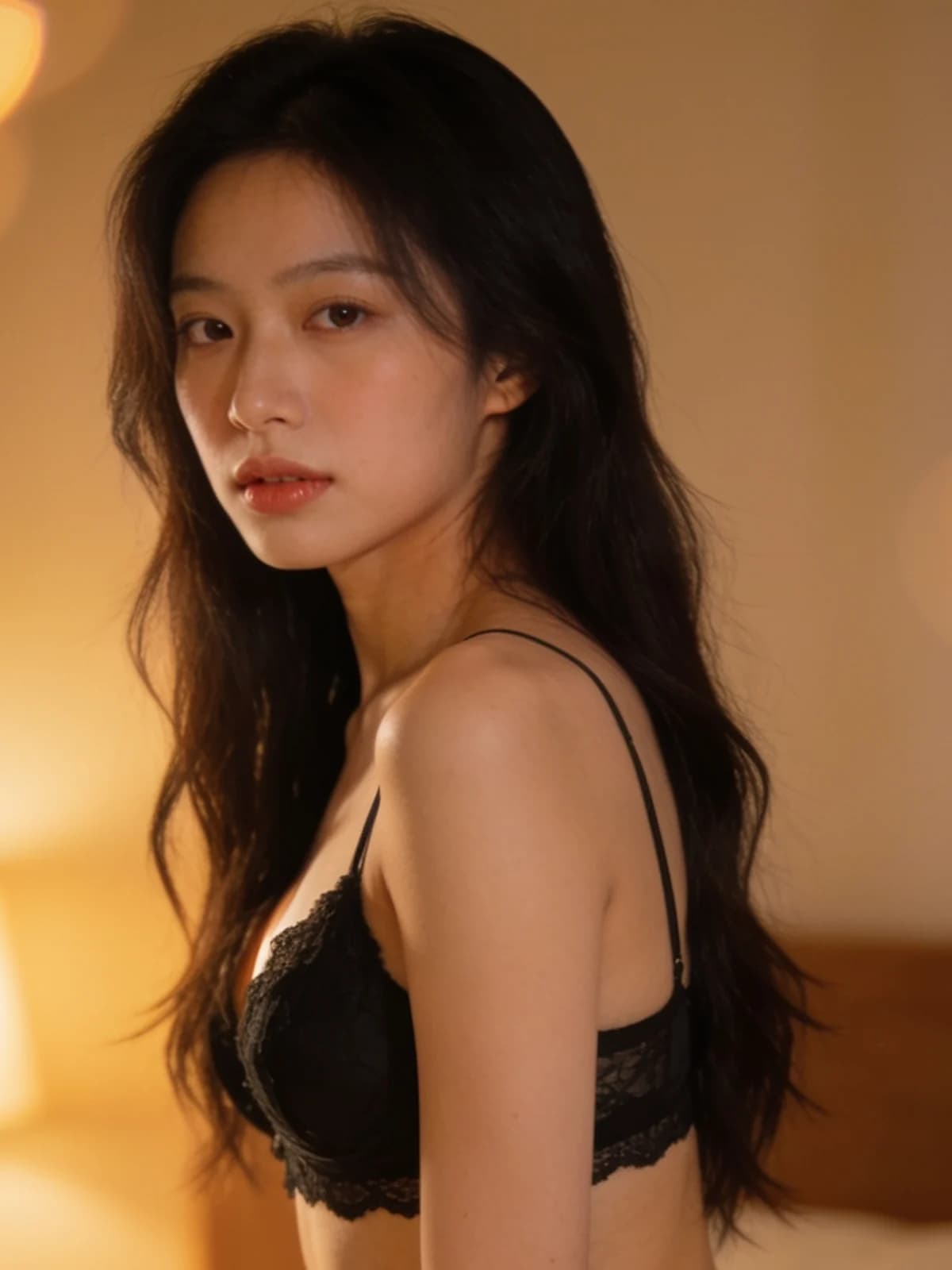 After
After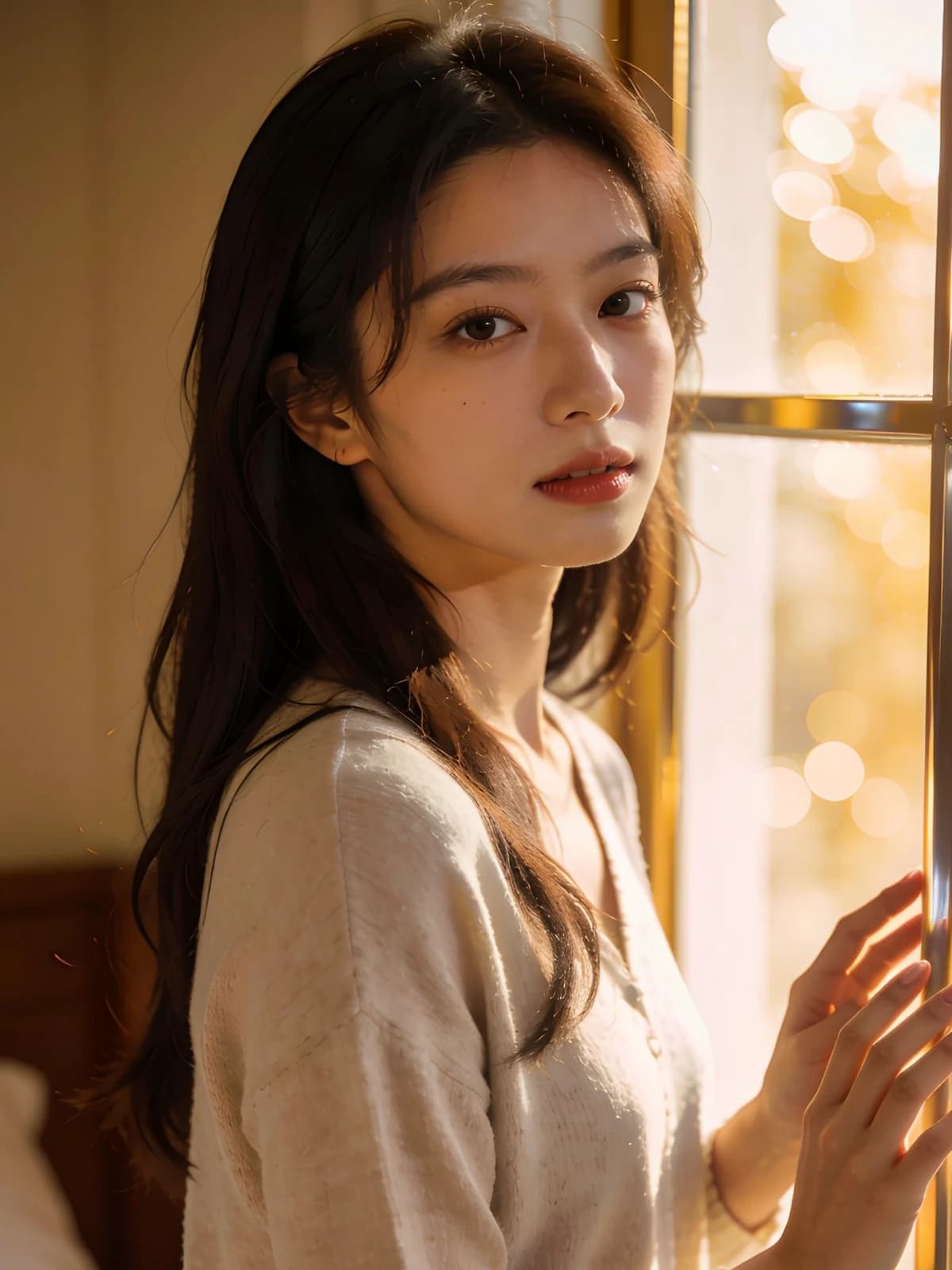 Before
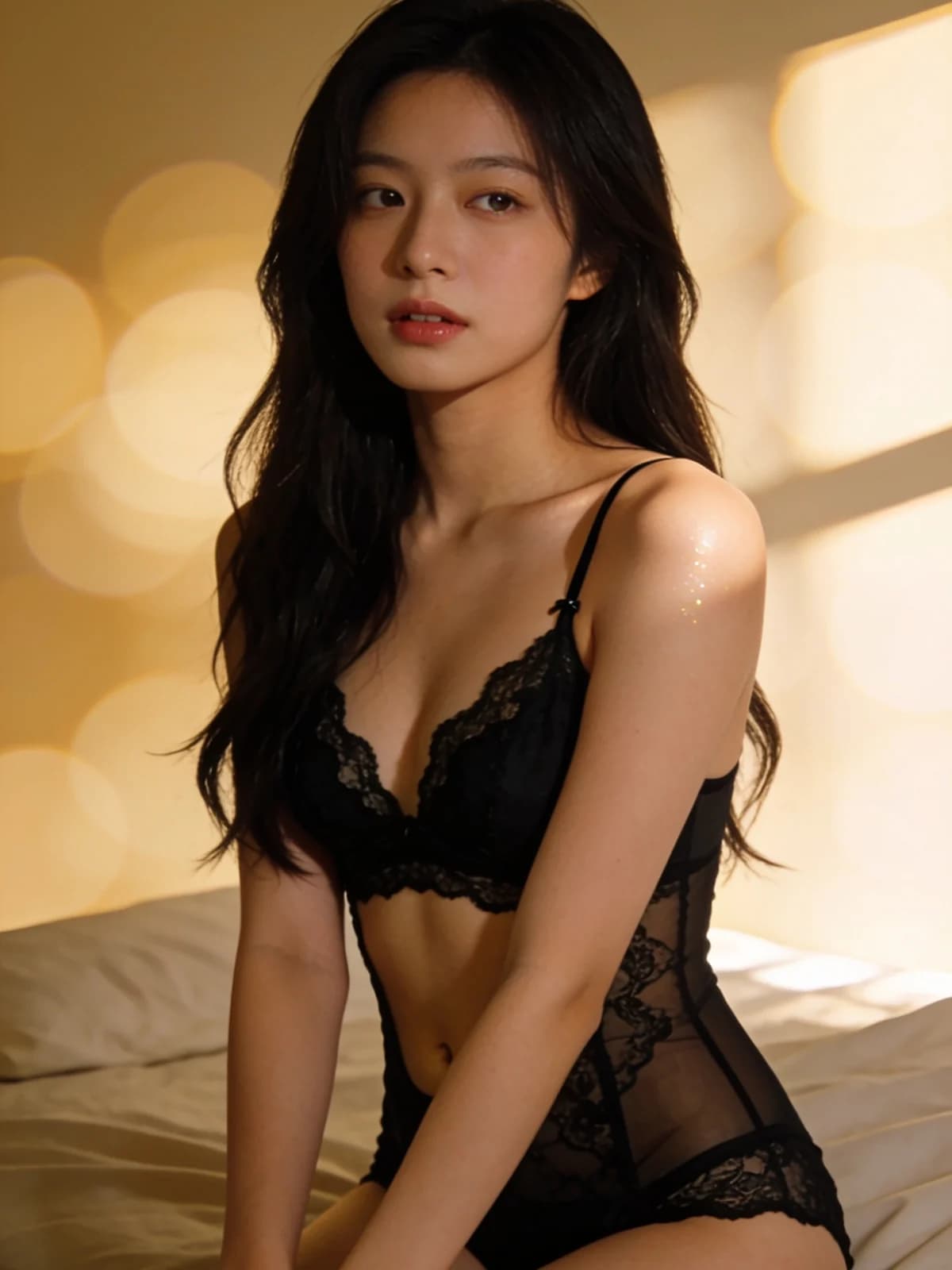 After
After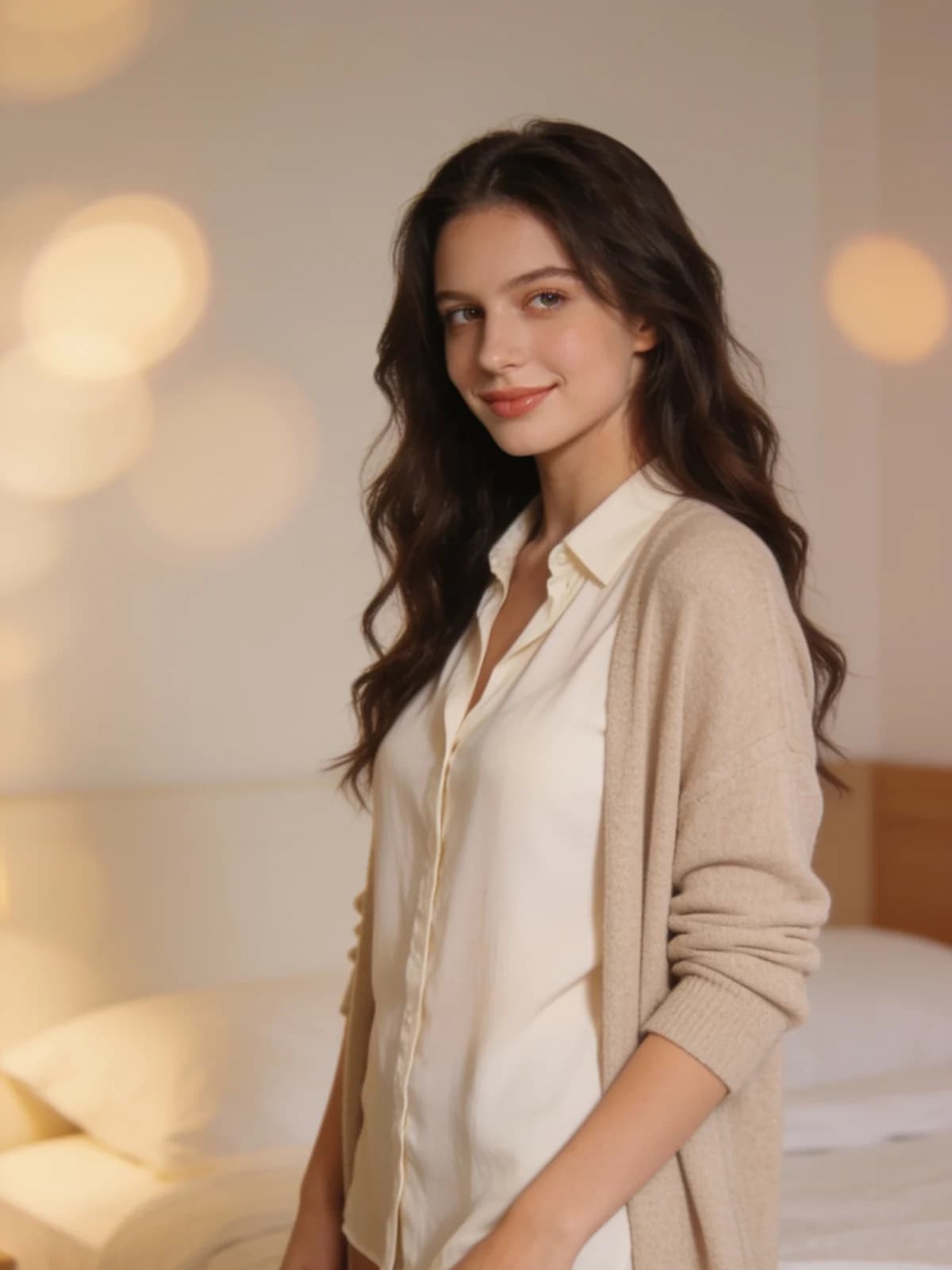 Before
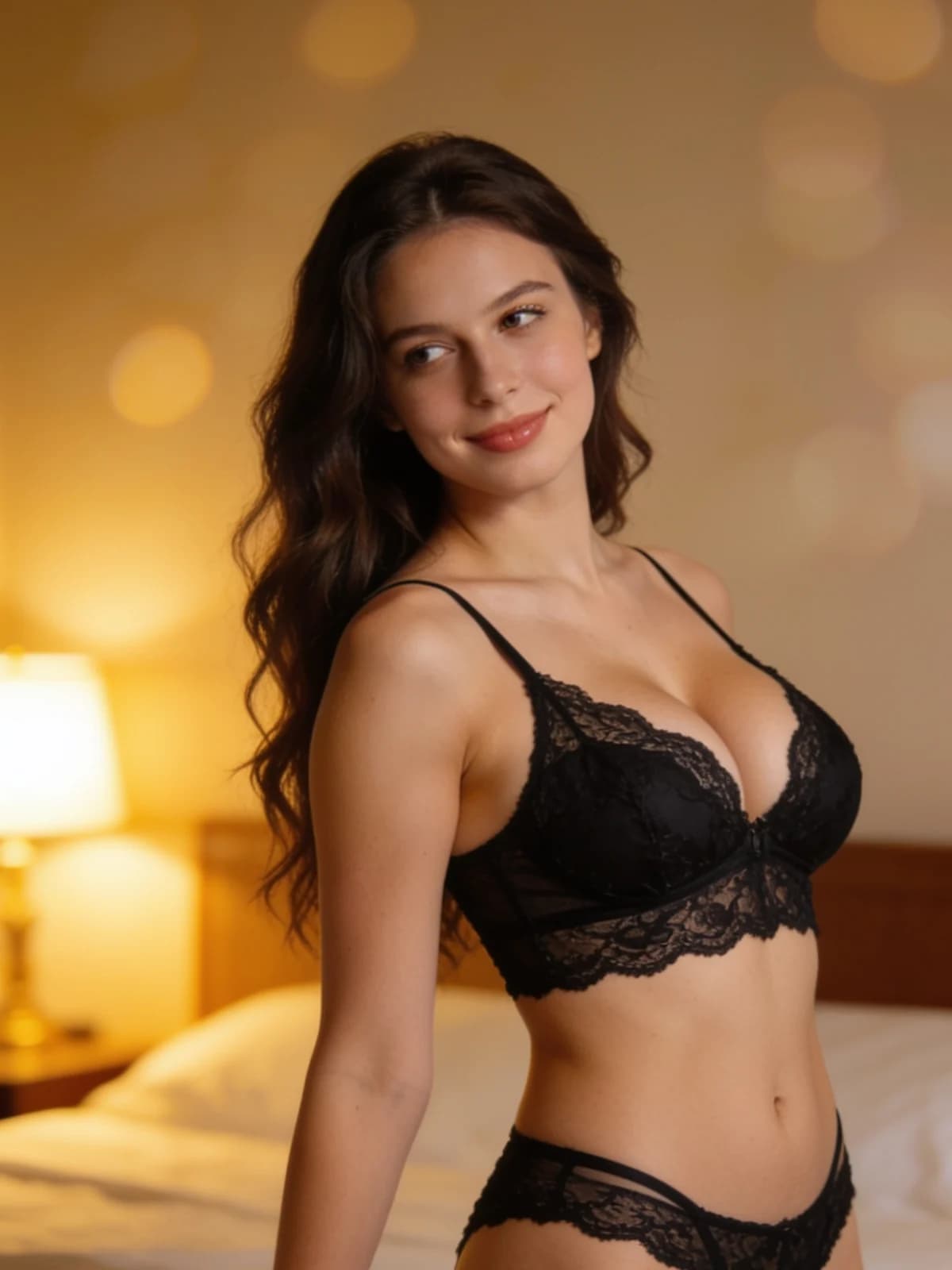 After
After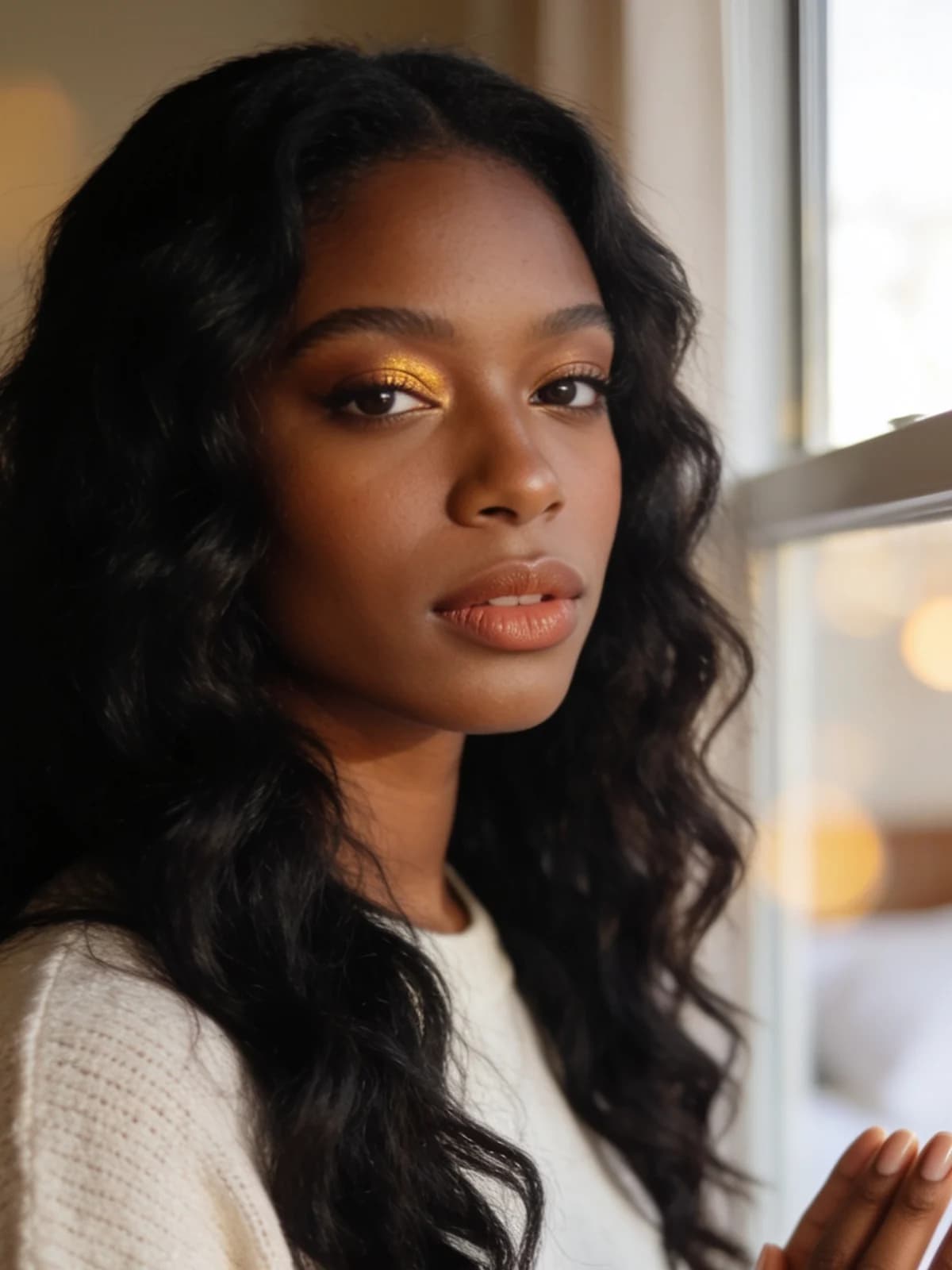 Before
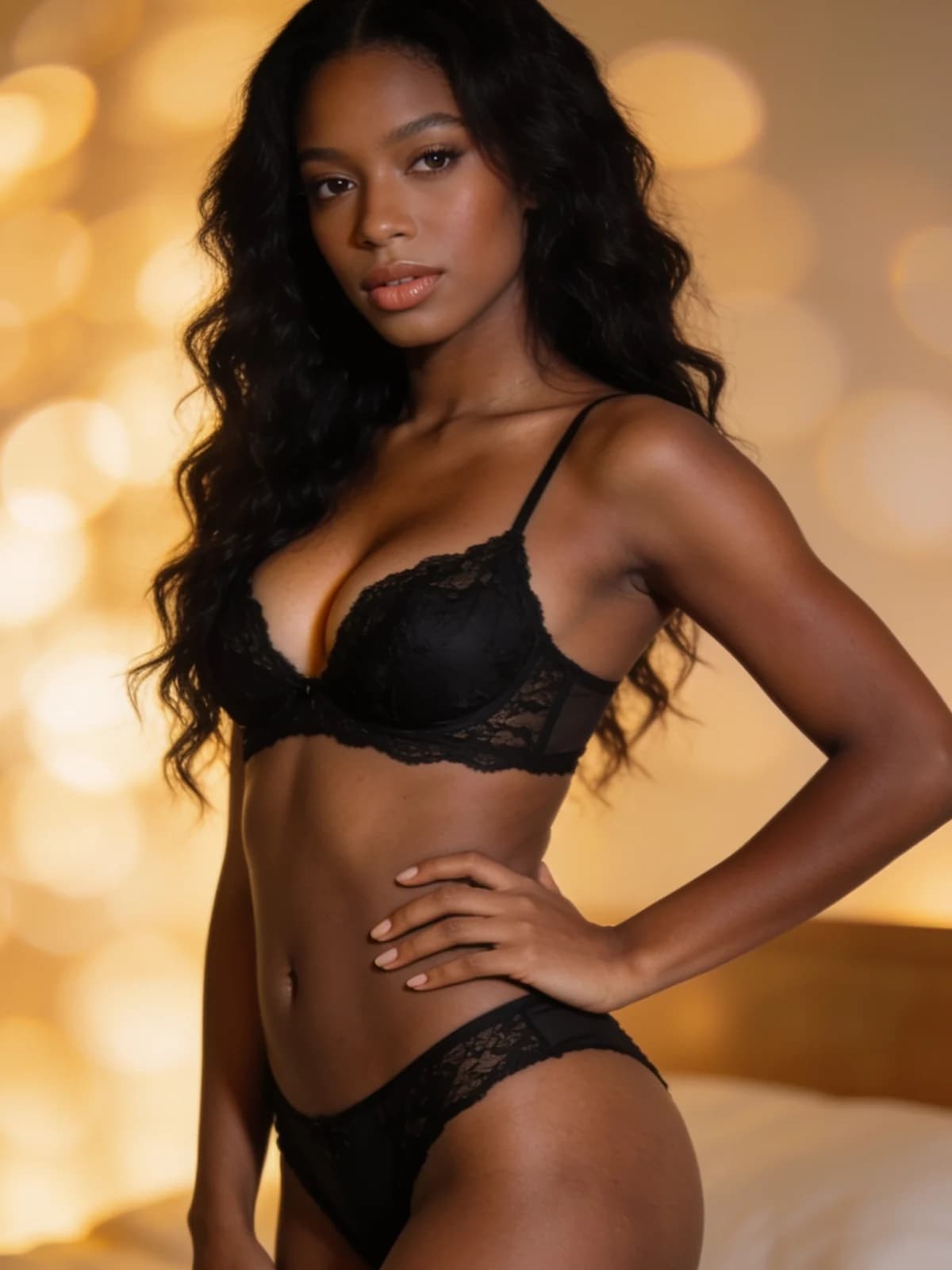 AfterBeforeAfterBeforeAfterBeforeAfterBeforeAfterBeforeAfter
One photo in, a styled result out. Pick a style or let the default handle it.
See how a runway-style set, lace or silk reads on an actual photo instead of on a catalogue model.

Keep the pose, the light and the location, and change only the outfit.

Runway, lace, silk, bodysuit and sporty are one click apart, so you can line them up against each other.

Run the same photo repeatedly and the face, body and background stay put, so the set reads as one shoot.

Switch to video and the fabric moves with the body instead of sitting flat.

Nothing is published. Uploads and results live only in your workspace, and you can delete either at any point.
Upload one photo.
The built-in prompt handles lace detail, fabric sheen and natural drape.
Download, or run it again for a different take.
Lace has scallops and a sheer overlay, silk has a sheen and a heavier drape, mesh sits differently again. The prompt describes the material rather than just its outline, which is why the result reads as cloth on a body.
Face, hairstyle, pose, body proportions, background and lighting are explicitly held. Only the garment changes, so switching between styles gives you a genuine comparison rather than five different photos.
The style chips are not separate models. Each one appends a tuned fragment to the same maintained prompt, so quality stays consistent and you can still add a note of your own on top.
Both run on the same models and the same credits. The difference is how much of the decision you want to make yourself.
There is no public gallery, no feed, and no discovery page. Uploads and results are visible only to you, and you can delete either at any time.
Every run shows its exact credit cost on the button. No subscription is required — credits can be bought as a one-off pack.
The prompt, the model and the settings are chosen and maintained by us. You upload, pick a style if you want one, and go.
Results land in the same workspace as everything else you make, with your history, downloads and the full image and video studios one click away.
Upload a single photo and the model restyles the outfit into well-fitted lingerie while holding the face, hairstyle, pose, body proportions, background and lighting fixed. Fabric behaviour — lace detail, sheen and how the material follows the body — is handled by a prompt we maintain, so you don't write anything.
An image run is the cheapest thing on the platform. The cost is printed on the generate button, so you always see it before you spend it.
Yes — the optional detail field lets you steer colour, fabric or mood without touching the core prompt. Leave it empty and you get our default styling.
Only you. Everything stays in your own workspace and is visible only to you. There is no public gallery and nothing is shared unless you download and share it yourself.
Yourself, or adults who have consented. This is an adults-only product; images of minors are prohibited and blocked.
Each one appends a specific description of the garment and its lighting: Runway is a sculpted push-up set under a glossy stage key light, Lace is black lace with scalloped edges in soft window light, Silk is a satin camisole set, Bodysuit is sheer mesh under moody low-key light, and Sporty is a minimal cotton set in clean daylight.
Yes. Leave the style chips unselected and write what you want in the optional detail field — colour, fabric, cut or mood. Your note is appended to the same built-in prompt, so the face, pose and background are still preserved.
One upload, five styles a click apart, and a result that keeps the face, pose and background exactly as they were.
Generate


