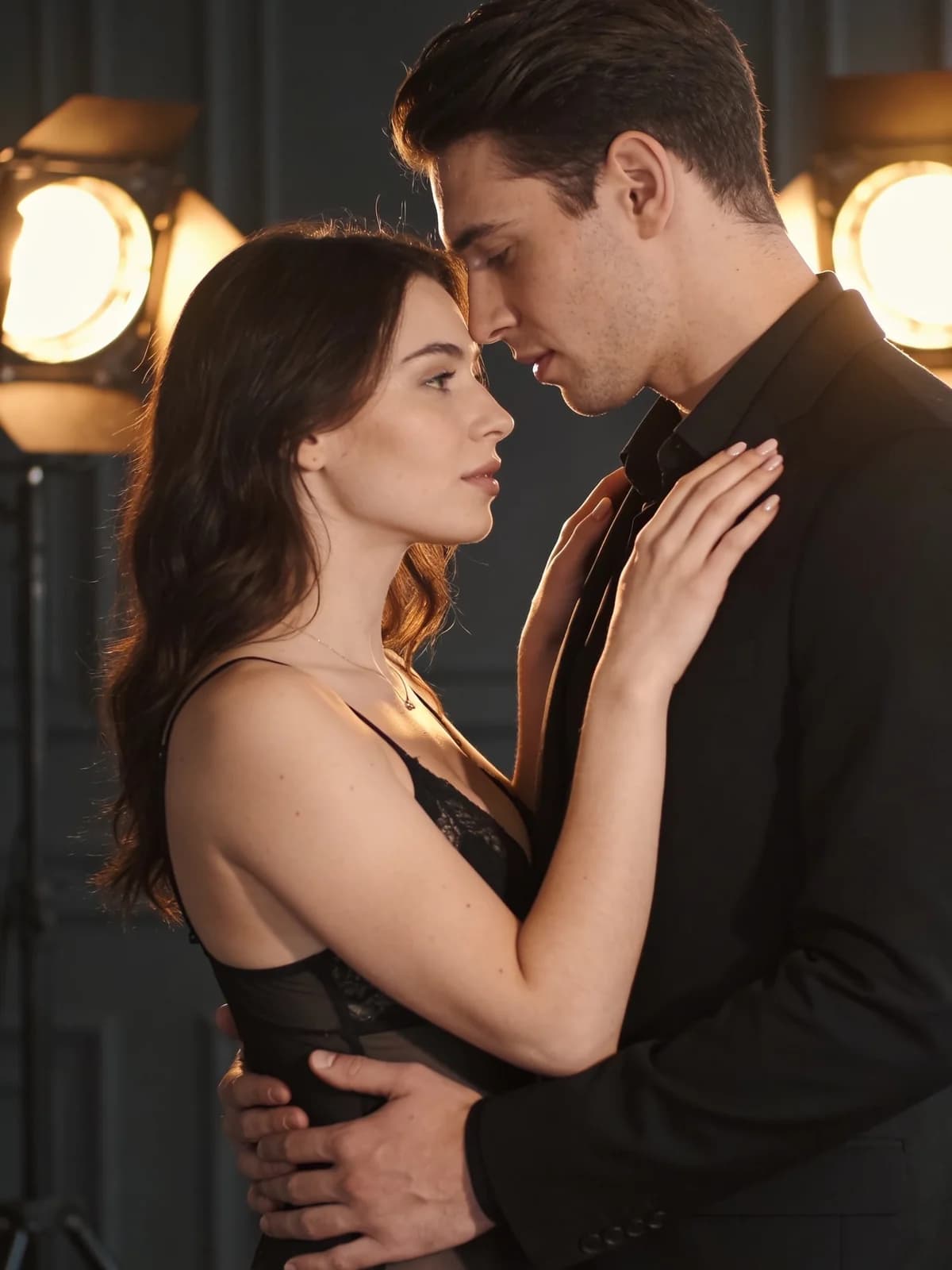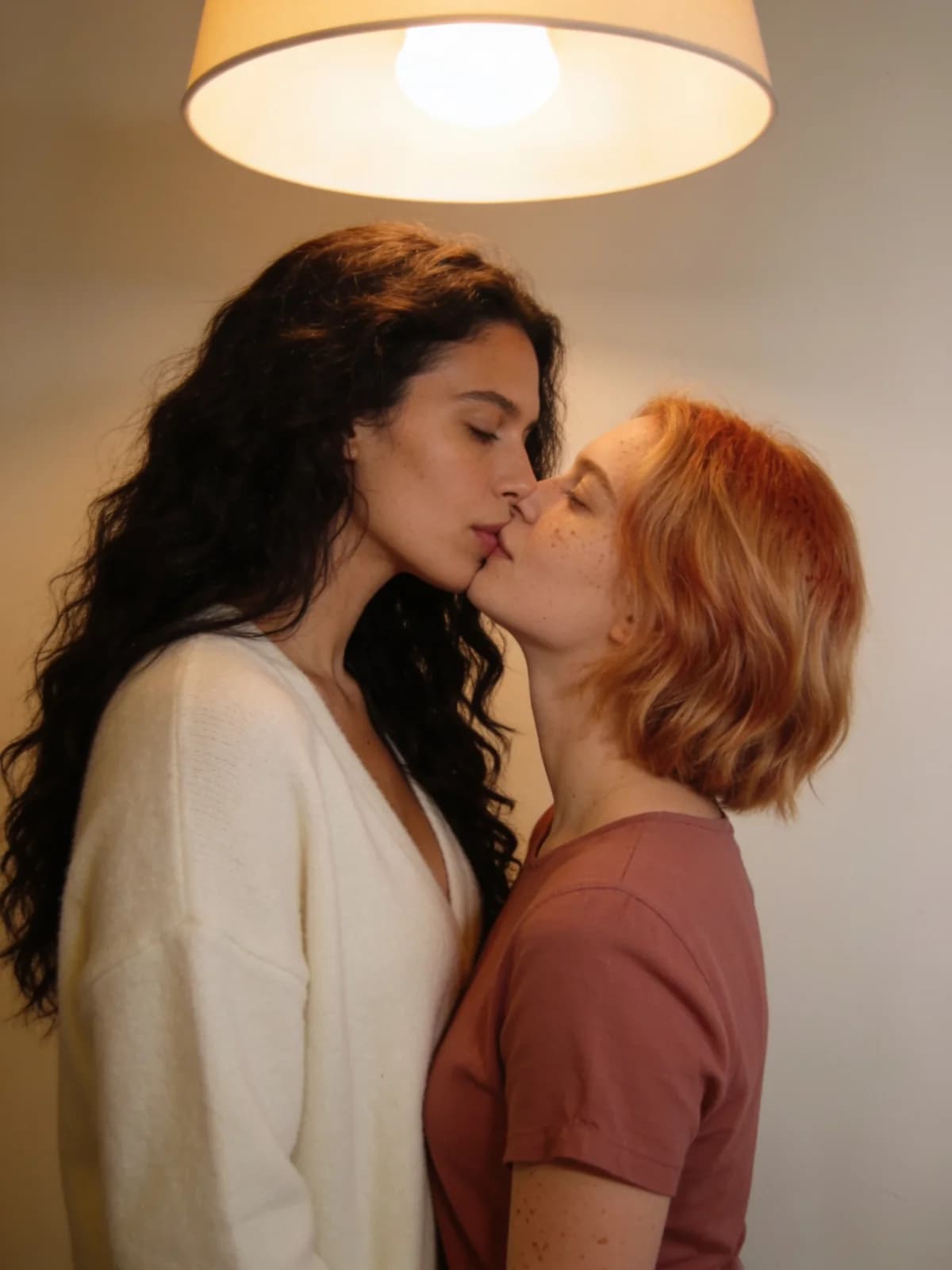
Checklist · still to motion
How to Turn Photos into Private AI Video in 2026 (Image-to-Video Checklist)
A still that passes review can still collapse in motion: identity drift, hand melt, wardrobe flicker, contact frames that never existed. Private AI image-to-video is not “press generate on a free uncensored toy.” It is a rights gate, a composition lock, a motion budget, and a review card — before you spend.
Adult creators turning authorized stills into short private clips in 2026. Complements the NSFW video roundup and kiss/hug how-tos. Not a free no-filter i2v farm, not a jailbreak guide, not a second “best NSFW video 2026” listicle.
30-second job pick
Choose the motion path before you open a tool.
- 01Two authorized adult photos, near-contact kiss or hug → dual-photo Kiss / Hug generators.
- 02One strong still, small honest motion (hair, breath, camera ease) → image-to-video with a tight motion budget.
- 03No usable still, only a text fantasy → text-to-video or still-first unrestricted generate — not a blind i2v.
- 04Identity must survive many shots → read the character-consistency field guide before any motion spend.
- 05Rights unclear for any adult in frame → stop. Do not upload.
A still that passes review can still fail in motion
SERP pages for image-to-video and “uncensored” video mostly sell upload → prompt → download. They skip the expensive part: motion invents frames the still never proved. Hands that were cropped appear. Fabric that was sharp starts to crawl. Faces soften toward a mean adult look.
Treat i2v as a controlled animation of a locked plate, not as a second chance to rewrite the subject. If the plate is wrong, fix the still first.
When image-to-video is the right job
Deep steps for contact clips: how to make an AI kissing video · how to make an AI hug video. Tool-class ranking (not this checklist): best NSFW AI video generators 2026.
| Job | Best path | Why |
|---|---|---|
| Short kiss / hug near-contact | Dual-photo Kiss or Hug | Two identities + contact framing beat single-still hallucination |
| Parallax / breath / hair on one hero still | Image-to-video (low motion) | Plate already holds identity; motion stays small |
| New scene from text only | Text-to-video or still-first generate | No plate to protect — do not fake an i2v source |
| Multi-shot adult continuity | Consistency workflow + short clips | See character-consistency guide; avoid one long chaotic take |
Preflight checklist before any motion spend
Print this mentally. If any line fails, do not generate video yet.
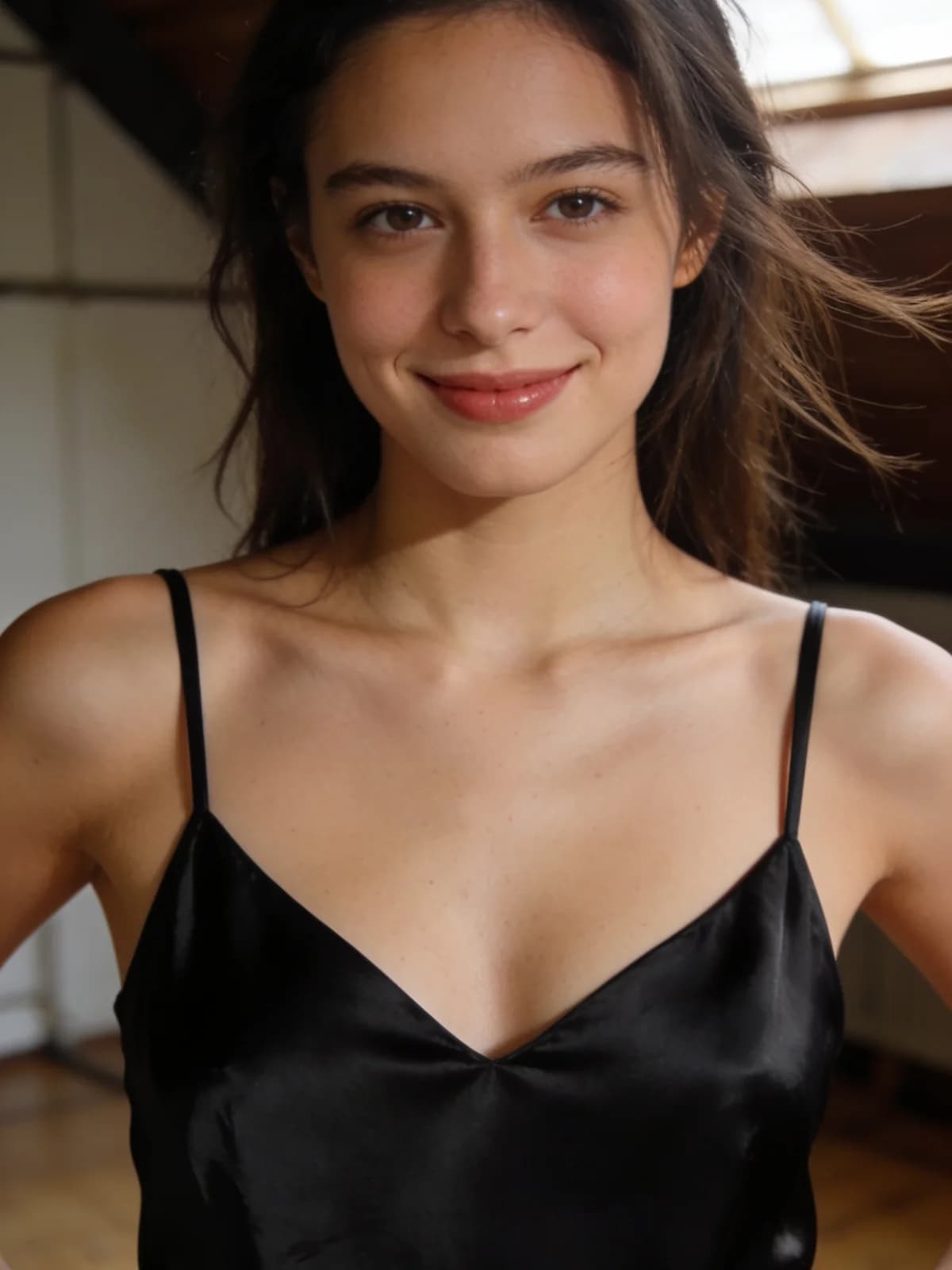
- 01Every adult in frame authorized this use; no minors; no non-consensual intimate fakes of real people.
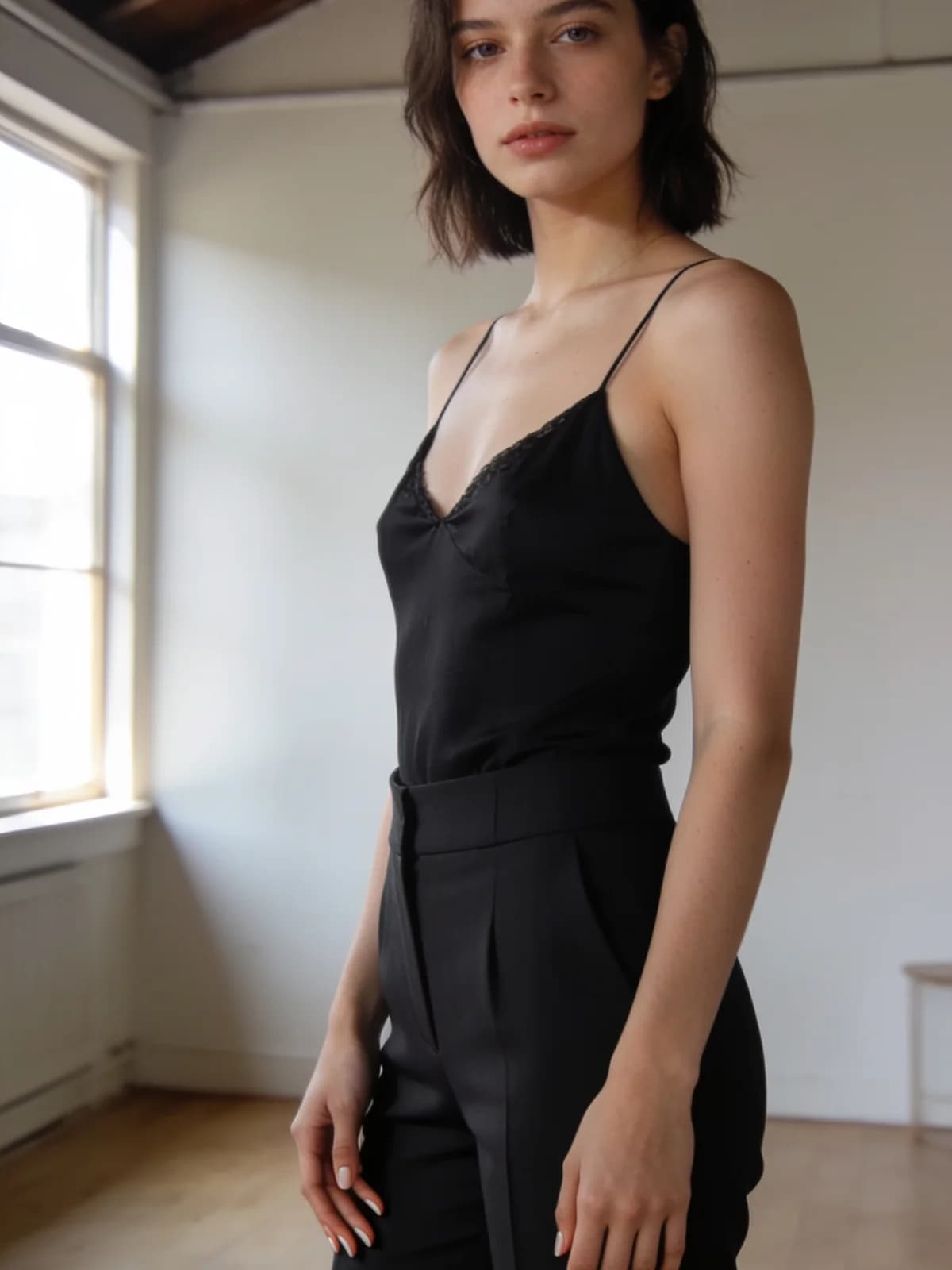
- 02Still is sharp at face, hands, and wardrobe edges at 100% zoom.
- 03Composition leaves room for the motion you will ask for (no cropped elbows if hands will move).
- 04Identity anchors written down: hair, marks, wardrobe — same words you will reuse in the motion brief.
- 05On-screen credit / duration estimate read before click.
- 06Export plan is private history first — not a public gallery toy.
Motion budget: low beats cinematic greed
Competitor free/uncensored i2v posts push “minutes-long” and max drama. For private adult plates, low motion is the credit-saving default.
- 01Low — micro expression, hair, fabric shimmer, slow push-in. Prefer this on first paid run.
- 02Medium — deliberate head turn, step, or camera arc with locked wardrobe. Only after low succeeds.
- 03Avoid on first pass — spinning bodies, hand-heavy gestures, wardrobe changes mid-clip, multi-person invent.
Review card: fail the clip before you rerun
Watch once at full resolution. Name the first failure. Change one variable.
- 01Identity still matches the plate (hairline, eye spacing, marks).
- 02Hands / fingers survive contact frames.
- 03Wardrobe edges do not crawl or invent new straps.
- 04No age-ambiguous collapse; adults stay clearly adult.
- 05Audio/off-brief artifacts ignored — judge picture first.
- 06Only then adjust motion strength, duration, or camera — not five settings at once.
Cost before generate
Video pricing is usually harsher than stills. Trust the Studio estimate on the button over any blog number. If the estimate feels wrong for a throwaway test, shrink duration or motion first — do not “just try” a max setting on intimate authorized media.
Live plans: pricing.
Myth: free uncensored image-to-video as the default
Search demand around NSFW / uncensored image-to-video is real. SERP winners often lead with free credits and no-filter badges. For private adult work the hidden invoice is retention, watermarks, silent filters after pay, and plates you should never have uploaded to a public toy.
Lawful private path: authorized adults only, quiet history, motion budget, review card. “Uncensored” is not a license to skip consent or Acceptable Use — see uncensored vs private.
Run the next private motion pass on Lumi Arts
- 01Contact kiss/hug → AI Kiss Generator or AI Hug Generator.
- 02Prompt blocks for motion → AI video prompt guide.
- 03Multi-shot identity → character consistency in NSFW AI videos.
- 04Tool-class shopping → best NSFW AI video generators 2026.
FAQ
A preflight for authorized adult stills: rights, plate quality, motion budget, cost estimate, and a review card — before you buy motion.
Same technical job family, different contract. We keep NSFW out of the H1 on purpose; the checklist still applies to adult private i2v demand.
When near-contact between two people is the point. Dual-photo paths beat inventing a second body from one still.
For disposable experiments maybe. For intimate authorized sets, weak retention and bait filters make them a poor default.
Low. Prove identity holds, then increase one notch.
After the plate is locked. Use the AI video prompt guide for motion/camera blocks.
No. Keep them in private history until you export. Export destinations are on you.
Next step
Run one private dual-photo motion pass
If contact is the job, start with kiss or hug on authorized photos — rights first, estimate visible, review before a second spend.