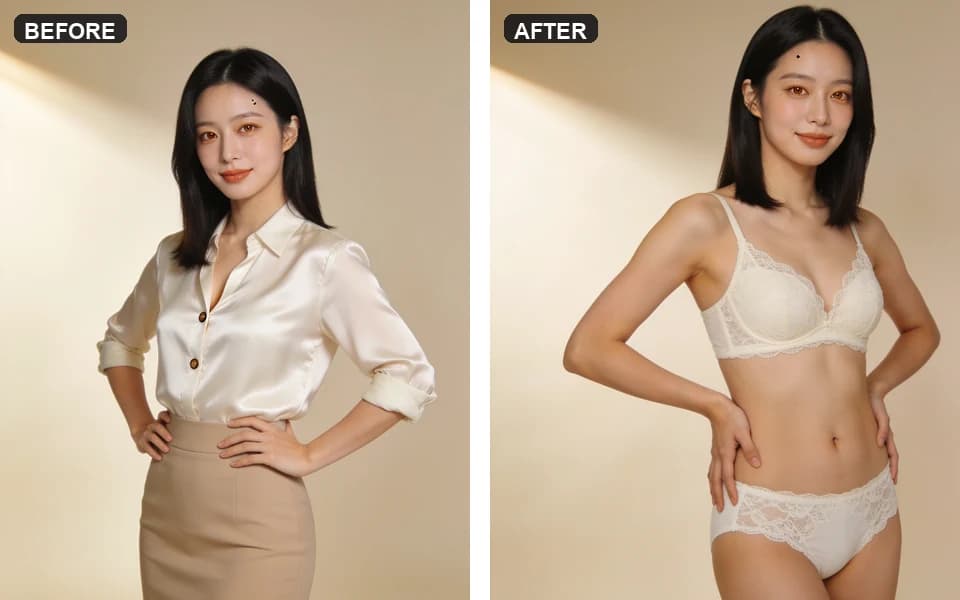
Comparison · clothes edit jobs
AI Clothes Changer vs Clothes Remover in 2026: Pick the Right Job
Most “AI clothes” pages sell one button for every wardrobe fantasy. In practice clothes changer and clothes remover are different jobs: one keeps a garment on purpose, the other peels fabric on media you are allowed to edit. Pick wrong and you burn credits, wreck seams, or land in a tool that never should have seen the photo.
Adult creators choosing between try-on / outfit swap and private clothes-removal finishes in 2026. Consent-first. Complements the how-tos — does not replace them. Not a non-consensual “undress anyone” guide.
Pick the job in 30 seconds
Answer the outcome you need — then open one tool.
- 01Keep identity, swap or try a specific outfit / garment ref → AI Clothes Changer.
- 02Peel or thin fabric on an authorized adult photo toward a bare or near-bare finish → AI Clothes Remover.
- 03Want lingerie restyle presets without a full peel → Lingerie generator first, then changer if needed.
- 04Only have a text fantasy and no person photo → Unrestricted generator (stills), not an edit tool.
- 05No clear rights to every adult in frame → stop. Do not upload.
Wrong tool = wasted credits, not a creative choice
Search results blur change clothes AI, AI clothes remover, and free “undress” toys into one pile. Product pages rarely say when they lose. The cost shows up in Studio: a changer run that tried to invent bare skin, a remover run that ignored the garment you meant to keep, or a public-gallery toy that saved an intimate frame you never meant to share.
This guide steals the useful part of competitor listicles — define the job, then rank — and keeps the quiet parts: rights, private history, and cost before generate.
What changer, remover, and try-on actually mean
Use the labels the way the tools behave — not the loudest ad word.
| Label | Job | You usually provide | Success looks like |
|---|---|---|---|
| Clothes changer / try-on | Replace or restyle wardrobe while holding pose and identity | Person photo + garment ref or outfit brief | Collar, sleeves, hem, and fabric read match the target outfit |
| Clothes remover | Reduce or remove fabric toward a chosen finish on authorized media | One authorized adult photo + finish preset | Clean edges, believable skin/light, no leftover sleeve ghosts |
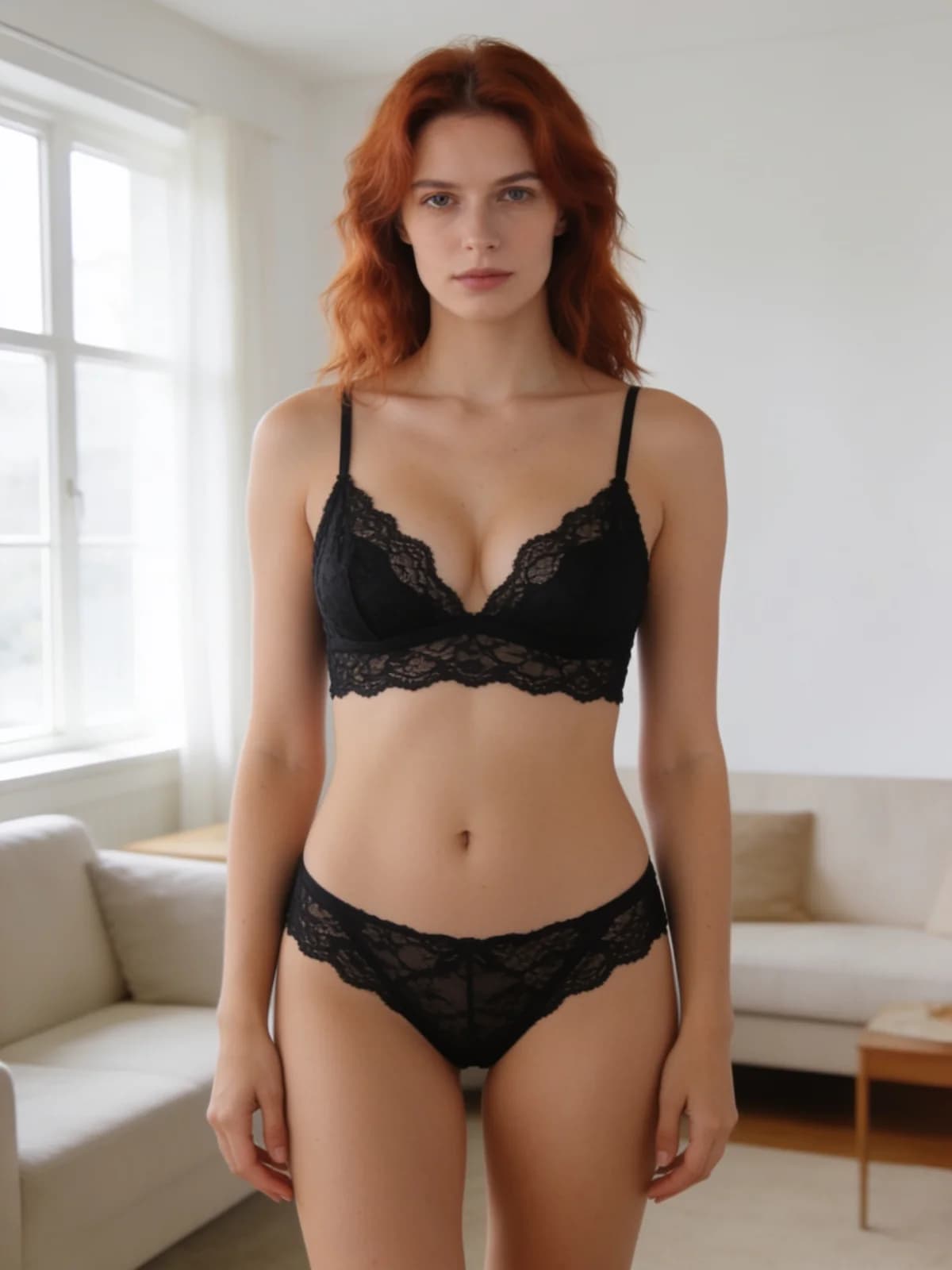
| Lingerie restyle | Swap into lingerie presets without a full peel pipeline | One photo + preset (Runway, Lace, Silk…) | Fabric and cut read as lingerie, identity stable |
| Text-to-image “outfit” | Invent a new still from a brief (no source wardrobe lock) | Prompt / refs in Generate | Scene matches the brief — not a pixel-true try-on of a SKU |
The three-step stack: detect → clear → generate
SERP winners (Tryonr-style outfit posts) often walk a simple pipeline. Steal the discipline even if you stay inside one Studio:
- 01Detect the job — garment-on try-on, peel/finish, lingerie preset, or full regenerate.
- 02Clear rights — every adult in frame authorized this use; no minors; no non-consensual intimate fakes of real people.
- 03Generate once with cost visible — one preset or one garment ref; review seams before a second spend.
- 01Outcome written in one line (e.g. “red blazer try-on” vs “sheer finish on authorized set photo”).
- 02Source photo sharp enough for edges (wrinkles and logos survive bad JPEG poorly).
- 03Tool matches the outcome — changer vs remover vs lingerie vs unrestricted still.
- 04On-screen credit estimate read before click.
- 05Full-zoom pass on collar, cuffs, waist, and any skin boundary.
Decision tree: which button for which outcome
You have a person photo and a target outfit
Open Clothes Changer. Keep the person slot fixed; swap garment references; choose Fitted or Relaxed on purpose. Judge collar and hem against the garment you uploaded — not against a fantasy prompt. Full steps: how to change clothes with AI.
You want fabric gone or thinned on media you own rights to
Open Clothes Remover only after the rights gate. Pick a finish preset, run once in Suite, inspect edges. Full steps: how to use AI clothes remover privately.
You want lingerie looks without committing to a full peel
Start on Lingerie generator presets. If you still need a specific outer garment later, chain Changer — do not ask Remover to “add a jacket.”
You do not need the source wardrobe at all
Write a still brief in Unrestricted AI Generator. Edit tools lock to a photo; Generate invents the frame. Mixing the two mid-job is how identity drifts.
Side-by-side: changer vs remover vs lookalikes
Policies and prices move — re-check the live tool before a paid batch.
| Path | Best when you… | Privacy default (Lumi Arts) | Main failure mode | Skip when… |
|---|---|---|---|---|
| Clothes Changer | Need a specific outfit on a fixed person | Private history | Garment ignores ref; sleeve/hem drift | You actually wanted fabric removed |
| Clothes Remover | Need an authorized peel/finish | Private history | Edge ghosts; over-smooth skin | You needed to keep a branded garment |
| Lingerie presets | Want styled lingerie reads fast | Private history | Preset mismatch to body crop | You need exact SKU try-on |
| Unrestricted still | Invent a new scene from text/refs | Private history | Identity not locked to one photo | You must preserve a real outfit photo |
| Free web “undress” toys | Throwaway SFW experiments only | Often weak / shared | Watermarks, retention, policy flips | Intimate authorized work |
Results rules before you spend again
- 01One variable per rerun — garment ref *or* fit preset *or* finish strength, not all three.
- 02Zoom the boundary — neckline, waistband, cuff, and any skin the model invented.
- 03Do not chain panic tools — a bad remover pass is not fixed by random changer prompts.
- 04Export only keepers — private history is not a backup strategy for every experimental frame.
- 05Stop at hard blocks — change the brief or stop; we do not publish bypasses.
Consent, privacy, hard stops
Intimate edits of real people need authorization from every adult involved. Non-consensual intimate imagery and any content involving minors are banned — Acceptable Use.
On Lumi Arts, changer and remover runs stay in private history until you export. Private is not fully offline; only upload media you have rights to use.
Cost follows the on-button estimate and Studio refund rules. Blog roundups do not override the live control.
Deeper how-tos: change clothes · private remover. Platform roundup: best AI clothes remover 2026.
FAQ
No. Changer keeps or swaps garments on purpose. Remover peels or thins fabric on authorized media. Different tools, different success checks.
Clothes Changer with a person photo and garment reference. Judge collar, sleeves, and hem against the outfit you uploaded.
Clothes Remover — only with clear adult authorization. Pass the rights gate, pick a finish, review edges once.
You can chain tools after review, but do not expect one mega-prompt to try-on a jacket and fully peel another region cleanly. Separate jobs survive QA better.
No. They stay in private history until you export.
Fine for disposable experiments. Weak defaults on retention, watermarks, and consent language make them a poor home for private adult media.
Next step
Open the tool that matches the job
Write one outcome line, confirm rights, read the credit estimate, generate once — changer for garment-on, remover for authorized peel/finish.