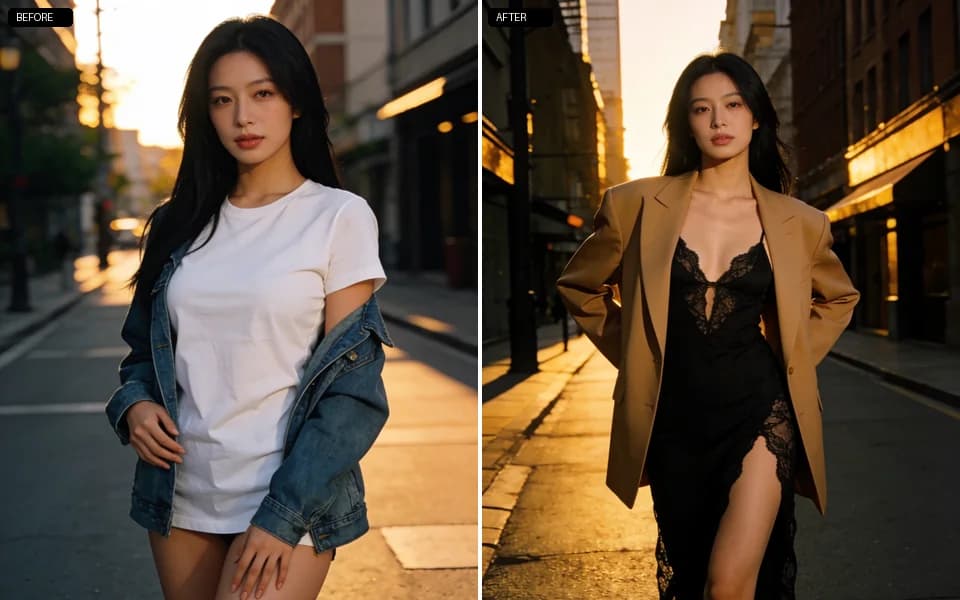
Buying guide · clothes remover tools
Best AI Clothes Remover Tools in 2026 (Private & Compared)
“Best AI clothes remover” results are crowded with free badges and shock demos. For adult work the ranking questions are quieter: do you have rights to the photo, does the tool keep output out of a public feed, do edges survive a full-resolution zoom, and is cost visible before you spend. This 2026 roundup compares private studio paths, free web toys, and local stacks — and says when Lumi Arts is the wrong pick.
Adult creators evaluating clothes-remover / fabric-peel tools in 2026. Consent-first. Complements the private how-to and the changer-vs-remover comparison. Not a non-consensual deepfake or celebrity undress tutorial.
Quick picks (rights first)
If consent is unclear, stop before you compare brands.
- 01Private authorized still, finish presets, no public feed → Lumi Arts Clothes Remover.
- 02Disposable experiments on non-sensitive media → free web remover toys (expect watermarks / weak retention).
- 03Files must never leave your machine → local inpaint / undress-capable workflows you fully control.
- 04You actually needed a new outfit on the body → Clothes Changer, not remover.
- 05Real-person intimate peel without authorization → do not run it. Out of scope here and on our product.
What “AI clothes remover” means in 2026
In product language, a clothes remover takes an authorized adult photo and reduces or removes fabric toward a chosen finish while trying to keep pose, light, and identity. It is an edit job — not a text-to-image fantasy, and not a license to target people who never agreed.
Search also pulls clothing remover, dress remover, and high-volume “undress” queries. Those words often mark the same technical job with worse risk posture. We keep clothes remover in the title on purpose; the myth section below covers the search gap without blessing non-consensual use.
- 01Authorized restyle / peel — rights cleared, private workspace, edge QA.
- 02Try-on / changer — garment stays intentional; different tool.
- 03Generate-from-scratch — no source wardrobe lock; use unrestricted stills instead.
How we tested clothes remover tools
Five checks only — enough to kill hype without a lab.
- 01Source photo honesty — ordinary adult framing, not only hero demos.
- 02Edge quality — neckline, straps, waistband, sleeve ghosts at 100% zoom.
- 03Privacy default — private history vs public gallery / share prompts.
- 04Cost clarity — estimate before run; behavior when the job fails.
- 05Refusal surface — clear 18+ / consent language vs bait-and-switch filters after pay.
Automatic no
Celebrity non-consensual funnels, anything involving minors, tools that hide adult policy until after payment, and listicles that crown themselves #1 with no method.
Best for private authorized stills: Lumi Arts Clothes Remover
Pick this when: you already cleared rights, you want finish presets in a quiet account, and you will review edges before export or chaining another edit.
Why it wins this job: the same contract as our private how-to — rights gate, one finish, Suite execution, no public feed. Cost shows before generate; panic reruns are discouraged by design.
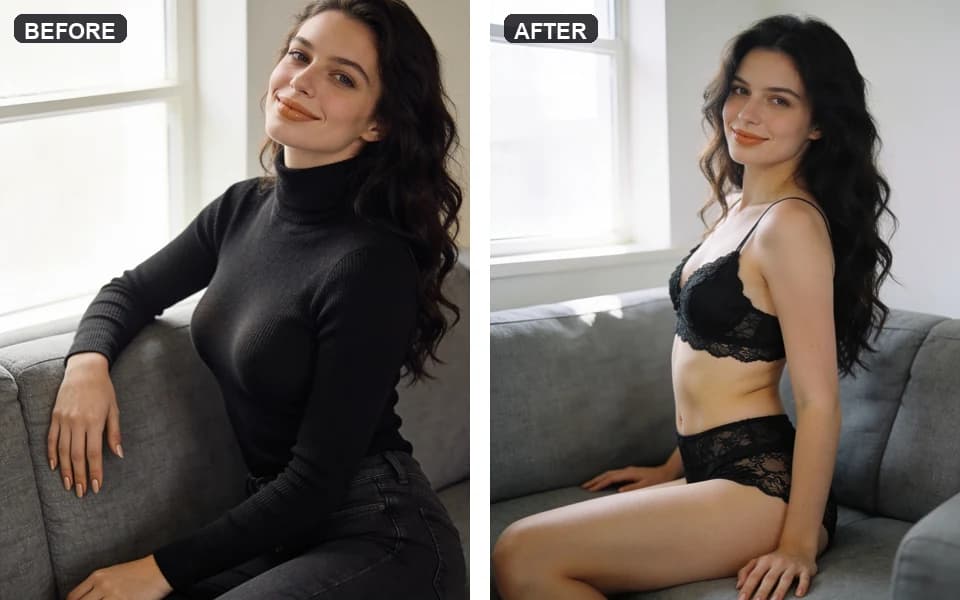
- 01Every adult in frame authorized this use.
- 02One finish preset — not three stacked guesses.
- 03Credit estimate read on the button.
- 04100% zoom on every fabric boundary.
- 05Only then export or chain lingerie/changer/face tools.
Best for throwaway tests: free web remover toys
Pick these when: the photo is disposable and you are only checking whether a peel pipeline “looks real” at thumbnail size.
Trade-off: watermarks, compressed outputs, unclear retention, and ToS that swing when payment partners flinch. Do not put client or intimate authorized sets here.
Best when offline control matters: local inpaint stacks
Pick local when: private means on-disk, you already run Comfy/A1111-class graphs, and you will maintain models plus your own consent logs.
Local control is real. So is the absence of a studio refund button when a mask fails.
Comparison at a glance
| Option | Best for | Privacy default | Adult workflow | Watch-out |
|---|---|---|---|---|
| Lumi Arts Clothes Remover | Private authorized stills + suite chain | No public feed | Finish presets + review | Cloud hop; not offline |
| Free web remover toys | Disposable experiments | Often weak | Unstable | Watermarks, retention, policy flips |
| Local inpaint / custom graphs | Max control on your GPU | Your disk | DIY masks | Setup + you own failures |
| Clothes Changer | Garment-on try-on | Private on Lumi Arts | Outfit refs | Wrong tool if you needed a peel |
| Shock “undress” list sites | Browsing hype | n/a | Marketing-first | No consent method |
If you arrived via “undress AI” search terms
High-volume queries around undress-style tools usually want a fabric-peel edit. The risk is not the English synonym — it is the target. Running intimate peels on real people without authorization is banned on Lumi Arts and out of scope for this guide.
Lawful path: authorized adult media only, private workspace, edge review, Acceptable Use. If the only brief you have is “someone who never agreed,” stop. We will not help with that job.
Choosing between peel and try-on? Read changer vs remover 2026.
Run one private remover pass on Lumi Arts
Keep the motion boring. Excitement belongs in the photo you already have rights to.
- 01Confirm authorization for every adult in frame.
- 02Open AI Clothes Remover (or continue in Image Suite).
- 03Pick one finish preset; read the credit estimate; generate once.
- 04Inspect edges at full zoom; change only one variable on a rerun.
- 05Optional: lingerie or changer tools only after the peel holds — see the private how-to.

Privacy, pricing, next steps
On Lumi Arts, remover runs stay in private history until you export. Exporting elsewhere is on you.
Trust the generate control and Studio refund rules over any blog price.
Related: changer vs remover · change clothes how-to · lingerie presets.
FAQ
For authorized photos, private history, and finish presets with cost before generate, we pick Lumi Arts Clothes Remover. Go local when offline control is mandatory.
No. Remover peels or thins fabric. Changer keeps or swaps garments. See the 2026 comparison guide.
No. Intimate edits need authorization from the adults involved. Non-consensual use is banned.
For throwaway tests maybe. For private authorized sets, weak retention and watermarks make them a poor default.
Cleaner source photo, one gentler finish, full-zoom edge check, one variable per paid rerun — details in the private how-to.
No. They stay in private history until you export them.
Next step
Run one private remover pass carefully
Confirm consent, pick one finish, read the estimate, generate once, inspect edges — then decide if another tool is even needed.