

By the tree
Decorated tree, warm string lights, clean space around the subject.
Christmas
Picture yourself by the tree, beside a glowing fireplace or on a snowy street. Choose a festive scene and create a photo or a short video.
 FireplaceBy the tree
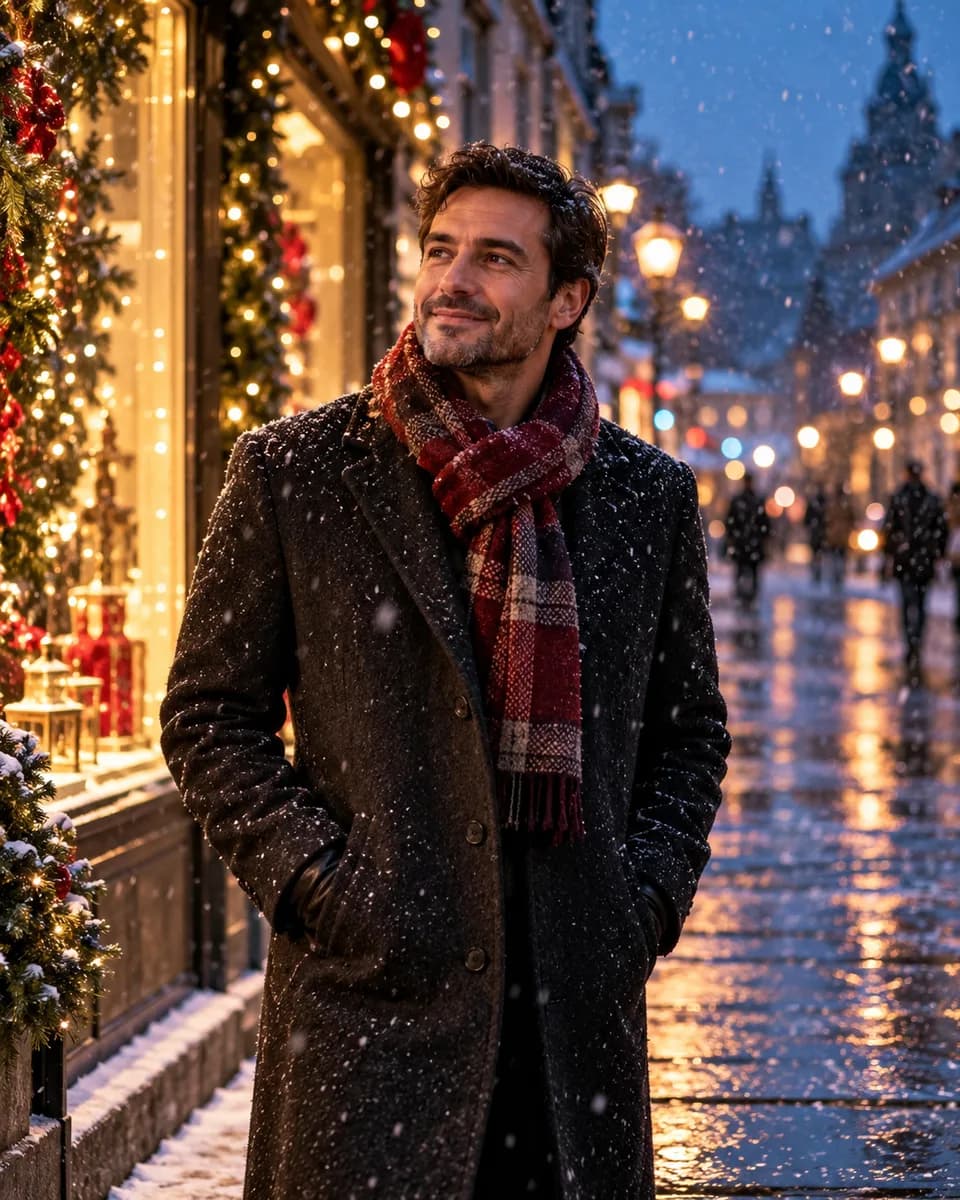 Snowy street
Make it yours
Start with a scene, add a photo if you want to be in it, then make the description your own.
Decorated tree, warm string lights, clean space around the subject.
AI-generated inspiration. Your result will vary with your photo, description and model.One adult subject per run. The tool produces the photo; card layout, lettering and printing are a separate step.
Six directions
Tree, fireplace, snow and studio sets, each with clothing and light specified so you can choose before you generate.
Decorated tree, warm string lights, clean space around the subject.
Firelight, knitwear, a mug, warm interior.
Evening street, falling snow, shop-window glow.

Garland, candles, no people.

Seamless backdrop, festive styling, editorial light.
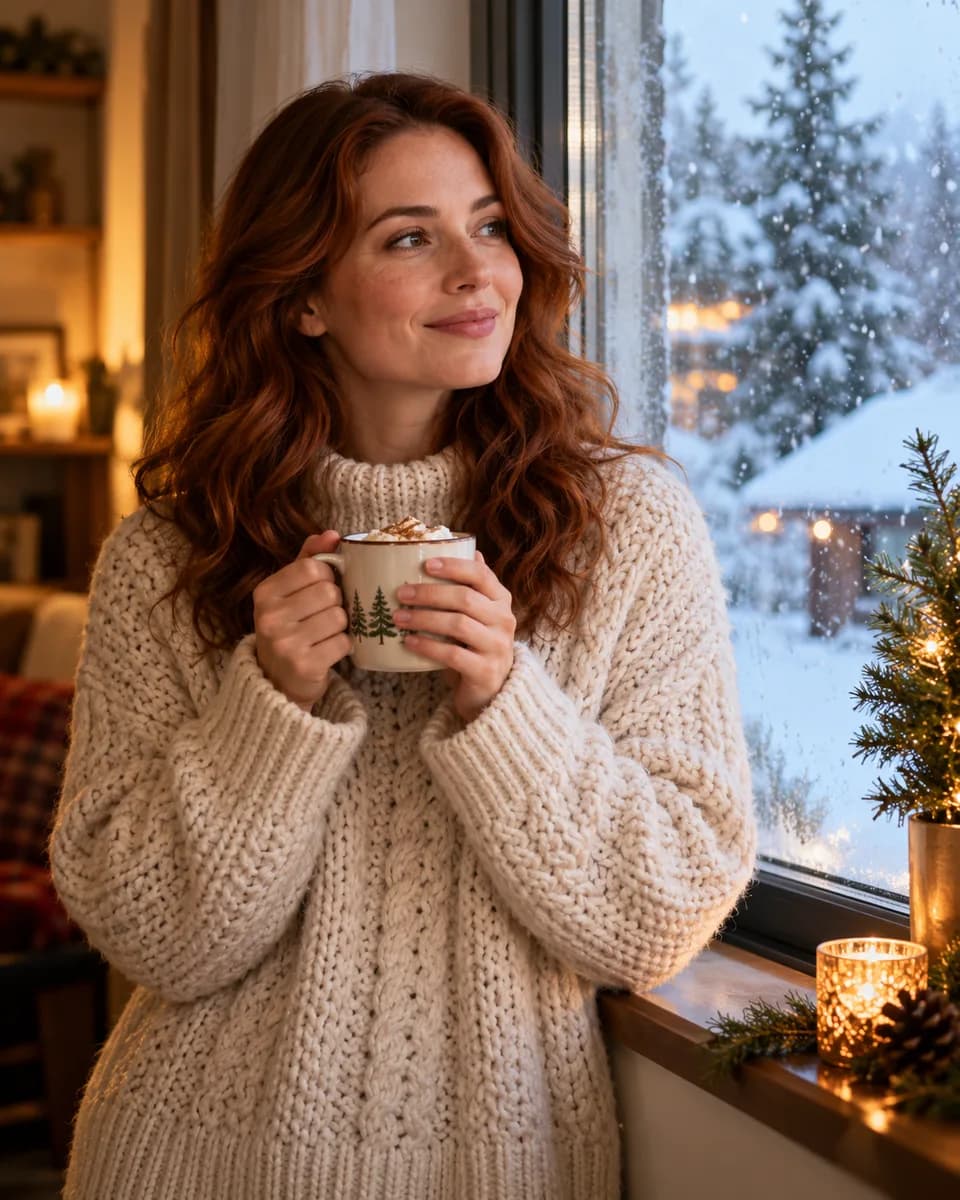
Indoor warmth, frosted window, falling snow outside.
AI-generated inspiration. Your result will vary with your photo, description and model.
Upload one photo for a portrait, or leave it empty for a tree, a fireplace or a snowy street.
Each direction sets clothing, setting and light, and the card-ready ones leave clean space around the subject.
Model, settings and credit cost are visible before the run. Animation is a separate step with its own price.
Add a little motion
String lights brighten and dim, snow falls past the lens, the camera pushes in slowly. This motion description is written for video and is not the image description reused.
The string lights brighten and dim gently while the person makes a small natural head movement. The camera pushes in slightly. No cuts, keep the tree, decorations and clothing identical.
Firelight flickers across the face while the person lifts the mug slightly and settles back. Slow, small camera push. No cuts, no new objects in the room.
Snow falls steadily past the lens and the shop-window glow shifts. The person turns slightly and the coat moves. Slow camera push. No cuts, no scene change.
Motion ideas shown with still illustrations. Video generation is a separate step with its own cost in credits.
Yes, in the sense that some directions leave clean space around the subject and keep the background calm. The tool does not add text, borders or a card layout — that happens in whatever tool you use to lay the card out.
Not through this entry. It works on one adult subject per run. Group and pet consistency has not been verified, so it is not offered.
They are generated, not composited. That is why snow can occasionally read as grain and why lights can tangle: check the result before you rely on it.
The exact credit cost appears on the button and again in the studio. Video is priced per second by the model you pick, and is confirmed separately from the image.
Yes. Pick the still you want and start the video step from it. Snow, light changes and a slow push are described separately from the image prompt, and you can rewrite them.
Results are stored in your workspace. There is no public gallery or feed, and you can remove uploads and results at any time.
The direction, the description, the model and the settings all stay editable. Nothing is charged until you confirm a run.
Create the portrait