
Adult costumes
Create an original outfit for one adult.
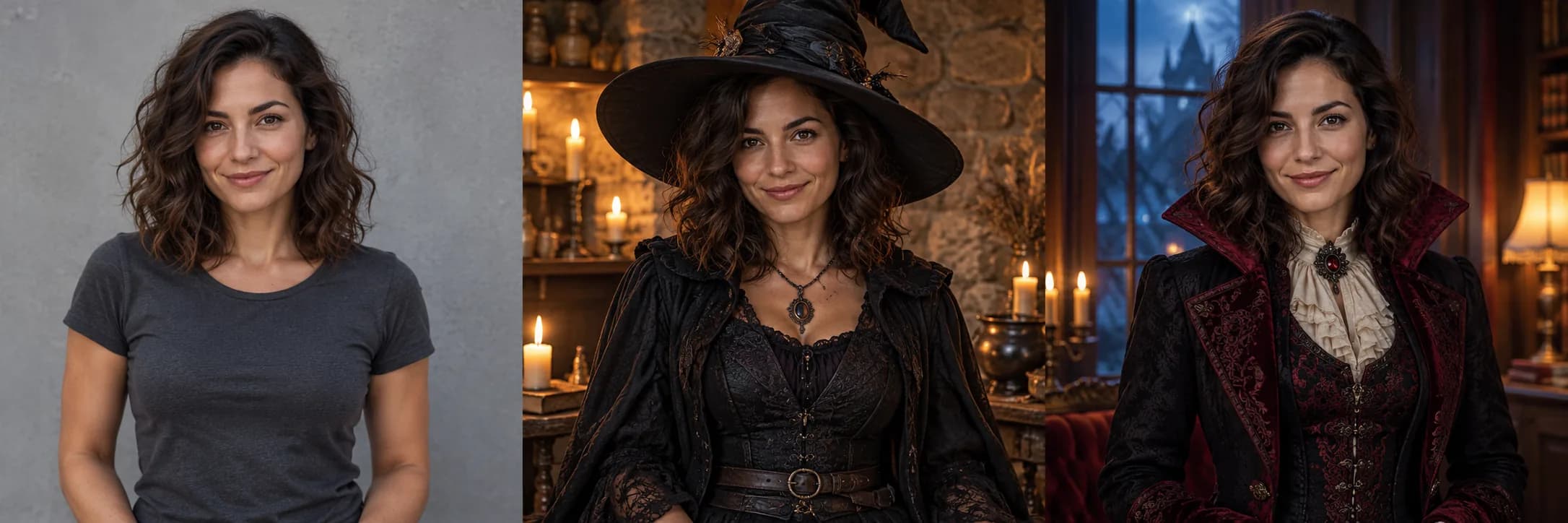
Halloween
Create adult costumes, avatars, pet portraits, group photos and Halloween designs for parties or your shop. Choose a use, explore styles and make an image or a short video.
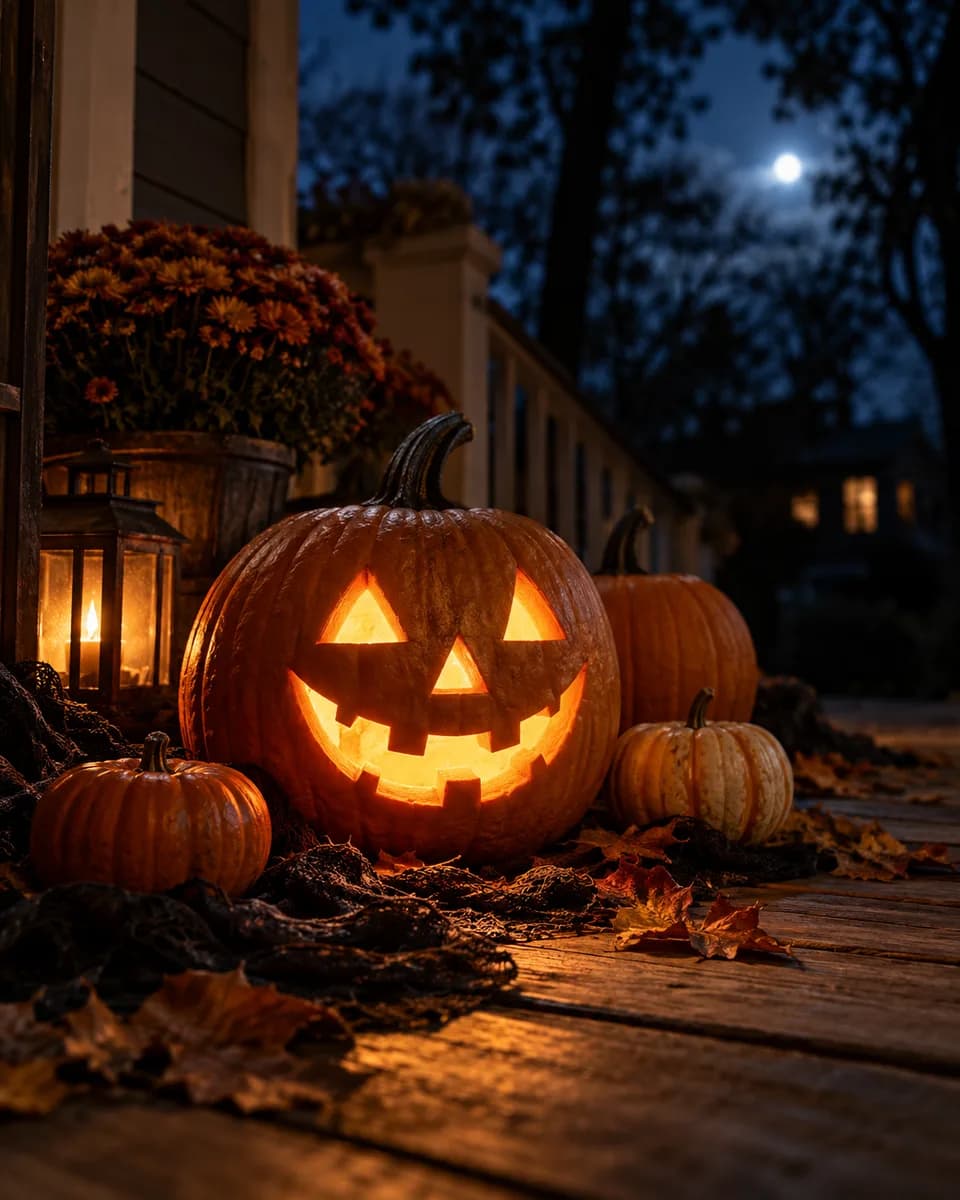 Pumpkin lantern set
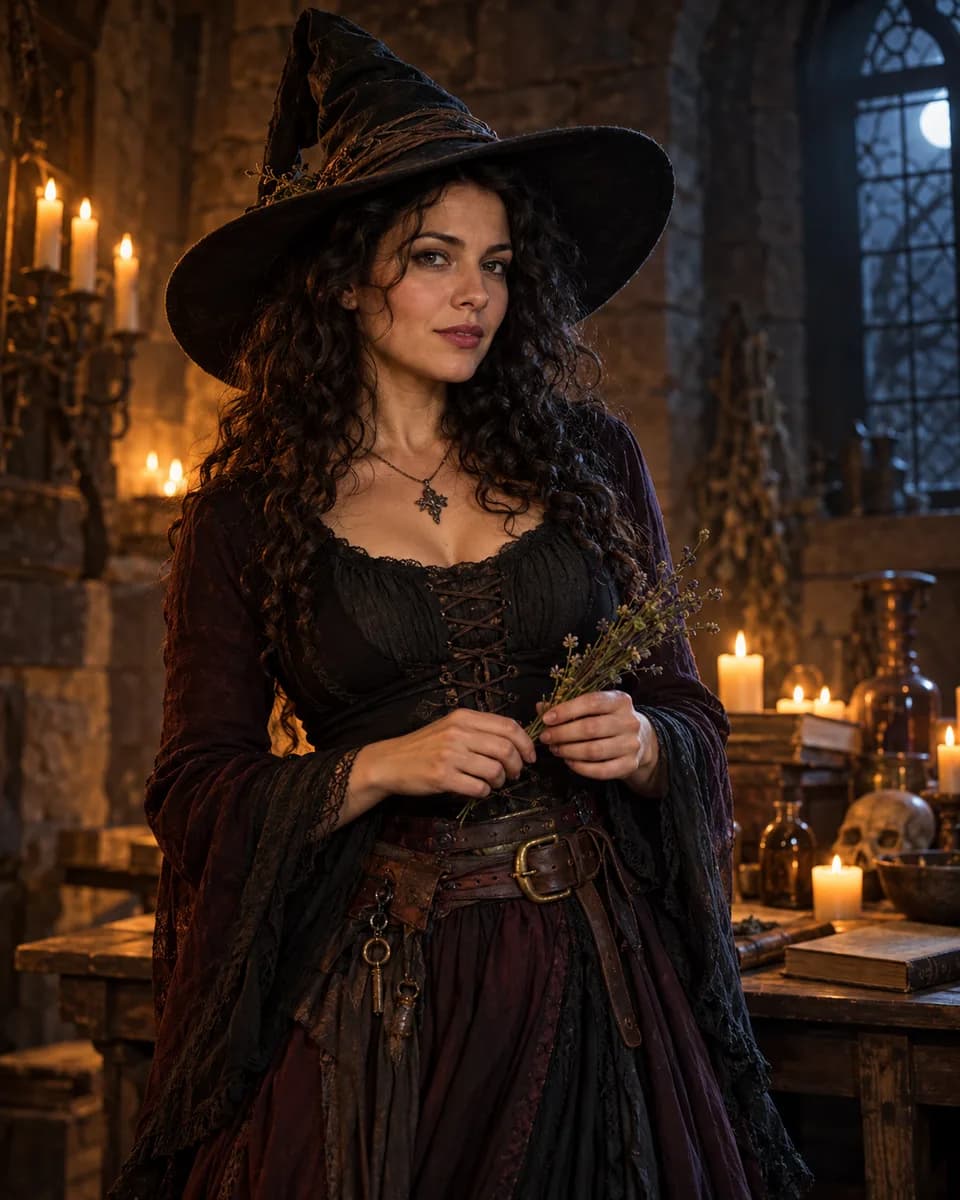 Candlelit witch
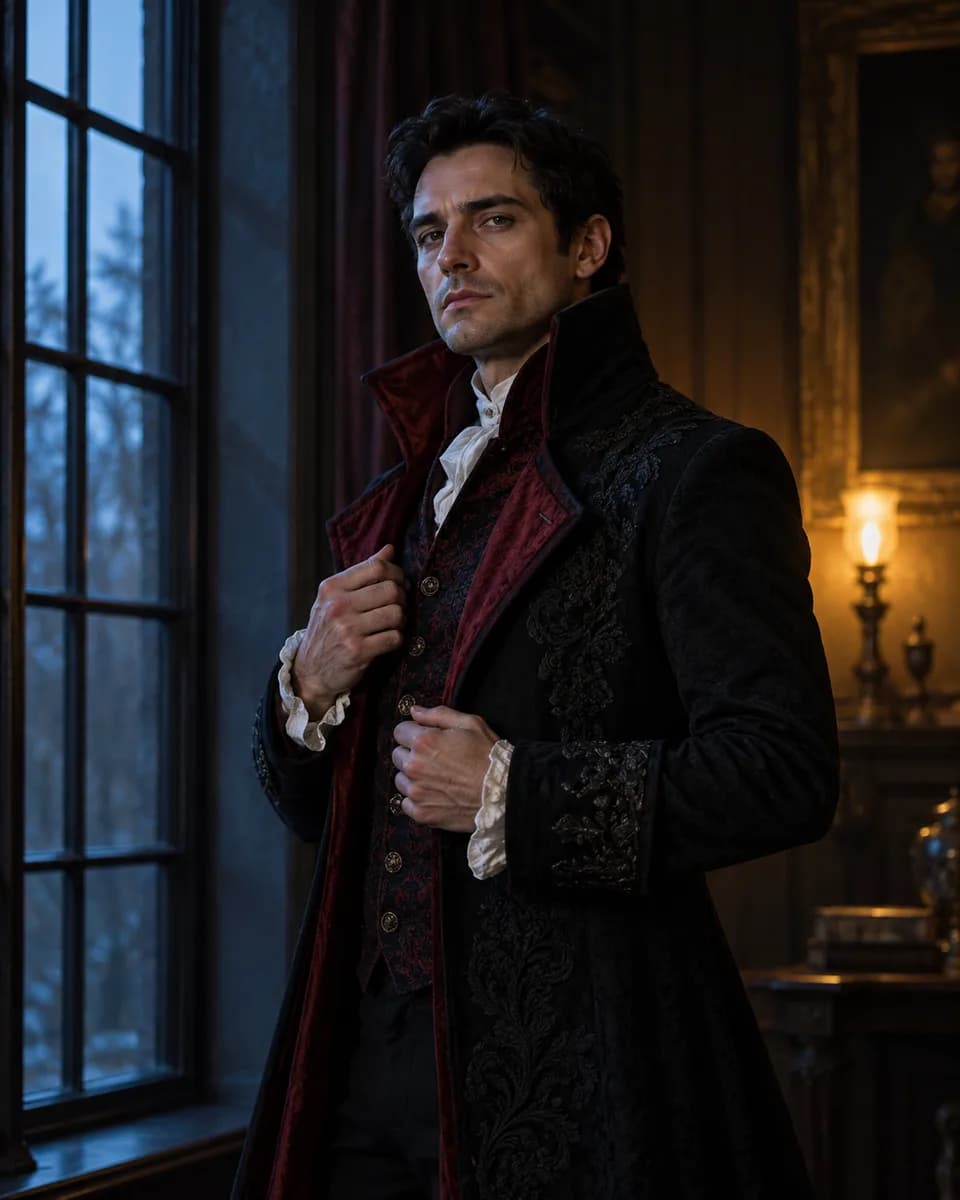 Dusk aristocrat
Make it yours
Choose a use and style, add a reference when required, then review your description.
3. Your photo
Adult costumes
Wide-brim hat, layered fabric, warm candle key light.
AI-generated illustrations made with Codex. These are not verified results from this tool or previews of your uploaded photo.One reference image per run. Pets, adult groups and products require a photo. Group photos must contain 2–4 adults together. Children are not supported.
Explore fictional inputs and illustrated directions, then choose a use to start your own.
AI-generated illustrations made with Codex. These are not verified results from this tool or previews of your uploaded photo.
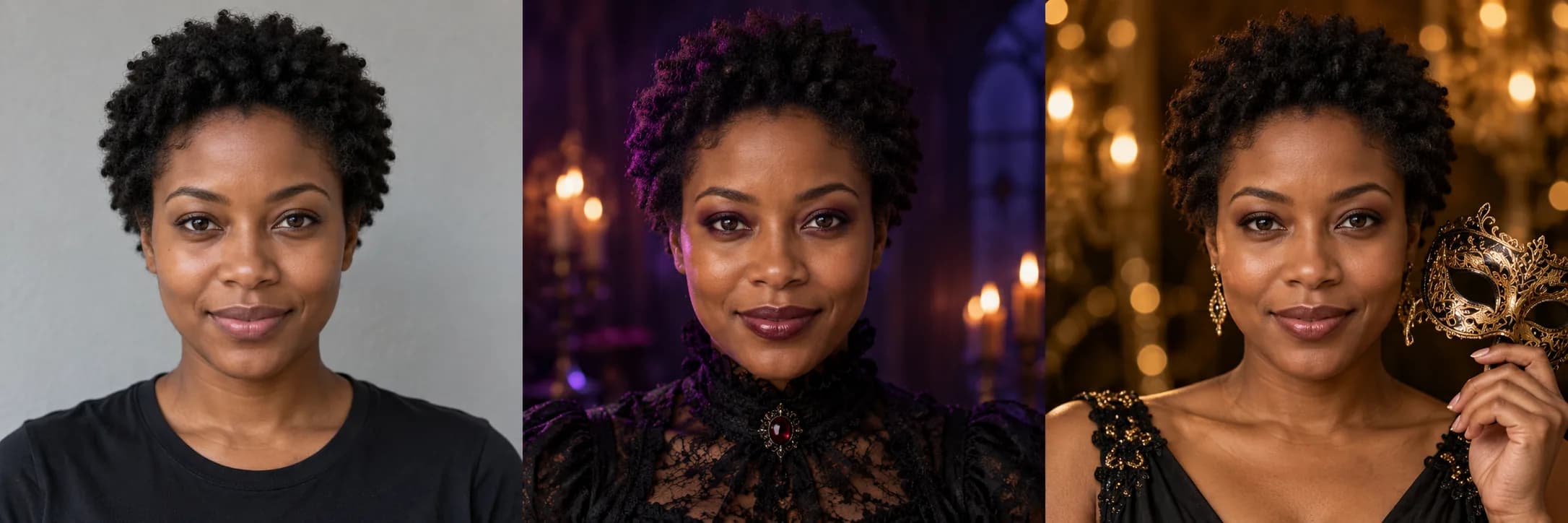
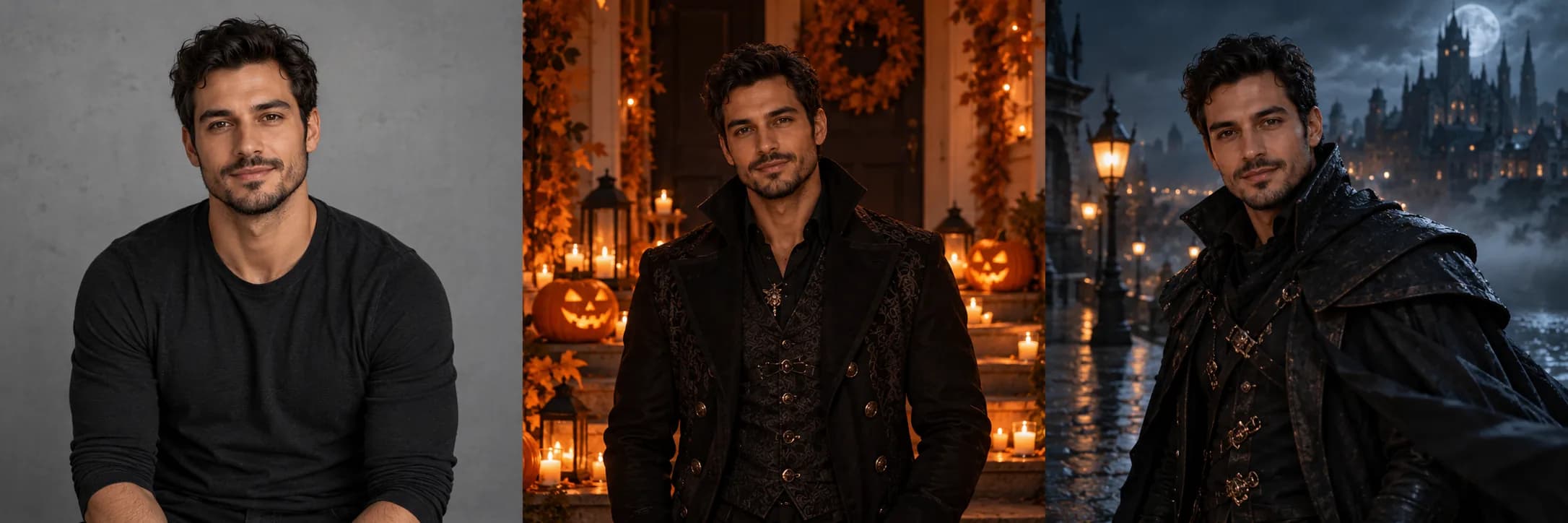
Create an original outfit for one adult.
Create a close-up portrait for a social profile.
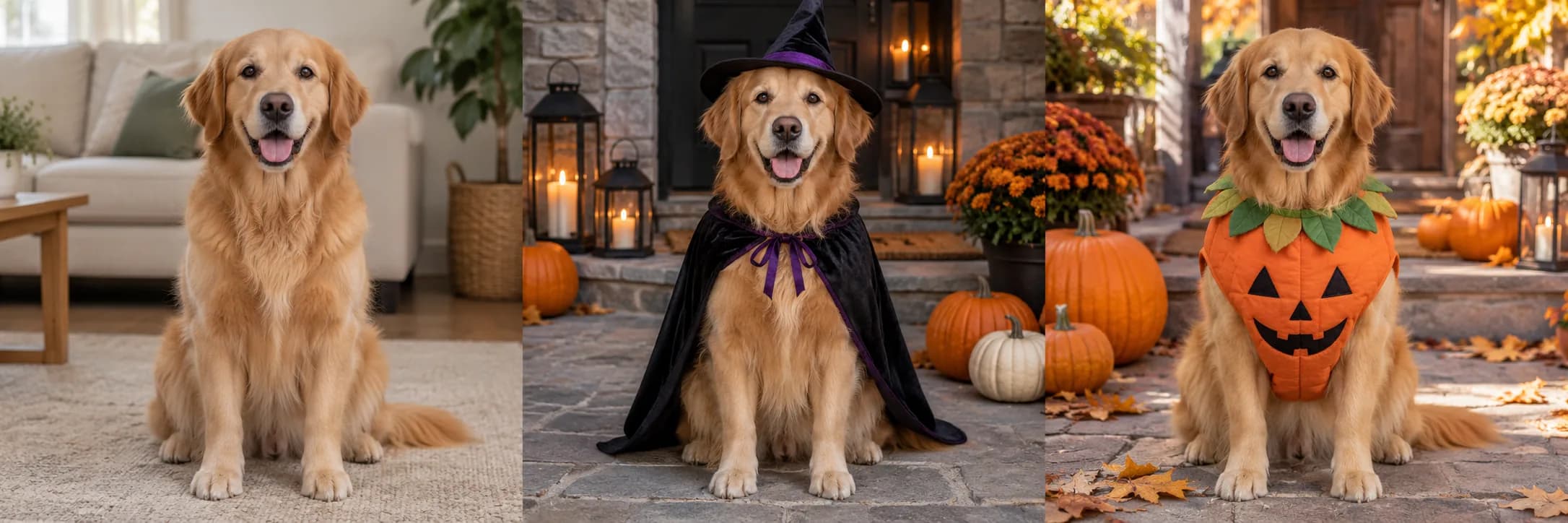
Dress a pet in a playful Halloween scene.
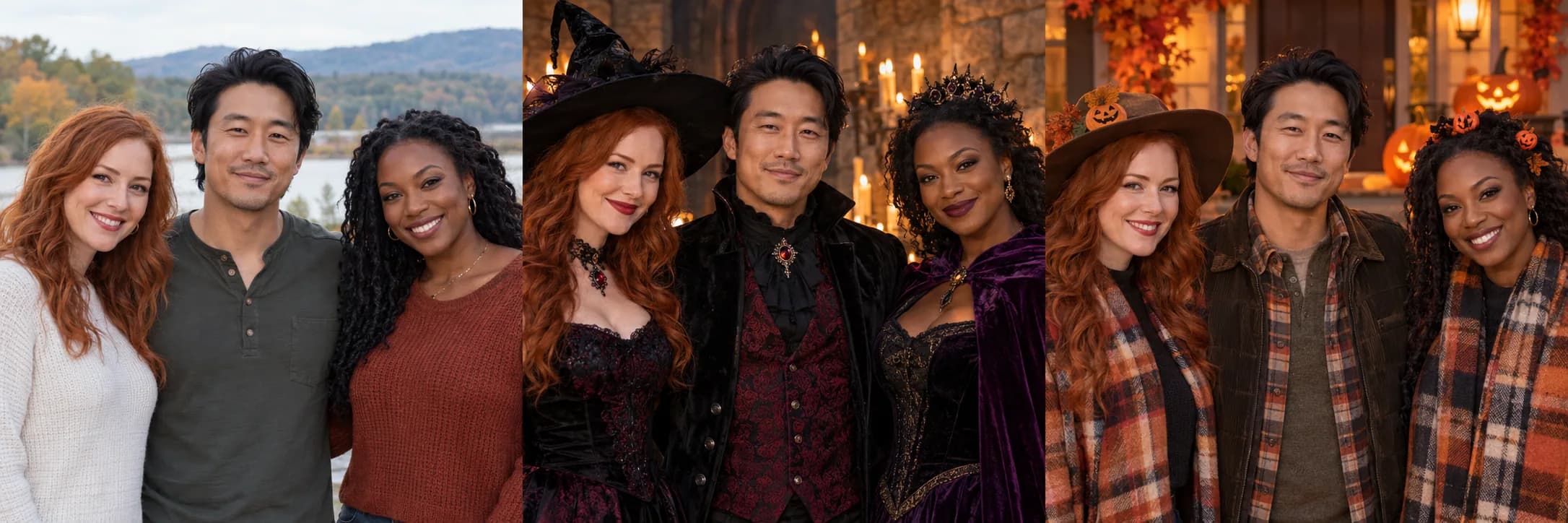
Restyle one existing group photo for Halloween.
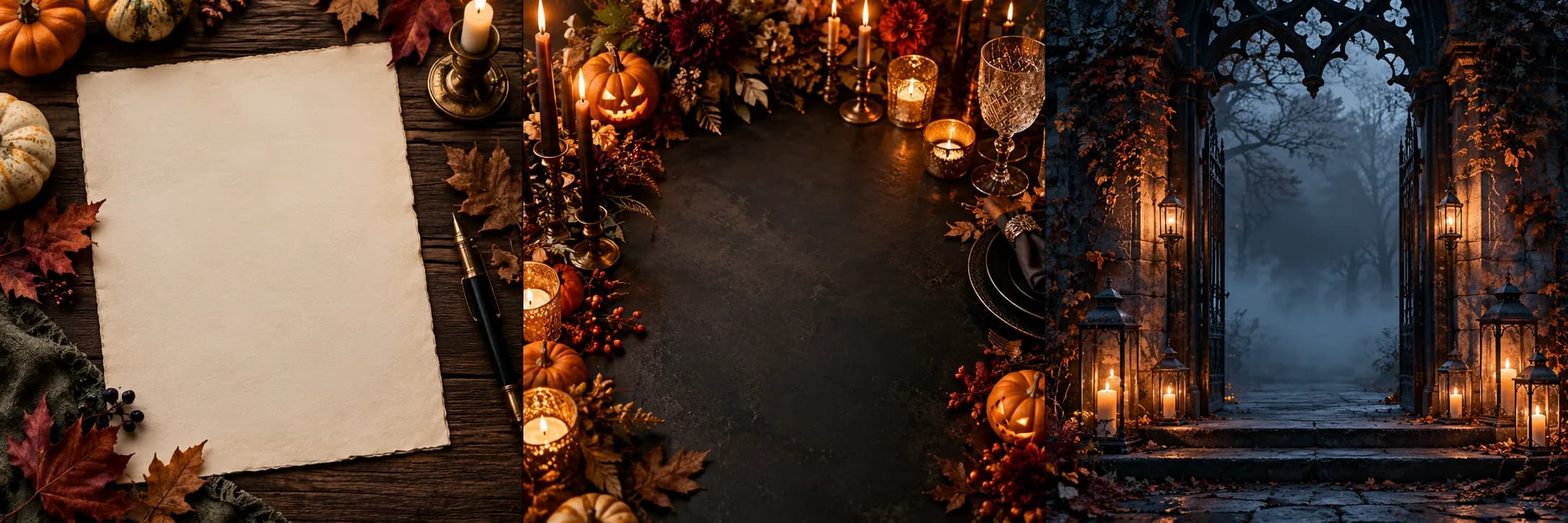
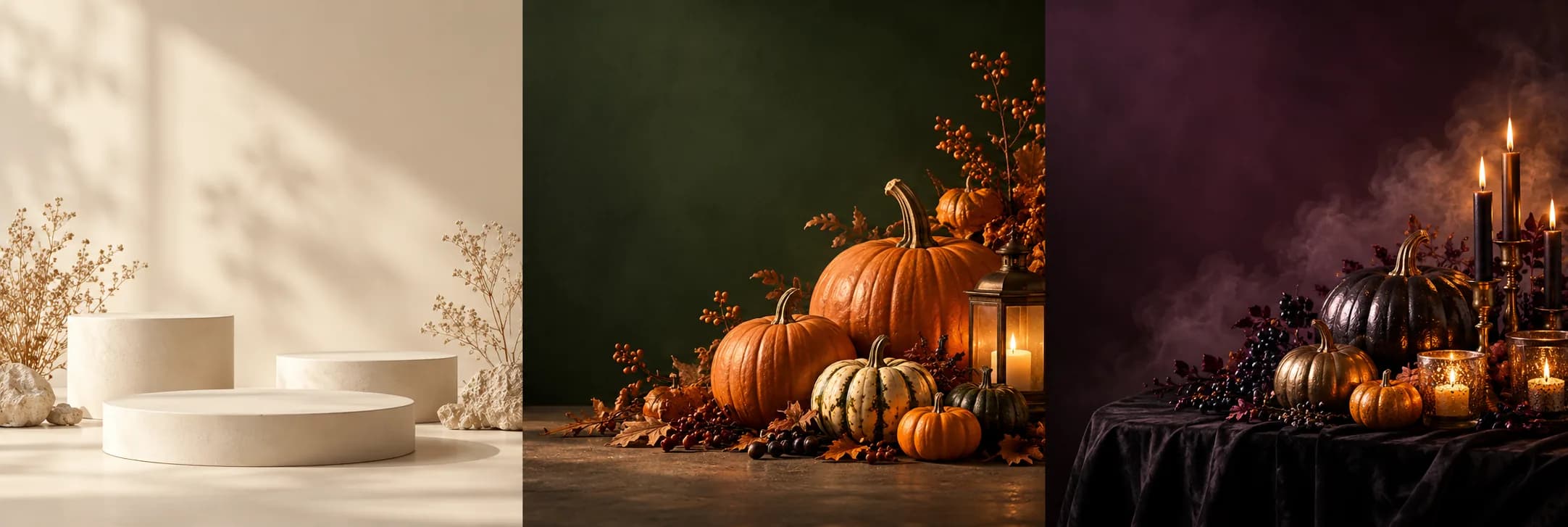
Make an illustrated background with room for your event details.
Create a vertical Halloween cover or campaign image.
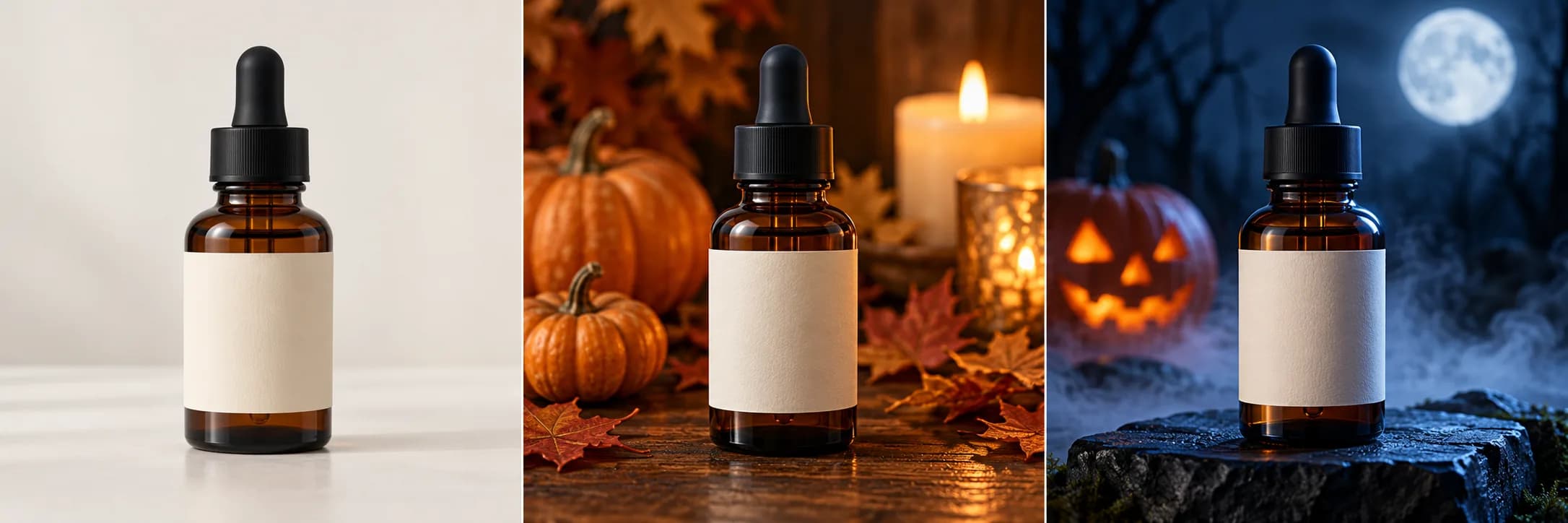
Place your product in a Halloween display.
Create a wide seasonal cover with room for your message.
Start with what you want to make. The style fills in an editable description and sets the image format.
Pets, products and adult groups need one reference image. For groups, upload one photo of 2–4 adults together. Other uses can start from a description.
Review your description and the displayed credit cost. Continue to Studio to sign in if needed and start the request.
Add a little motion
Each use has its own editable motion direction. Switch to Video to preview it. Use an image you like as a reference when you want its composition to guide the video.
Camera pushes in slowly while the person turns their head slightly toward the light. Candle flames flicker and the shadows on the stone wall shift. No cuts, no scene change, keep the hat and costume identical.
The camera drifts slowly to the right at a low angle. Lantern light pulses gently and a thin mist passes in front of the pumpkins. No cuts, no new objects, keep the composition and the pumpkins identical.
The person turns their shoulders slowly toward the window while the camera holds steady. Dust drifts in the window light and the lamp glow breathes slightly. No cuts, no costume change.
Motion ideas shown with still illustrations. Video generation is a separate step with its own cost in credits.
Pets, product photos and adult couples or friends require one photo. Adult groups must already appear together in one image. Costumes, avatars, invitations, social images and banners can start from text.
The prompts ask the model to preserve visible identity, markings and product details. Results can change details, so compare them with your original before using them.
The design styles leave clear space for text. Add names, dates, prices and logos in an editor after generation and check them before publishing.
Switch to Video to load a separate motion description. You can also use a finished image as your reference. Image and video have separate credit costs.
No. These are Codex-generated illustrations featuring fictional subjects. They show creative directions, not verified tool results or a preview of your upload.
Choose a use and style, add any required photo and review the description. Continue to Studio, where sign-in and credit checks follow the usual creation flow.
Choose your use, review a style and add the right reference. Your description stays editable before you continue to Studio.
Create image