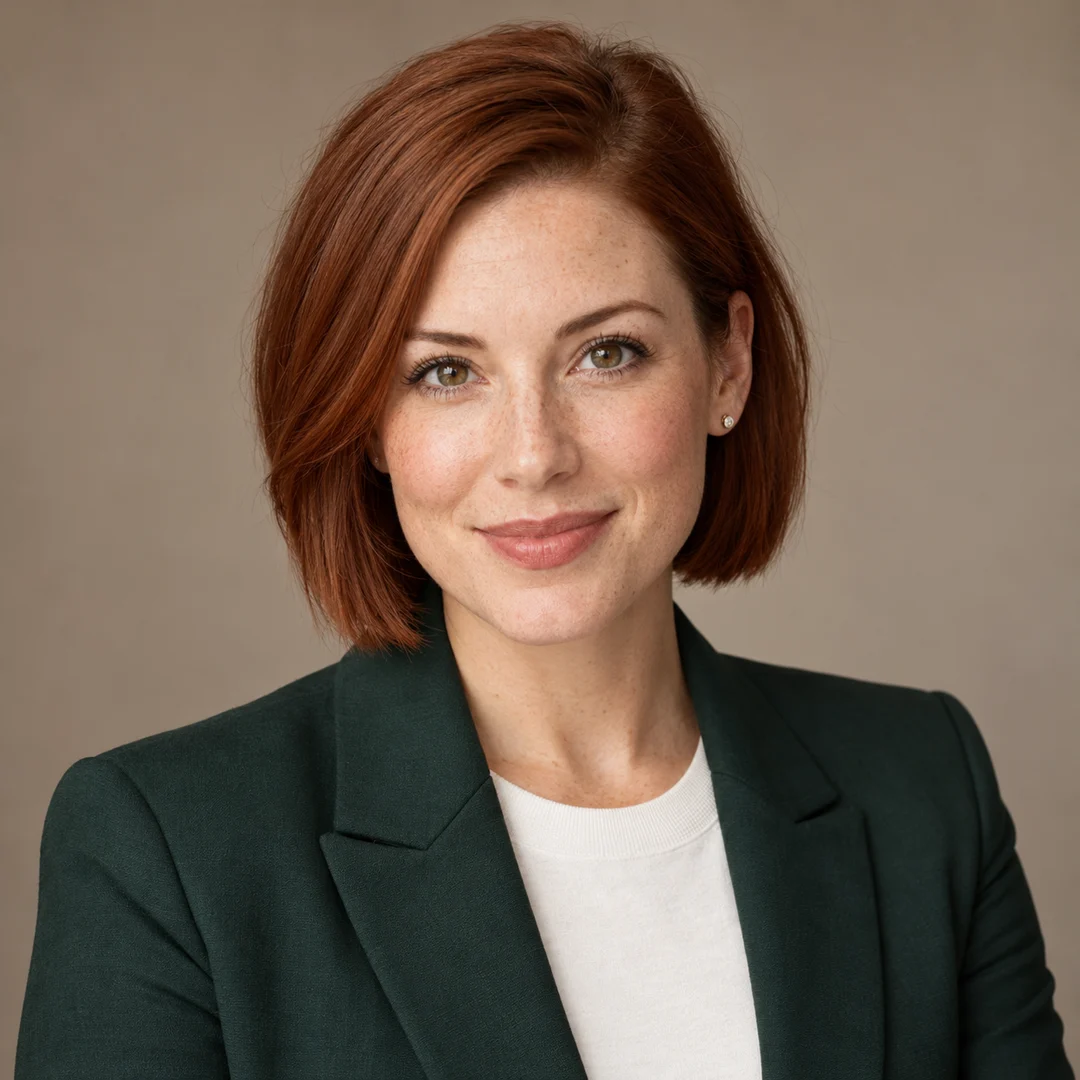
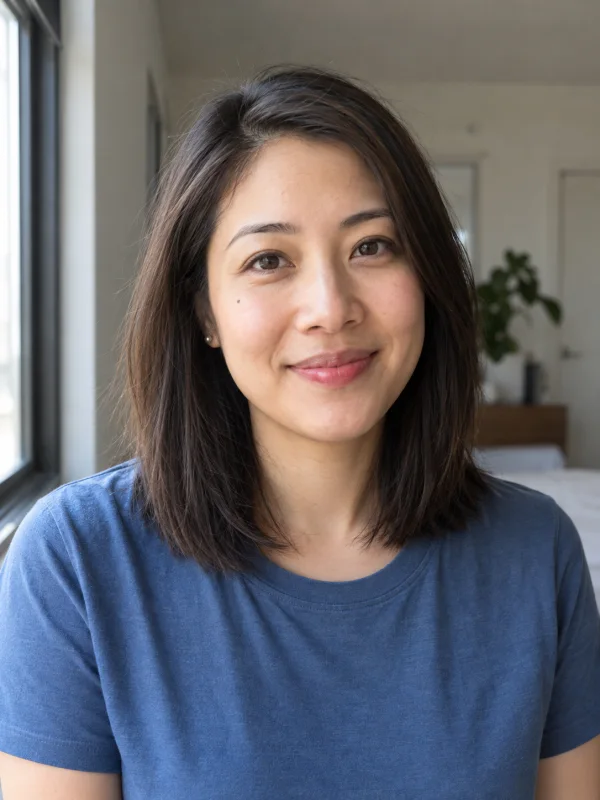
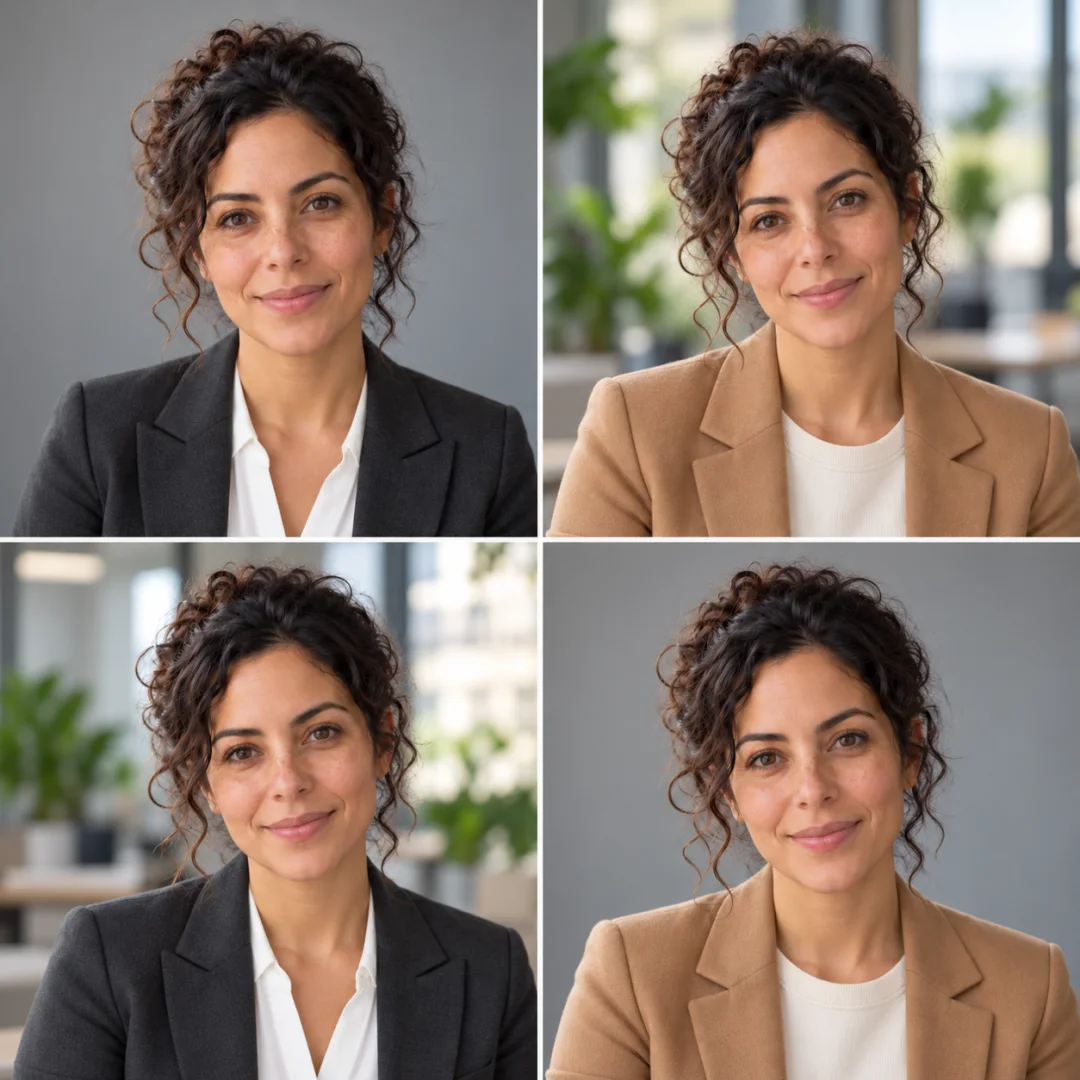
The Lumi Arts AI Headshot Generator creates individual professional portraits from one reference photo. Choose a consistent look, mix outfits, or combine outfits and backgrounds in a set of up to four candidates. It uses your existing account and credits.
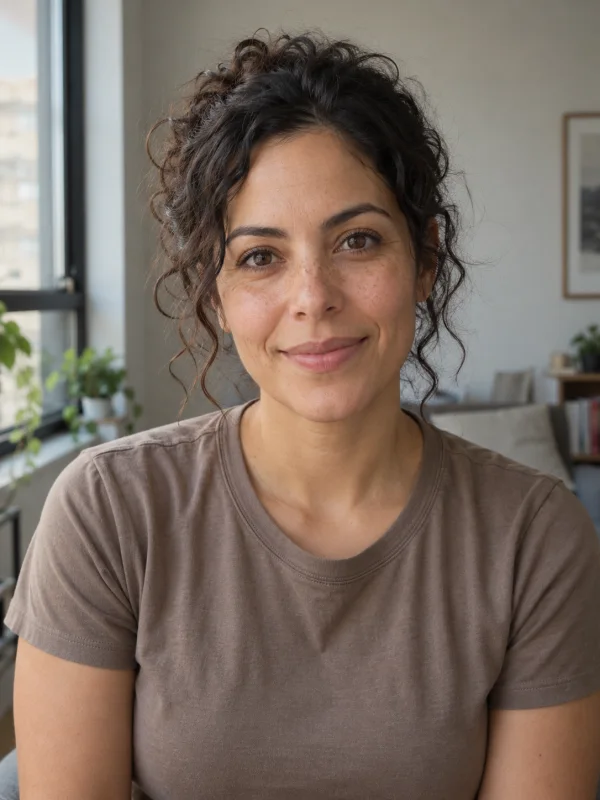
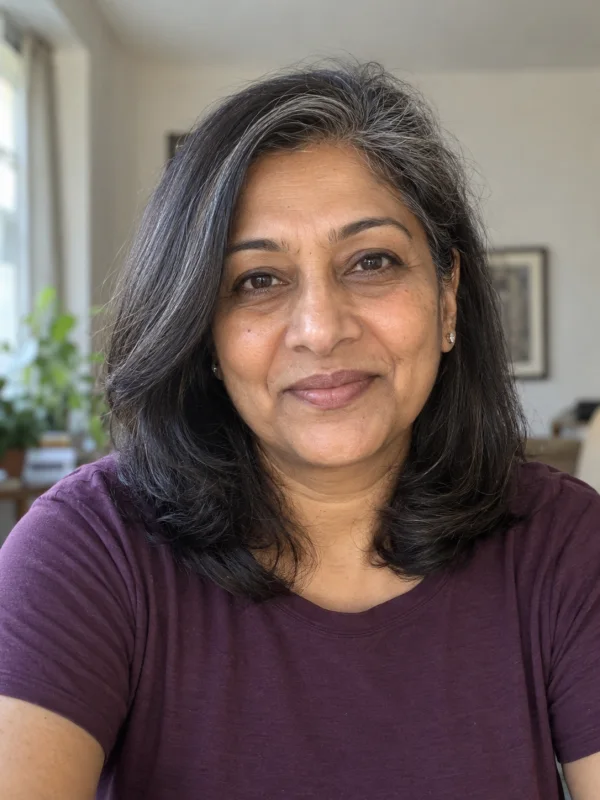
Your portrait
Your planned photos
Business formal / Gray studio
Business formal / Gray studio
Business formal / Gray studio
Business formal / Gray studio
Pricing unavailableUses your existing credits. Final cost is confirmed in Image Studio.
5 people · 5 examples · 3 ways to create
Professional headshot examples, from corporate to creative.
AI-generated illustrative examples featuring fictional people. These show the idea of each set, rather than verified results from this tool. Actual results vary.
01
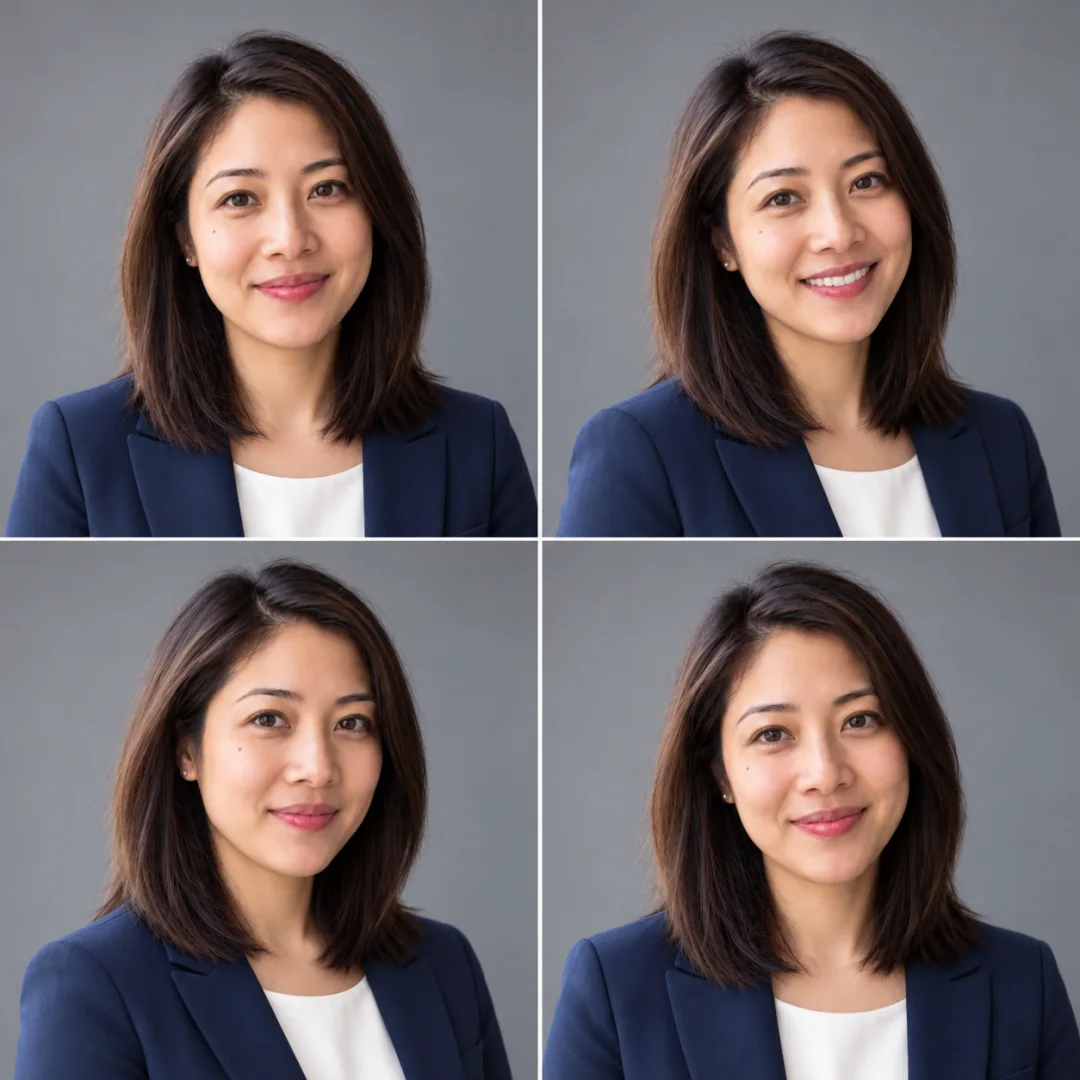
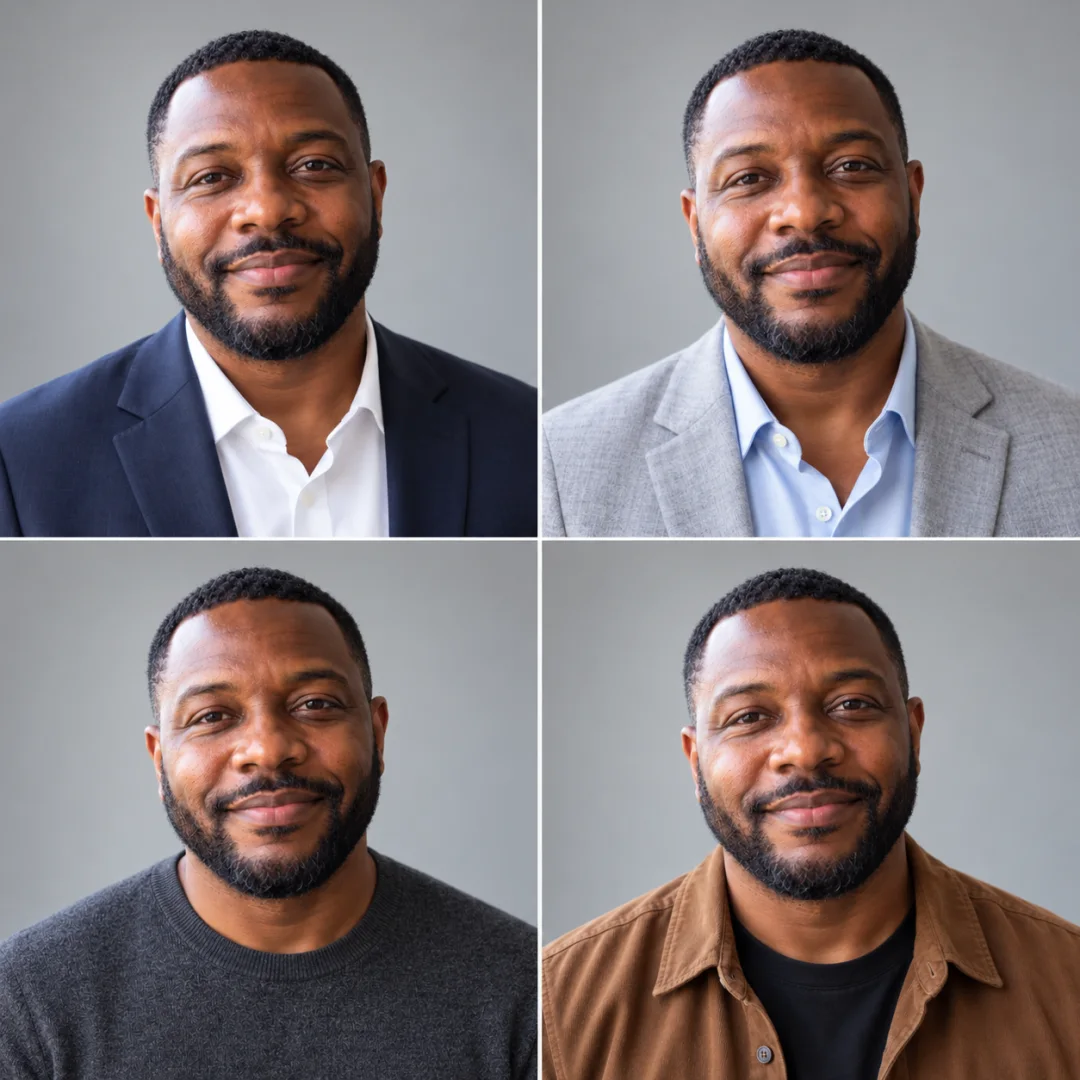
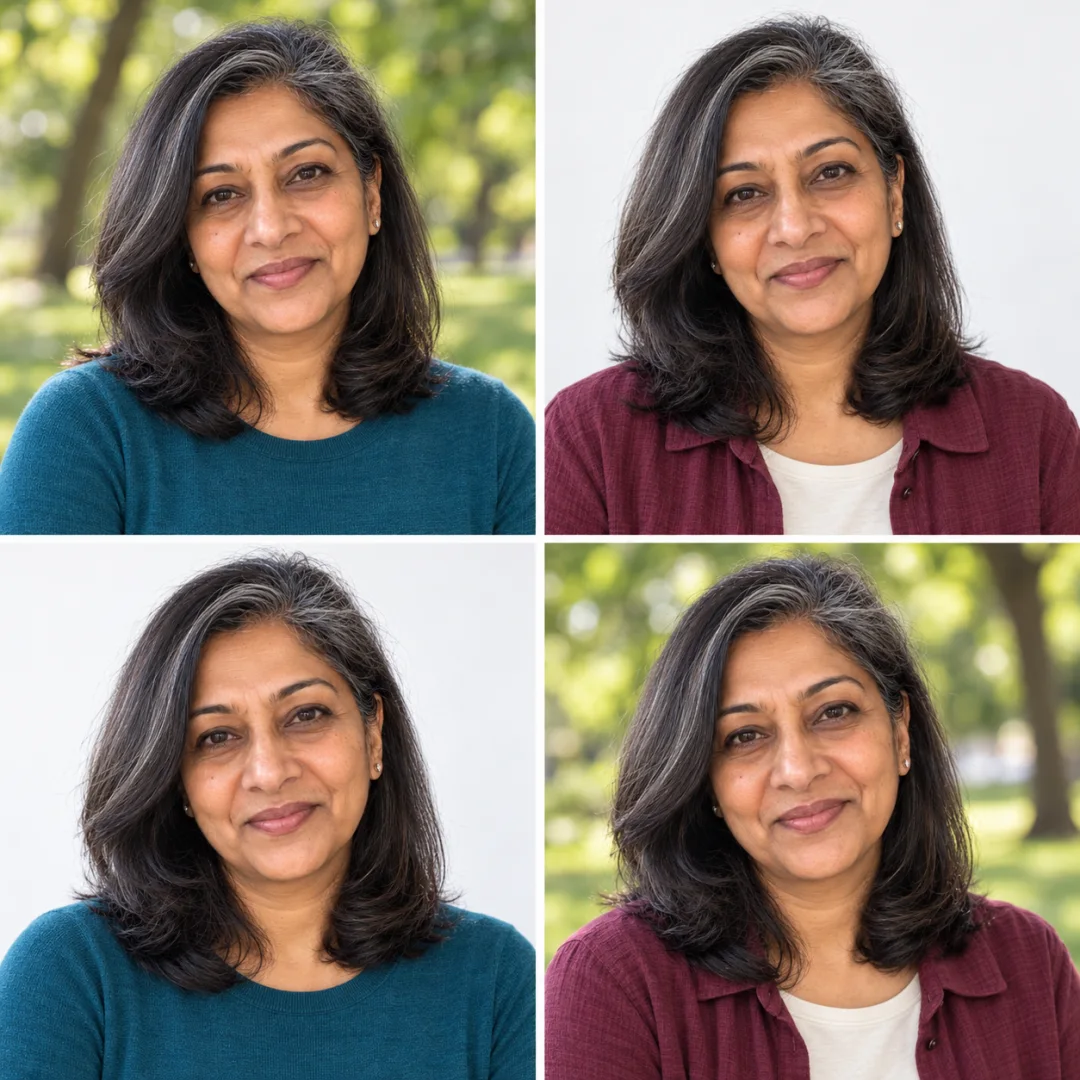
LinkedIn headshots: one style, four candidates.
Keep the outfit and background consistent. Compare small changes in pose and expression to find the photo that feels right for your profile.
Photo order: top left, top right, bottom left, bottom right.
Business formal / Gray studio
Business casual / Modern office
Business formal / Modern office
Business casual / Gray studio
04
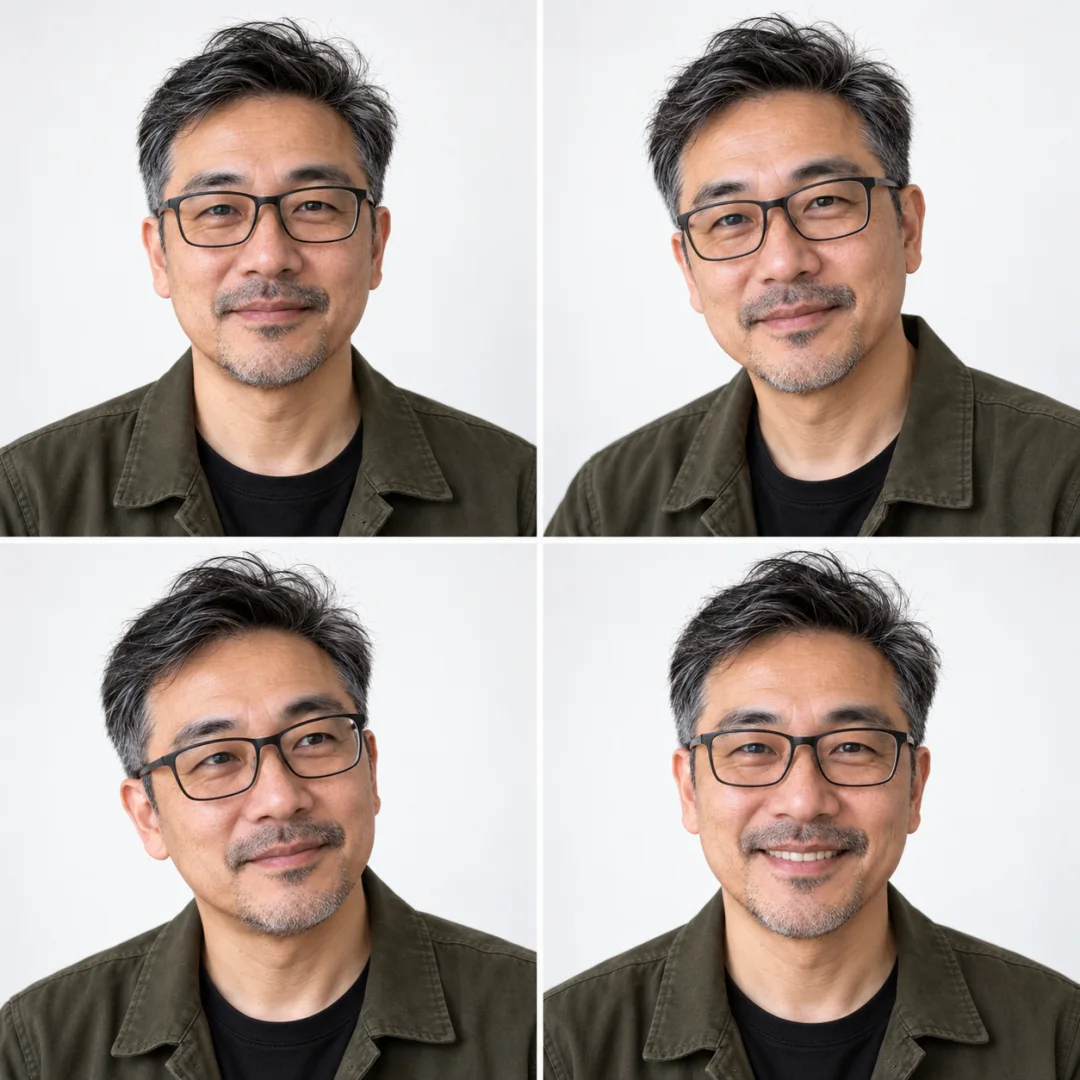
Creative professional headshots on white.
A relaxed jacket and a clean white backdrop suit a designer bio, speaker profile or personal website. Compare four expressions while keeping the same creative look.
Photo order: top left, top right, bottom left, bottom right.
Creative professional / White studio
Creative professional / White studio
Creative professional / White studio
Creative professional / White studio
05
Outdoor and studio portraits for personal branding.
Compare a soft outdoor setting with a white studio backdrop. Two casual outfits give a consultant, author or creative professional options for different profile pages.
Photo order: top left, top right, bottom left, bottom right.
Smart casual / Outdoor
Creative professional / White studio
Smart casual / White studio
Creative professional / Outdoor
Choose the purpose first
Professional photos for the places people find you.
Use your next headshot where a current, recognizable portrait helps explain who you are.
LinkedIn headshots and professional profile pictures
Start with one outfit and a neutral studio background when you want a focused networking profile photo. Compare expressions in a four-candidate set, then check the crop in the destination profile. A clear face matters more than adding visual detail to the background.
Corporate headshots and company team pages
Business portraits can help a team directory feel consistent. Choose a shared clothing category and background for each person's separate request. A consultant, executive or real estate agent may prefer a formal look; choose the style that fits the actual role and company rather than a job-title costume.
Resume, CV and application portraits
If an application asks for a photo, a simple head-and-shoulders portrait gives you a practical starting point. Use the receiving organization's instructions to decide whether a photo belongs on a resume or CV at all. Generated professional photos are not substitutes for passport or official identity photographs.
Personal branding, speaker bios and creative portfolios
A founder, author, designer or independent professional may need more than a corporate profile photo. Try knitwear or a relaxed jacket, and compare white studio and outdoor settings. An outfit-and-background portfolio gives one person several options for a website, speaker page and professional bio.
Made for LinkedIn profiles, resumes, team pages and personal websites. AI can alter details; review each result before publishing.
For profile requirements, see LinkedIn's profile photo guidelines. Choose a result that reflects your own likeness.
From one portrait to a photo set
How to make AI headshots from a photo.
Upload a clear portrait
Choose one person with a visible face and even lighting. Avoid group photos, sunglasses and strong filters. You can select your reference before signing in.
Plan the clothes, backgrounds and count
Choose a set type, then review every planned pairing. Select one, two or four photos. The total credits estimate sits beside the action so you can check the whole set.
Continue in Image Studio and review
Your reference and selections continue to Image Studio. Sign in if needed, generate, then inspect each result at full size. Download the candidates you want to use after checking the face, clothing and background details.
Different goals, different sets
Which professional headshot set should you choose?
The set type controls how the selected clothes and backgrounds are combined. Read the plan to see exactly what a request will include.
Compare the three headshot set types
Set type
What changes
When to choose it
Same-style candidates
One outfit and one background; compare candidate poses and expressions.
Find a consistent LinkedIn or company profile photo.
Mixed outfits
Two or more outfits against one background.
Compare formal and casual business portraits without changing the setting.
Professional portfolio
Two or more outfits and two or more backgrounds, within the photo count.
Prepare different looks for a website, speaker bio and personal brand.
Each request uses one reference person. Four candidates are four individual image tasks. For broader prompts or other image workflows, use AI image generator.
Before you generate
AI Headshot Generator questions.
How does the AI Headshot Generator work?
Upload one clear portrait, choose your outfits and backgrounds, and select one, two or four photos. The planned photos list shows each combination before you continue. Image Studio restores your portrait and selections after sign-in and starts the set when access is ready. Results appear as individual image tasks for review and download.
Can I create a professional LinkedIn photo from a selfie?
A clear selfie can be your reference for a LinkedIn headshot or professional profile picture. Use even lighting, a visible face and a natural angle. Compare the generated face with your reference, including your eyes, hairline and glasses, before publishing. AI can change details; likeness is not guaranteed.
Is this a free AI Headshot Generator?
Generating headshots uses your existing Lumi Arts credits. Selecting a portrait and planning a set does not start a paid generation. Check the displayed total estimate before continuing; the current rates and credits options are available on the pricing page. There is no separate headshot subscription or headshot-only currency.
Can I generate multiple headshots from one photo?
Yes. One request supports one, two or four candidates of the same person. A four-photo set can keep one style, compare several outfits, or combine outfits and backgrounds. It is a batch of individual images, not a single collage. The grids on this page only present the illustrative candidates together.
Which outfits and headshot backgrounds can I choose?
Choose Business formal, Business casual, Smart casual or Creative professional. Backgrounds are Gray studio, White studio, Modern office and Outdoor. These are style categories, not exact garment designs or locations. Use the optional direction field for preferences, then inspect the planned photos before generation.
Does a two-outfit, two-background set include every combination?
With four photos, yes: each outfit appears against each background once. With two photos, the plan includes two pairings, so both outfits and both backgrounds appear without covering all four combinations. Selecting more options than the photo count allows requires changing your selections or increasing the count.
Can I use a headshot on a resume or CV?
Use a resume or CV photo only when it fits the employer's instructions and local application conventions. A photo is not required for every job application. The same portrait may also suit a professional directory, application profile or personal website. Check the receiving site's crop and image requirements separately.
Can I make corporate headshots for a whole team?
You can reuse the same outfit and background categories for individual team members, with permission to use their portraits. Each set takes one person's reference. This page does not combine several people in one headshot or provide a team-upload job. Review the individual results for consistent framing before adding them to a company page.
Do the examples show verified results from this tool?
No. The five examples use fictional adults and Codex-generated illustrative artwork. Their clothing categories, backgrounds and photo order match the displayed settings, but they are not verified input-to-output runs from the product's generation service. Actual faces, clothing details and output quality can vary.
What happens if I need to sign in or add credits?
Continue to Image Studio with your portrait, photo count and settings saved. If sign-in is needed, the set resumes after authentication. If the server reports insufficient credits, the restored draft stays visible while the existing recharge options open. You use the same account, subscriptions and credits balance as other Lumi Arts tools.
Check current credits options on Pricing. Your uploads and results remain subject to our Privacy and Terms.