
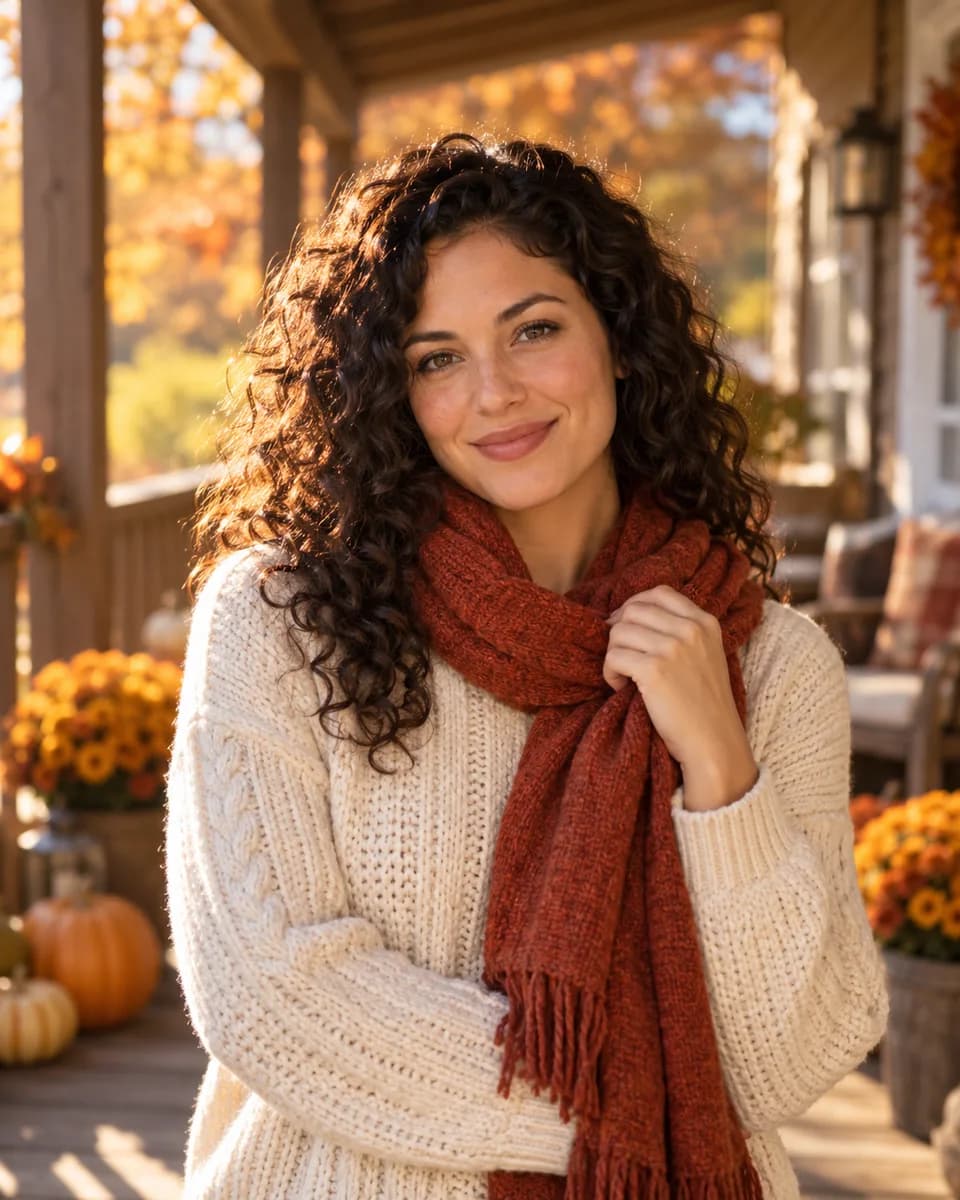
Porch in amber
Front porch, amber leaves, late afternoon light.
Thanksgiving
Warm portraits, golden fields and a table set for the season. Add your photo or start with a harvest scene, then make it your own.
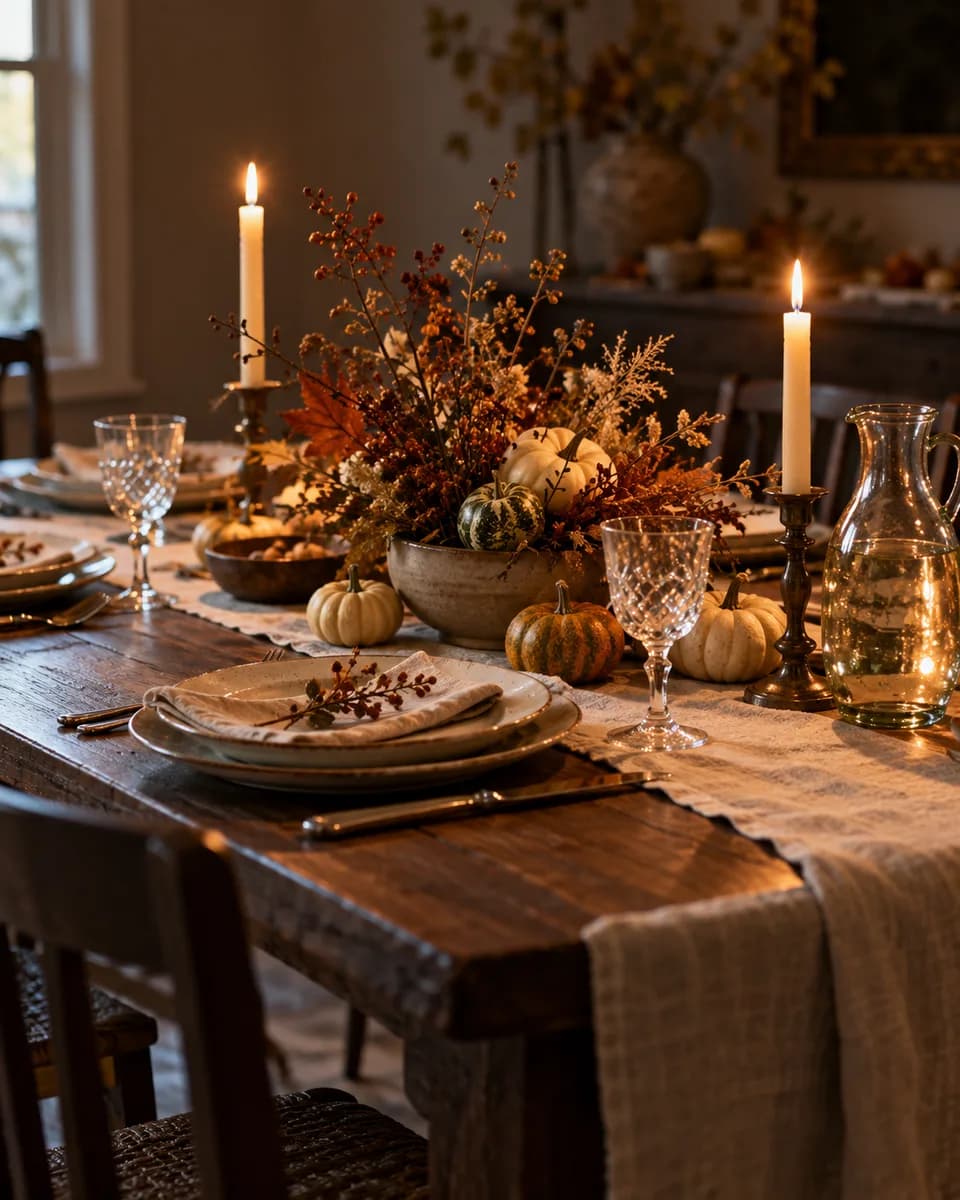 Warm tablePorch in amber
 Harvest field
Make it yours
Start with a scene, add a photo if you want to be in it, then make the description your own.
Front porch, amber leaves, late afternoon light.
AI-generated inspiration. Your result will vary with your photo, description and model.One adult subject per run. Card layout and lettering are not part of this tool — it produces the photo you would place on a card.
Six directions
Autumn portraits and harvest sets, each written out in full so you can judge the light and the framing before you run anything.
Front porch, amber leaves, late afternoon light.
Linen, candles, harvest table setting.
Golden field, low sun, wind in the grass.
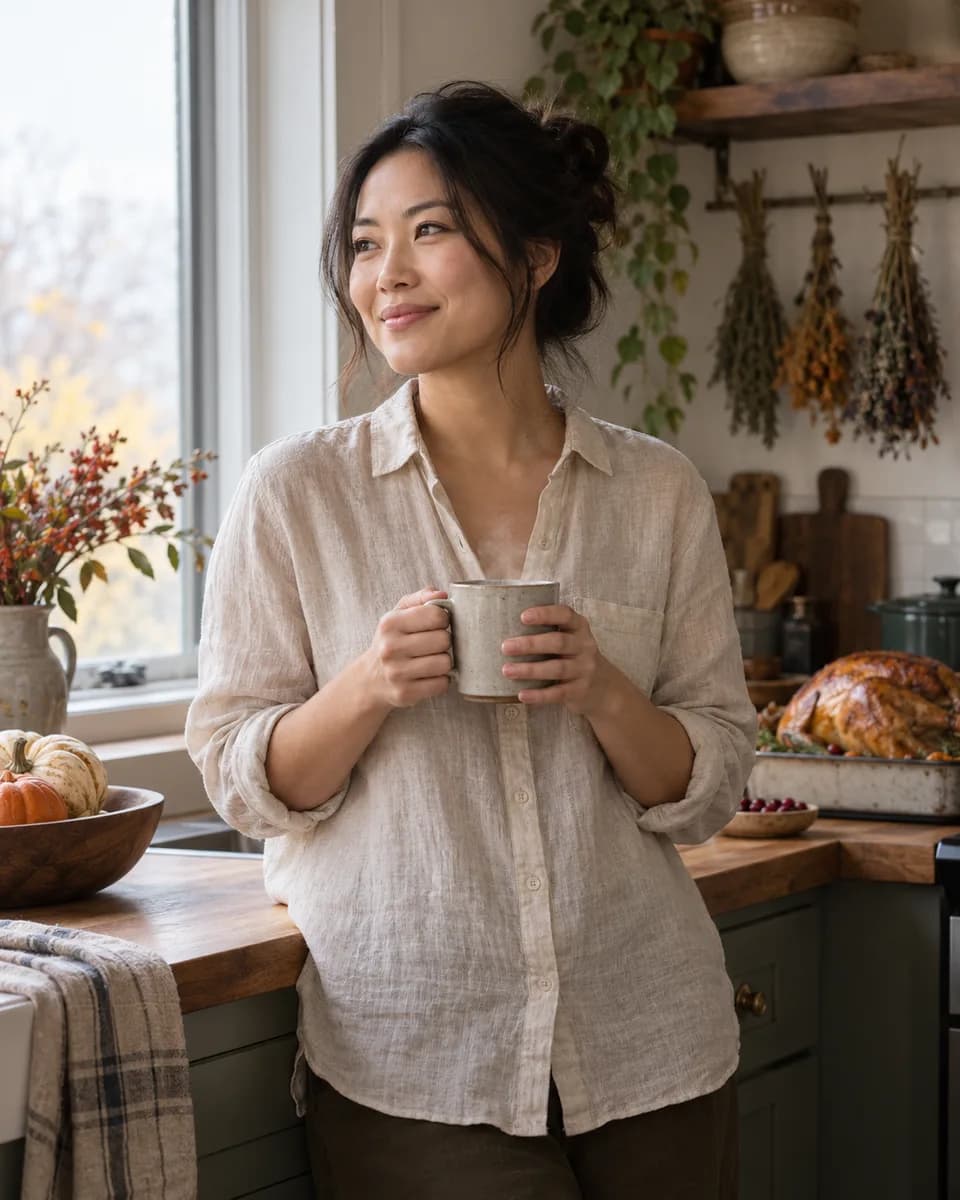
Soft daylight, steam, homely set.

Front door, dried wreath, autumn steps.
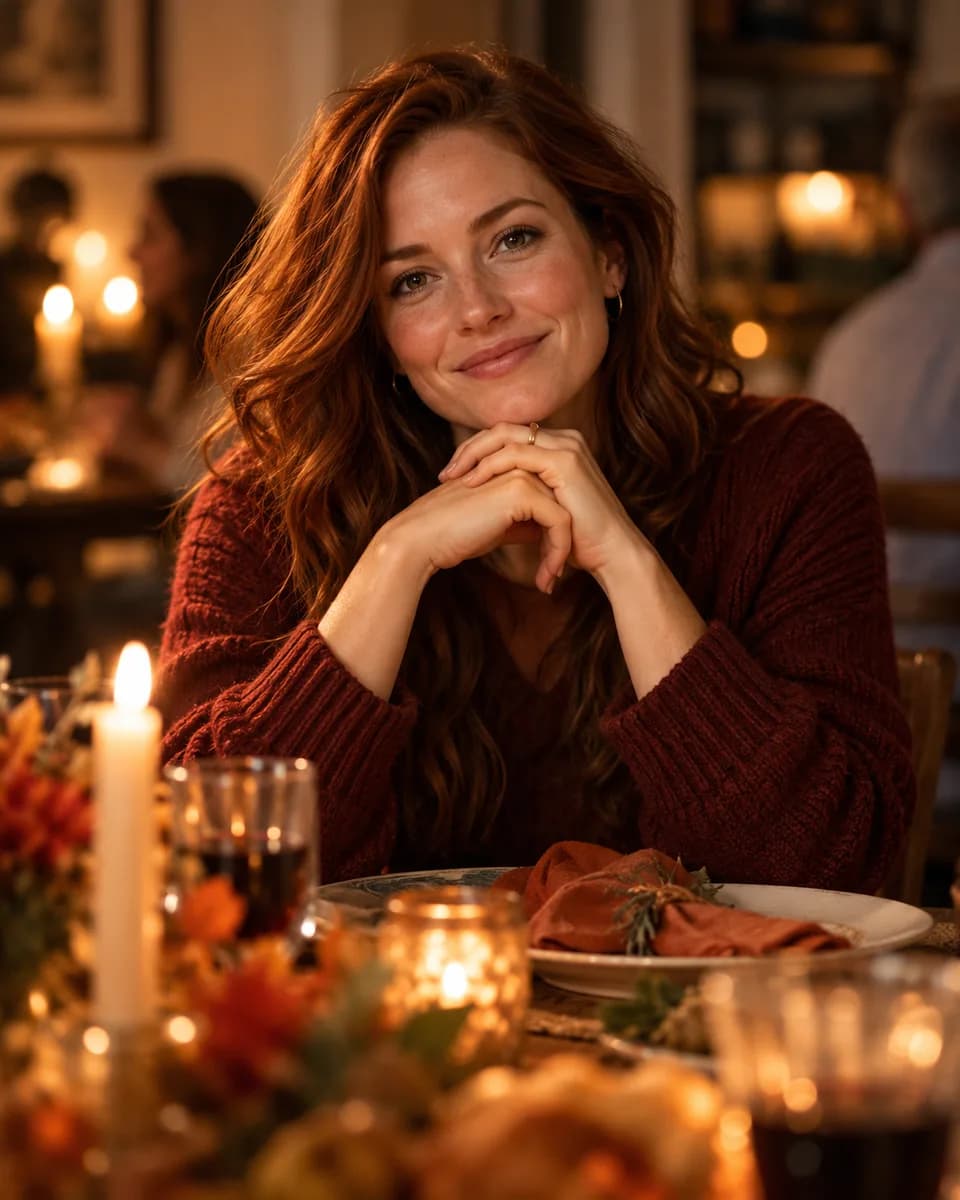
Seated portrait, candlelight, guests out of focus.
AI-generated inspiration. Your result will vary with your photo, description and model.
With a photo you get a portrait of that person. Without one you get the set: a porch with leaves, a warm table, a harvest tabletop.
Each direction sets the clothing, the location and the light. Change the sweater, the time of day, the framing — the text is yours.
The studio shows the model and the exact credit cost first. Image and video are priced separately, so each step is confirmed on its own.
Add a little motion
Leaves drift, the light shifts, the camera moves slowly. The motion description is written for video and is separate from the image description, so you are not reusing a still-image prompt.
Camera moves slowly sideways while the person makes a small natural head movement. A few leaves drift past in the background and the light shifts slightly as if a cloud passed. No cuts, keep the sweater and porch identical.
The camera glides slowly forward over the table. Candle flames move and the shadows on the linen shift. No cuts, no added objects, keep the table setting identical.
Camera pushes in gently while the grass moves in the wind and the person turns slightly toward the camera. The rim light flickers as the grass passes in front of the sun. No cuts.
Motion ideas shown with still illustrations. Video generation is a separate step with its own cost in credits.
Yes. Leave the photo empty and you get the scene: a porch with autumn leaves, a warm dining table, a harvest still life. It will not contain a person.
Not through this entry. It works on one adult subject per run. Group consistency needs a capability that has not been verified, so it is not offered here.
No. The tool produces a photo. If you want a card, use the result in your own layout tool — the direction that leaves clean space around the subject is the one written for that.
The exact cost is shown before the run. Per-second video pricing and reference-image surcharges come from the model you pick, so the price on the button is the one that applies.
No. A purchase discount changes what you pay for a pack, not how many credits a generation costs.
Partly: keep the same direction and description, and keep the same seed in the studio. That gives you similar framing and light; it does not lock the scene pixel for pixel.
Start from a portrait or from an empty description. Either way the model, the settings and the credit cost stay visible before you confirm.
Create the portrait