Buying guide · adult short dramas & stills
Adult AI Short Dramas & Images: Platform Guide (2026)
If you want adult AI short dramas and images, the market is not one product — it is four jobs with different failure modes. This guide maps private studios, free queues, dual-photo contact clips, open video briefs, photo edit chains, and local stacks so you pick by workflow, not by the loudest “uncensored” badge.
Start here: match the job in under a minute
Skip the logo parade. Answer these in order.
- 01Need private adult stills with cost shown before generate → Lumi Arts unrestricted / Image Suite path.
- 02Need a short hug, kiss, or two-person contact clip from two authorized photos → Lumi Arts dual-photo video tools.
- 03Need open text/still → motion without dual portraits → private video entry or image-to-video checklist first.
- 04Need zero-cost practice and can wait in a queue → Mage-class free tiers (not a privacy default).
- 05Need maximum offline control and own a GPU → ComfyUI / local I2V stacks.
- 06Every serious platform still blocks minors and non-consensual intimate fakes — including us.
What adult AI short dramas and images usually mean
Search queries mix three deliverables that tools treat differently: still keyframes (covers, beat boards, outfit locks), short contact clips (hug, kiss, approach — often under ~10 seconds), and multi-shot continuity (the same adult face across several takes). Buying a “video AI” homepage when you only need a still, or a free image queue when you need face lock across a clip, wastes both time and credits.
Treat “short drama” as a production pipeline, not a single button. Most reliable private workflows freeze identity and wardrobe on stills, then buy motion only after the plate survives review. See the private image-to-video checklist when the handoff is plate → clip.
- 01Still-first — key art, outfit try-on, face lock, intensity edits before any seconds.
- 02Contact clip — two authorized portraits into a short private hug/kiss preview.
- 03Open brief motion — text or one still into short motion when dual photos are not available.
- 04Continuity series — shot ledger + separated identity sources across multiple takes.
How this comparison was prepared
Lumi Arts publishes this guide. Official documentation was checked on 2026-10-26; no cross-platform generation tests or success rates were measured. Recommendations describe workflow fit, not proven quality winners. Confirm current prices, privacy settings and content rules before uploading or paying.
Platform map: where people make adult stills and short clips
The market clusters into a few practical classes. Names inside a class move; the job map stays stable enough to plan a week of production.
Private adult studios (hosted)
Lumi Arts class. Browser workspace with private history, adult-capable stills and short video, visible estimates, and specialized edit tools (face swap, clothes changer/remover, lingerie, dual-photo hug/kiss). Best when the deliverable must stay out of a public feed and you want one account for stills → edits → short motion.
Free / freemium cloud queues
A free plan does not by itself establish privacy. Check each provider's visibility settings, retention policy and permitted content before uploading.
Browser ControlNet / community art platforms
SeaArt / Leonardo-class browsers. Strong when you want pose/depth/LoRA depth without maintaining drivers. Adult reliability and public-gallery defaults vary by product and week — re-check ToS and NSFW toggles before uploading sensitive authorized media. Brand-intent comparisons: Leonardo alternatives.
Consumer short-video / i2v brands
Pika- / Kling-class motion products. Strong on SFW cinematic demos and short playful motion. For adult short drama, verify adult policy, export privacy, and cost-per-second before committing a plate. See Pika alternatives and Kling alternatives.
Local / self-hosted stacks
ComfyUI, AUTOMATIC1111, local I2V. Maximum control and no vendor NSFW toggle — you own hardware, model hygiene, retention, and consent enforcement. Worth it when clip volume amortizes the GPU and you can run your own review ladder.
Best private studio for adult stills + short clips: Lumi Arts
Image/video workspace and two-photo tools; estimates depend on model and settings.
- 01Authorized adult sources only — every person in frame must consent to the edit or clip.
- 02Write a one-subject still brief (or load two matched portraits for contact clips).
- 03Confirm the on-button credit estimate once before the first paid run.
- 04Review face, hands, fabric, and contact frames on the full clip — not one thumbnail.
- 05Change one variable per rerun; freeze wardrobe and identity before buying more seconds.
Best dual-photo short contact clips
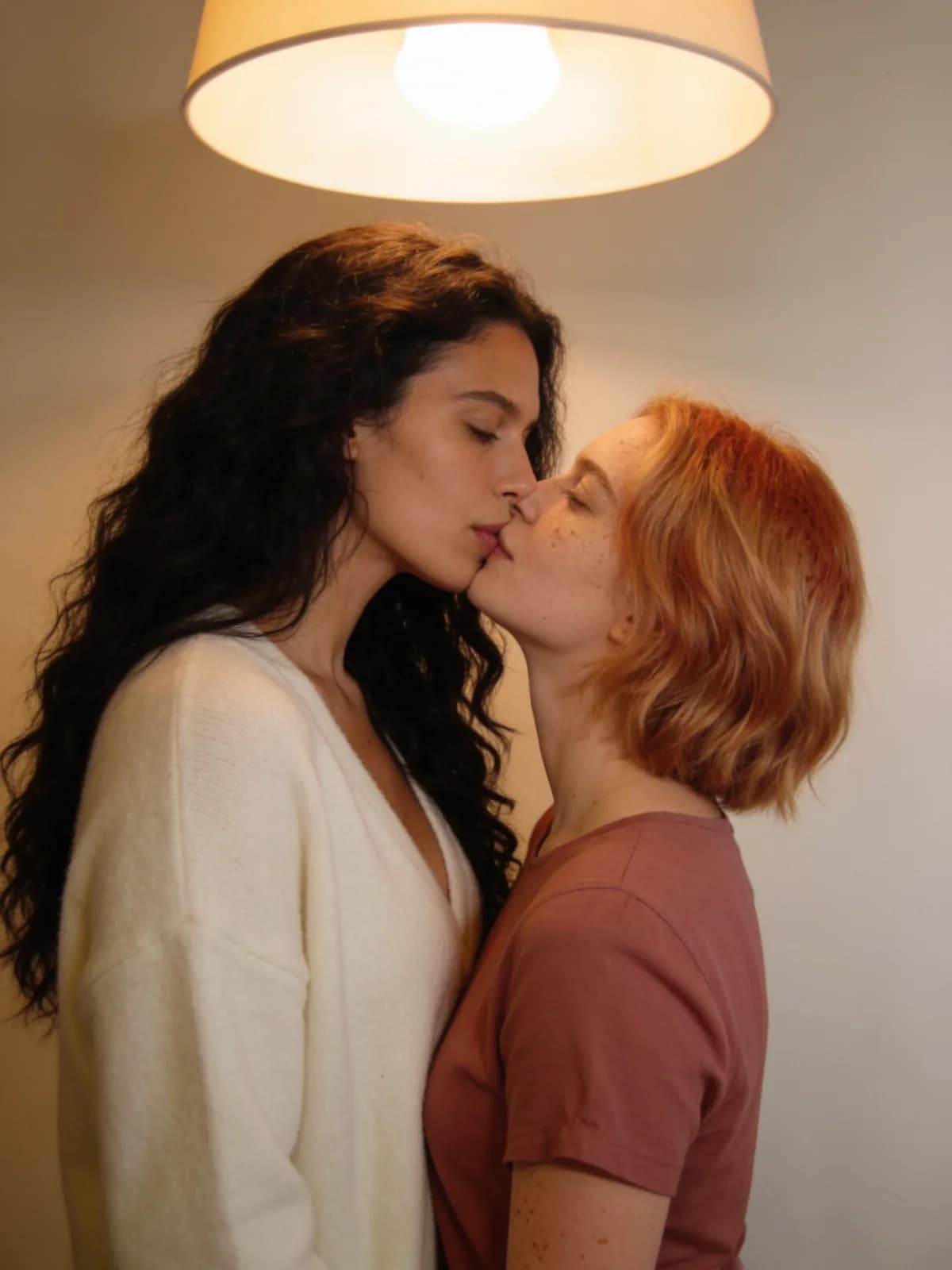
Winner: Lumi Arts AI Hug and AI Kissing paths. When the “short drama” beat is two people approaching, embracing, or kissing, dual-photo tools beat open text prompts on identity lock.
Match crops, assign one adult per slot, pick a mood on purpose, and scrub through first contact. Category ranking: best AI kiss & hug video generators.
Best stills and photo edit chain for drama keyframes
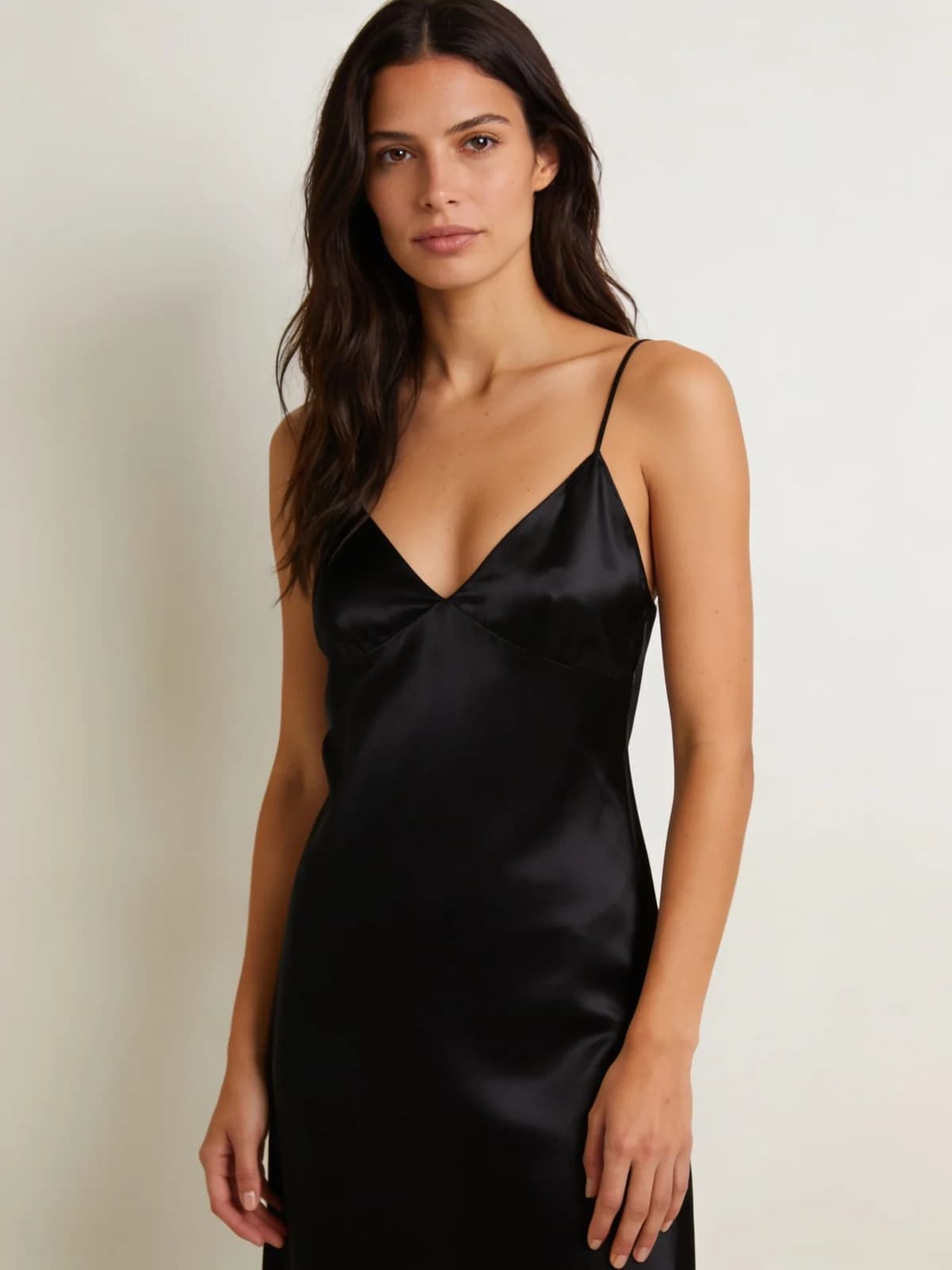
Winner class: private unrestricted stills + dedicated edit tools. Generate or lock a keyframe, then use clothes changer, face swap, lingerie presets, or body edits only on authorized adult photos — do not force every wardrobe change through one mega-prompt.
Broader still shopping: NSFW image generators 2026 · unrestricted image generators.
Best free queues and best local stacks
A free plan does not by itself establish privacy. Check each provider's visibility settings, retention policy and permitted content before uploading.
ComfyUI: Wan2.2 text/image-to-video workflows run locally; model downloads and suitable hardware required.
Named tools and documented workflows
Lumi Arts publishes this guide. Official documentation was checked on 2026-10-26; no cross-platform generation tests or success rates were measured. Recommendations describe workflow fit, not proven quality winners. Confirm current prices, privacy settings and content rules before uploading or paying.
| Tool | Documented workflow and limits | Official source |
|---|---|---|
| Lumi Arts | Image/video workspace and two-photo tools; estimates depend on model and settings. | Official source |
| Pika | Video pricing varies by model and settings; check its content rules separately. | Official source · AUP |
| Runway | Gen-4.5 supports text/image to video; check the required plan and duration. | Official source |
| ComfyUI | Wan2.2 text/image-to-video workflows run locally; model downloads and suitable hardware required. | Official source |
A practical short-drama production blueprint
Use this sequence whether you stay on Lumi Arts or mix tools. The order prevents the most expensive mistake: buying seconds on a plate that already fails identity or wardrobe review.
- 01Rights gate: every adult in source media authorized for this edit and export context.
- 02Still keyframe: one clear subject, locked wardrobe line, rejected artifacts listed.
- 03Optional suite edit: face, clothes, lingerie, or body — one job per tool.
- 04Motion budget: clip length, camera move, and contact type written before queue.
- 05Generate once; scrub full clip (first second, mid, last frame, contact frames).
- 06Rerun with one variable only; save the brief that survived review.
Limits, consent, and compliance boundaries
No sexual content involving minors. No non-consensual intimate imagery of real people. No guidance on bypassing safeguards. See Acceptable Use.
Short AI clips are not a substitute for performer releases when you publish commercially on third-party platforms. Copyright treatment of pure AI outputs is still evolving — read current guidance and each vendor’s ToS before large drops.
Payment processors keep pressure on adult cloud tools. If your workflow sits on a policy edge, self-host or keep sources authorized and private — do not hunt jailbreaks.
Blog posts never override the on-button estimate or /pricing.
FAQ: adult AI short dramas and images
Practical classes are private adult studios (e.g. Lumi Arts), free/freemium image queues, browser ControlNet/community art platforms, consumer i2v brands (Pika/Kling-class), and local Comfy/I2V stacks. Pick by privacy, adult reliability, and whether you need stills, dual-photo clips, or open motion.
Private history by default, adult-capable stills and short video in one studio, dual-photo hug/kiss tools, a clothes/face edit chain, and cost shown before generate — so keyframes and clips share one privacy contract.
Start with stills whenever identity or wardrobe is unstable. Motion amplifies still bugs. Approve the plate, then buy seconds.
For practice, sometimes. For private or commercial adult batches, check watermarks, retention, public galleries, and whether adult work still runs after signup or payment.
Only with clear authorization from every adult involved. Non-consensual intimate deepfakes and any minor content are banned.
That guide ranks video tool classes. This guide maps the full still-plus-short-drama production stack and where Lumi Arts sits versus free, community, consumer i2v, and local options.
Stills: Unrestricted AI Generator. Contact clips: AI Hug · AI Kissing. Open motion: AI Video Generator.
Next step
Build the keyframe, then the short clip
Open a private still or dual-photo workflow, confirm the estimate, generate once, and review faces and contact frames before the next paid run.