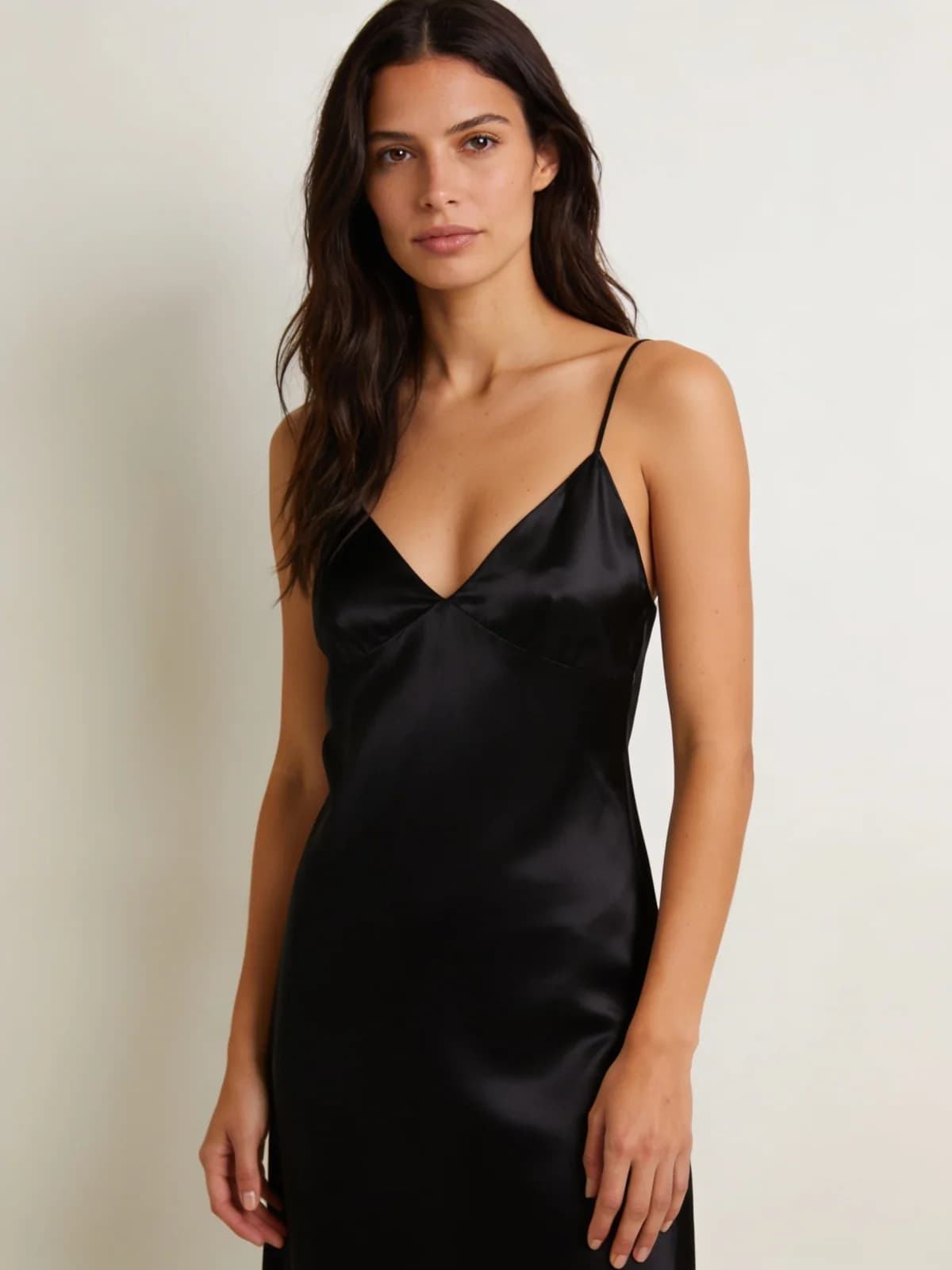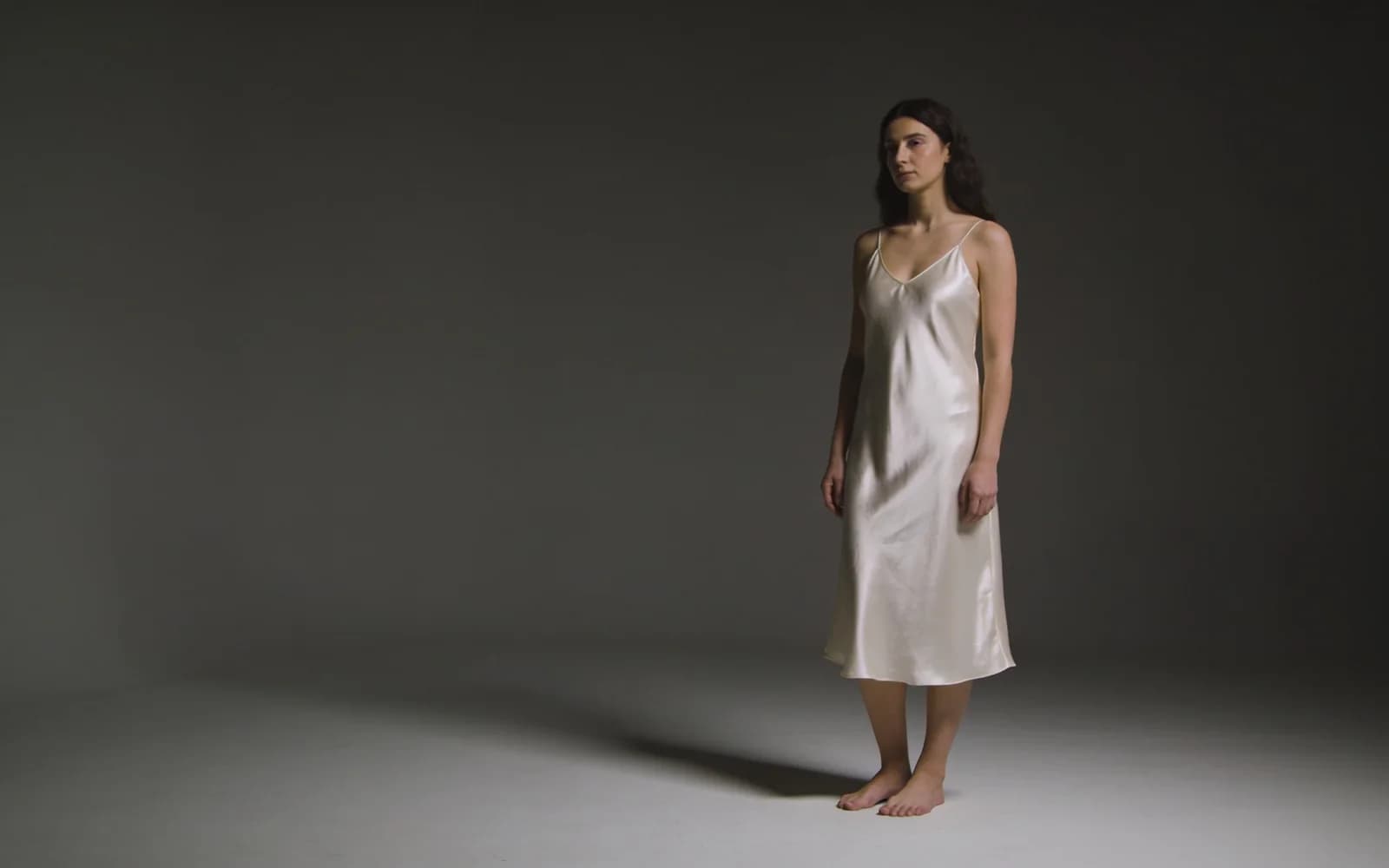
Comparison · lingerie edit jobs
AI Lingerie Generator vs Clothes Changer vs Remover in 2026
Search for an AI lingerie generator often lands on a single upload box. In a private Studio you actually have three nearby jobs: lingerie presets, clothes changer try-on, and clothes remover finishes. Pick wrong and you either invent fabric you meant to keep — or peel when you only wanted a lace preset.
Adult creators choosing among lingerie restyle, garment-on swap, and authorized peel workflows in 2026. Consent-first. Complements the lingerie how-to and the changer-vs-remover guide — does not replace either.
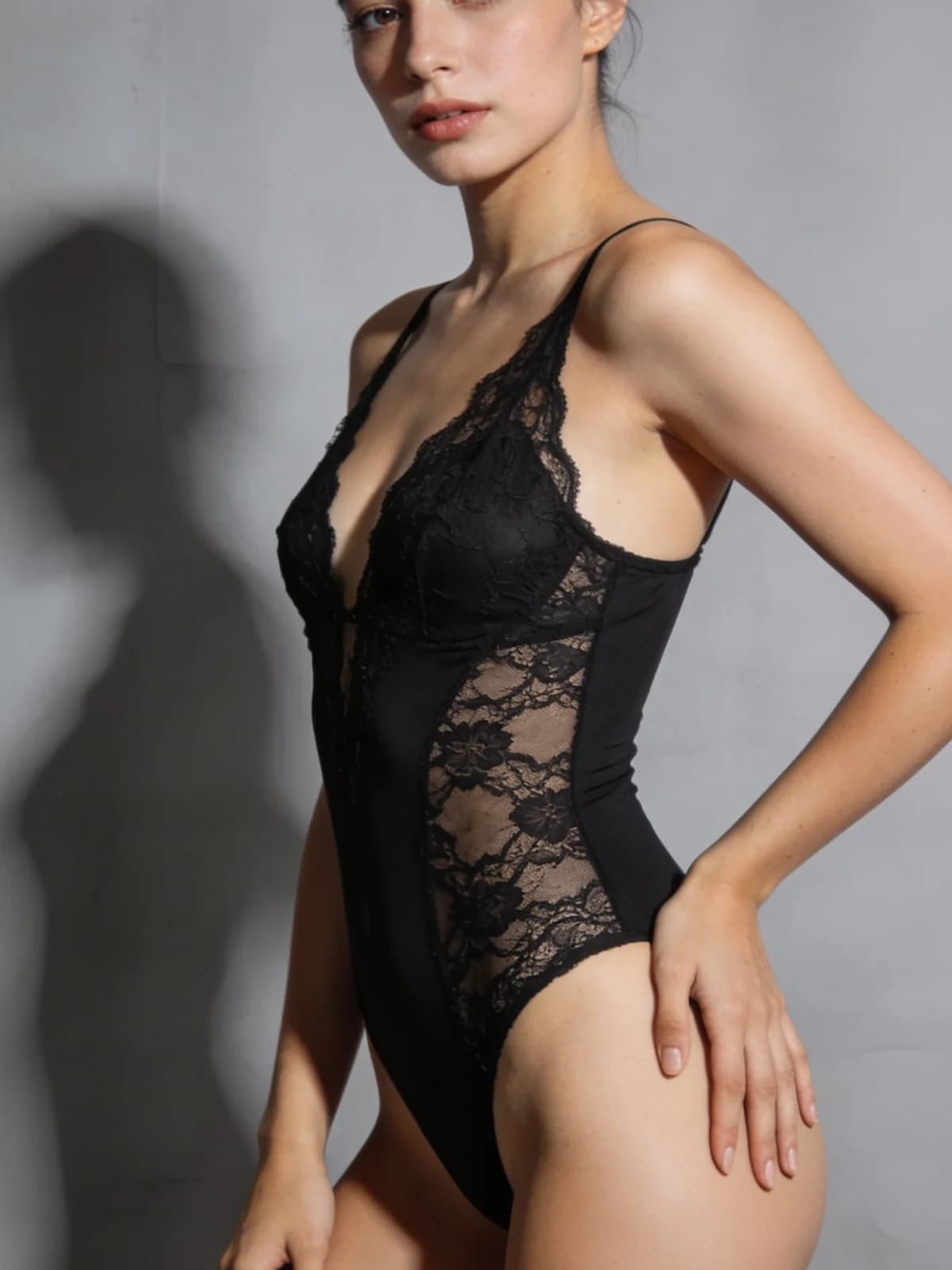
Pick the lingerie-adjacent job
Outcome first — then open one tool.
- 01Same person photo → lingerie look via Runway / Lace / Silk / Bodysuit / Sporty → Lingerie generator.
- 02Keep identity, try a specific outer garment or SKU-like ref → Clothes Changer.
- 03Authorized peel / sheer finish on media you may edit → Clothes Remover.
- 04No person photo, only a text fantasy → Unrestricted stills, not an edit tool.
- 05Rights unclear → stop before upload.
Same photo, three buttons — wrong one wastes the credit
Competitor lingerie pages usually demo one preset. Useful. Incomplete. Adult producers bounce between “make it lace,” “put a robe on,” and “thin this fabric” in the same afternoon. Those are different Studio contracts.
This guide steals the decision-tree shape from our changer vs remover 2026 post and applies it to lingerie-adjacent work.
Preset vs changer vs remover
| Job | Tool | You provide | Success looks like |
|---|---|---|---|
| Lingerie preset restyle | AI Lingerie Generator | One authorized photo + preset | Fabric/cut read as the preset; identity stable |
| Garment-on try-on | AI Clothes Changer | Person photo + garment ref / outfit brief | Collar, sleeves, hem match the target garment |
| Fabric peel / finish | AI Clothes Remover | Authorized photo + finish preset | Clean edges, believable light, no sleeve ghosts |
Decision tree for lingerie workflows
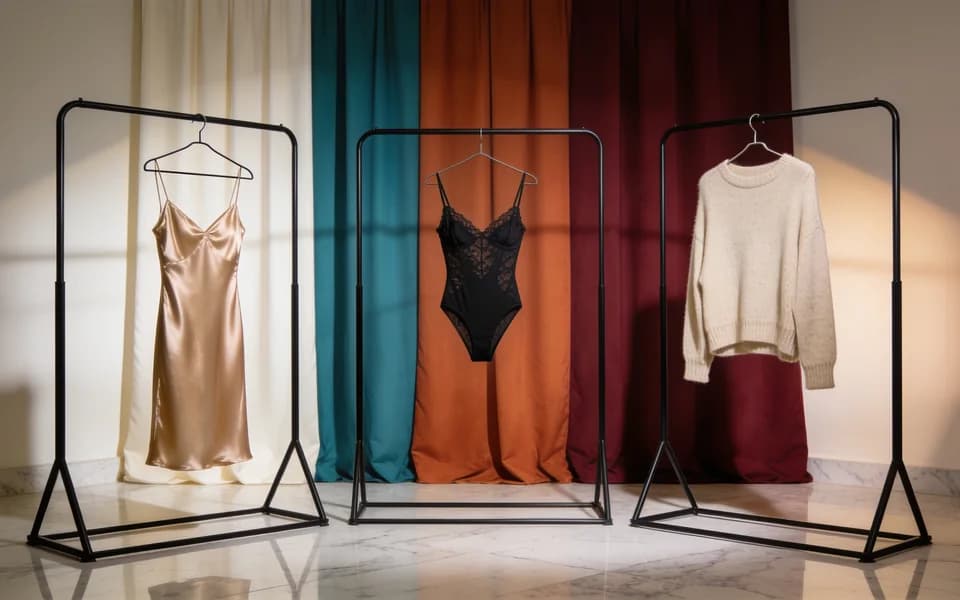
You want lingerie looks without committing to a full peel
Open Lingerie generator. Run a small preset matrix (two or three looks). Keep the stronger fabric read. Steps: how to use AI lingerie generator presets.
You need a specific outer garment on the body
Open Clothes Changer. Do not ask Lingerie presets to invent a tailored blazer. How-to: change clothes with AI.
You want fabric gone or thinned on media you own rights to
Open Clothes Remover only after the rights gate. How-to: private clothes remover. Platform shopping: best AI clothes remover 2026.
Comparison at a glance
| Path | Control point | Privacy default | Common failure |
|---|---|---|---|
| Lingerie presets | Preset + one photo | Private on Lumi Arts | Forcing a SKU try-on the preset cannot see |
| Clothes Changer | Garment ref / outfit brief | Private on Lumi Arts | Using it when you actually wanted a peel |
| Clothes Remover | Finish preset | Private on Lumi Arts | Missing rights; sleeve ghosts; wrong job vs lingerie |
One private lingerie pass (then stop or chain)
- 01Confirm authorization for every adult in frame.
- 02Open AI Lingerie Generator.
- 03Pick one preset; read the estimate; generate once.
- 04Full-zoom fabric and identity check.
- 05Only then chain changer or remover — change one variable per spend.


Consent, AUP, and honest limits
Intimate restyles need authorization. Non-consensual peels of real people are banned. Minors are always out of scope.
See Acceptable Use. For the broader wardrobe decision map, stay with changer vs remover 2026.
FAQ
A private path that picks lingerie presets, clothes changer, or remover based on the outcome — not a single overloaded upload box.
Presets when you want lingerie looks. Remover only for authorized peel/finish jobs.
When you need a specific garment-on try-on that presets cannot represent.
No. They stay in private history until you export.
No. Intimate edits need authorization from the adults involved.
See best AI clothes remover 2026 after you confirm remover is even the right job.
Next step
Run one private lingerie preset
Confirm consent, pick one preset, read the estimate, generate once, inspect fabric — then decide if changer or remover is even needed.