Motion guide · photo to short loop
AI Twerk Generator: Turn One Photo Into a Short Video
Search AI twerk generator and most pages make the job look like one upload and one button. The result can still fail at the hips, hands, waistband, or face. Treat it as a short controlled loop built from one authorized still: lock the source, keep motion tight, and review frames before you spend again.
Quick answer: the short-loop workflow
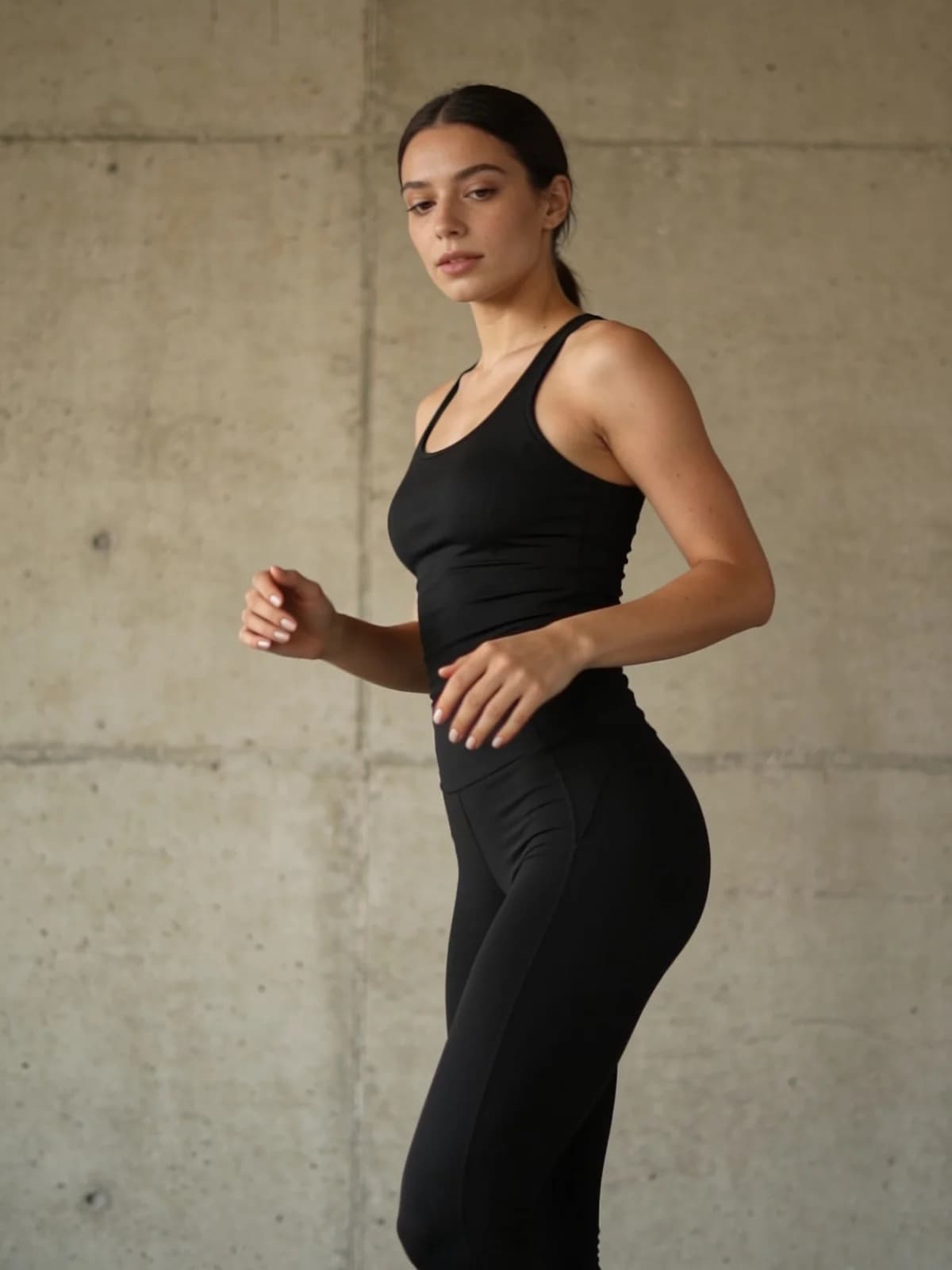
Keep the effect narrow enough to judge frame by frame.
- 01Confirm every person in the photo is an authorized adult and the intended use is permitted.
- 02Use one sharp full-body still with visible hips, both hands, feet, and a clean background.
- 03Choose a short duration, low-to-medium motion, and a static or barely moving camera.
- 04Review the first and last frames, the midpoint, both hands, face, and waistband edges.
- 05Change one setting only. If the still is the problem, return to image generation instead of buying another video run.
What an AI twerk generator actually changes
The useful job is motion synthesis from a still. The model keeps the source identity and scene as its anchor, then invents a brief rhythm: hip travel, knee bend, shoulder counter-motion, hair movement, and small fabric shifts.
That is different from a full dance generator. A short loop has one readable action and a narrow review target. Full choreography adds turns, footwork, beat changes, and many more opportunities for the body to drift.
| Job | Best path | Why |
|---|---|---|
| One still -> one short rhythm loop | AI video generator with a tight motion brief | One action is easier to inspect than a full sequence |
| Multiple steps or a known choreography | AI dance video workflow | You need sequence, beat, and full-body continuity |
| Only a new still pose is needed | AI pose generator | No video spend when the output is an image |
| No usable source photo | Still-first image generation | Fix the plate before asking motion to invent it |
Source-photo preflight before the first run
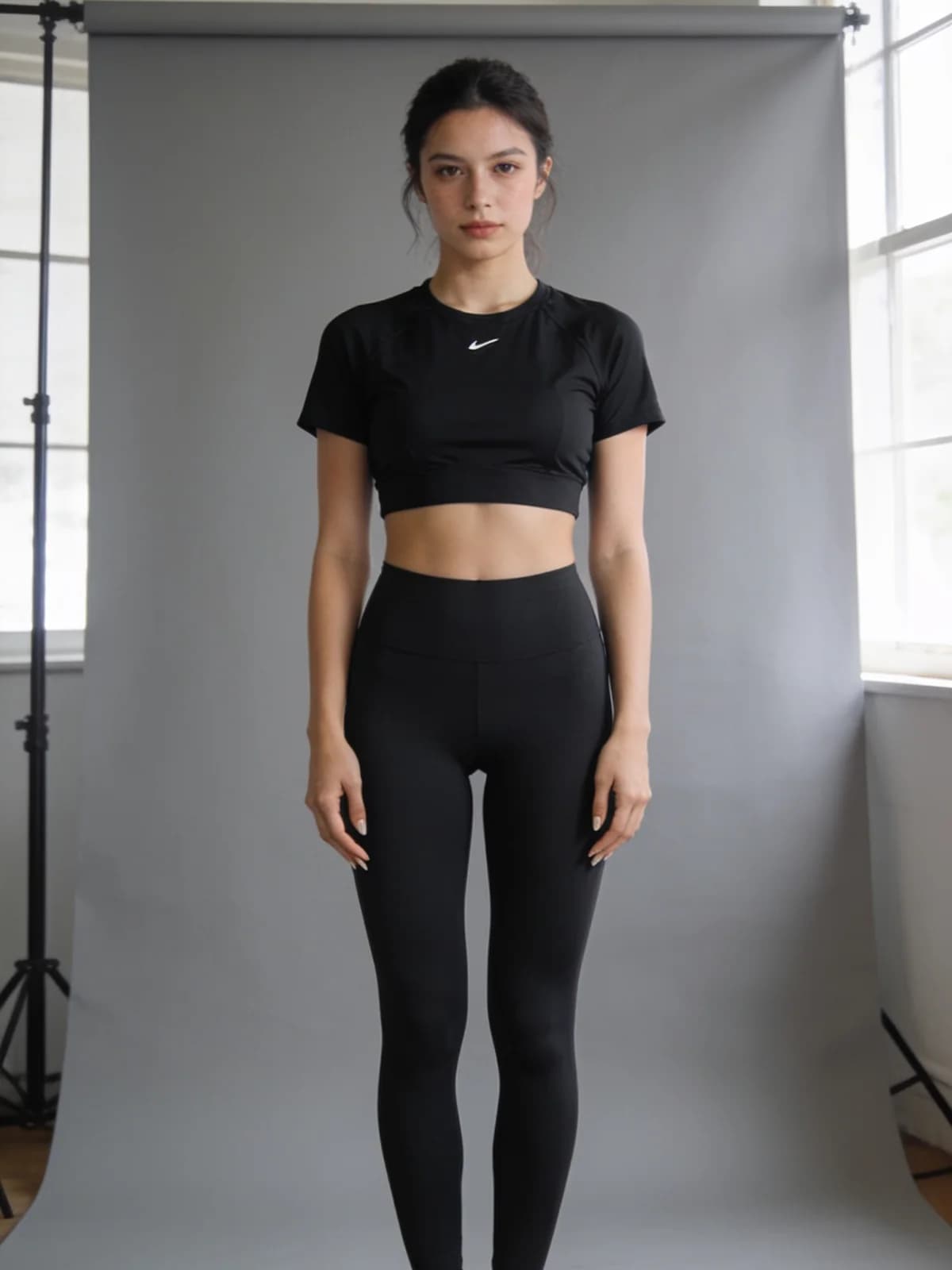
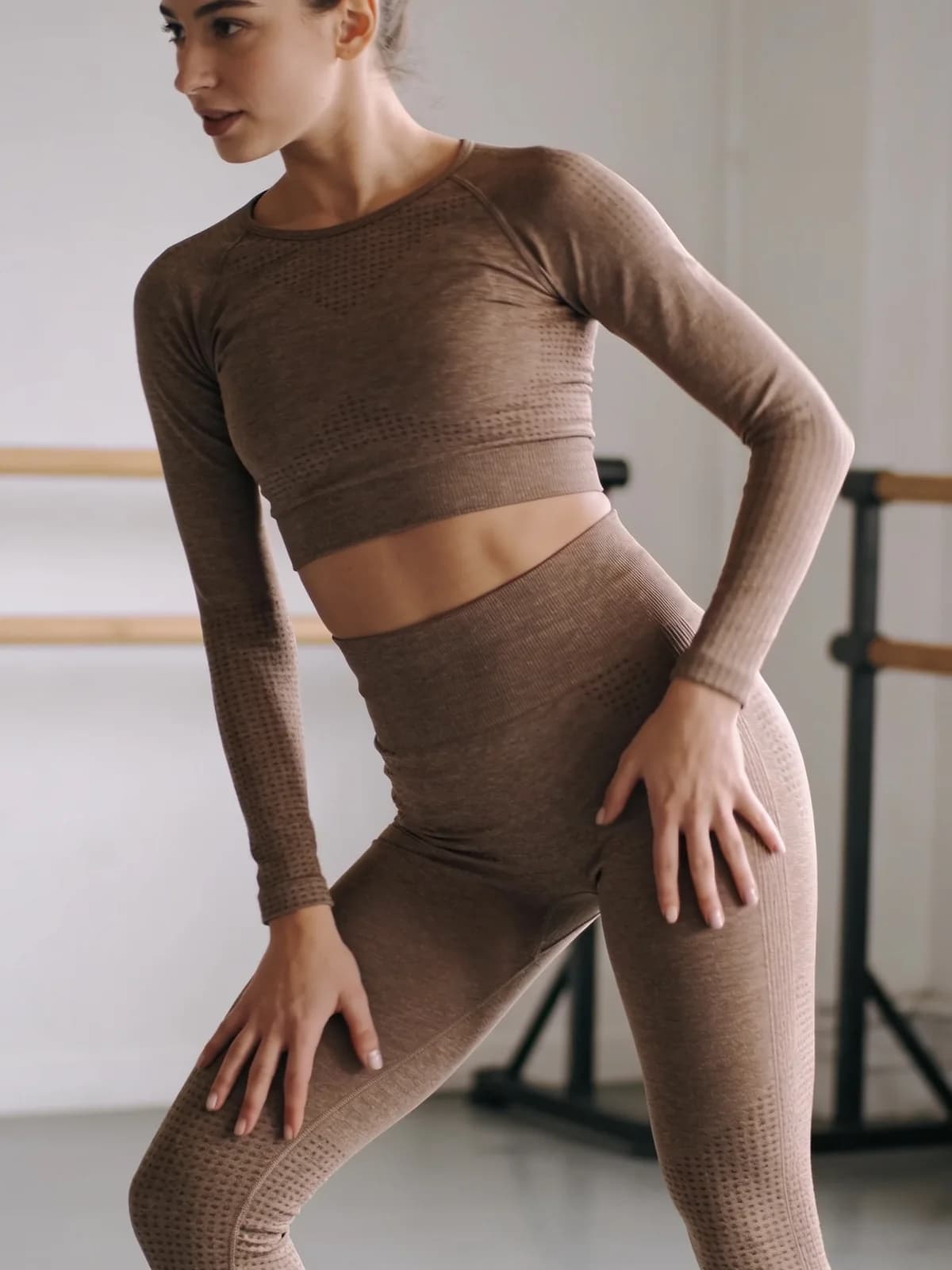
SERP examples usually say “upload a clear photo.” For this job, clear enough means the model can see the entire body mechanics it will later invent: waist, hips, knees, feet, hands, and hair edges.
- 01Authorized adult only; never upload a minor or a non-consensual intimate likeness.
- 02Full body is visible, including feet, if the clip should show footwork.
- 03Body is not badly occluded by furniture, another person, or a loose coat.
- 04Face, hands, waistband, and fabric edges are sharp at 100% zoom.
- 05Background has enough clean space for a small amount of hip travel.
- 06The screenshot or reference is saved with the exact source filename before editing.
The three-step run, with the controls competitors skip
| Control | First-pass setting | Raise it only when... |
|---|---|---|
| Motion strength | Low to medium | Identity, hands, and wardrobe all hold at the lower value |
| Duration | Short | The complete action reads without cutting off |
| Camera move | Static | The loop holds and you need a deliberate editorial move |
| Wardrobe change | Off | You return to still generation and lock a new source first |
1. Upload the locked still
Use the same aspect ratio you want to export. Do not crop hands or feet out during upload and then ask the model to invent them.
2. Set one short movement
Start at the lowest useful motion setting and a short duration. Keep camera movement static. A moving camera makes hip, hand, and waistband errors much harder to tell apart.
3. Generate once, then review before download
Read the on-screen estimate first. Watch the full clip once, then scrub to the midpoint and both endpoints. Download only after the body and identity checks pass.
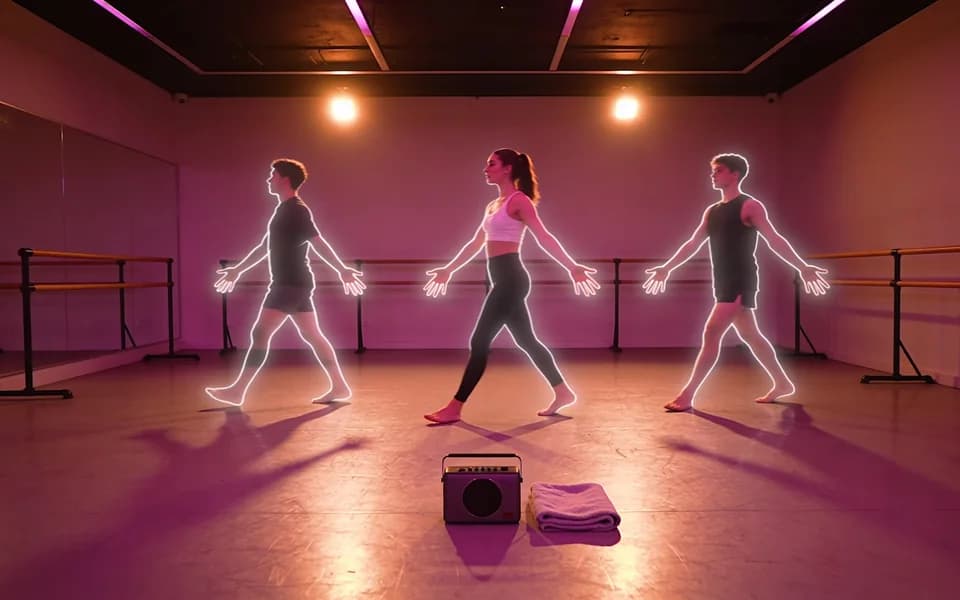
Frame review: judge the loop in this order
Do not decide from the thumbnail. The first failure you can name is the only thing you change on the next paid run.
- 01Face still resembles the source; hairline and eye spacing do not drift.
- 02Both hands keep five readable fingers when visible.
- 03Hips and knees bend through believable anatomy without collapsing the waist.
- 04Waistband, straps, and fabric edges stay attached to the body.
- 05Feet do not slide, duplicate, or disappear mid-loop.
- 06First frame, midpoint, and final frame each pass at full resolution.
Cost, privacy, and hard limits
Video runs usually cost more than image runs. Trust the estimate shown on the generate button, not a competitor free-tier claim or an old blog number. If the estimate is too high for an experiment, shorten the clip before increasing motion or duration.
Private history is not the same as local-only. Upload only media you have the right to use and confirm the destination before export. Non-consensual intimate imagery, minors, and celebrity misuse are blocked and remain out of scope.
Run one private short-loop test
- 01Short single-effect loop -> AI Video Generator.
- 02Source still needs work -> AI Image Generator.
- 03Motion prompt structure -> AI video prompt guide.
FAQ
A video generation workflow that animates one authorized still into a short dance loop. The quality depends on the source plate, motion strength, duration, and full-frame review.
No. A short-effect loop has one narrow action. A dance workflow adds multiple steps, beat changes, footwork, or a motion reference, so it needs different review criteria.
One sharp, authorized full-body adult photo with visible hands, hips, knees, feet, and clean space around the body.
No. Start low to medium and short. Prove that identity, hands, and wardrobe hold before increasing anything.
Review the first frame, midpoint, and final frame at full resolution. Check face, both hands, hips, waistband, feet, and background edges in that order.
Video pricing is higher than still pricing. Read the live estimate and shorten duration before spending on a test that is too ambitious.
No. Use authorized adult media only. Minors, non-consensual intimate imagery, and misuse of a real person's likeness are outside the acceptable-use policy.
Open the AI Video Generator, use one authorized still, read the estimate, and generate one short private test before scaling the idea.
Next step
Test one private short motion loop
Lock one authorized full-body still, choose a short duration and low motion, inspect the full clip, then change only the first failure you can name.